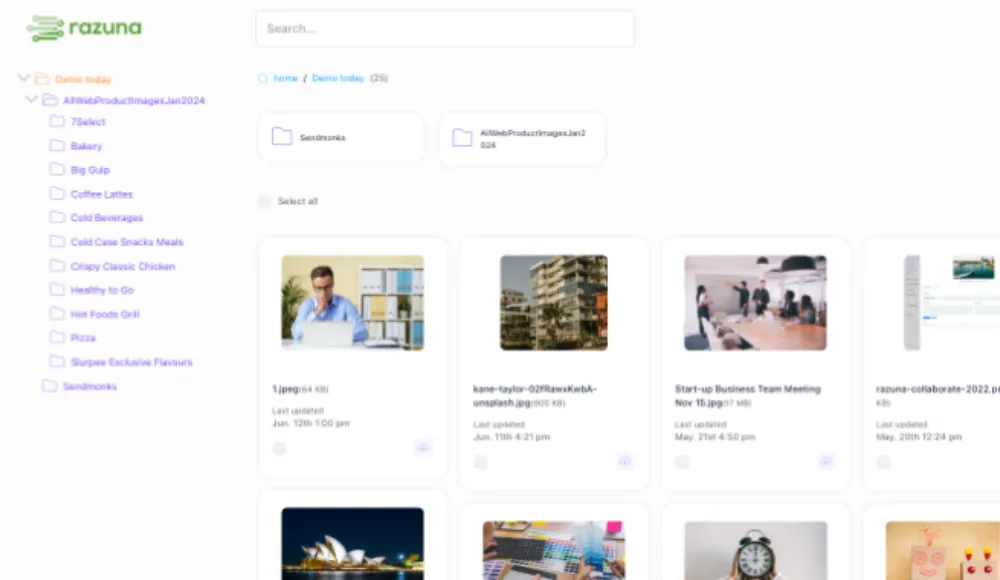
Find a better way to work with your files
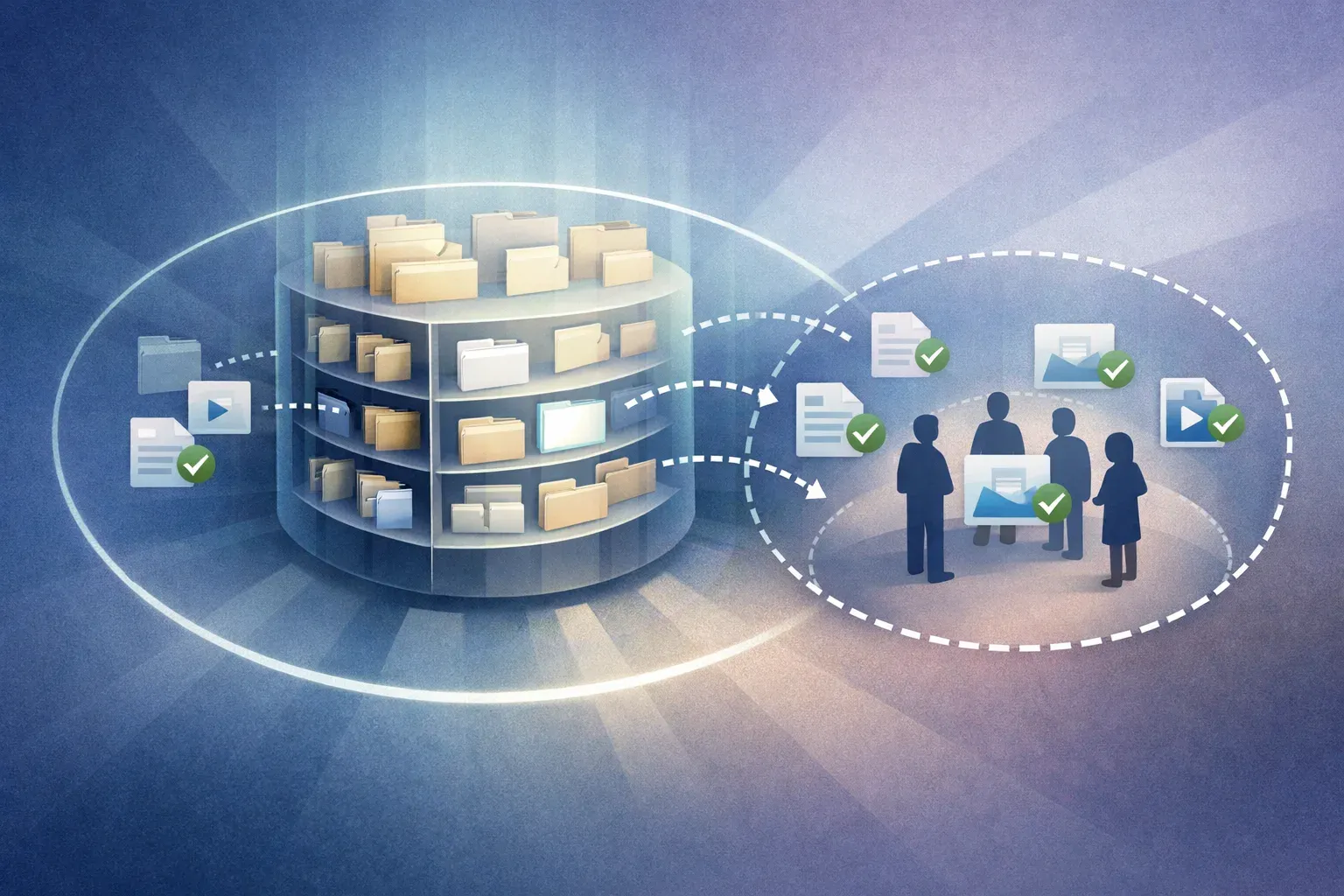
A useful asset library answers everyday questions: Where is the latest logo? Which product photo can we send to a retailer? Who has the original design file? Our articles cover the decisions behind those answers, from naming files and choosing tags to managing access and keeping versions organized.
Start with your team's workflow
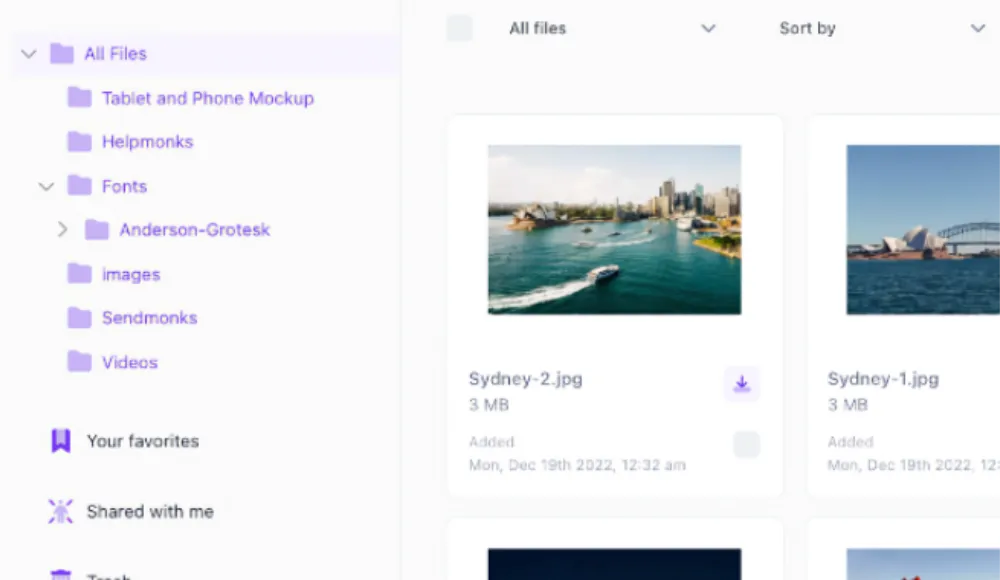
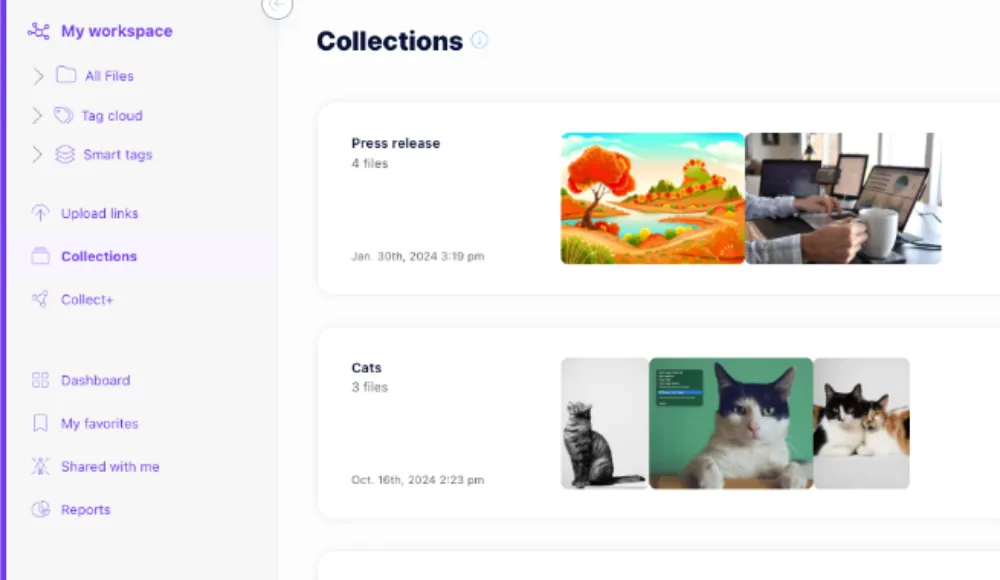
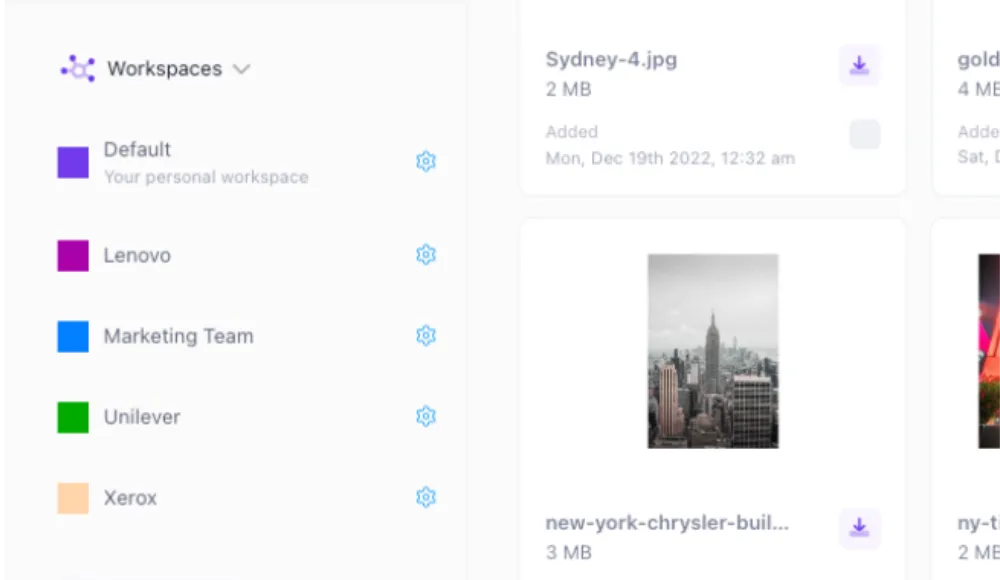
If you are evaluating digital asset management software, start with the work your team repeats. A marketing team may need approved campaign images in one place. An agency may need separate client libraries. A retailer may need consistent product metadata. Use the guides here to identify the structure, search tools, and sharing options that fit those jobs.
Make your library easier to search
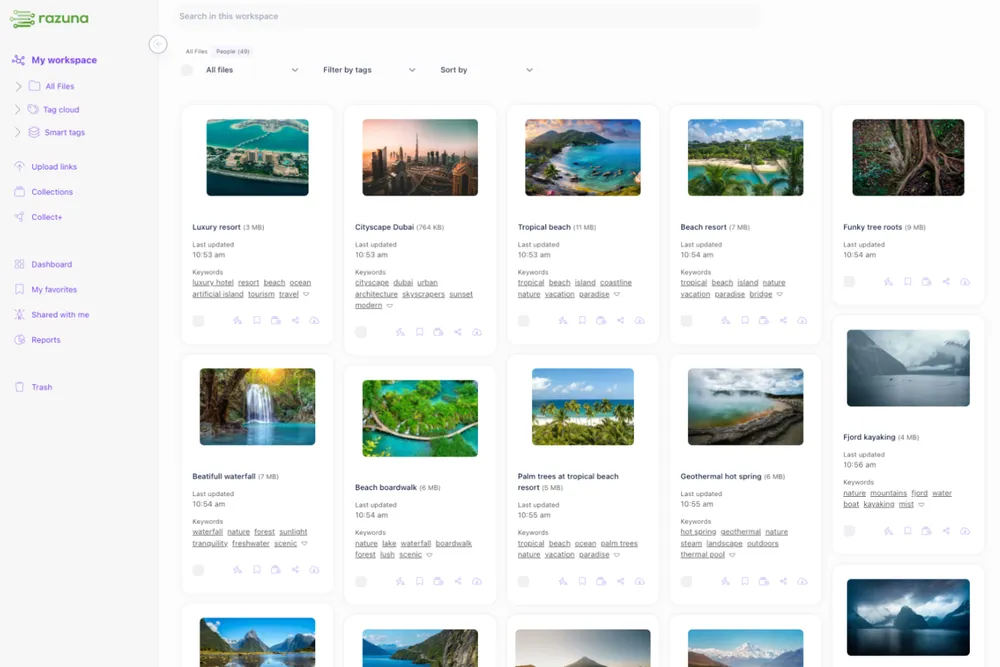
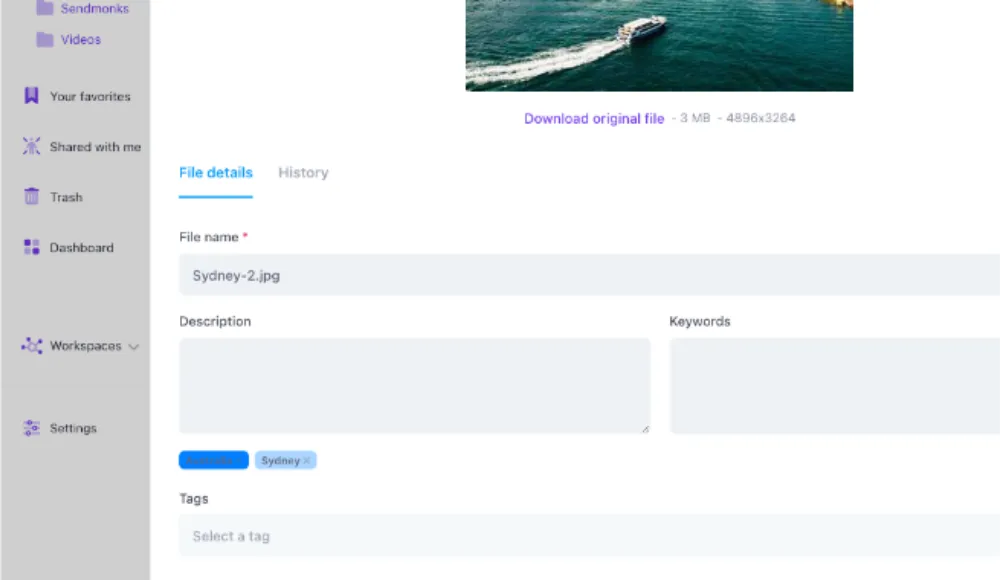
Good organization starts before anyone searches. Learn how tags and metadata give files useful context, and how Razuna's AI features help teams discover content. For a small change you can apply to your own library, read about copying tags between workspaces. Consistent terms help people describe related assets the same way.
Choose the right way to share
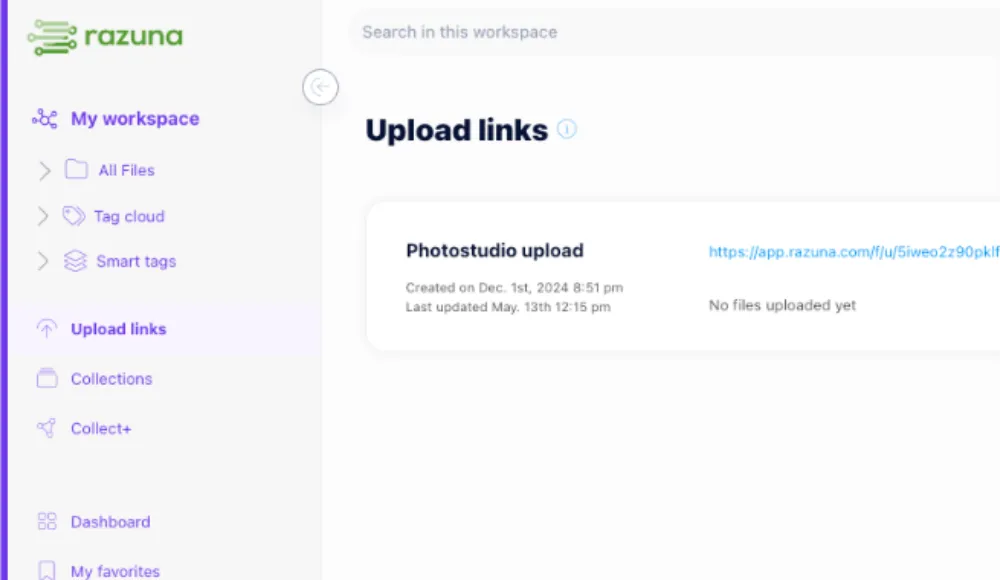
Sending one image to a website is a different job from handing a client a set of campaign files. Our guide to direct links and share links explains the difference. You can also read about secure file sharing for business when access and distribution are part of your evaluation.
Keep up with Razuna
Product announcements explain what changed and where it fits into daily work. Browse the latest posts above, choose a topic, or search for a feature. For current setup instructions, visit the Razuna documentation. If you want to discuss your own library, schedule a personal demo and bring a workflow you would like to improve.