11 Best File Sharing Websites for Business in 2026
This overview has been updated to reflect the latest information for 2026!
Related: If you’re deciding between “file sharing” and a true system of record for brand assets, start with our digital asset management guide.
Compliance-first: If you need encryption, permissions, and audit trails (not just a share link), start with secure file sharing for business.
In today's digital workplace, sharing files quickly and securely is essential. Whether you're collaborating with remote teams, sending large media files to clients, or distributing marketing materials, the right file sharing website can transform your workflow. But with countless options available, how do you choose one that's secure, easy to use, and actually free for your business needs?
The best file sharing websites combine robust security features, generous file size limits, and seamless collaboration tools—without breaking the bank. We reviewed the current landscape (and what's changed) to bring you this updated-for-2026 guide to 11 file sharing websites that deliver on security, functionality, and value for businesses of all sizes.
From full-featured digital asset management systems to straightforward file transfer services, discover which solution will work best for your team's unique requirements.
What Are File Sharing Sites?
File-sharing sites allow users to access, view, store, and share or distribute digital files, particularly those too large for other platforms. These can include anything from documents to photos and videos, and they can play a key role in collaboration, content marketing and more.
Although any one of them will help you access and share files, your needs may be more complex. Perhaps you share a much higher amount of files or much larger file sizes. You might need tighter security protocols, or more storage, than most users.
So, how do you know which one is right for you? Have a look at how many files you viewed, edited, shared and stored in the average month. Take note of the file types, as well as the file sizes. Once you have an idea of your needs, you can use these criteria to make your choice.
Key Factors When Choosing a File-Sharing Service
Not all file sharing websites are created equal. To find the perfect fit for your business, evaluate these critical factors before making your decision:
1. Security
Not all file-sharing sites are safe and secure, and even amongst those that are generally deemed secure, the degree of security will differ. Check for features like password protection and/or data encryption, to prevent unauthorized access, viewing, editing, or distribution of your files.
2. Speed
File-sharing sites differ in their downloading speed. When you're working to a deadline with no time to lose, this becomes a crucial factor. Faster downloads mean faster access, which means users get more done in less time.
3. Cost and Pricing Plans
As with any other type of platform, you'll find file-sharing sites at various price points. Determine your budget, and select the site that you can afford. Many file-sharing sites are free to use up to a point but may become costly with heavy use.
4. Storage Capacity
The storage capacity of file-sharing sites can differ widely. If you access and share vast amounts of digital files daily or weekly, which need to be stored, you can reach capacity very quickly. Be realistic about the amount of storage you need.
5. File Size Limitations
Although file-sharing sites often handle larger files than other platforms, file size limitations might still exist. This is more likely going to be an issue if your files are longer video files, as these can be large.
6. Ease of Use
Most file-sharing sites are easy to use, but some are more user-friendly than others. By choosing an easy-to-use file-sharing site, you reduce the need for a lengthy tutorial for your team. But be sure to give them a chance to practice with it first, as their technical knowledge may vary, too.
7. Compatibility and Integrations
You'll enjoy greater versatility and convenience if the file-sharing site you choose is compatible with other online tools you use. Check for integrations with your favorite social media platforms and work management apps.
File Sharing Websites Comparison: Quick Overview
To help you make an informed decision, here's a comparison of key features across leading file sharing services:
| Service | Free Storage | Max File Size (Free) | Security Features | Collaboration | Best For |
|---|---|---|---|---|---|
| Razuna | 500GB (5 users) | Unlimited | GDPR/HIPAA compliant, encryption | Full DAM, version control, workflows | All businesses, agencies |
| Google Drive | 15GB | Large (plan-dependent) | 2FA, admin controls (Workspace) | Docs/Sheets/Slides collaboration | Teams on Google Workspace |
| Filemail | 5GB transfer | 5GB | End-to-end encryption | Basic sharing | Quick file transfers |
| Dropbox | 2GB | Limited (plan-dependent) | 2FA, AI-powered search | Team folders, integrations | Small teams, freelancers |
| Box | Limited (plan-dependent) | Limited (plan-dependent) | Advanced controls, compliance | Content Cloud, AI features | Enterprise security needs |
| Microsoft OneDrive | 5GB | Large (plan-dependent) | 2FA, permissioned links | Microsoft 365 collaboration | Microsoft-first teams |
| iCloud Drive | 5GB | Limited (plan-dependent) | Apple security features | Basic sharing | Apple-centric individuals |
| WeTransfer | Transfer-based | Limited (plan-dependent) | Link controls (plan-dependent) | Light collaboration | Sending large files fast |
| Jumpshare | Limited | Limited | Link controls (plan-dependent) | Screen recording + sharing | Sales, marketing, education |
| Egnyte | Trial/limited | Plan-dependent | Compliance + security controls | Collaboration + governance | Security-forward businesses |
| ShareFile | Trial/limited | Plan-dependent | Encryption + access controls | Workflows (plan-dependent) | Secure client file exchange |
| MediaFire | Up to 50GB (free tier varies) | Limited (plan-dependent) | Basic controls (plan-dependent) | Basic sharing | Simple storage + sharing |
Key Takeaways:
- Filemail offers up to 5GB transfers for free with end-to-end encryption—ideal for secure one-time file sends
- Dropbox provides AI-powered search capabilities to help you find files instantly across your storage
- Box leads with a content-plus-AI approach, combining secure storage with intelligent automation
- Razuna delivers unlimited users and comprehensive digital asset management at a per-TB pricing model
Want a quick “best overall” shortcut? If you’re sharing customer-facing or brand-critical assets (logos, approved images, videos, sales decks) and you need permissions, versioning, and governance, start with Razuna and treat file sharing sites as “delivery tools,” not your system of record.
Try Razuna free (5 users / 500GB) if you want a secure file sharing solution that’s also a full asset library.
File Sharing Sites vs a Digital Asset Management System (DAM)
File sharing websites are great at one thing: moving files from A to B (or syncing folders). But as soon as your team starts asking questions like “Which version is approved?”, “Who shared this externally?”, or “Where’s the latest logo?”, you’re no longer dealing with “file sharing”—you’re dealing with asset governance.
Here’s the practical difference:
- File sharing sites focus on storage + transfer + basic collaboration (links, folders, sync). They’re perfect for ad-hoc sends, lightweight teamwork, and everyday documents.
- A digital asset management system (DAM) is built for managing your library of reusable assets: metadata, search, approvals, brand consistency, permissions, and controlled distribution at scale.
If you’re evaluating a true DAM upgrade path, start with our digital asset management guide. If you’re a smaller team building a reliable workflow on a budget, start here: digital asset management for small businesses. You can also bookmark our roundup of cloud storage solutions for small businesses.
2026 Performance & Security Notes (What Actually Matters)
Vendor feature lists are useful, but the real day-to-day experience comes down to performance, security controls, and how consistently your team can follow “the right way” to share files. Here are the practical checks that matter most in 2025:
Performance: speed, stability, and “big file reality”
- Resumable uploads: For large transfers, prioritize services that can resume uploads after a dropped connection. This matters more than “peak speed.”
- Geography and routing: Upload/download speed is often limited by distance to the provider’s infrastructure and your own ISP routing—not just the app itself.
- Sync conflicts: Sync tools are convenient, but they can create duplicate/conflicted files when multiple people edit offline. If versioning matters, you’ll want a system that treats versions as a feature, not an accident.
- Preview performance: Teams that share media (creative, marketing, product) should test in-browser previews for large images, PDFs, and videos before committing.
Security: links, permissions, and auditability
- Encryption in transit and at rest: A baseline requirement. For regulated data, look for clear documentation and compliance posture.
- Secure sharing links: Passwords, expirations, and recipient controls reduce accidental exposure. If your platform can’t do this consistently, users will “make it work” in risky ways.
- Granular permissions: Folder-level permissions are helpful; asset-level permissions are better when you have mixed audiences (internal teams, agencies, clients, partners).
- Audit logs: If you ever need to answer “who accessed what, and when?”, make sure audit logs are available (often on business tiers).
- Ransomware and account takeovers: Strong MFA/SSO, access reviews, and controlled sharing workflows reduce blast radius.
Rule of thumb: If your team is sharing “important files,” you need good file sharing. If you’re sharing brand assets and you care about permissions, approvals, and the single source of truth, you need DAM.
11 Best File Sharing Sites for 2026
Here are the 11 best file-sharing sites in 2026.
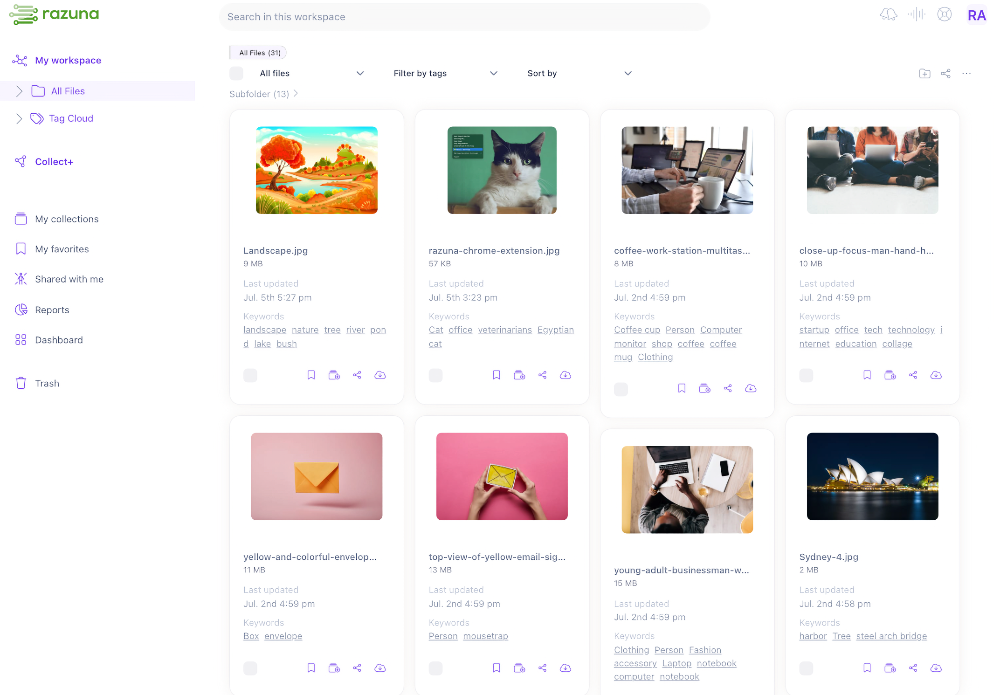
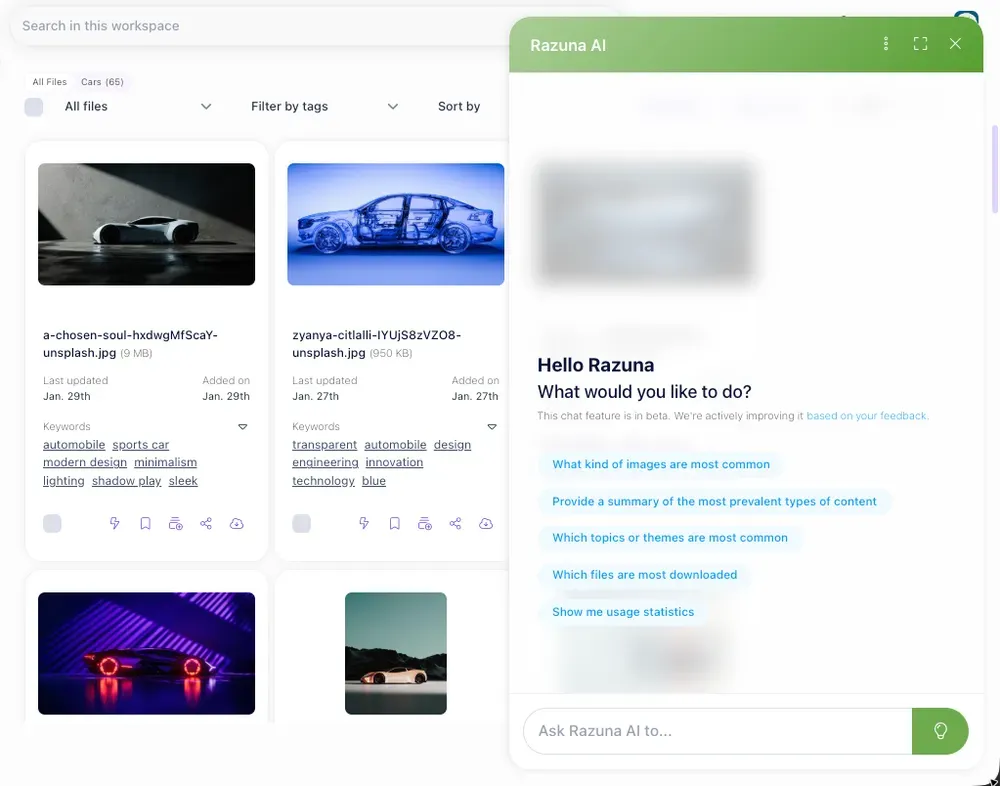
1. Razuna
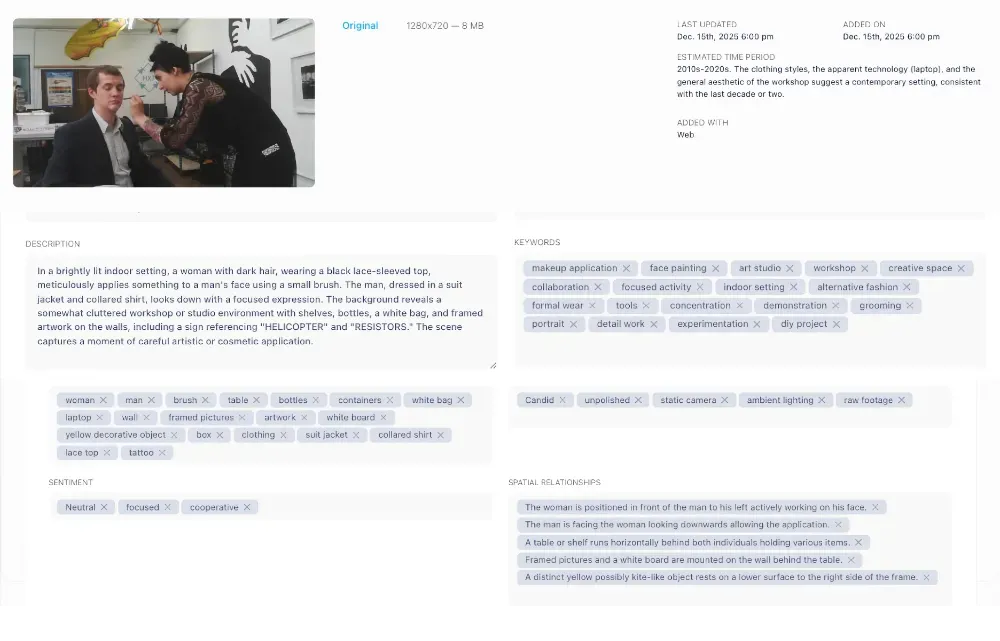
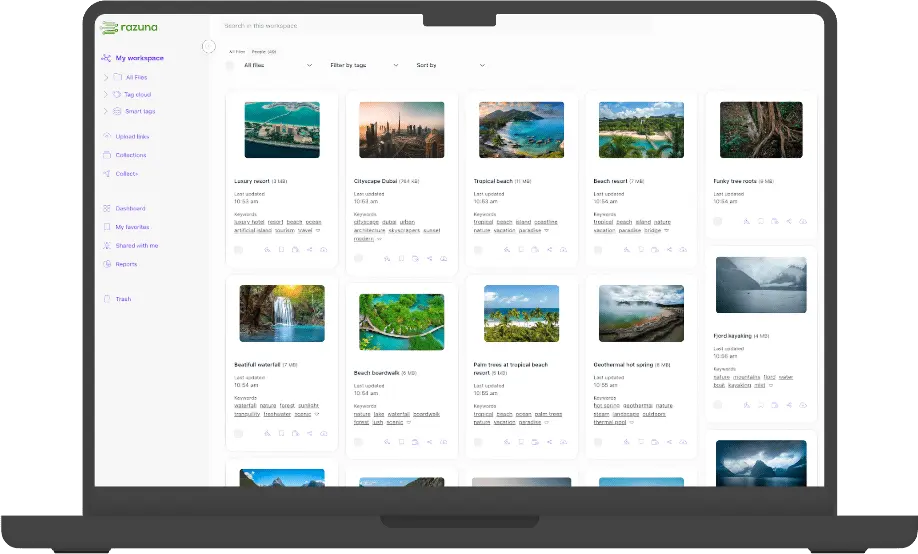
Razuna is more than a user-friendly file-sharing site. It's a complete cloud-based digital asset management system, that is affordable and dependable. There's no 'per-user' pricing to worry about. You pay per TB use, with unlimited users. A free account is available for five users with 500GB storage space.
With Razuna, you can organize and store digital files, from text to graphics and multimedia. Beyond sharing and distributing, you can edit, review, and collaborate on images and video clips directly within the platform. It's the ideal centralized hub for all things digital.
This makes it an invaluable system for your branding and marketing teams. But you'll find that everyone will be able to streamline their workflows with Razuna. That's because it has the features that every department needs to do their best work.
Features
- Cloud-based digital asset management system with GDPR and HIPAA-compliant cloud servers
- Secure file sharing - 450 file formats supported, unlimited users
- Customizable client workspaces
- Custom labels, keywords, descriptions and metadata for organizing files
- AI-assisted automated tagging to save you time
- Online image editor to perfect your still photos for marketing campaigns
- Link-sharing and other collaboration tools with version control
Best For
With so many excellent features, Razuna is suitable for all types of businesses, of all sizes. And because it's part of the Helpmonks stack, you can use them together to enjoy a variety of customer engagement and email marketing tools, too. White-label agency plans are also available.
CTA: Start a free Razuna account if you want file sharing plus an organized, searchable asset library (not just another folder tree).
2. Google Drive
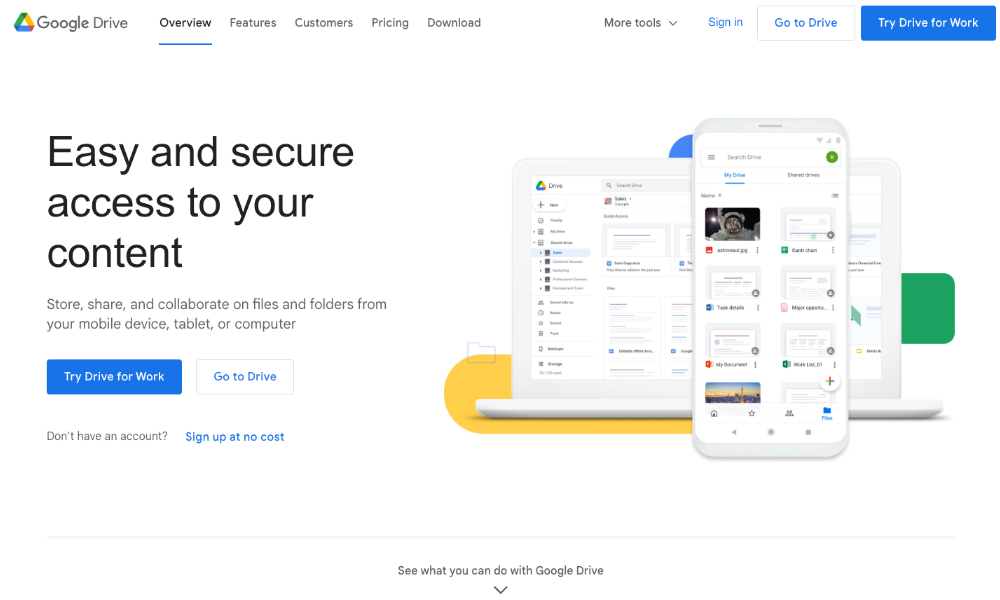
Google Drive is a cloud-based file storage service. You can use it to not only back up and store files but also share them for collaboration and general distribution.
Google Drive is a part of the greater Google Workspace range of products. You can use it in conjunction with other Google products, to create or upload files, as well as organize and share them. This includes documents, images, audio files and videos.
If you're a Google account holder, you automatically have access to Google Drive and can save the extension to your desktop computer. While you can access it from mobile devices too, you can only change Google Drive settings from your computer.
Here is a overview how Razuna compares to Google Drive.
Features
- Back up, store and share digital files across Google Workspace
- Convert a text document up to 50MB to Google Docs format
- Any file type can be stored
- Save content from the internet to Google Drive with the 'Save to Google' Chrome extension
Best For
Google Drive is best for users who are already familiar with, and use, Google Workspace and Gmail tools. It's a free, credible, and reliable file-sharing service, with 15GB of storage. However, you can only access it if you have a Gmail account.
3. Dropbox
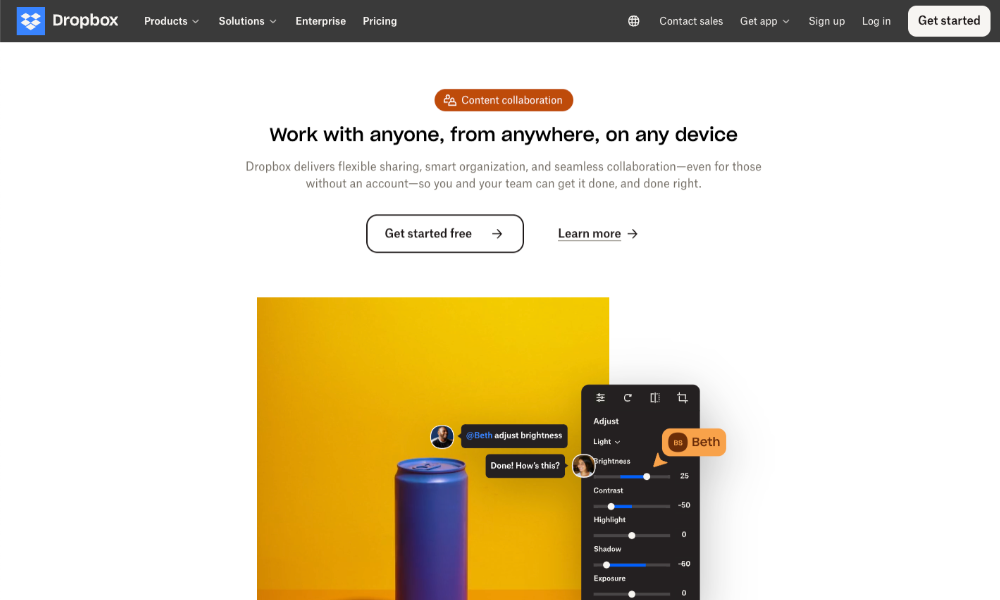
Dropbox lets you store, protect, and share your files online for collaboration or distribution. It's a file hosting service that offers cloud-based file storage.
Dropbox is accessible from computers, smartphones and other mobile devices. Any changes you make to your files on Dropbox will sync across all your devices.
Password protection and time-limited sharing links keep files secure while collaborating through integrations for other popular apps. Data encryption, automatic backup, and two-factor authentication offer extra security for your more sensitive files.
Features
- Cloud-based file storage and sharing
- Integrates with popular collaboration tools
- Multiple security features to protect sensitive data
- Sync data across all your connected devices
Best For
Dropbox is best for individuals, freelance creatives, and small teams who need to work remotely. Four price plans are offered, but there are limitations on file size and storage on the lower-priced plans. Enterprise Plans are available (price on request) as well as a basic free account with 2GB of storage.
Are you looking to make the switch from Dropbox? Here is how Razuna compares to Dropbox.
4. Microsoft OneDrive
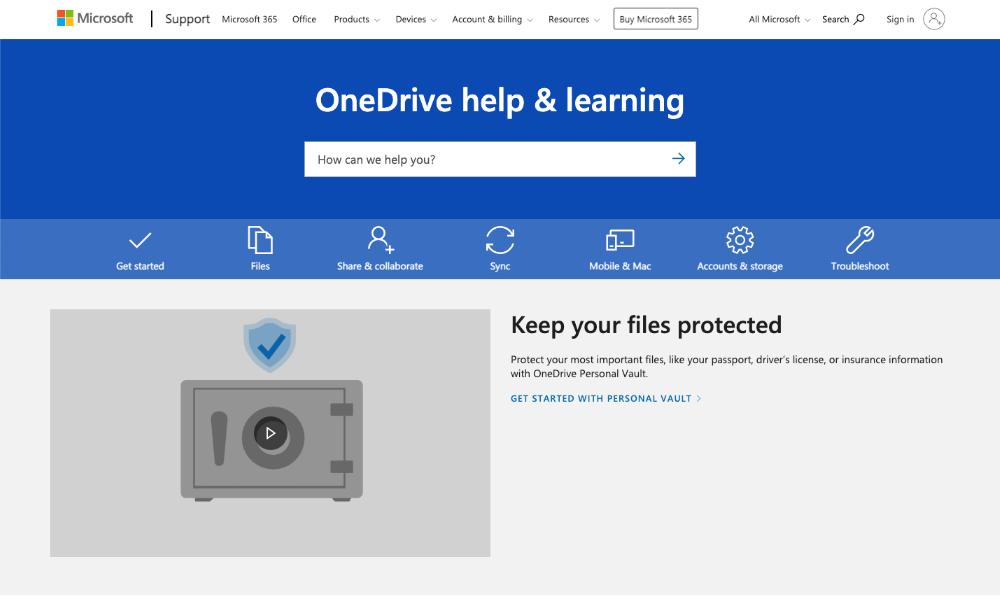
Tech giant Microsoft's OneDrive is available to Microsoft account holders and on the Microsoft 365 subscription. You already have a Microsoft account if your email address ends in @outlook.com, @hotmail.com, or @live.com, or if you have an Xbox network account.
This service allows you to save and work on files with OneDrive on any of your connected devices. It supports over 300 different file types, so you can automatically back up and sync almost any file on your computer, to OneDrive.
In OneDrive, you can view, edit, and share files, and set permissions or assign passwords to files to control viewing and editing access. If any changes are made to doc files, these will automatically update with the next sign-in to One Drive.
Features
- You have automatic access to OneDrive through other Microsoft accounts
- Every Microsoft account comes with 5GB of free storage that you can use in OneDrive. Paid plans offer more storage.
- Over 300 file types are supported
- Automatically backup and sync files
Best For
Microsoft's OneDrive is only accessible to people with Microsoft accounts or subscriptions. It's best for users who already rely on the Microsoft range of products for their workplace processes. 5GB of free storage won't be enough for most businesses, so you'll have to pay to get more.
5. Box
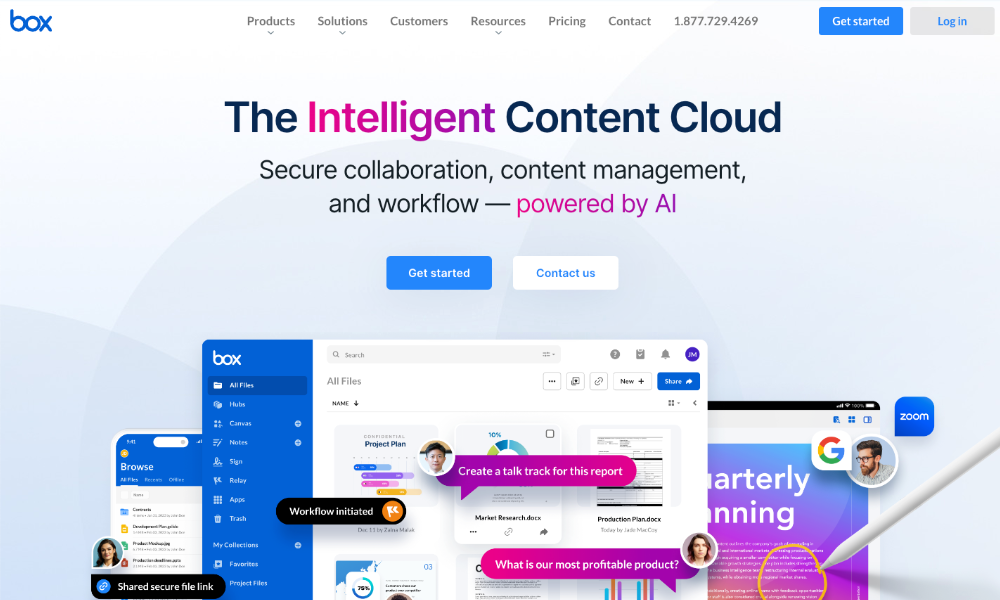
Box gives you the freedom of cloud-based file sharing and collaboration on all your devices.
It offers advanced security controls for safe and secure file distribution and complies with industry standards for data privacy. The Box platform also facilitates hassle-free collaboration on its Content Cloud. Here, team members can view, share, edit and review/approve files.
Box's APIs, first-party SDKs, and integrated developer tools let you customize this tool to suit your needs. It's not the most affordable file-sharing site, and you'll pay per user, but all price plans allow unlimited storage. Enterprise and custom plans are available.
Features
- Cloud-based file sharing and collaboration system
- Advanced security features for extra peace of mind on sensitive files
- Unlimited storage on all price plans
- Strict observance of data privacy laws
Best For
Box is suitable for both individuals and small-to-medium sized businesses. It integrates with both Mac and Windows OS and is a good alternative to the Google Drive and Microsoft OneDrive file-sharing services. However, their move to "everything AI" might not be so exciting especially given their focus on security.
6. iCloud Drive
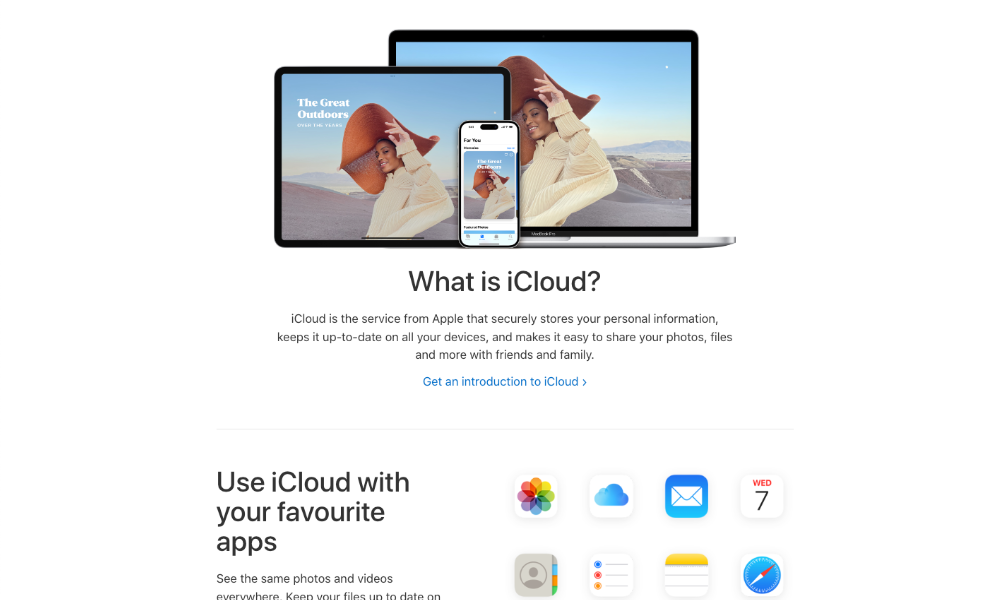
iCloud is a file storage and sharing service offered by the creators of Apple products. It integrates with other popular collaboration and productivity apps. iCloud is designed for use on Apple devices, although it is possible to access the service on Windows computers.
iCloud securely stores and updates your data on all your devices. It's most commonly used for sharing image and video files with friends and family. While it can be used for your professional needs, it's not designed to be used as a collaborative tool in the workplace.
You'll enjoy 5GB of free storage and can access more with an upgrade to the premium subscription, iCloud+. iCloud can be accessed on iPhones, as well as on iPads, Apple Watches, Macs, Apple TVs, Windows computers, and on the iCloud.com website.
Features
- A cloud-based file-sharing and storage service backed by Apple
- Suitable for use across a variety of Apple devices, but can also be accessed on the web
- 5GB free storage, with a premium subscription that allows extra storage
Best For
Unless you buy the premium subscription, iCloud Drive probably won't give you enough storage for your business needs. Therefore, iCloud will best suit individuals who work as freelancers and need minimal extra features from their cloud-based file storage. Even if you get a higher storage plan, it's still only a file sharing alternative with limited functionality.

7. WeTransfer
WeTransfer gives you the choice of using the service for free, for casual file sending up to 2GB, or professionally up to 200GB. The latter option also includes 1TB storage per person.
A pro WeTransfer account gives you other advantages too, like custom expiration dates on file shares, and password protection to prevent unauthorized file access. WeTransfer also offers a premium version with unlimited storage and no file size limit on transfers.
This is an affordable file-sharing site, where you can choose between monthly or yearly billing (you save quite a bit paying yearly, too). However, on the free account, you cannot request and receive files, or store files as it's designed for sending files only.
Features
- A user-friendly and affordable file-sharing and file-storage service
- Free account available, but limited to sending files up to 2GB
- Professional or premium versions needed for storage and higher file sizes
- Customizable file transfer wallpapers, shared storage, and team invites included on paid versions
Best For
WeTransfer has features that make it ideal for teamwork like team invites, customizable wallpapers and shared branding. That said, this is not designed to be used as a comprehensive collaboration platform. It's best suited for freelancing individuals and small teams.
8. Jumpshare
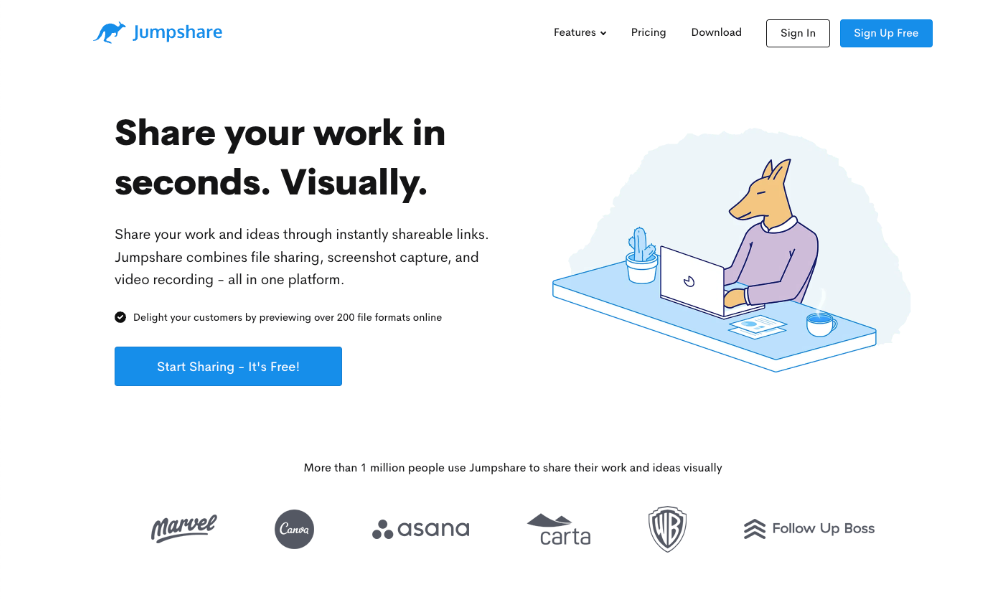
On Jumpshare, you can share your screenshots, video recordings, and digital files easily with instantly shareable links.
You can download Jumpshare on Windows and Mac computers. Just upload your files using the drag & drop method, and share them using the links provided. It's easy to use but could work out more expensive than you'd like for large teams as plans are priced per member.
A free plan is available, which is a very basic version for getting started with the platform. However, you'll be limited to 2GB of space, a 250MB upload file size limit and one minute of recording time. On paid plans, much more storage and upload file size is offered. There's no upload file size limit on the 'Business' plan.
Features
- Share files, screenshots and recordings with shareable links
- Free plan available, with a basic version for getting started
- Two paid plans and a custom enterprise plan available
- AI-powered video features available on the paid plans
- The 'Business' price plan offers multiple inboxes and Zapier integration
Best For
Jumpshare is best for professionals in fields such as design, marketing, sales, and education, where sharing large files, presentations, screenshots, and recordings is a part of the daily workflow.
9. Egnyte
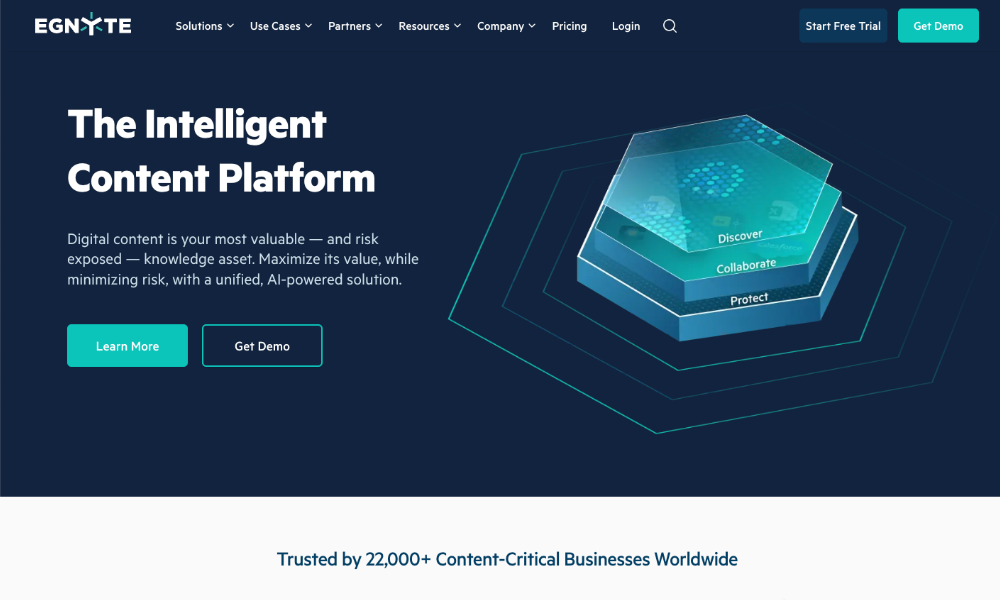
Egnyte is not only a file-sharing platform, but an AI-powered collaboration space too. It offers data access management and collaboration, data privacy compliance, controlled sharing, and built-in ransomware protection.
Egnyte combines top security features with automation to give users a safe and secure space to share their files with colleagues, external collaborators, and stakeholders. There are cloud-only, multi-cloud, and hybrid options for maximum versatility.
Users can access the platform via the web, desktop computers, mobile devices and mapped letter drives. Industry-specific applications and compliance workflows are available. Choose between a plan for teams, or platforms plans for business, both charged per user per month, to be paid annually.
Two enterprise plans are also on offer, with a custom price quote on request.
Features
- High-security features, data compliance, and AI-powered features
- Different price plans, designed for team, business, or enterprise use
- Choose between cloud, multi-cloud and hybrid options for your data storage
- Collaboration features
Best For
Egnyte is best for teams and businesses who take their file-sharing seriously, and who demand the best in security. However, it's not a budget-friendly option, and thus not suited to freelancers, startups, or small businesses with severe budget constraints.
10. ShareFile
ShareFile is a file-sharing site that allows users to securely share, distribute and store files.
This platform offers additional features like email and file data security, e-signatures, and integrations that make it suitable for a variety of industries. Encryption features give you peace of mind about your data security when collaborating, and intuitive workflows further streamline productivity and team efficiency.
Various price plans are available, and you can choose to pay monthly or annually. They are a bit costly, especially as plans are priced per user, with a minimum of three users, and five users minimum on the 'Virtual Data Room' package.
Features
- Secure file sharing and sending, as well as collaboration features
- Extra features like e-signatures and automated workflows
- Email and file encryption for added data privacy
Best For
ShareFile is designed for the modern business intent on ultra-secure file sending and sharing. Although the platform's security features and workflow solutions are essential in many industries, sole proprietors, smaller teams, or startups might not find it a good fit. This is suited to businesses with a larger budget.
11. MediaFire
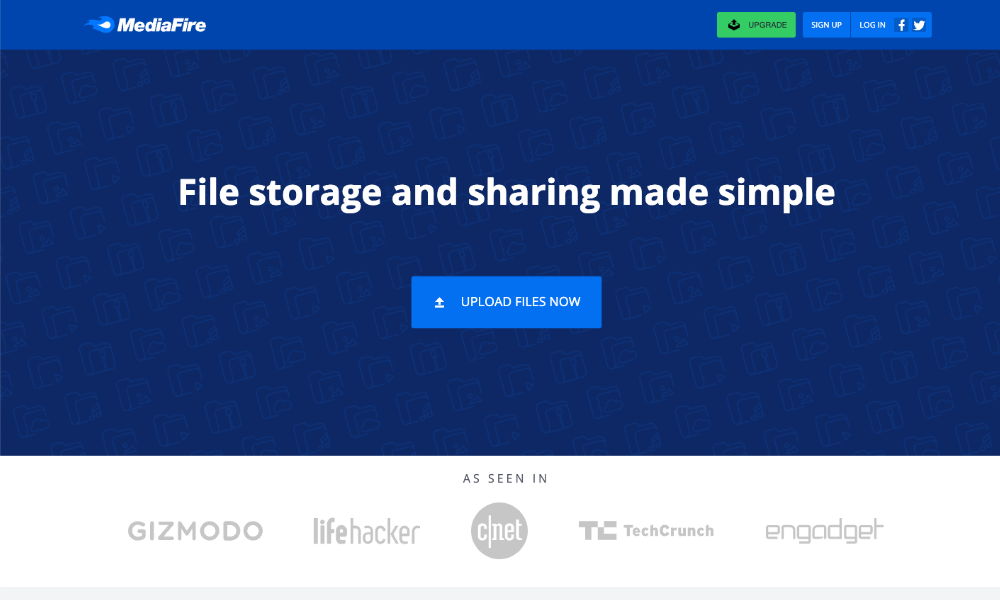
MediaFire simplifies file storage and sharing, with versatile sharing and collaboration features. Downloads are unlimited but supported by ads (there is an ad-free pro version).
Users can share files through email, with sharing links, or even on their preferred social network platforms. Store and share any file type, either individually or in folders. There's ample storage, and up to 50GB is free.
Your team will be able to view, manage and share their files from anywhere, on all their devices. Either access the platform through a web browser, or via its apps designed to be used for Windows, Android, and Apple devices.
Features
- Upload multiple files at once
- Access the platform on all types of devices
- Up to 50GB of free space - 4GB per file
- No bandwidth limits
Best For
MediaFire is suitable for everything from personal video and photo collections to entrepreneurs or small businesses. It's not a collaboration tool, but does have features that are ideal for business use on the Pro version, like 1TB of storage and bulk downloads.
Conclusion: Choose the Right File Sharing Website for Your Business
Selecting the right file sharing website depends on your specific needs—whether that's maximum security, generous free storage, unlimited file sizes, or comprehensive collaboration features. While services like Filemail excel at secure transfers, Dropbox offers AI-powered search, and Box provides enterprise-grade security, each has its strengths.
However, if you're looking for more than just basic file sharing—if you need a complete solution that combines secure file sharing, digital asset management, brand control, and team collaboration—you need a platform that does it all.
That's where Razuna stands apart.
Razuna isn't just another file sharing website—it's a comprehensive digital asset management platform that centralizes all your files, streamlines workflows, and enables seamless collaboration. With GDPR and HIPAA-compliant cloud servers, unlimited users, support for 450+ file formats, and powerful features like AI-assisted tagging and version control, Razuna is built for businesses that need more.
Stop juggling between multiple platforms. Thousands of teams across industries trust Razuna to manage, share, and collaborate on their digital assets securely and efficiently.
Related: Want the full checklist of capabilities to look for next? See Razuna’s core features.
Ready to transform how your team shares and manages files? Start your free Razuna account today and discover the difference a true digital asset management platform can make!