Brand asset management software
Keep approved logos, brand guidelines, templates, and campaign assets in one searchable library. Share the right files with colleagues, agencies, and partners. Start with 500 GB free.
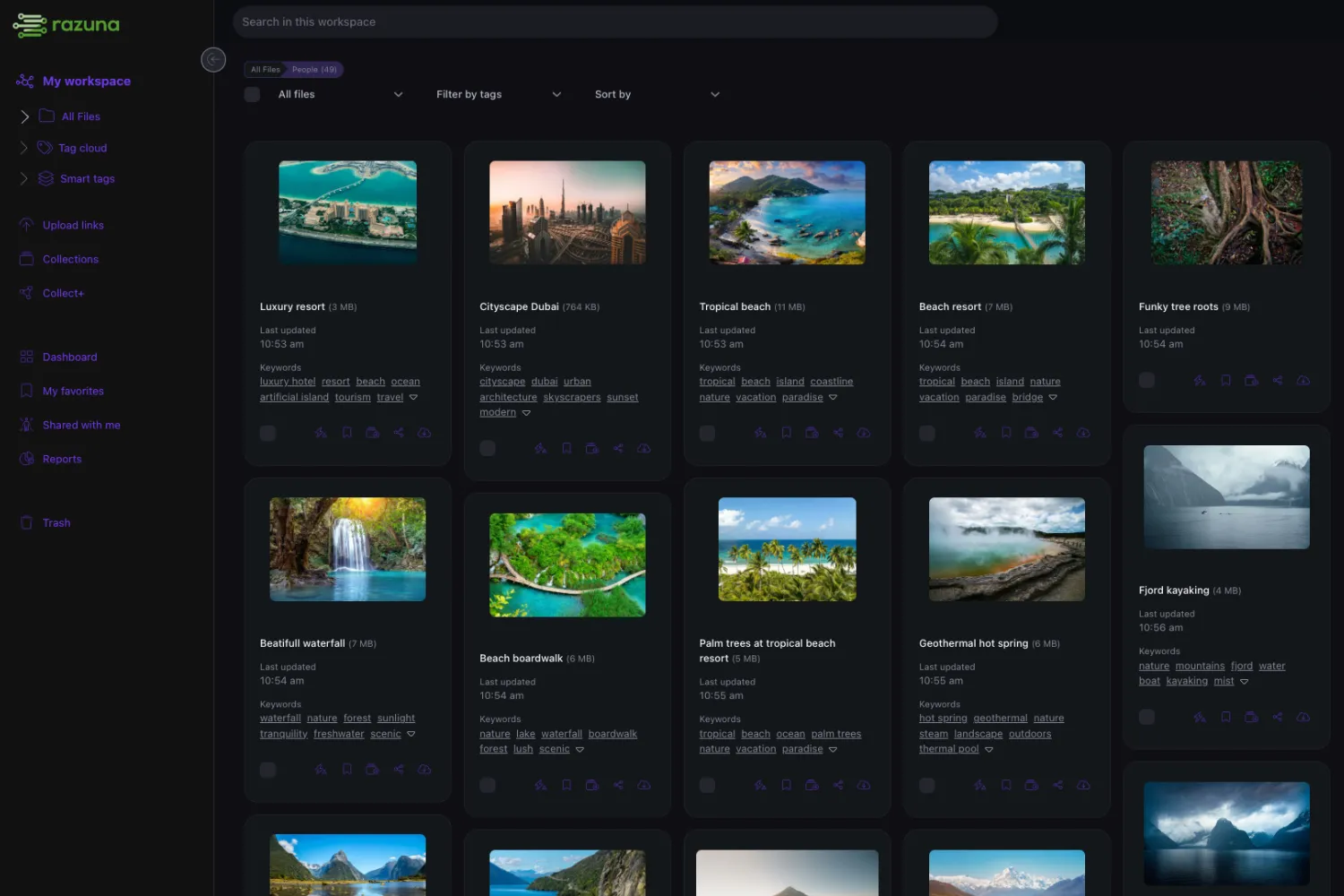
Organize, find, and share approved brand assets
What BAM software is — Brand asset management (BAM) software helps teams store, govern, and distribute brand-defining files consistently across teams and channels.
Why BAM exists — Folders and shared drives are built for storage, not for governance. BAM adds approvals, portals, and version control on top.
Why teams choose Razuna — Razuna is a modern DAM that powers brand asset management with custom metadata, portals, transparent pricing, and unlimited users on paid plans.
What is brand asset management?
Brand asset management keeps logos, templates, campaign creative, product images, guidelines, and approved collateral consistent across teams and channels. The goal is not just storage; it is governance. A strong brand asset system shows which files are approved, who can use them, when rights expire, and how assets should be distributed. Razuna supports brand asset management with workspaces, folders, collections, custom metadata, AI-assisted search, version history, portals, secure links, and unlimited users on paid plans. That combination helps brand, marketing, sales, partner, and agency teams work from one source of truth instead of asking for files repeatedly or reusing outdated assets. Razuna is most useful when brand teams want DAM-level control without forcing every stakeholder through a heavy enterprise interface or per-seat access model that limits adoption across departments, partners, and agencies globally today.
Jump to:
- What brand asset management (BAM) is
- BAM vs. DAM (and why DAM underpins BAM)
- The problems BAM software solves
- Key features: portals, guidelines, templates, approvals
- How Razuna supports brand asset management
- Comparison: Razuna vs Frontify vs Brandfolder vs Bynder
- Pricing models and what to watch for
- How to evaluate BAM vendors
What brand asset management (BAM) is
Brand asset management (BAM) is how organizations keep brand-defining files consistent and usable across teams and channels. The "assets" part includes logos, icons, product images, videos, slide decks, and campaign creative — but also the rules: usage rights, approvals, expiration dates, and "approved for use" definitions.
BAM helps your team answer three questions instantly:
- What's the right asset? (latest, approved, correct format)
- Who can use it? (team, region, partner, agency, reseller)
- How should it be used? (guidelines, templates, rights, expiration)
BAM vs. DAM (and why DAM underpins BAM)
Brand asset management and digital asset management overlap heavily:
- DAM is the platform foundation: store files, add metadata, search, control access, and distribute assets.
- BAM is the brand-focused operating model on top: "approved assets", brand portals, templates, guideline governance, and workflows that reduce off-brand work.
That's why many organizations use a DAM platform as the engine for BAM. See the full digital asset management guide for the broader view.
The real problems BAM software solves
- Version confusion: "final_FINAL_v9" becomes a workflow. People ship the wrong creative.
- Brand inconsistency: different regions, teams, and agencies "interpret" the brand instead of following it.
- Requests overload: brand or creative ops becomes a help desk for "can you send me the logo pack?"
- Rights and compliance risk: stock imagery, talent releases, and licensed assets need usage rules and expiration.
- Slow launches: teams waste time searching, recreating, or waiting for approvals.
Key features: portals, guidelines, templates, approvals
1) Brand portals and curated collections
Portals (or collections) are how you scale access without losing control. Instead of sharing folders, you publish curated sets of assets with clear "approved" signals.
- Reduce repeat requests by giving stakeholders a permanent destination.
- Keep control by managing permissions and download rules.
- Update assets once; everyone gets the latest version automatically.
2) Guidelines and "how to use" context
Brand assets without context create mistakes. Strong BAM systems help you attach guidance directly to the assets: do/don't usage notes, naming rules, correct color variants, and approved combinations.
Razuna can store existing guideline documents and supporting assets, but does not provide a brand guideline authoring tool.
3) Templates and "ready-to-use" kits
Templates reduce creativity bottlenecks. Instead of asking the brand team for every one-off request, provide pre-approved building blocks: social post templates, email headers, slide templates, product one-pagers, and press kits.
Razuna stores these existing design files; it does not provide an editor for brand design templates. Its upload automation templates control post-upload actions, including metadata and additional versions or renditions. CSV import/export templates provide reusable data configurations.
4) Approvals, status, and version history
Brand teams need a lightweight way to define "approved for use." A platform should make it obvious which version is current and approved — and preserve a history for auditability.
5) Metadata, search, and filters
Common "must have" fields include:
- Status: draft / in review / approved / deprecated
- Usage rights: license, allowed channels, expiration
- Product / line: which offer the asset supports
- Region / language: localization and legal constraints
- Campaign: especially for time-based work
How Razuna supports brand asset management
A DAM platform designed to stay simple while still delivering the controls brand teams need.
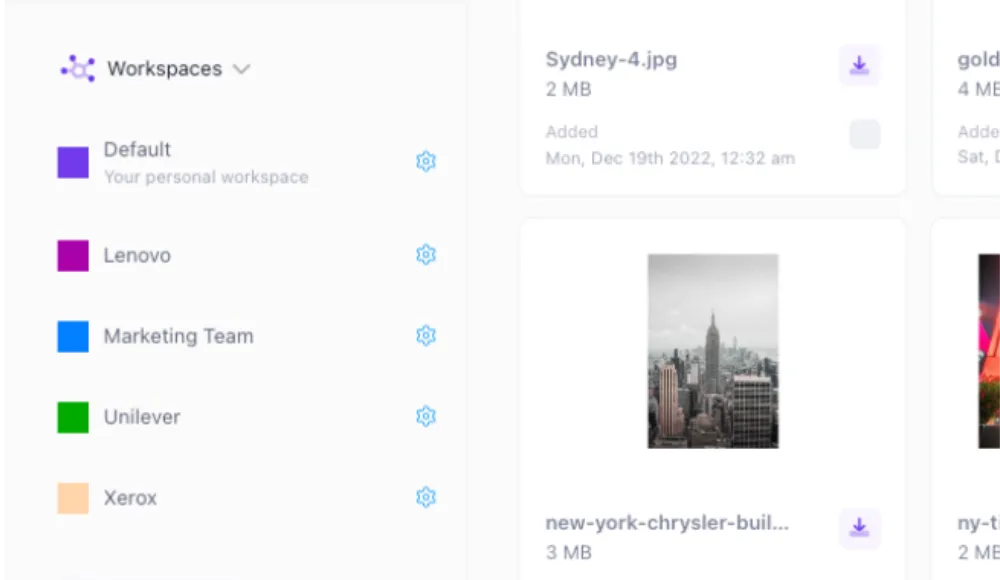
Portals & collections for self-serve
Publish curated asset sets for sales, partners, or agencies. Reduce request volume and keep distribution consistent with controlled access.

Version history + clear 'approved' signals
Keep a full history of changes so teams don't reinvent assets — and so the current approved version is obvious.

Metadata, tags, and fast search
Use custom fields, tags, and filters so anyone can find the right asset quickly — without remembering folder structures.
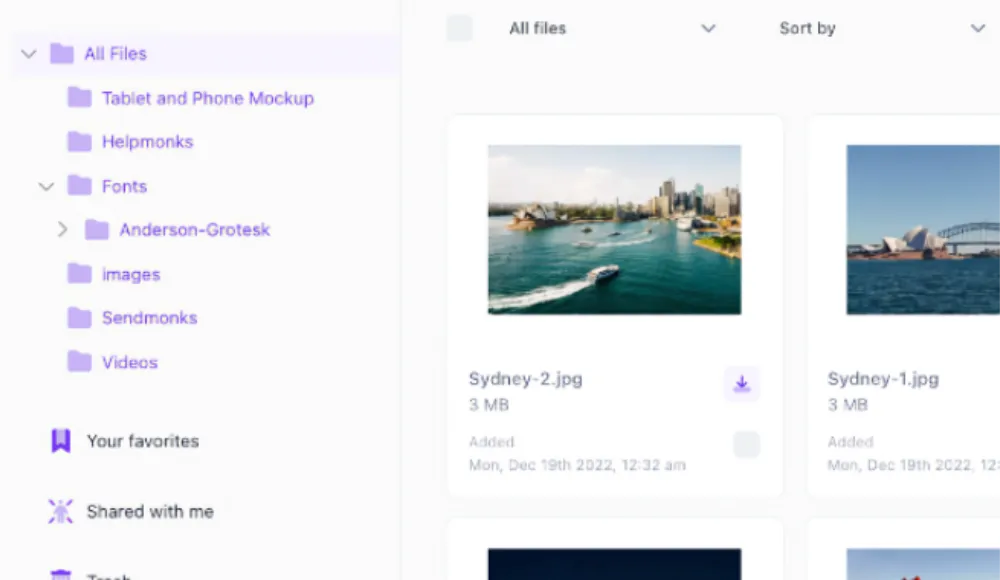
Unlimited users to drive adoption
Brand consistency improves when access is broad. Razuna's unlimited-user approach helps you include sales, customer success, and partners without rationing seats.
Comparison: Razuna vs Frontify vs Brandfolder vs Bynder
| What brand teams need | Frontify | Brandfolder | Bynder | Razuna |
|---|---|---|---|---|
| Centralized approved library | Brand hub | DAM-style library | DAM-style library | ✓ Workspaces + folders + collections |
| Portals & self-serve | Includes portals | Supports sharing | Supports portals | ✓ Brand portals (Unlimited+), collections, secure links |
| Brand guideline authoring | Strong guideline focus | Supported | Supported | Not available; store existing guideline documents |
| Editable brand design templates | Supports templates | Supports templates | Supports templates | Not available; upload automation and CSV templates serve different workflows |
| Approvals and governance | Varies by plan | Varies by plan | Varies by plan | ✓ Roles, permissions, versions |
| Metadata + search | Varies | Varies | Varies | ✓ Fast search + metadata + tags |
| Adoption-friendly pricing | Quoted monthly active users (MAU) | Per seat/tiers | Per seat/tiers | ✓ Unlimited users (pricing) |
Pricing models and what to watch for
BAM platforms are commonly priced by users, modules, storage, or a combination. Pricing matters because it shapes behavior:
- Per-seat pricing can limit adoption (especially for sales, partners, contractors, and agencies).
- Usage-based pricing aligns more closely with asset growth and sharing volume.
- Onboarding and services fees can become meaningful — ask upfront.
Razuna offers a free plan with 500 GB, 5 users, and 2 workspaces, then adds unlimited users on paid storage-based plans. See pricing.
How to evaluate BAM vendors
The most common reason BAM projects fail is low adoption. Evaluate with real assets and real stakeholders:
- Time-to-first-success: can a new user find the correct approved logo pack in under 30 seconds?
- Governance clarity: is approval status obvious? Can you prevent outdated assets from being distributed?
- Portal quality: can sales/partners self-serve without asking "which folder is it in?"
- Metadata ergonomics: can your team maintain the system without a full-time librarian?
- External sharing safety: expiring links, access control, and auditability.
- Pricing incentives: does the pricing model encourage broad access or ration it?
Frequently Asked Questions About Brand Asset Management Software
Looking for an alternative?
Ready to unfur your files?
500GB free. No credit card. Set up in 2 minutes.
