Intelligent Document Management for Modern Businesses
Organize, Search, and Collaborate on Documents with AI-Powered Insights. Razuna's document management system brings order to your document chaos with AI-powered organization and lightning-fast search.
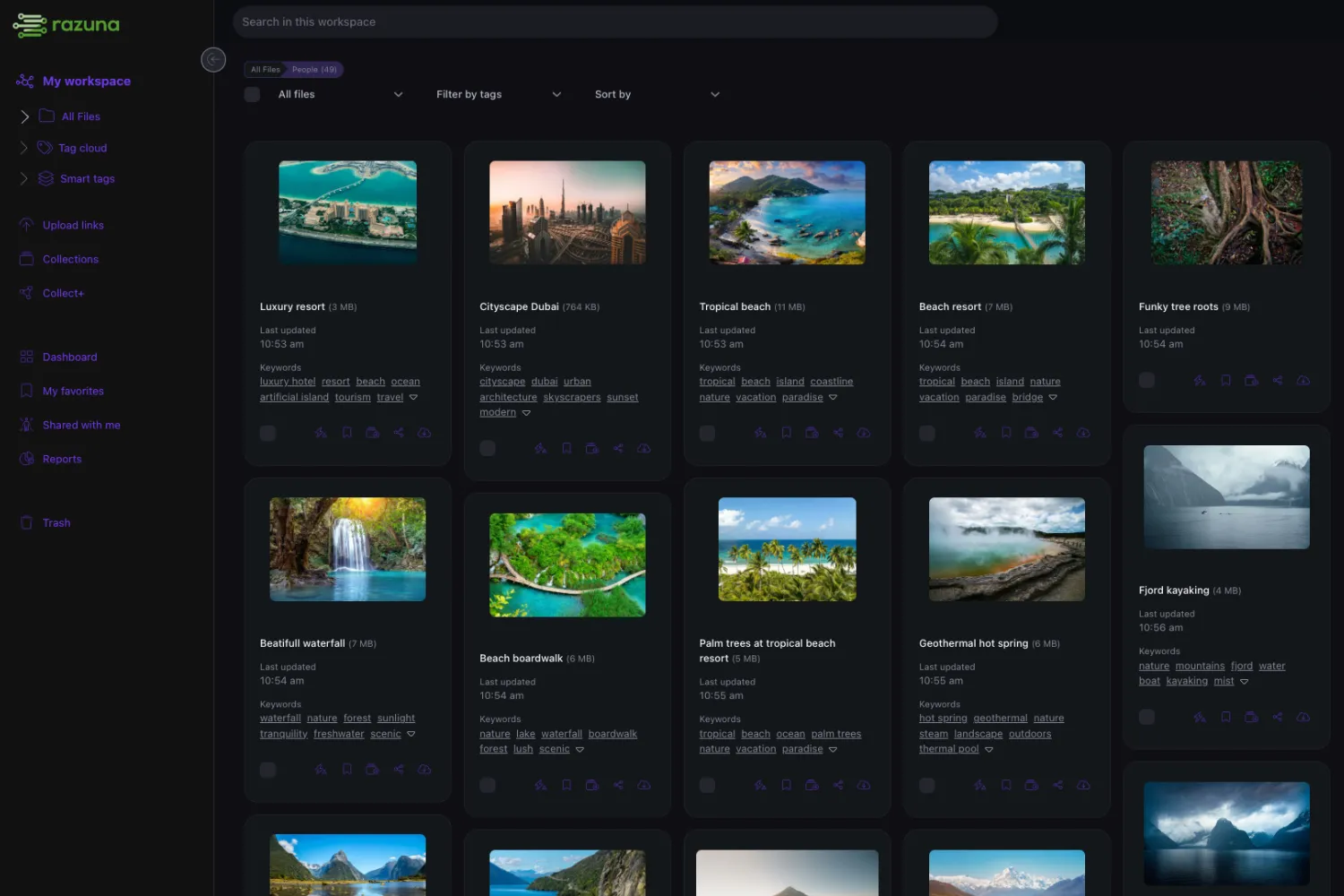
Document management that actually works
Tired of searching through countless folders to find the right contract, proposal, or report? Razuna's document management system brings order to your document chaos with AI-powered organization and lightning-fast search.
Store all your PDFs, Word documents, Excel spreadsheets, PowerPoints, and more in one secure location. Our intelligent document processing extracts text, metadata, and key information automatically — making every document fully searchable.
Get your free document management system and discover why thousands of businesses trust Razuna to manage their critical documents securely and efficiently.
What is a document management system?
A document management system helps organizations store, search, version, govern, and share business documents through one controlled repository. Unlike basic cloud storage, document management adds full-text search, OCR, metadata, version history, permissions, audit trails, retention workflows, and compliance support. Razuna brings those capabilities into the same platform teams use for brand, media, and creative assets. It can extract searchable text from PDFs, office files, presentations, spreadsheets, and scanned documents, then organize that content with tags, folders, custom fields, and AI-generated metadata. Teams use Razuna for contracts, proposals, invoices, policies, training materials, sales documents, legal files, and project records. The business value is straightforward: fewer lost documents, clearer current versions, safer sharing, and a searchable source of truth that works across departments without creating per-seat barriers or extra systems for everyday document work securely online.
Jump to:
- What is a document management system?
- DMS vs. cloud storage (and why a DMS wins)
- The problems document management solves
- Key features: search, versioning, AI, compliance
- How Razuna supports document management
- Document management for every business function
- Pricing models and what to watch for
- How to evaluate DMS vendors
What is a document management system?
A document management system (DMS) is software that helps organizations capture, store, organize, track, and manage electronic documents throughout their lifecycle. It acts as a centralized digital repository for all your business documents — contracts, invoices, proposals, reports, presentations, and more.
Unlike basic file storage, a DMS provides advanced features like full-text search, version control, automated workflows, access controls, and audit trails. Razuna's document management system adds AI-powered text extraction and entity recognition, making every document fully searchable and intelligently organized.
DMS vs. cloud storage (and why a DMS wins)
While cloud storage platforms like Google Drive, Dropbox, or OneDrive provide basic file storage and sharing, a document management system offers much more:
- Full-text search: Search inside document contents, not just file names.
- Version control: Automatic versioning with comparison and restore.
- Workflow automation: Approvals, routing, and retention policies.
- Granular access controls: Permissions by user role, not just folder-level.
- Compliance features: Audit trails, retention policies, and security certifications.
- AI-powered analysis: Automatic metadata extraction and entity recognition.
The problems document management solves
- Document chaos: contracts, invoices, and reports scattered across email, shared drives, and cloud storage.
- Version confusion: multiple copies of the same document with no clear "latest" version.
- Search frustration: wasting time hunting through folder names when the content you need is buried inside documents.
- Compliance risk: no audit trail, no retention policies, no access controls for sensitive documents.
- Collaboration friction: emailing documents back and forth instead of working from a single source of truth.
Key features: search, versioning, AI, compliance
1) Full-text search and AI extraction
Razuna's AI automatically extracts all text from PDFs, Word documents, spreadsheets, and presentations. OCR technology makes even scanned paper documents fully searchable. Entity recognition identifies people, companies, locations, dates, and monetary amounts within your documents.
2) Automatic version control
Every time a document is updated, Razuna automatically creates a new version while preserving previous versions. Compare versions side-by-side, see what changed, or restore older versions instantly.
3) Folders, tags, and custom metadata
Organize documents in traditional folder hierarchies that match your business structure. Add tags for document types (contract, invoice, proposal), status (draft, approved, archived), and custom metadata fields like contract expiration dates, invoice numbers, or retention periods.
4) Access controls and compliance
Define precisely who can view, edit, download, or delete documents. Create separate workspaces for HR, Finance, Legal, or any department. Maintain complete audit trails and meet requirements for HIPAA, GDPR, and SOX.
5) Secure sharing and collaboration
Share individual documents or entire folders with secure, password-protected links with expiration dates. Create branded portals where clients can access their documents. Multiple team members can access, comment on, and collaborate simultaneously.
How Razuna supports document management
A platform designed to stay simple while delivering the controls document-heavy teams need.

AI-powered text extraction
Razuna extracts all text from PDFs, scanned documents, Word files, and presentations. OCR technology makes even paper documents fully searchable within your document management system.
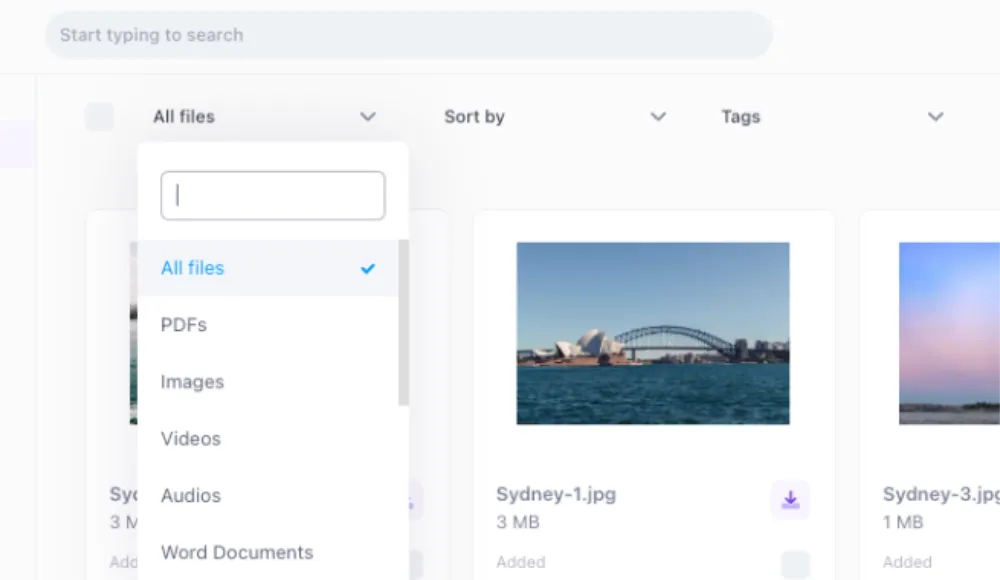
Full-text search inside documents
Search the actual content inside PDFs, Word documents, spreadsheets, and presentations. Find documents by phrases, client names, project codes, or any text that appears within.

Automatic version control
Every update creates a new version while preserving history. Compare versions, see what changed, or restore older versions — all with a complete audit trail.
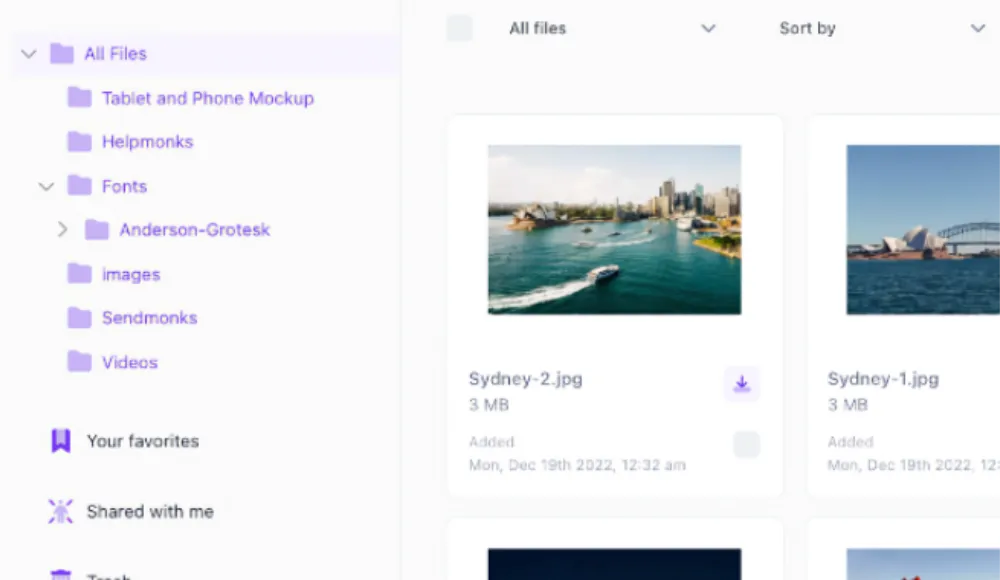
Unlimited users for adoption
Document management works best when everyone has access. Razuna's unlimited-user model means HR, Finance, Legal, and external partners all get in without per-seat costs.
Organize, search, and share documents securely
Tools for every step of the document lifecycle — from capture to compliance.
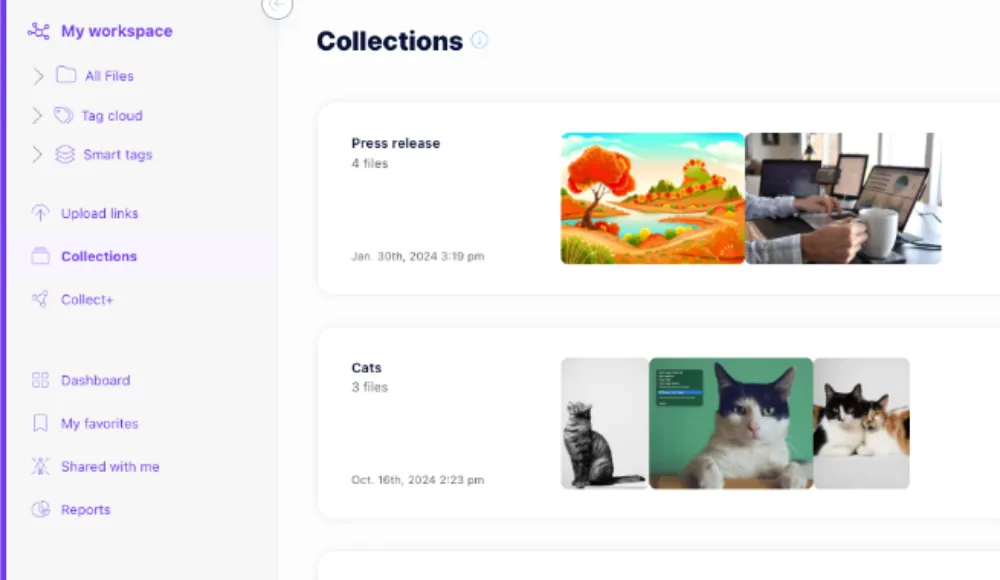
Document collections for projects
Group related documents into collections — all contracts for a client, all materials for a project, or all policies for a department. Share entire collections with team members or partners.
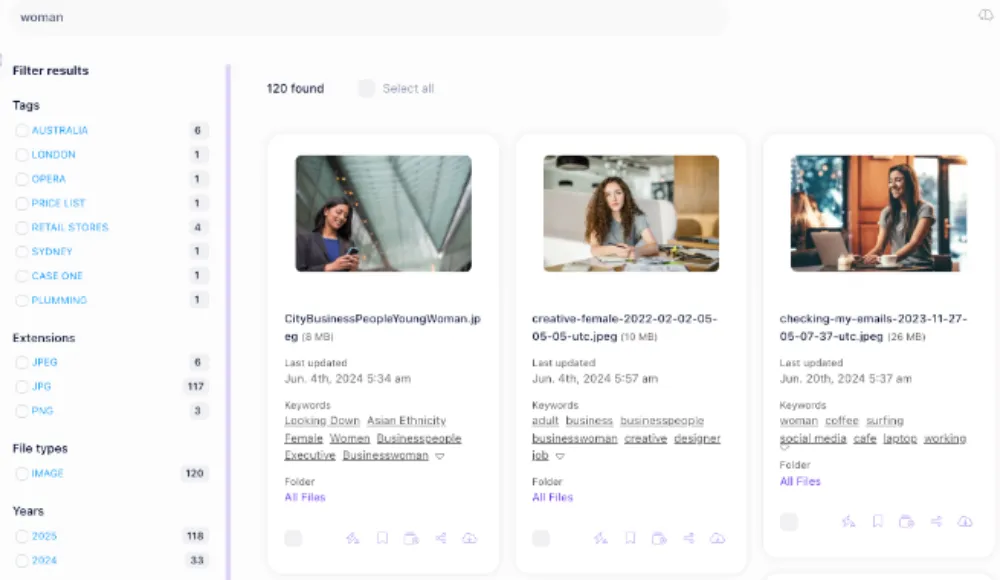
Smart filters and saved searches
Filter documents by type, date, author, file size, or custom fields. Save common searches as smart folders that update automatically.

Secure document sharing
Share documents with password-protected, expiring links. Create branded client portals for document exchange. Embed PDFs or presentations on your website or intranet.

Enterprise security and compliance
End-to-end encryption, role-based access controls, audit trails, HIPAA-compliant hosting, GDPR compliance, SSO integration, and automatic virus scanning on upload.
Document management for every business function
- Human Resources: employee records, resumes, offer letters, performance reviews, training materials, and policy documents.
- Finance & Accounting: invoices, receipts, financial statements, tax documents, and audit reports.
- Legal: contracts, agreements, legal opinions, case files, and correspondence with expiration and milestone tracking.
- Sales: proposals, quotes, signed contracts, and customer documentation with collaboration on agreements.
- Projects: plans, specifications, meeting notes, deliverables, and client communications.
- Policies & Procedures: SOPs, guidelines, training materials — ensuring everyone has the latest approved versions.
Pricing models and what to watch for
Document management systems are commonly priced per user, per feature module, or by storage. Pricing matters because it shapes behavior:
- Per-seat pricing limits adoption — teams avoid adding contractors, partners, or departments.
- Per-module pricing locks useful features behind upgrade tiers.
- Onboarding and migration fees can be substantial — ask upfront.
Razuna offers a free start with 500GB and unlimited users, then scales by storage. A 10-person team with 2TB pays $198/month total — versus $2,000–$4,000/month on traditional per-user pricing. See pricing.
How to evaluate DMS vendors
The most common reason DMS projects fail is low adoption. Evaluate with real documents and real stakeholders:
- Search quality: can you find a specific document by searching for text inside it, not just the filename?
- Version clarity: is the current version obvious? Can you compare and restore?
- AI capabilities: does the system extract text, entities, and metadata automatically?
- Compliance readiness: audit trails, retention policies, access controls, encryption?
- Migration support: can you bulk upload from file servers, SharePoint, or legacy systems easily?
- Pricing incentives: does the pricing model encourage broad access or ration it?
Frequently Asked Questions About Document Management Systems
Looking for an alternative?
Ready to unfur your files?
500GB free. No credit card. Set up in 2 minutes.
