15 Remote Team Building Activities in the Age of Virtual Collaboration
Remote work is not the experiment anymore. It is the operating model for a huge number of teams, especially across marketing, product, creative, and support functions. That shift changed more than where people sit. It changed how trust is built, how culture is reinforced, and how collaboration feels from one week to the next.
That is why remote team building in the age of virtual collaboration needs a reset. Too many companies still treat it like a box to tick with a trivia game once per quarter. The result is predictable. People show up, half-engage, and return to disconnected workflows the next morning.
Good remote team building should do more than entertain. It should strengthen habits that make distributed work smoother. That means helping people communicate more clearly, collaborate across time zones, share assets without chaos, and build familiarity that makes everyday work less transactional.
For teams doing design reviews, campaign launches, product content creation, or multi stakeholder approvals, culture and workflow are deeply connected. If people do not know each other well enough to ask quick questions, share rough ideas, or flag risks early, work slows down. Virtual collaboration becomes a string of polite delays.
The best activities are the ones that create real connection while still fitting the way modern teams operate. Here are 15 remote team building activities that work, plus a few rules for making them actually useful.
1. Run a show and tell built around current work. Ask each person to share something they are working on, a file they are proud of, or a recent decision they made. This works because it combines personality with context. For distributed creative teams, it also gives everyone more visibility into work that usually stays inside small channels.
2. Host a workflow swap session. Pair people from different functions and have them walk through how they complete one common task. A marketer can show how campaign assets get prepared. A designer can show how review feedback is handled. A support lead can show how knowledge is updated. These sessions reduce friction because people finally see where delays and confusion start.
3. Create a virtual office hours rotation. Once a week, one teammate hosts an informal drop in session for non urgent questions, ideas, or feedback. This sounds simple, but it recreates some of the casual access remote teams lose. It also lowers the threshold for collaboration across departments.
4. Use async photo challenges. Give the team a theme like workspace ritual, favorite coffee mug, city view, or what focus looks like today. People post throughout the day instead of joining another live meeting. Async challenges are better for global teams because they include everyone without forcing calendar pain.
5. Run a campaign debrief game. Instead of a dry retrospective, ask the team to nominate best save, biggest surprise, most reusable asset, and one thing they would never do again. It keeps the conversation light while still producing useful operational insight.
6. Try small group problem solving rooms. Give each group a fictional but realistic scenario such as a delayed launch, a broken approval chain, or a missing asset library structure. Ask them to solve it in 20 minutes. These exercises reveal how people think under pressure and build confidence in each other beyond job titles.
7. Host a tool stack lightning round. Everyone shares one feature, shortcut, or automation they rely on. This is especially effective for teams living inside collaboration systems every day. It turns team building into practical knowledge transfer.
8. Build a reusable team manual together. Instead of leadership writing culture docs alone, make it collaborative. Ask people to contribute preferred communication styles, focus hours, review expectations, and meeting norms. The process itself becomes a bonding exercise because people see their working preferences respected.
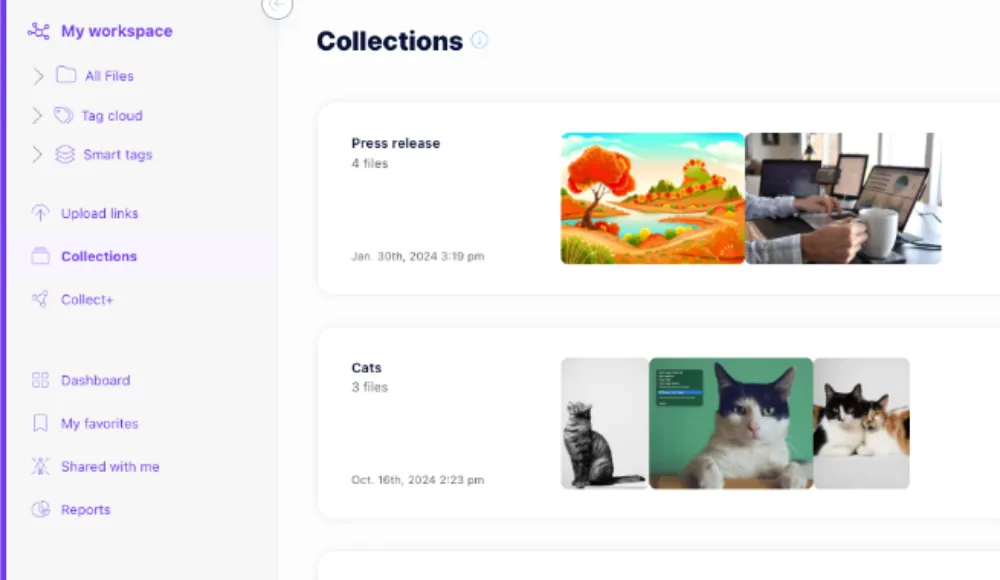
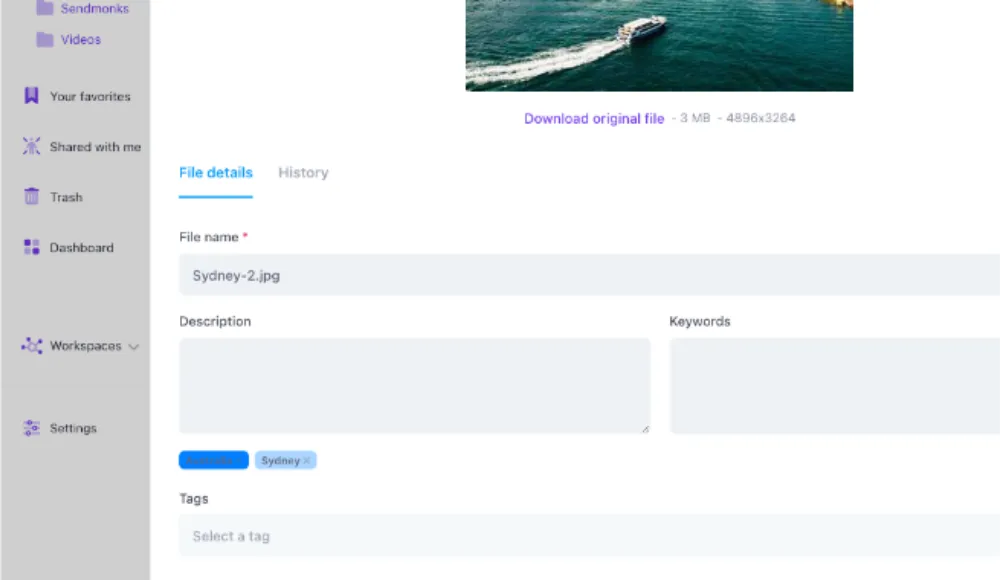
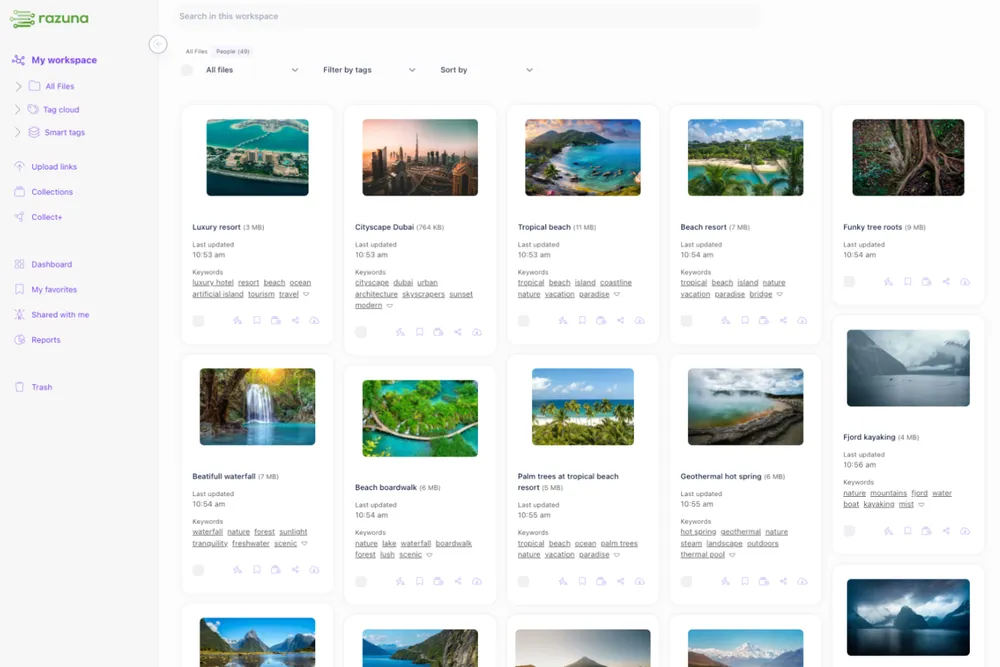
9. Celebrate file wins, not just revenue wins. Remote teams often miss the invisible effort behind clean execution. Call out the person who organized a messy asset handoff, cleaned up metadata, or made sure the right version was easy to find. This reinforces behaviors that make virtual collaboration less painful. Teams using a structured asset hub can support this far better than teams still passing files through chat threads. A centralized system like razuna.com/digital-asset-management/ makes it much easier to keep collaboration visible and organized.
10. Run a no slides personal story round. Give people a prompt like first job, favorite place lived, or a mistake that taught them something useful. The no slides rule matters. It keeps the moment human instead of polished. Trust grows faster when people sound like people.
11. Use collaborative playlists or reading lists. This is low pressure and surprisingly effective. A shared playlist for focus music or a shared reading list for professional growth gives people small windows into each other without requiring a big event.
12. Hold a remote scavenger hunt tied to team culture. Keep it fast and silly. Find something older than your laptop. Find a tool you use every day. Find the strangest object on your desk. The point is not originality. The point is shared laughter without overproducing the experience.
13. Do peer led micro workshops. Let teammates teach one skill in ten minutes. It could be naming files clearly, giving better creative feedback, running cleaner handoffs, or organizing visual assets for easier retrieval. This format gives quieter experts a chance to lead and builds appreciation across the team.
14. Create a virtual collaboration cleanup day. Give the team one hour to clean shared folders, archive outdated files, rename confusing resources, and document recurring processes. This is one of the few team building activities that leaves the company measurably better by the end of the hour. If your collaboration stack is spread across too many tools, this exercise also exposes the need for a cleaner system. Teams comparing options often start with the core capabilities on the razuna.com/features/ page to see what modern asset organization and sharing should actually look like.
15. End each month with a recognition loop. Every person thanks one teammate for something specific. The key is specificity. Not great job this month. More like thanks for fixing the asset permissions issue before the client review. Specific praise makes people feel seen and reminds the team what strong collaboration actually looks like.
A few rules matter if you want these activities to work. First, do not make every activity synchronous. Global teams need a mix of live and async formats. Second, stop confusing forced fun with team health. If the activity does not make communication, trust, or workflow better, it probably will not stick. Third, connect team building to the real operating environment. The strongest remote cultures are built in the flow of work, not outside it.
This is especially true for teams handling large numbers of files, reviews, or brand assets. Virtual collaboration gets messy fast when nobody knows where approved material lives, which version is current, or who owns the next step. People do not get frustrated only because they miss office banter. They get frustrated because their daily work is harder than it should be.
That is why remote team building and operational clarity should not be separated. Better rituals help people trust each other. Better systems help them act on that trust. When both improve together, distributed teams stop feeling scattered and start feeling coordinated.
If your team is remote by default, pick three activities from this list and repeat them consistently for six weeks. Do not overdesign the program. Just observe what changes. Are cross functional questions happening faster? Are people sharing work earlier? Are fewer tasks stalling because context is missing? Those signals matter more than whether everyone called the event fun.
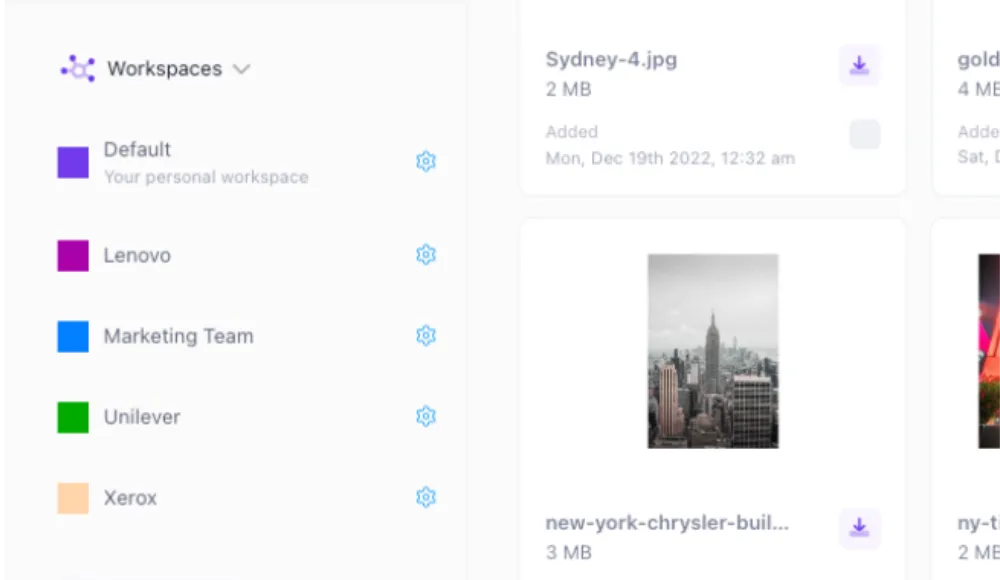
And if the exercise reveals that your team is struggling more with messy asset sharing than culture, take that seriously. Remote collaboration depends on easy access to the right files, the right permissions, and the right versions. That is where the underlying platform matters. If you need a better foundation for distributed file organization, approvals, and asset access, explore razuna.com/pricing/ and see how a dedicated system can support the collaboration habits your team is trying to build.
To put these collaboration ideas into practice, see How to Improve Team Collaboration: 8 Proven Strategies and Complete Guide to Content Collaboration.