How to Improve Team Collaboration: 8 Proven Strategies

Poor team collaboration costs companies real money. A McKinsey report found that teams with effective collaboration tools are 20% more productive. Yet most organizations still patch together email threads, shared drives, and messaging apps, hoping things work out.
The result? Duplicate work, missed deadlines, outdated file versions in the wild, and creative teams waiting days for approvals that should take hours.
This guide covers eight strategies that make a real impact, including how centralizing your digital assets changes collaboration at a structural level.
What Is Team Collaboration?
Team collaboration is the practice of two or more people working toward a shared goal by contributing skills, information, and effort in a coordinated way. Good collaboration means everyone has access to what they need, knows what they are responsible for, and can give and receive feedback without unnecessary friction.
In practice, collaboration breaks down when information lives in too many places, roles are fuzzy, or the tools people use do not connect.
1. Build a Single Source of Truth for Assets
The most common collaboration bottleneck is not attitude; it is architecture. When brand images live in Dropbox, campaign files are in someone's Google Drive, and video archives are on a local server, nobody can find anything without asking someone first.
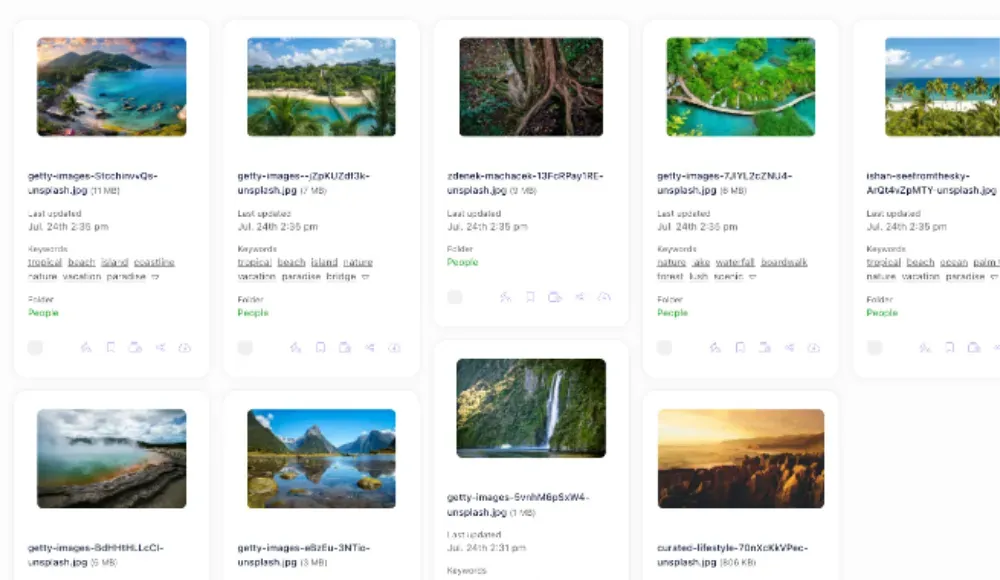
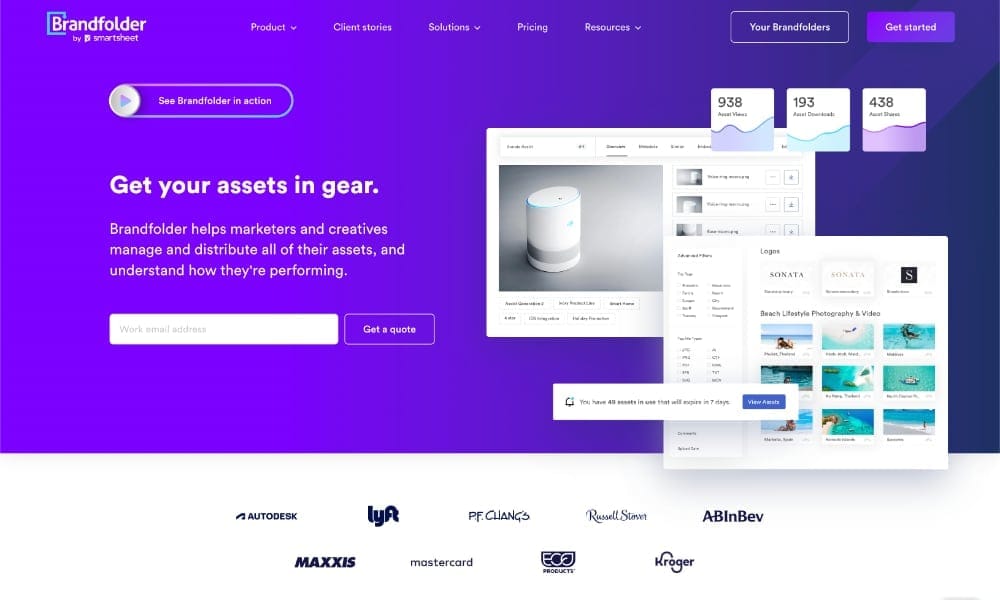
A Digital Asset Management (DAM) system solves this by giving every team member one place to search, access, and share files. No more send-me-the-latest-version messages eating up your afternoon.
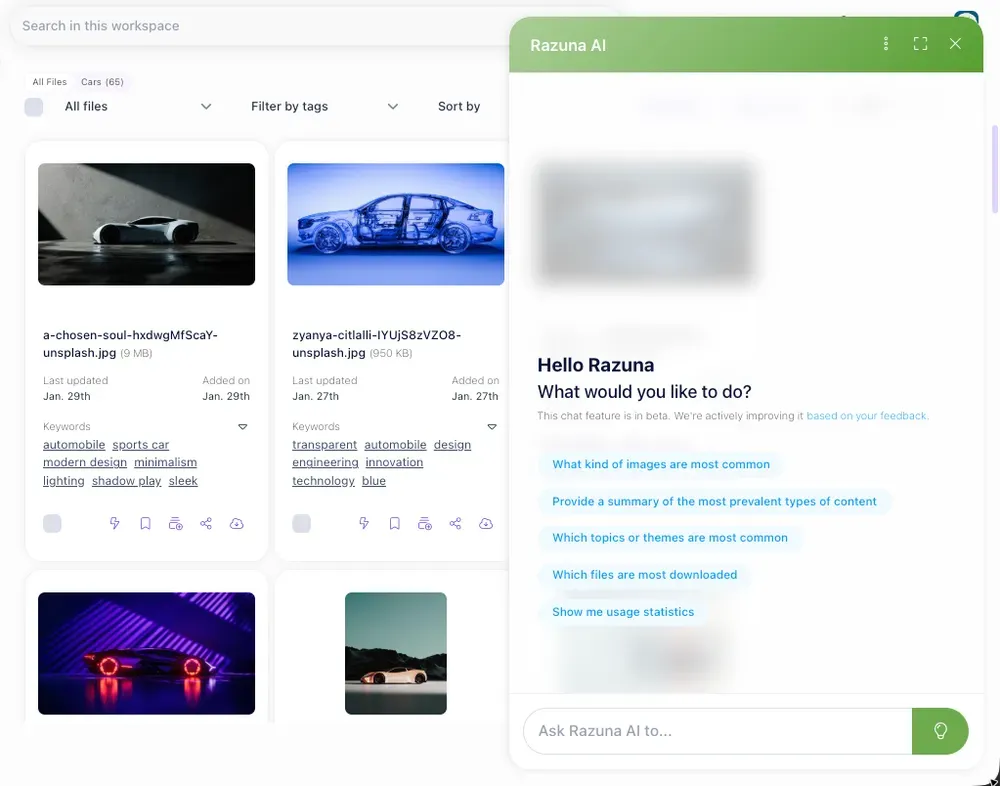
Razuna's DAMthe supports unlimited users and teams, shareable links, and client workspaces so external partners can access exactly what they need without getting into everything else.
2. Define Roles and Permissions Up Front
Collaboration fails when people either do not know what they own or cannot access what they need. Both problems come from the same source: undefined roles.
Spending 30 minutes at the start of a project to assign who can view, edit, approve, and publish avoids hours of confusion downstream. In a DAM context, this means setting user permissions at the folder or workspace level so your legal team can review assets without accidentally deleting work in progress.
3. Standardize Naming Conventions
A file named final_v3_ACTUAL_use_this_one.jpg is a collaboration failure preserved in amber.
Consistent naming conventions let people find files without help. A simple format like brand-project-asset-type-date takes five minutes to set up and saves hours of hunting every week. Combine this with the required metadata fields in your DAM, and files become searchable by anyone, not just the person who uploaded them.
4. Use Version Control, Not Filename Versioning
Sending files back and forth by email and bumping version numbers in the filename is not version control. It is chaos with extra steps.
Real version control means the system tracks changes automatically, shows you who made what edit and when, and lets you roll back if something goes wrong. For creative teams, this is the difference between confident iteration and anxious backup-making.
Version history also eliminates the which-file-is-current question from a daily occurrence to a non-issue.
5. Automate Approvals and Workflows
Manual approval processes are the hidden tax on creative output. A designer finishes a banner, emails it to a manager, waits two days for a response, makes one small change, and repeats. The total calendar time is a week. The actual work time is an hour.
Automated approval workflows route assets through the right people in the right order, send reminders when something is stuck, and log every action for accountability. For marketing teams managing high-volume campaigns, this alone can cut time-to-publish by 30 to 50 percent.
Setting up even a simple two-step review workflow eliminates most of the back-and-forth without requiring complex software.
6. Invest in Async-First Communication
Not every decision needs a meeting. Async communication, leaving clear notes, using comments directly on assets, and documenting decisions where they will be found, reduces the meeting load while keeping everyone informed.
When feedback lives on the asset itself rather than in a separate email thread, context is never lost. Someone joining a project three weeks in can read the comment history and understand exactly why a design looks the way it does.
This is particularly valuable for teams spread across time zones, where real-time synchronization is not possible.
7. Make Feedback Specific, Not Vague
Can you make it pop more? This is not feedback. The headline needs to be 20 percent larger, and the CTA button should use the brand red in feedback.
Training your team to give specific, actionable notes saves multiple rounds of revisions. A useful frame: describe what you see, what is not working about it, and what direction you want to explore. This applies to copy, design, video, code, and anything else a team produces together.
When feedback lives as a comment on the exact asset version that was shared, there is no ambiguity about what the note applies to.
8. Run Regular Collaboration Audits
Even well-designed systems drift. Folder structures get messy. Permissions accumulate for people who have left the company. Naming conventions get ignored when deadlines are tight.
A quarterly audit of your collaboration setup catches these issues before they compound. Review who has access to what, archive outdated assets, update metadata on frequently used files, and ask your team where the friction points are.
The teams with the best collaboration are not the ones who got it right once. They are the ones who keep checking and improving.
How Digital Asset Management Ties It Together
Most of the strategies above have one thing in common: they are much easier to execute when your assets live in a system built for collaboration rather than one repurposed for it.
A DAM is not just file storage. It is the infrastructure layer that enables centralized access, version control, permissions, workflow automation, and searchable metadata to work together for the same files across every team.
Organizations that implement a DAM alongside clear collaboration processes consistently report faster content production, fewer errors from outdated assets reaching customers, and less time spent on coordination.
Frequently Asked Questions
What are the most common causes of poor team collaboration?
The most common causes are fragmented file storage, unclear role ownership, manual approval processes that create bottlenecks, and feedback that is too vague to act on. Addressing even two or three of these produces measurable improvement.
How does a Digital Asset Management system improve collaboration?
A DAM improves collaboration by providing every team member with a single searchable location for brand assets, enforcing consistent metadata and naming conventions, enabling permission-based access so the right people see the right files, and supporting automated approval workflows. This removes the coordination overhead that slows most creative teams down.
How long does it take to see results from better collaboration practices?
Most teams see measurable improvements within 30 to 60 days of implementing consistent naming conventions, defined permissions, and a centralized asset repository. Workflow automation benefits typically appear within one full campaign or project cycle after setup.
Start With the Biggest Friction Point
Improving team collaboration comes down to reducing friction at every step: finding files, understanding roles, getting approvals, giving feedback, and knowing which version to use. The strategies above target each of those friction points directly.
Start with the one that hurts most right now. A single fixed bottleneck often unlocks disproportionate improvement everywhere else.
If your biggest issue is scattered assets and version confusion, Razuna's DAM is built to solve exactly that. Explore features or start a free trial and see what a real asset hub does for your team.
Want the short version? Check Razuna features and Razuna pricing to see the difference in real workflows.
If you're looking for a DAM that helps social teams (and agencies) stay organized, see digital asset management and Razuna features. Pricing and plans are here: Razuna pricing.