Video Asset Management: How Marketing Teams Tame an Exploding Video Library
Video is everywhere. Your team produces brand films, product demos, social reels, webinar recordings, customer stories, tutorial clips, and ad variations. All of it has to live somewhere.
Right now, it probably lives in a Dropbox folder named "Final_v3_FINAL_use_this_one.mp4." That is the problem.
Video has become the dominant content format across every channel. And most marketing teams are managing it with the same tools they used for static images five years ago. A shared drive, a vague folder structure, and a lot of hope. That approach does not scale. This guide breaks down what video asset management actually is, why your current setup is costing you time and money, and how to fix it without a six-month IT project.
The Video File Crisis Is Real
Video files are bigger, messier, and harder to manage than static images. A single 4K brand video can hit 10GB. Export it for YouTube, Instagram, LinkedIn, and a client portal, and you have five variations of the same file scattered across three tools and two hard drives.
Multiply that by 20 campaigns a year, a team of eight people, and two years of accumulated content. You end up with hundreds of gigabytes of files that nobody can find, nobody knows are approved, and nobody wants to delete in case someone still needs them.
This is not a storage problem. Storage is cheap. It is an organizational problem. And it gets worse every quarter as video production ramps up and more platforms demand different formats, resolutions, and aspect ratios.
Marketing teams spending 30 minutes hunting for the right version of a product video is not a minor inconvenience. It is a recurring tax on creative output. Multiply that across your team and your year, and the number gets uncomfortable fast.
What Video Asset Management Actually Means
Video asset management is a specific part of digital asset management focused on storing, organizing, previewing, and distributing video files at scale.
The difference between throwing videos into Google Drive and actually managing them comes down to a few things:
- Metadata: Can you search for a video by campaign, product, date, format, or approval status? In Google Drive, you are searching by filename.
- Preview: Can your team watch a clip in the browser without first downloading a 4GB file?
- Version control: When you re-cut a video, does the old version remain accessible with a clear label, or is it overwritten?
- Distribution: Can you share via a branded link that serves the right format for the viewer's device?
- Access control: Can you make sure the client sees only approved assets, not your internal rough cuts?
A proper DAM handles all of this. A shared drive handles none of it.
Why Dropbox and Google Drive Break Down at Scale
Shared drives were built for file storage, not asset management. They work fine when your team has 500 files and a folder structure everyone follows. At 10,000 files and five people with different naming conventions, they fall apart.
The specific failure modes for video are brutal:
- No thumbnail preview for .mov or .mp4 files in most folder views, so every review starts with a download
- No metadata fields, so search only covers file names. If your file is named 'clip_01.mp4' it is gone forever
- No version history beyond the last edit unless you pay for an extended plan
- No concept of 'approved' vs 'in progress' vs 'archived', so teams keep using outdated clips in live campaigns
- Download-first workflows mean a slow laptop spends 10 minutes fetching a file just to check if it is the right one
- No usage tracking, so you have no idea whether a video is in an active campaign or safe to delete
These are not edge cases. They are the daily reality for marketing teams whose video libraries grew faster than their file management habits.
What a Real DAM Does Differently for Video
A DAM built for marketing teams treats video as a first-class asset type, not a file you accidentally stored there.
In-browser preview
Your team can watch a clip without downloading it. This sounds minor. It saves 15 minutes per video review cycle. When your team reviews 20 clips a week, thatis 5 hours back.
Transcoding and multi-format delivery
You upload once, and the system handles format variants. Need a 1080p MP4 for YouTube, a compressed version for email, and a square crop for Instagram? Set it up once and stop managing the same asset across four different folders.
Rich metadata and custom fields
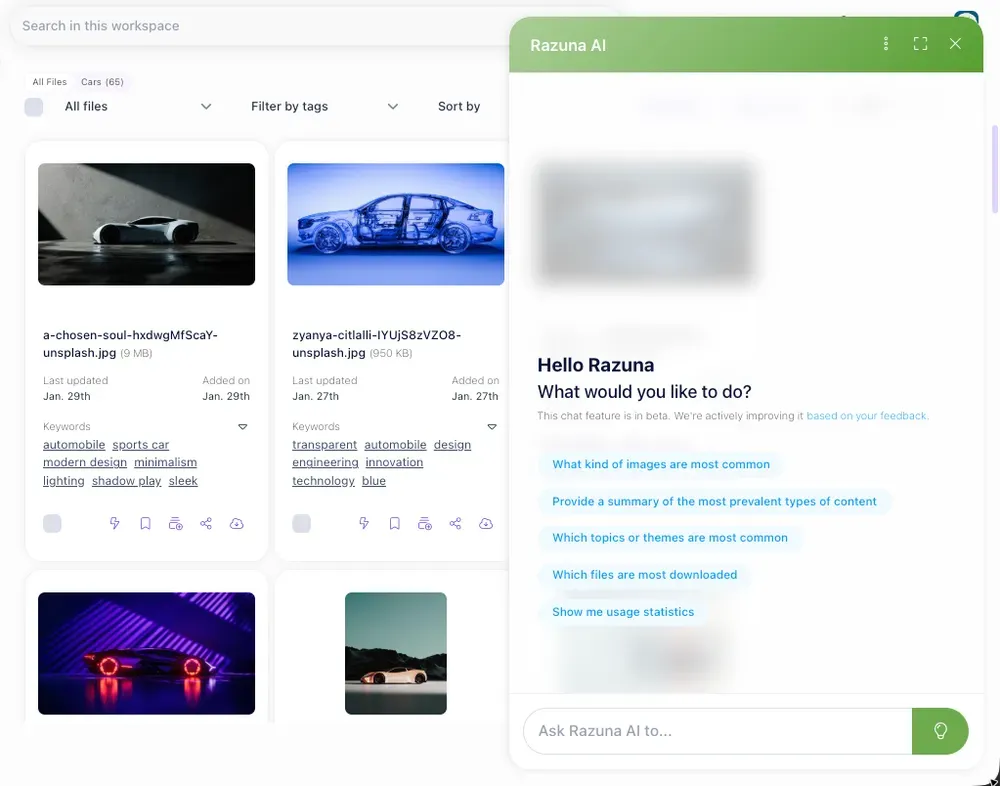
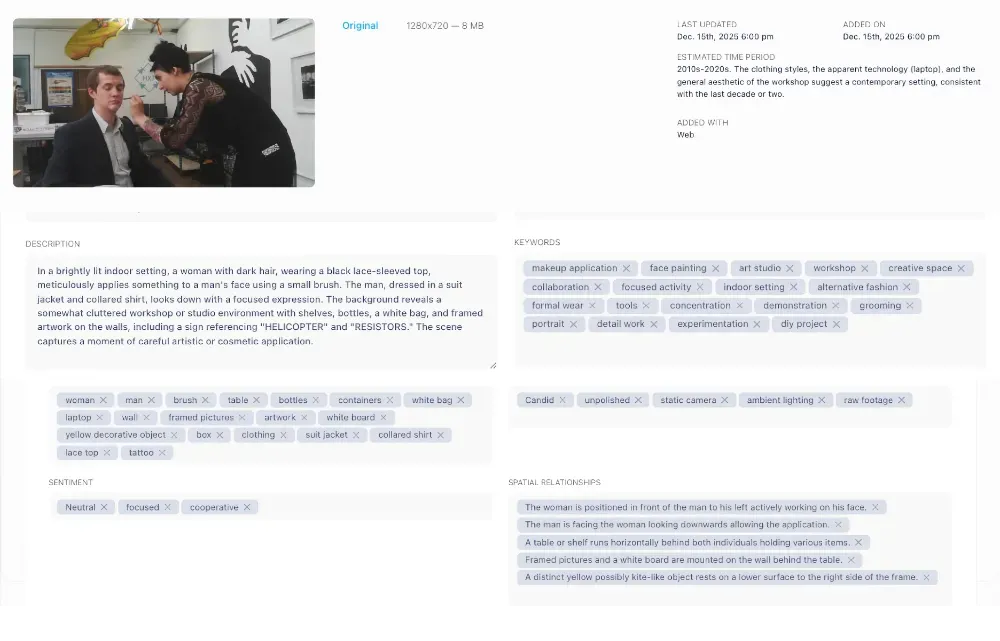
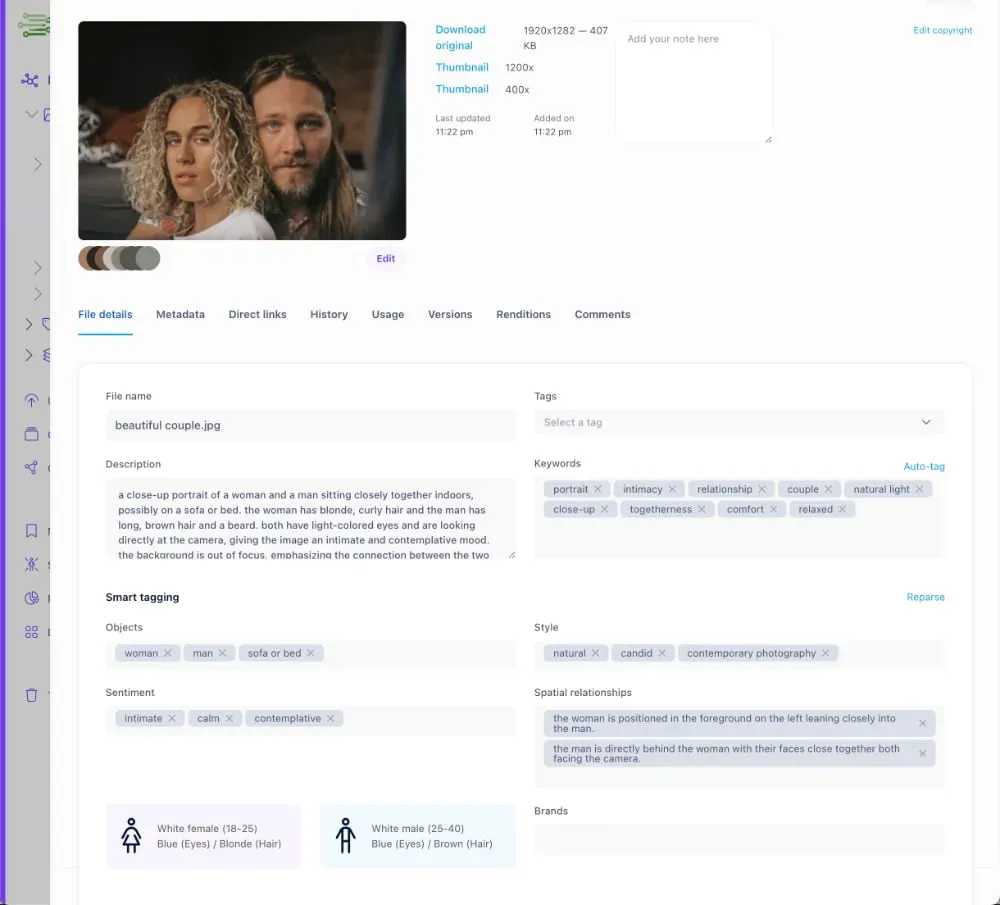
Tag videos by campaign, product line, region, approval status, and intended use. Then search across all of it. Find every approved video for the EMEA market from Q3 last year in 10 seconds, not 40 minutes. That is the compounding return on good metadata.
Permissions and sharing portals
Give external agencies or clients access to specific video collections without handing over your entire library. No more 'I accidentally sent the wrong folder' incidents. No more zipping up 2GB of files and emailing them.
Razuna handles all of this. You can see the full feature breakdown at razuna.com/features.
Who This Matters Most For
Video asset management is not just for large enterprise teams. The pain hits hardest at a specific scale: teams producing more than 50 video assets per month across more than three channels.
Marketing agencies
You are managing video assets for multiple clients simultaneously. The risk of sending Client A's video to Client B, or using an outdated version of an asset, is real. Proper access control and client-specific portals solve this without the overhead of manual file management.
E-commerce brands
A product video is now expected for every listing. Managing 500 SKUs with multiple video angles, unboxing clips, and social variants means your video library doubles every year. Without structure, creative teams spend more time finding assets than making them.
In-house creative teams
You handle brand videos, social content, executive presentations, and internal training materials in a single system. The challenge is keeping active campaign assets separate from archived work without losing access to either. A good DAM structure makes it a folder setting, not a manual sorting project.
Setting Up a Video Asset Workflow That Actually Sticks
The best DAM setup is the one your team actually follows. Here is a practical starting point:
- Agree on metadata fields before you import. At minimum: Campaign, Product, Format (source, social export, web export), Status (draft, approved, archived), and Usage rights expiry date if you use licensed music or talent.
- Set a naming convention. It does not have to be complex. 'CampaignName_ProductName_Format_Date.mp4' beats 'final_v2_mike_edits.mp4'.
- Use collections for active campaigns. When a campaign ends, archive the collection. Keep your active library clean. Future you will thank present you.
- Set up expiry alerts for assets with time-limited rights. This is where teams get into legal trouble: a video with a licensed music track gets reused after the license has expired. Automated alerts prevent this.
- Train your team on search, not folders. The value of a DAM is finding things by what they are, not where you put them. That requires good metadata from day one and a 30-minute onboarding session when someone joins.
Razuna's pricing is built for teams that do not have an enterprise DAM budget. Check current plans at razuna.com/pricing and get started without a lengthy procurement process.
Stop Reacting, Start Organizing
Your video library will keep growing. Every quarter, your team produces more content, every platform demands more format variations, and every new collaboration adds more files to the pile.
Getting ahead of it now, before the library doubles again, is far easier than migrating 50,000 disorganized files later. The cost of good video asset management is a few hours of setup. The cost of not doing it is paid out slowly over the years, in wasted time and missed campaign windows.
Start organizing your video assets the right way. Try Razuna free at razuna.com and set up your first video collection in under an hour.