Dropbox Isn't a DAM: When Cloud Storage Stops Being Enough

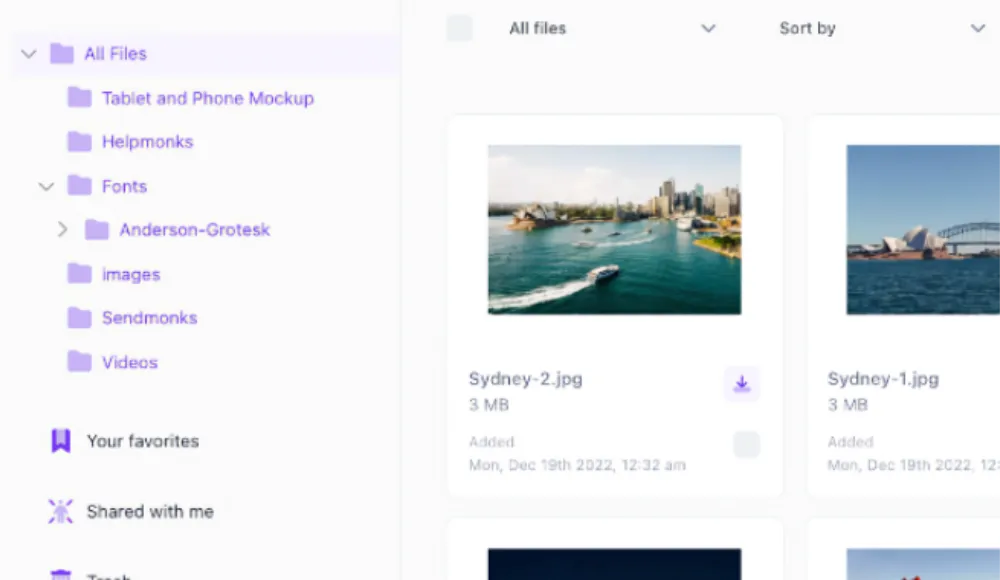
Your team has 47 folders in Dropbox. Three of them are called "Final." Two are called "Final_FINAL." No one can find the current version of the hero banner. Sound familiar? Cloud storage was never built for what you're using it for.
What Cloud Storage Was Built For
Cloud storage tools like Dropbox, Google Drive, and OneDrive were built to sync files across devices and share them with colleagues. They do that job well. But managing a growing library of brand assets, campaign files, product images, and marketing collateral is a different problem.
The difference comes down to purpose. Cloud storage stores files. A DAM manages assets.
A file is a thing that lives on a server. An asset is a file with context: who created it, which campaign it belongs to, what rights cover it, which version is approved for use, and where it has already been published.
Cloud storage handles the first part. It doesn't touch the second.
5 Signs Your Team Has Outgrown Cloud Storage
Most marketing teams don't switch to a DAM because they planned to. They switch because something broke. Here are the five breaking points that come up most often.
- Version hell. Your team downloads files, edits locally, and reuploads. Now you have logo_v3.ai, logo_v3_REVISED.ai, logo_final.ai, and logo_final_USE_THIS_ONE.ai. Dropbox doesn't know which is current. Neither does anyone else.
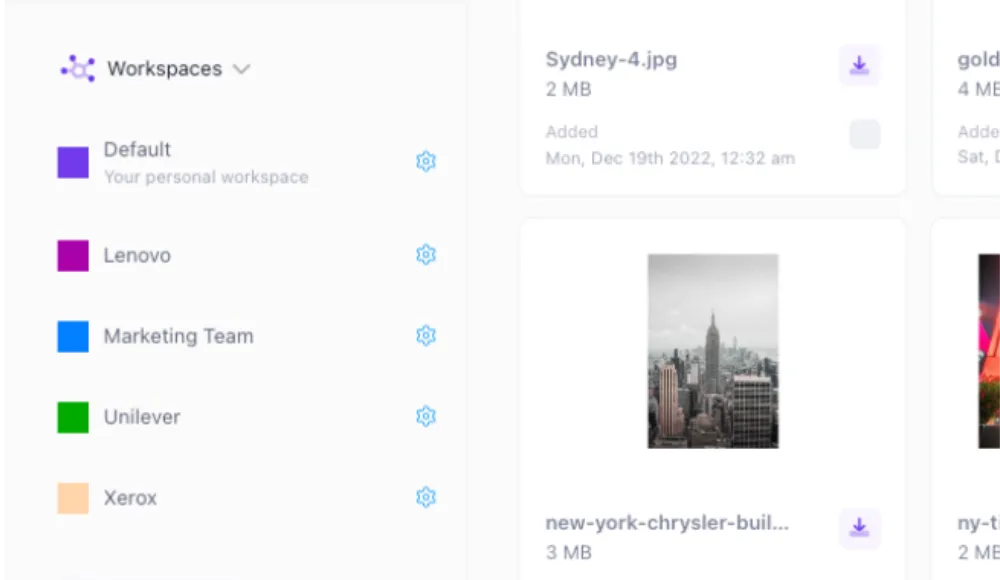
- Permissions that don't scale. You can share a folder with a contractor, but you can't say "this person can see assets from Project X but not the unreleased brand refresh." Cloud storage permissions are blunt instruments.
- Search that gives up. Dropbox searches file names. If your team doesn't name files consistently (and whose does?), search fails. You end up scrolling through folders manually, which defeats the entire point of digital storage.
- No rights management. Stock photos, licensed fonts, agency-produced files. When do the licenses expire? Which assets can the US team use but not EMEA? Cloud storage doesn't know and can't tell you.
- No brand governance. Anyone on the team can share anything from your Dropbox. There's no concept of "approved for external use." One wrong share and your unreleased product renders are sitting on a vendor's desktop.
These aren't edge cases. They're what happens when a team grows past 10 people and starts running multiple campaigns at the same time.
What a DAM Does Differently
A DAM isn't just "Dropbox with better search." The architecture is different because the problem is different. Here's what changes:
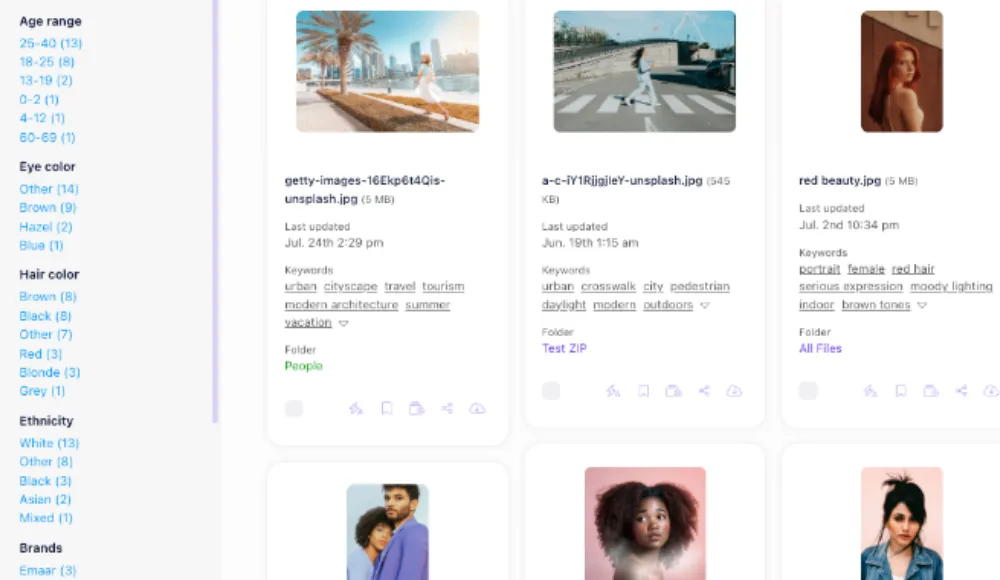
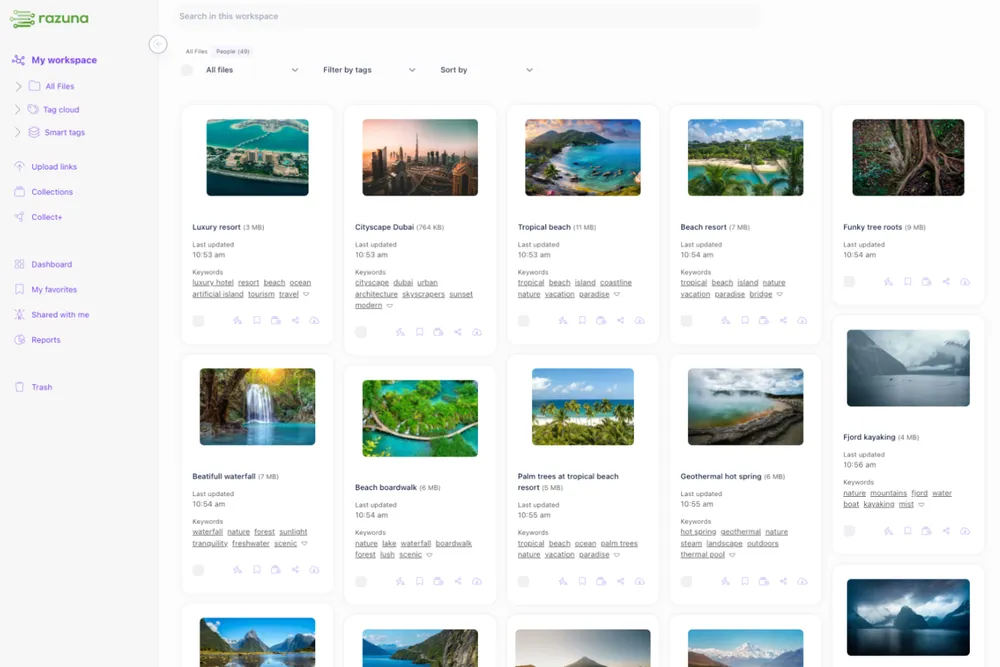
Metadata and tagging. Every asset in a DAM carries structured metadata: campaign name, product line, creation date, usage rights, expiry, approval status. You can search "Q1 2026 campaign, approved for web, product images" and get exactly those results. Not a folder full of guesses.
Version control that means something. A DAM keeps every version of a file with a clear history. The current version is obvious. Previous versions are archived but accessible. No more filename chaos.
Rights and expiry management. License a stock photo for one year? Set the expiry date. The DAM warns you when assets are about to expire and can restrict usage automatically. This is the kind of protection that keeps you out of a licensing dispute.
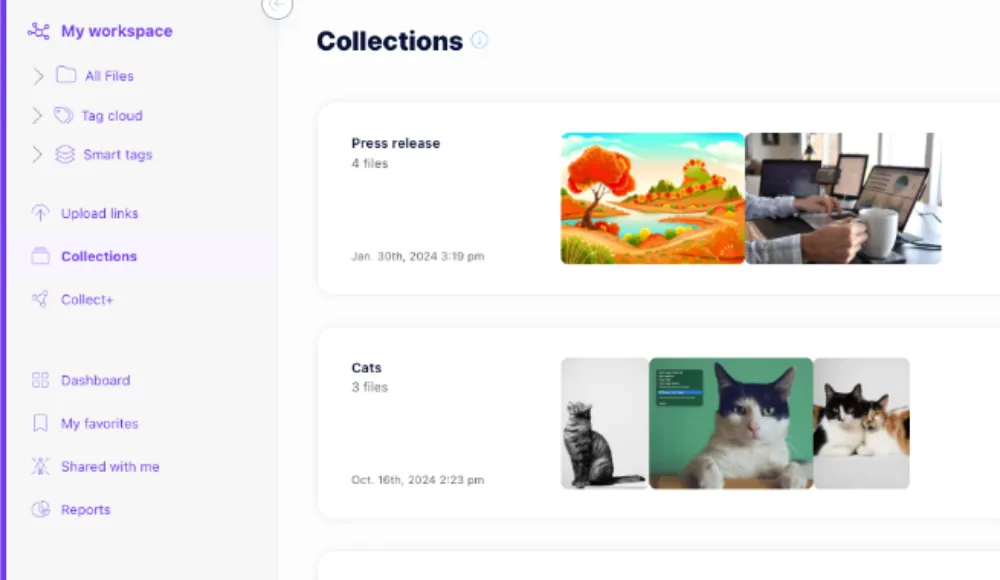
Approved asset portals. Marketing teams can create a branded portal where sales reps, distributors, or partners access only the assets they're allowed to use. They can't browse your entire library. They see what you want them to see.
Workflow and approvals. Before an asset goes live, it needs sign-off. A DAM has that built in. Dropbox doesn't have approvals because it was never designed to care whether your assets are ready.
You can explore the full Razuna feature set here.
Cloud Storage vs. DAM: What's Actually Different
Here's where the tools diverge on the things that matter to a marketing team:
- Search: Dropbox searches file names. A DAM searches metadata, tags, custom fields, and content. If something exists, you find it.
- Versions: Dropbox stores versions passively. A DAM treats versioning as a first-class feature with clear current and archived states.
- Permissions: Dropbox offers folder-level sharing. A DAM offers asset-level access control based on roles, teams, and usage rights.
- Rights management: Not available in cloud storage. DAMs track license expiry, usage restrictions, and territory rights.
- Approvals: Cloud storage has no approval workflow. DAMs route assets through review before they're marked as approved for use.
- Brand portals: Cloud storage gives you a shared link. A DAM gives you a branded portal where external users see only what you choose.
The Real Cost of Staying on Cloud Storage
There's a common objection to making the switch: "We're already paying for Dropbox. Adding a DAM is another cost."
This math is wrong.
Creative teams waste an average of 30% of their time searching for assets that already exist. For a 5-person marketing team, that's 1.5 full-time employees worth of lost productivity every week. Your Dropbox subscription costs $20-25 per user per month. Your employees cost 50x that. The subscription fee is not the expensive part.
The expensive parts are the time spent searching, the wrong assets used in campaigns, the brand inconsistency that erodes trust, and the licensing violation that arrives as a legal letter.
A DAM addresses all of these. Check out Razuna's pricing to see what it actually costs to get out of file management chaos.
How to Make the Switch Without the Chaos
The reason most teams delay the switch isn't cost. It's the idea of migrating years of Dropbox history into something new.
The practical answer: you don't have to migrate everything at once.
Most teams start by identifying their active asset library: the files currently in use for campaigns, the brand kit, product imagery, approved templates. That's usually a small fraction of what's in Dropbox.
Import that subset into the DAM. Tag it properly. Build your folder structure with purpose instead of habit. Keep the old Dropbox running as a cold archive. Run both in parallel for 30 days while your team gets comfortable.
After a month, 90% of your new work lives in the DAM. The Dropbox history becomes an archive you rarely touch. The switch doesn't have to be a project. It can be a Thursday afternoon.
Ready to Stop Managing Files and Start Managing Assets?
Razuna is built for teams that have outgrown cloud storage but don't need a six-figure enterprise DAM. If you're a marketing team of 5-50 people, an agency managing client assets, or an e-commerce brand with a growing product image library, Razuna gives you the asset management features you actually need without the implementation headache.
Get your files out of folder chaos and into a system where everyone knows where things are and which version to use. Try Razuna free.
Want the short version? Check Razuna features and Razuna pricing to see the difference in real workflows.
If you are comparing tools, start with why digital asset management matters.