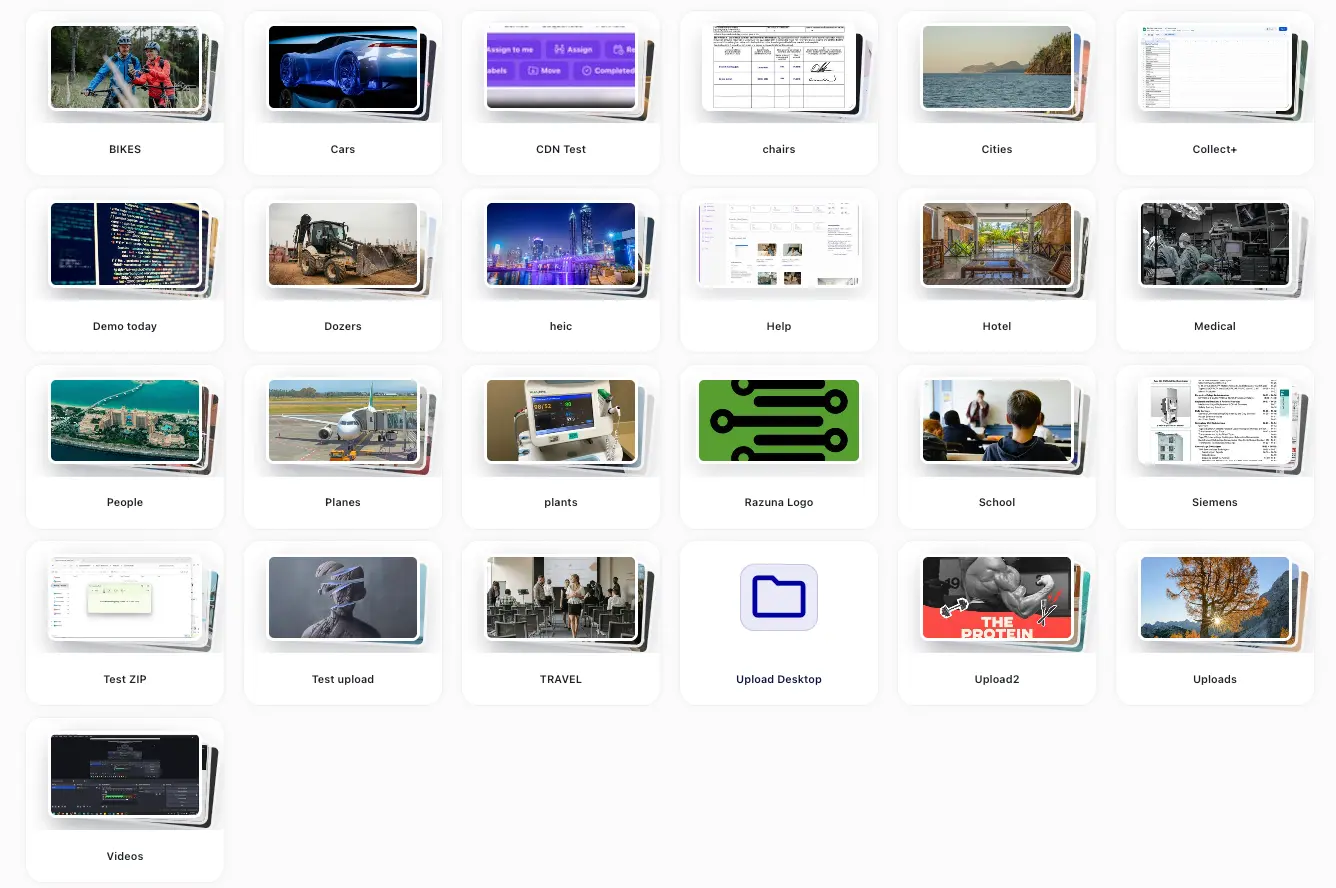
New in Razuna: OneDrive support and Watch Folder
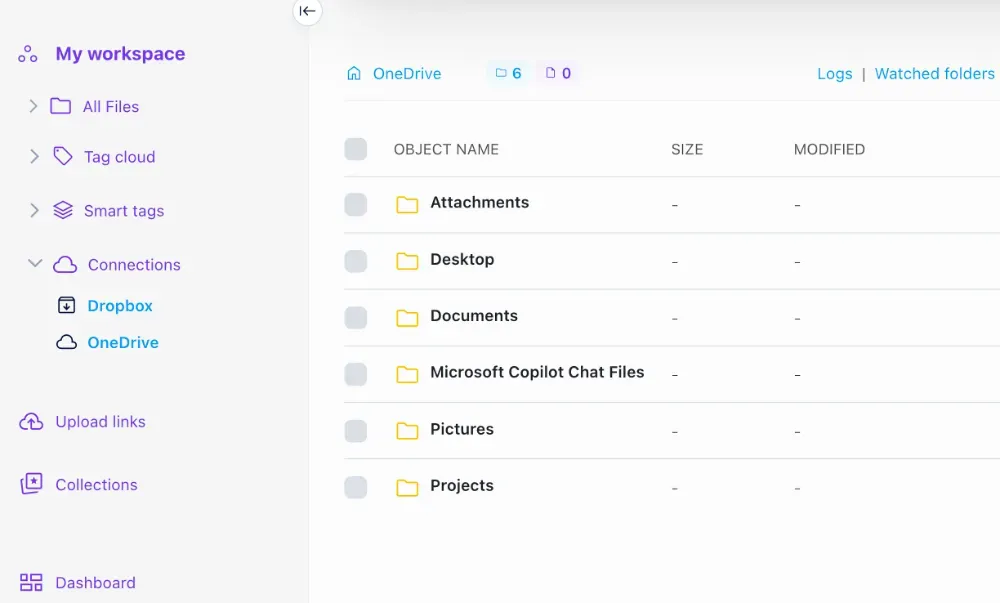
Summer is upon us, and while the season usually symbolizes relaxation and downtime, our commitment to enhancing your experience with the Digital Asset Management Platform continues to heat up. We are excited to announce the introduction of native OneDrive support, in addition to our existing integrations with S3 and Dropbox. A new feature we've rolled out allows you to schedule imports from these external sources, creating a more streamlined workflow.
Connect to OneDrive in Razuna
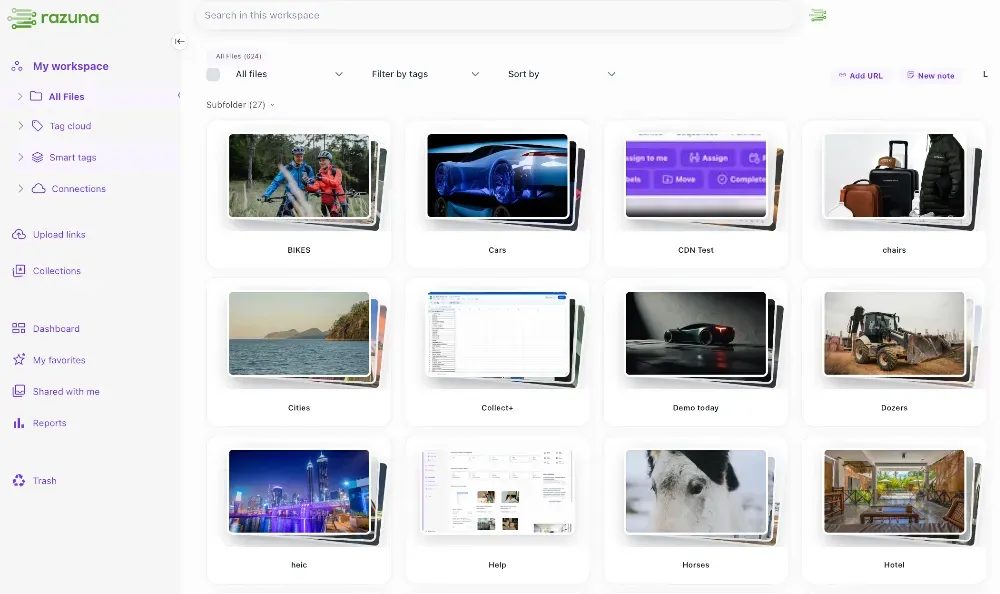
With our latest updates, integrating OneDrive into your workflow has become seamless, allowing you to manage your files effortlessly. Now, you can confidently access and organize your documents and media directly within Razuna, alongside other popular cloud storage options like S3 and Dropbox.
This new feature not only simplifies how you interact with your digital assets but also encourages a more organized approach to asset management. By consolidating your storage options into a single, centralized hub, you can easily keep track of all your important files. This enhancement significantly improves your ability to locate and retrieve files quickly, ultimately leading to greater efficiency and productivity in your work. Embrace this powerful tool for a more reliable way to manage and use your digital assets.
Introducing Watch Folders for Automatic Imports
We are thrilled to announce the launch of the Watch Folder feature, designed to significantly enhance continuous workflows within your asset management processes. This innovative scheduled import tool is perfect for teams engaged in ongoing projects and those requiring regular file updates, as it streamlines asset import automation and ultimately elevates your overall asset management strategy.
The Watch Folder feature automatically monitors and imports new files from specified folders across platforms such as Amazon S3, Dropbox, and OneDrive. This automation not only saves time but also alleviates the burden of manual file handling, allowing you to maintain greater control over your asset updates. You'll benefit from increased efficiency as the system handles routine tasks, enabling you to focus on more strategic aspects of your work.
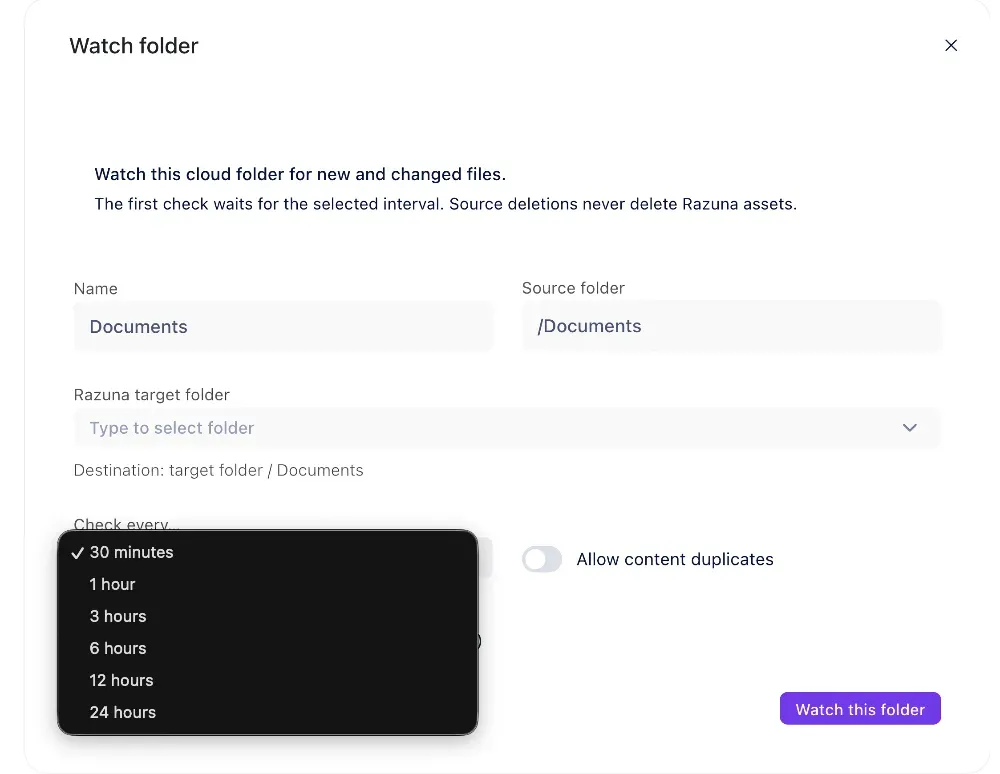
Furthermore, when you pair the Watch Folder with our Upload Template feature, the power of automation is further amplified. This combination allows for seamless metadata enrichment and customized attribute settings during the import process. By defining specific templates for your uploads, you ensure that each asset is tagged and categorized consistently, simplifying the organization of your digital resources.
We strongly encourage you to leverage these new features to enhance your organizational capabilities. By incorporating the Watch Folder and Upload Template into your workflows, you can streamline your digital asset management processes, keep your inventory effortlessly organized, and ensure your assets remain current—all with minimal manual intervention. Explore these exciting enhancements today and take a significant step toward optimizing your asset management approach!
Looking to create a central home for all your files?
Razuna is a Digital Asset Management System that eliminates user frustration. It's fast, processes all your files efficiently, generates thumbnails for everything, features advanced AI tagging, and provides a centralized location for all your files. Whether for a small business or a global organization with files distributed across various locations, Razuna is designed to meet your needs.
Transform your file management game today! Discover the power of Razuna and streamline your organization like never before.