New in Razuna: Smart Upload Templates, Advanced Folder Organization, and Global User Controls
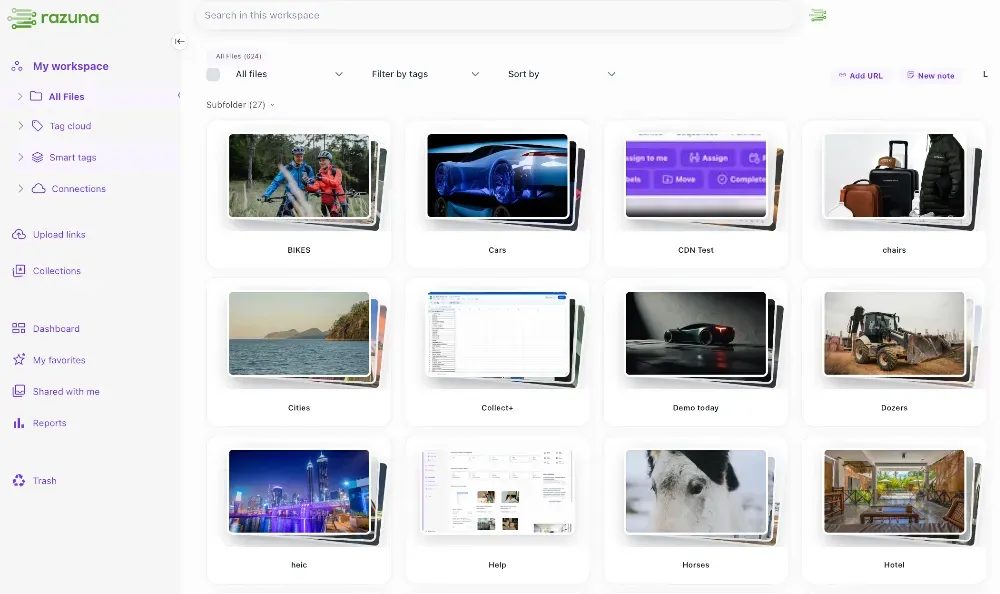
Managing a growing library of digital assets should never feel like a chore. Today, we are thrilled to announce a wave of powerful new features and highly requested community improvements designed to remove friction from your daily workflow, give you total control over your workspace, and save you valuable time.
From automated, AI-assisted asset tagging to seamless folder management and enhanced global admin tools, here is a complete breakdown of everything now live in Razuna.
🚀 Say Goodbye to Manual Tagging: Upload Templates & Razuna AI
One of our biggest additions in this release is the new Upload Templates feature. If you have ever found yourself manually entering the same metadata, custom fields, or labels over and over again, this update is for you.
How it works is simple:
- Create as many templates as you like: Define the exact default data, custom fields, metadata, or additional formats you want to be applied to your files automatically upon upload.
- Intelligent integration: This works hand-in-hand with Razuna AI to ensure your assets are deeply indexed from the start.
- Append or Replace: You have granular control over each field, allowing you to choose whether to append new data to existing file information or replace it entirely.
- Automatic Inheritance: Once you assign an upload template to a folder, all subfolders automatically inherit it. Need a change down the line? You can easily overwrite inheritance on specific subfolders to apply a different template or disable it entirely.
From here on out, your files get organized the moment they hit the platform.
📂 Effortless Folder Workspace Customization
You asked, and we delivered! We’ve completely revamped how you interact with your folder hierarchy to make workspace navigation fast and intuitive.
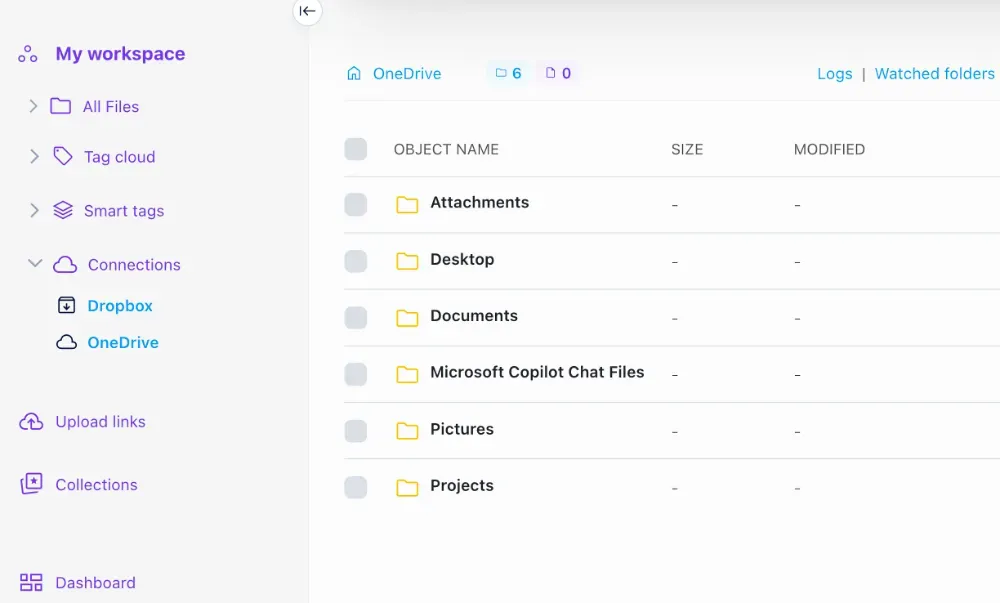
- Drag-and-Drop Organization: You can now drag and drop folders directly within the folder tree to create your own custom order. Moving a folder into another subfolder is now just as simple—just drag, drop, and you're done.
- Instant Folder Search: Finding a deeply nested folder is now effortless. Simply hover over the root “All files” folder, click on the magnifying glass icon, and search for the specific folder name you need in seconds.
📦 Enhanced Upload Links & ZIP Extraction
We’ve brought more visibility and flexibility to the upload link area. Now, you can see a clear counter showing exactly how many files need a review and how many files in total are currently sitting in the upload link area.
Additionally, we fulfilled a popular customer request regarding compressed files. When users send you ZIP archives via an upload link, you can now configure Razuna to either accept the ZIP file as-is, or automatically extract the contents so the individual files are instantly added directly to the upload link area.
🌍 Advanced Controls for Global Teams & Administrators
As teams scale across borders, managing user access shouldn’t get more complicated. We’ve introduced two major features to make life easier for administrators:
- Multi-Domain User Verification: Previously, user controls were limited to users sharing the exact same email domain as your administrator account. We have extended this capability so you can now enable user control for any domain you verify. If your organization operates worldwide with localized domains, you can now seamlessly enforce identical, unified user controls across your entire global roster.
- Bulk Team Management: Administrative workflows are now much faster thanks to a new bulk option for users. You can now select multiple users at once and add or remove them from teams simultaneously.
⚡ Under-the-Hood Performance Upgrades
To wrap everything together, we have rolled out major infrastructure performance updates. Global file sharing is faster than ever, backed by optimized preview rendering for large video and image assets. No matter where your team members are logging in from, your workspace stays responsive and snappy.
Get Started Today!
These updates were built directly from your feedback to help you build a smarter, more automated digital asset workspace.
All of these features are officially live. Log into your Razuna account today to explore the updates for yourself!
Have thoughts on the new features or suggestions for what we should build next? Let us know in the comments or reach out to our support team—we’re always listening!