Find and share Razuna assets in ChatGPT

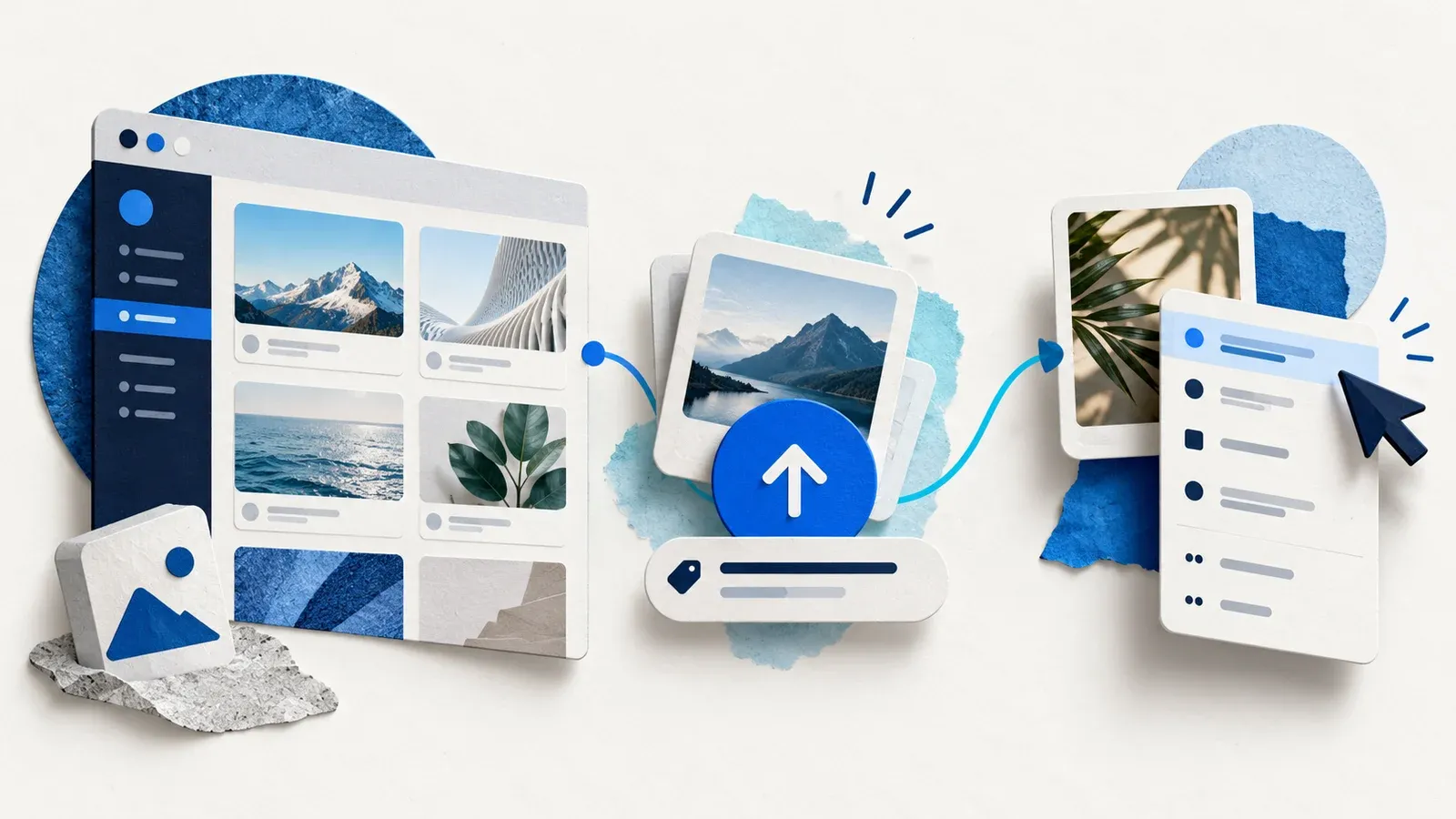
“Do we have another shot of the red tent?” The designer remembers the photo. You remember the shoot. Neither of you remembers what the photographer named the file. With the new Razuna plugin for ChatGPT, you can describe the shot, use a photo you recognize to find related images, and make a review link for the one you pick.
Connect your Razuna workspace
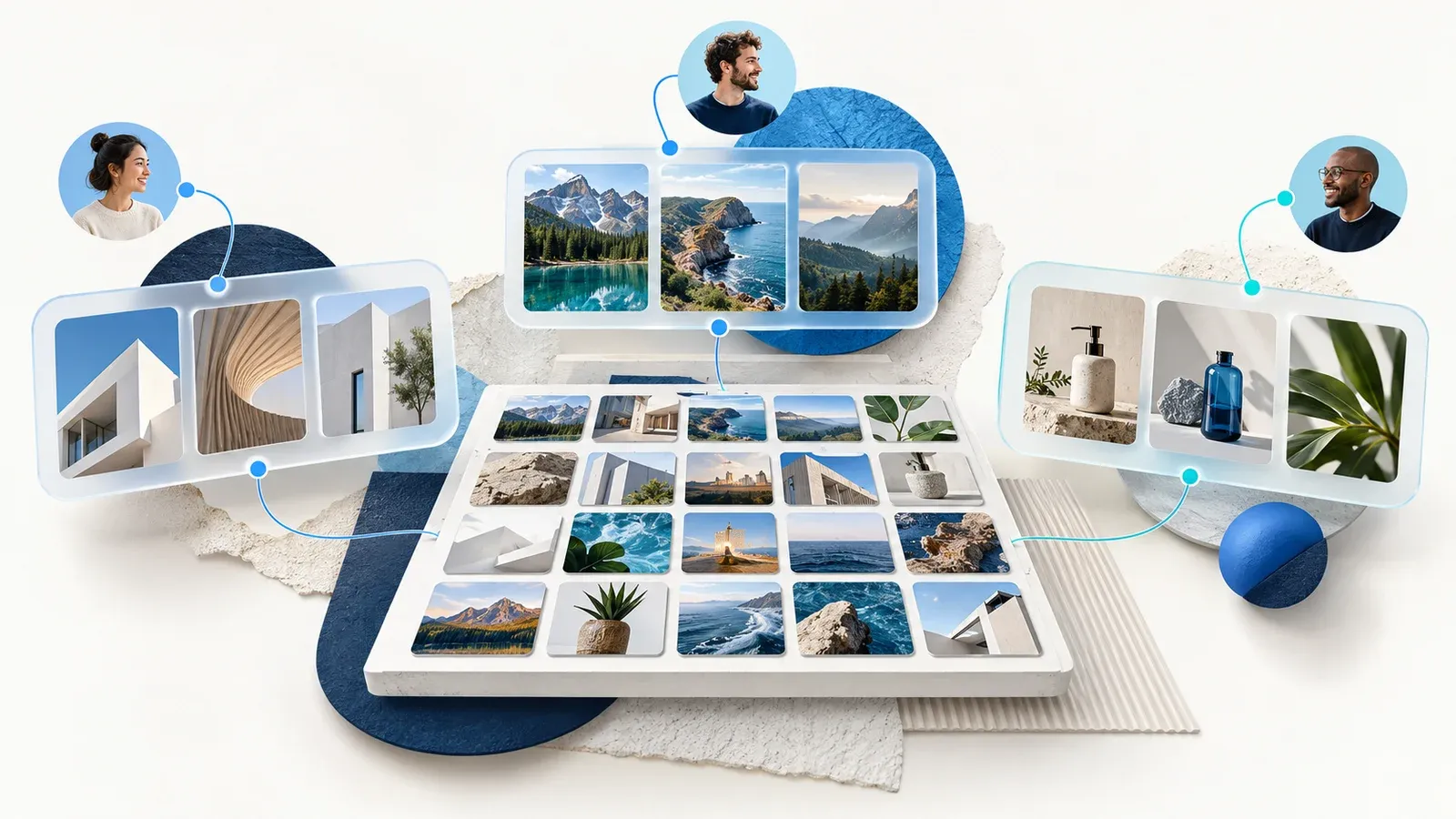
Open Razuna in the ChatGPT plugin directory, connect your Razuna account, and review the requested access. Select Razuna in a chat and ask, “Which Razuna workspaces can I access?” Use the workspace name in your next request, particularly if you keep client work in separate libraries.
Think of the workspace as the first line of the brief. A studio might keep its own portfolio in one workspace and a retailer’s licensed photos in another. Both could contain shots from the same trip. Starting in the retailer’s workspace saves you from choosing a beautiful photo the catalog team can’t use.
Find the shot when you only remember the subject
Suppose you’re preparing a spring catalog. Ask, “In the Outdoor workspace, find photos of a red tent beside a lake.” A name like DSC_0418.jpg tells you very little. The search gives you a set of assets to inspect while you still have the brief in front of you.
If that first search turns up dozens of tents, change one detail at a time. “Show me the lakeside shots from the spring catalog folder” narrows the source. “Which of these are landscape photos?” narrows the format. If you get no matches, drop “red” and search the folder for tents. Someone on set may have described the color as rust.
Use one photo to find the others
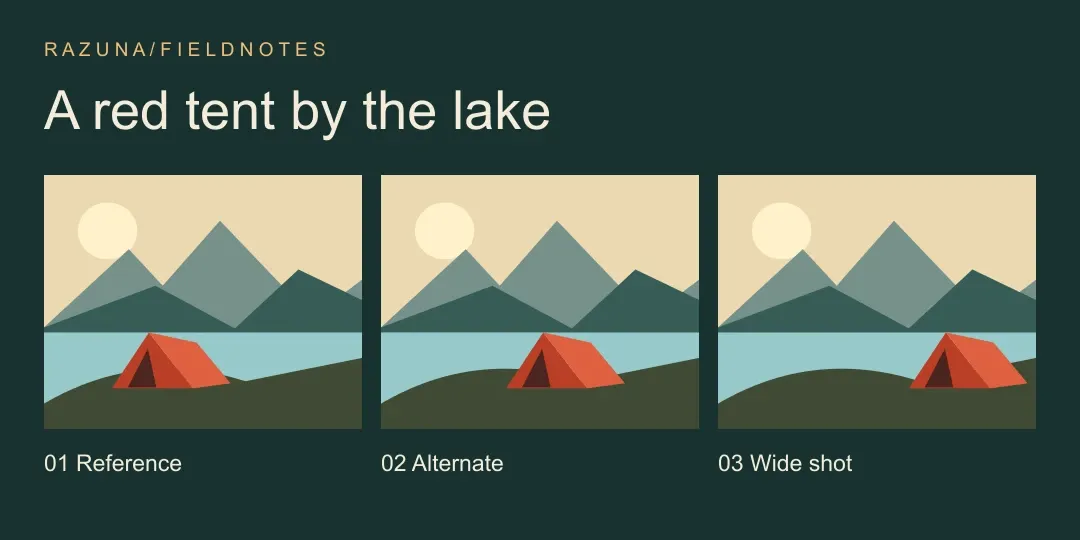
The tent is right, but the close-up leaves no room for the headline. Pick that file and ask, “Find images visually similar to DSC_0418.jpg in Outdoor. I’m looking for a wider composition.” Compare the previews and choose the frame with open sky on the left. You can repeat this with a bottle on a studio backdrop or a portrait from a particular shoot.
This is where the reference photo earns its keep. The designer might call the color brick, the photographer might call it burnt orange, and the filename might contain neither word. Once you recognize a frame, you can use the image itself for the next search. Ask for the filenames and dimensions of your two favorites so the designer can tell them apart later.
Check the details before you hand it off
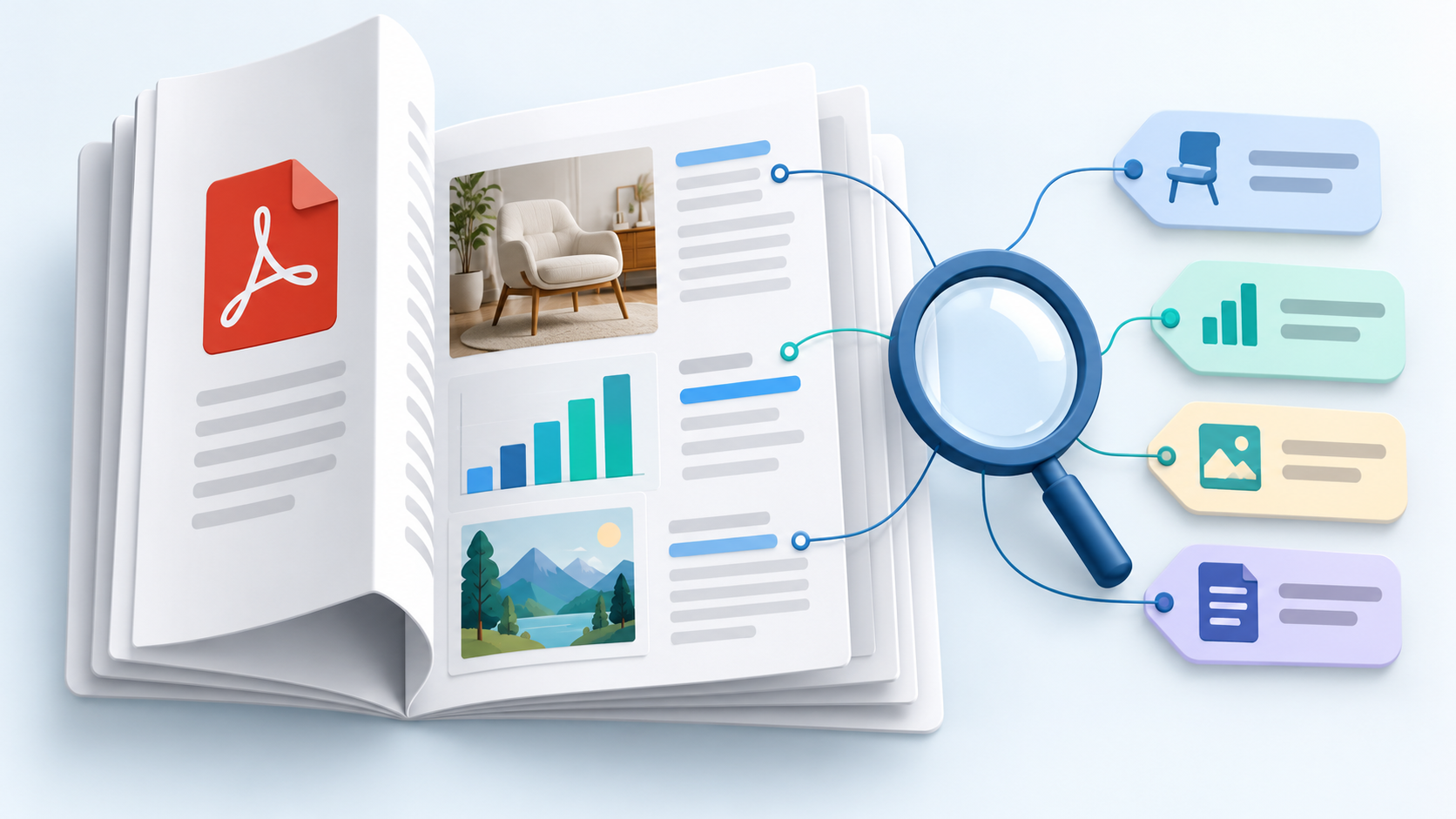
Suppose the wide shot exists twice. One file sits in the photographer’s delivery folder. The other is a smaller export from last year’s email campaign. They look almost identical in a thumbnail. Ask, “For these two files, show me the folder, dimensions, and any recorded credit or usage terms.” That gives you concrete differences to discuss with the designer.
The larger file might suit a two-page spread, but size alone won’t settle the choice. If the recorded terms say “web only,” bring that restriction to the producer before placing the photo in print. If there are no terms on file, ask the person who commissioned the shoot. An empty field tells you what still needs checking.
Give the designer a week to review it
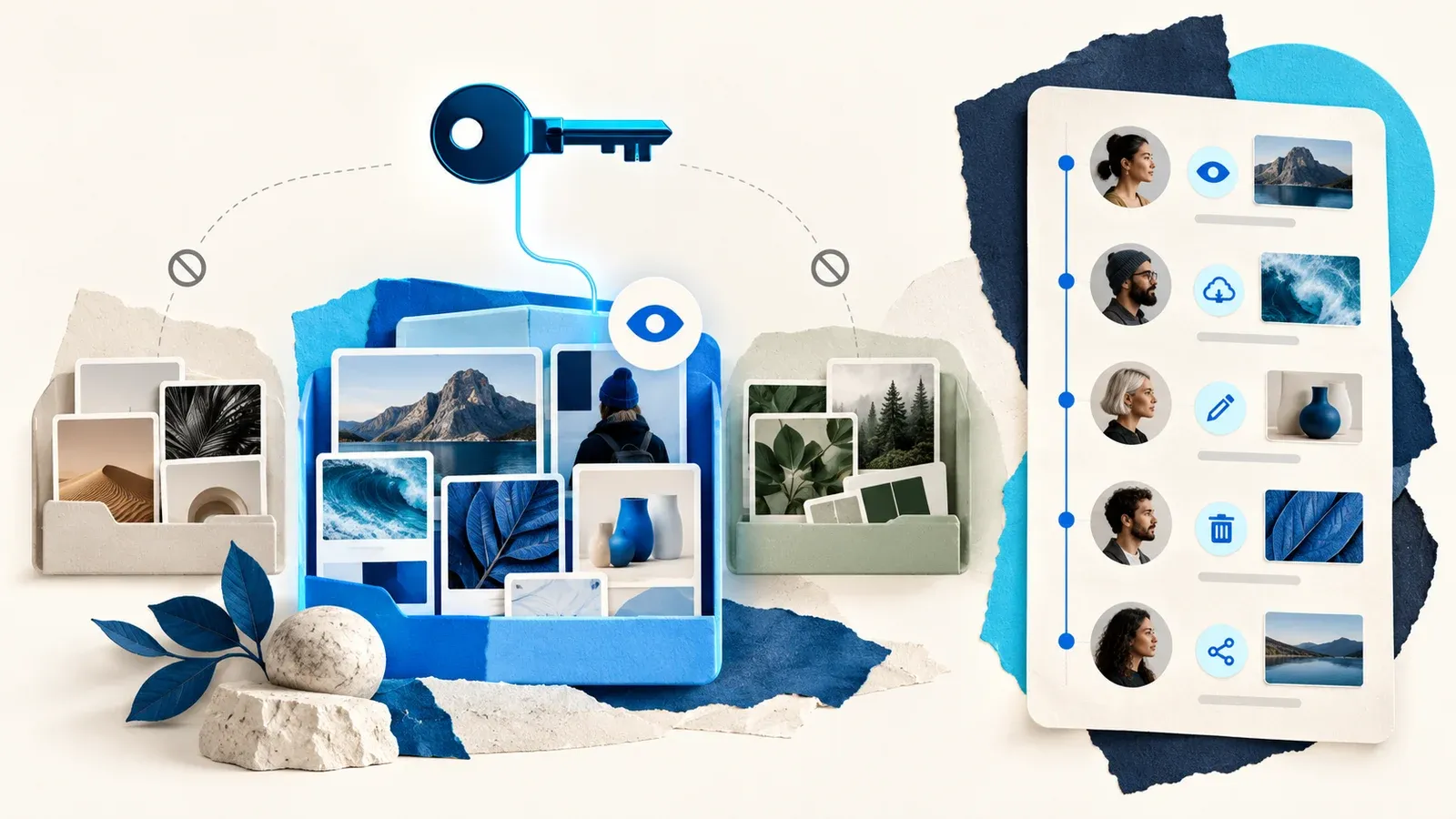
Once you’ve picked the frame, ask, “Create a share link for the selected wide shot. Have it expire in seven days and turn off downloads.” Check the selected filename and link settings before passing the link to your designer.
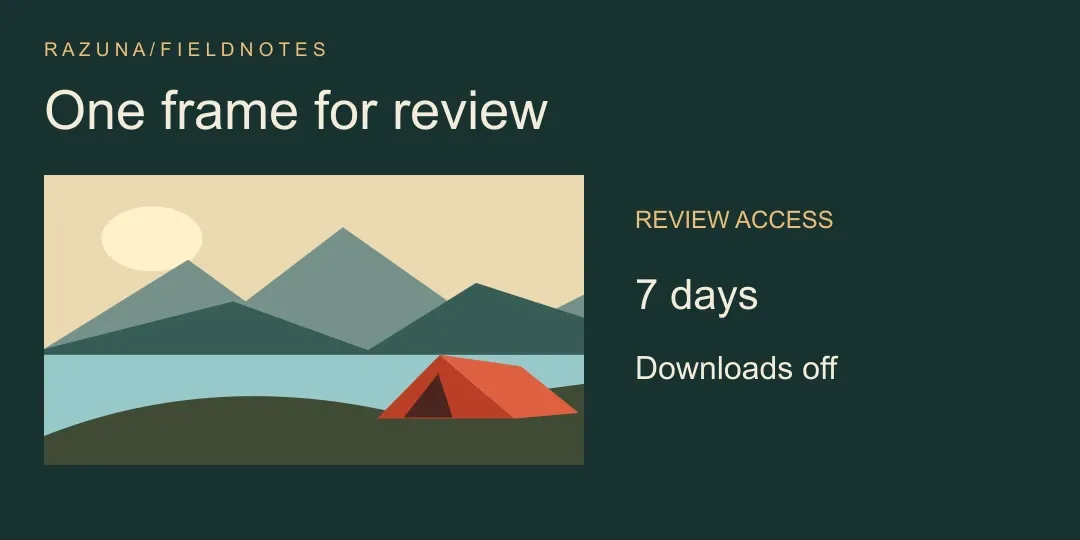
Include the filename and a sentence about your choice when you send the link. “Use the wide frame for the opening spread. The headline goes over the water on the left.” Now the designer knows which crop you had in mind and why. If they later need the original for print, you can handle that as a separate delivery after approval.
Try it on a different brief
A packaging designer might start with “Find the amber bottles on a white backdrop in the Studio workspace.” Once the right bottle turns up, a useful follow-up is “Find similar images using this file. I need a straight-on shot where I can read the label.” The reference narrows the visual search. The label is what the designer should check in the preview.
Or take a press request that lands ten minutes before a deadline. Ask, “Find headshots of Maya in the Press workspace. Show the filename, dimensions, and photographer credit for each.” If there are two portraits, send the filenames to the communications lead for a choice. Then ask Razuna for a link to that specific portrait, with downloads enabled if the reporter needs a copy.
You can start smaller with your own library. Connect Razuna in ChatGPT and describe one file you’d recognize on sight. If you already use another AI client, the Razuna MCP setup guide takes you through that connection.