One Original. Every Place It Belongs: Copy, Aliases, and Folders in Collections
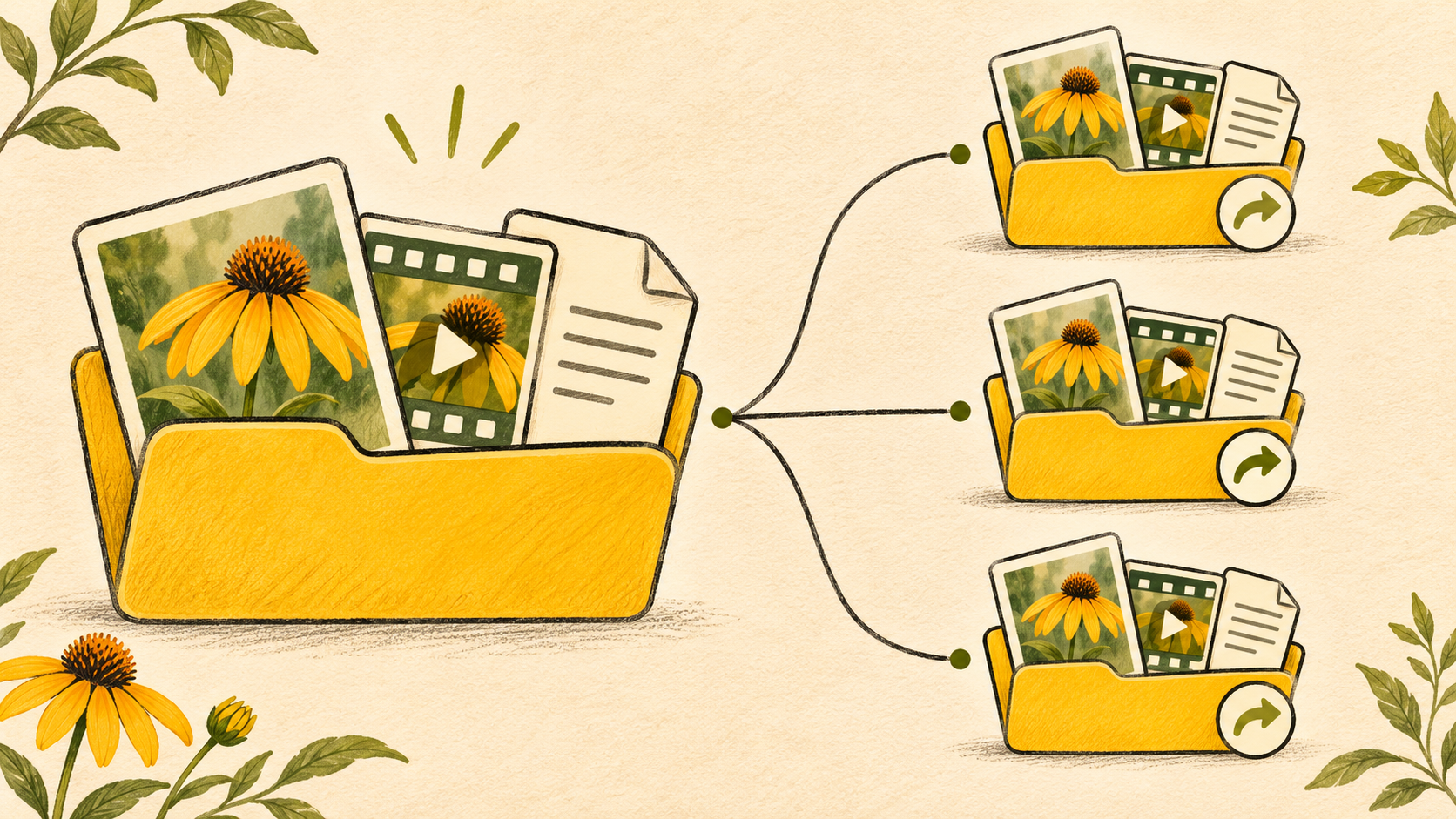
The same product photo belongs in your product library, next month's campaign, and the collection you're sharing with a retail partner. Your approved logo belongs in almost every project. An entire brand kit might be useful to half the company.
But each file has to live somewhere. So you copy it. Then someone updates the original, and the copies become another thing to keep track of.
This Razuna release gives you a better way to make that choice. Copy files and folders when you need an independent version. Create aliases when you want to keep the connection to the original. And bring folders, including folder aliases, into collections.
Your library can stay organized around the people who maintain it. Your projects can bring together the assets people need to use.
One file can belong in more than one place
Folders answer a useful question: where does this asset live? Daily work asks a different one: where do we need it?
A brand manager might organize assets by product. Marketing needs them by campaign. Sales wants a kit for a particular customer. An agency needs a handoff that makes sense to its client. All of those arrangements can be right.
Until now, putting an asset somewhere else could mean creating another version to maintain or asking people to leave their project and hunt through the main library. Aliases make room for the same source in several working contexts.
That is what makes this release significant: you get more freedom to organize your work without turning every new project into another set of disconnected files.
Copy when the next version should be yours
Sometimes a separate copy is exactly what you need. A new campaign starts with last quarter's materials. A regional team needs its own version of a document. A client project begins with a folder structure you have already built.
The new Copy option creates an independent copy of your selected files or folders. You can work on that copy without changing the source. Copying a folder brings its structure and contents into the new destination, so you can start from an organized set rather than rebuild it file by file.
Use a copy when the work is expected to diverge. The source can remain the starting point, while the new version becomes its own asset with its own purpose.
A copy does not follow later changes to the original. That independence is the reason to choose it.
File aliases: keep the original connected
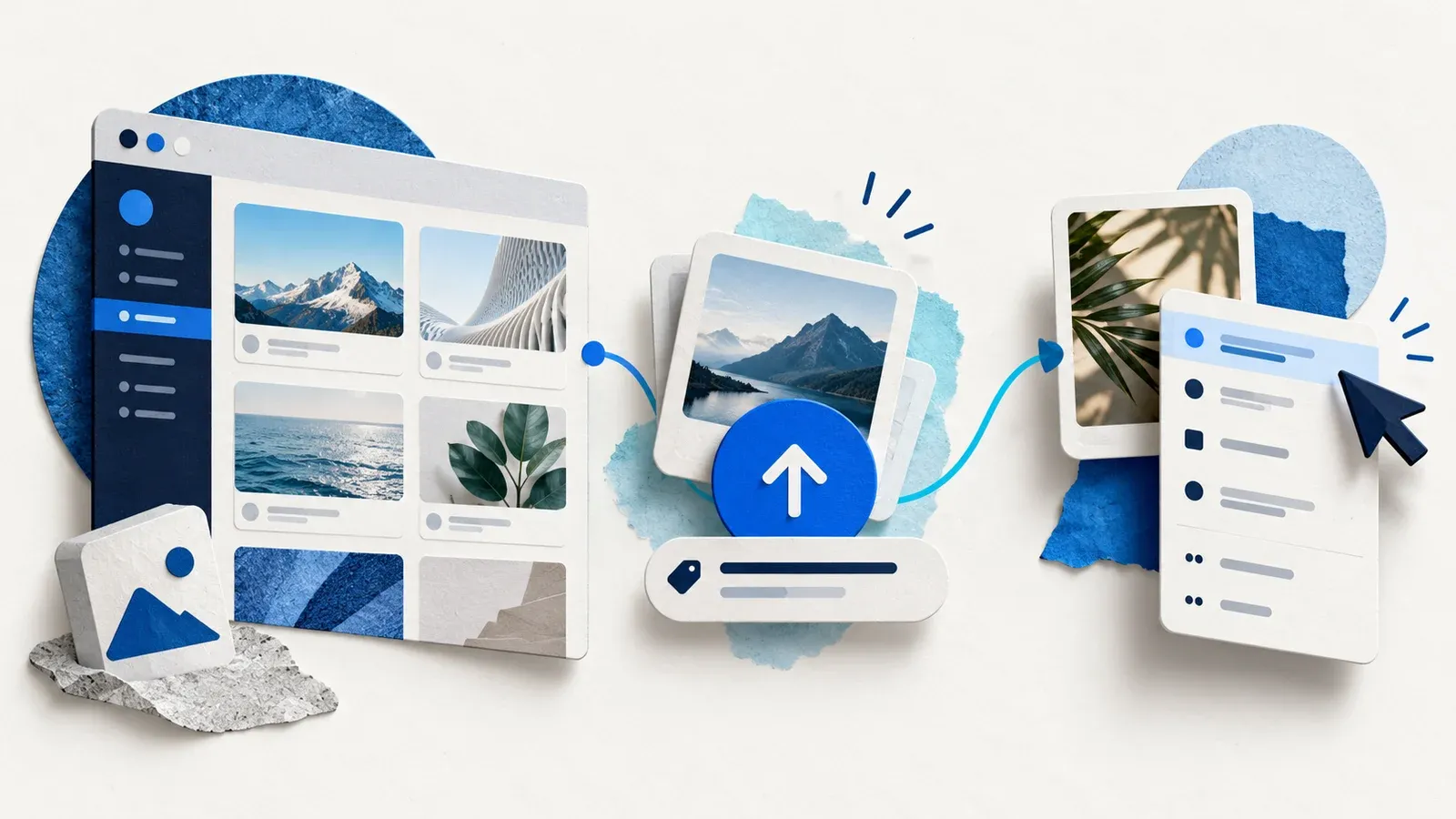
An alias gives a source file another place in your library. It stays connected to that original and updates when the source changes.
Take an approved product photo. Your team needs it in several project folders, but nobody wants to maintain several competing versions. Create an alias in each place where it belongs. When you update the source in Razuna, its aliases follow the change.
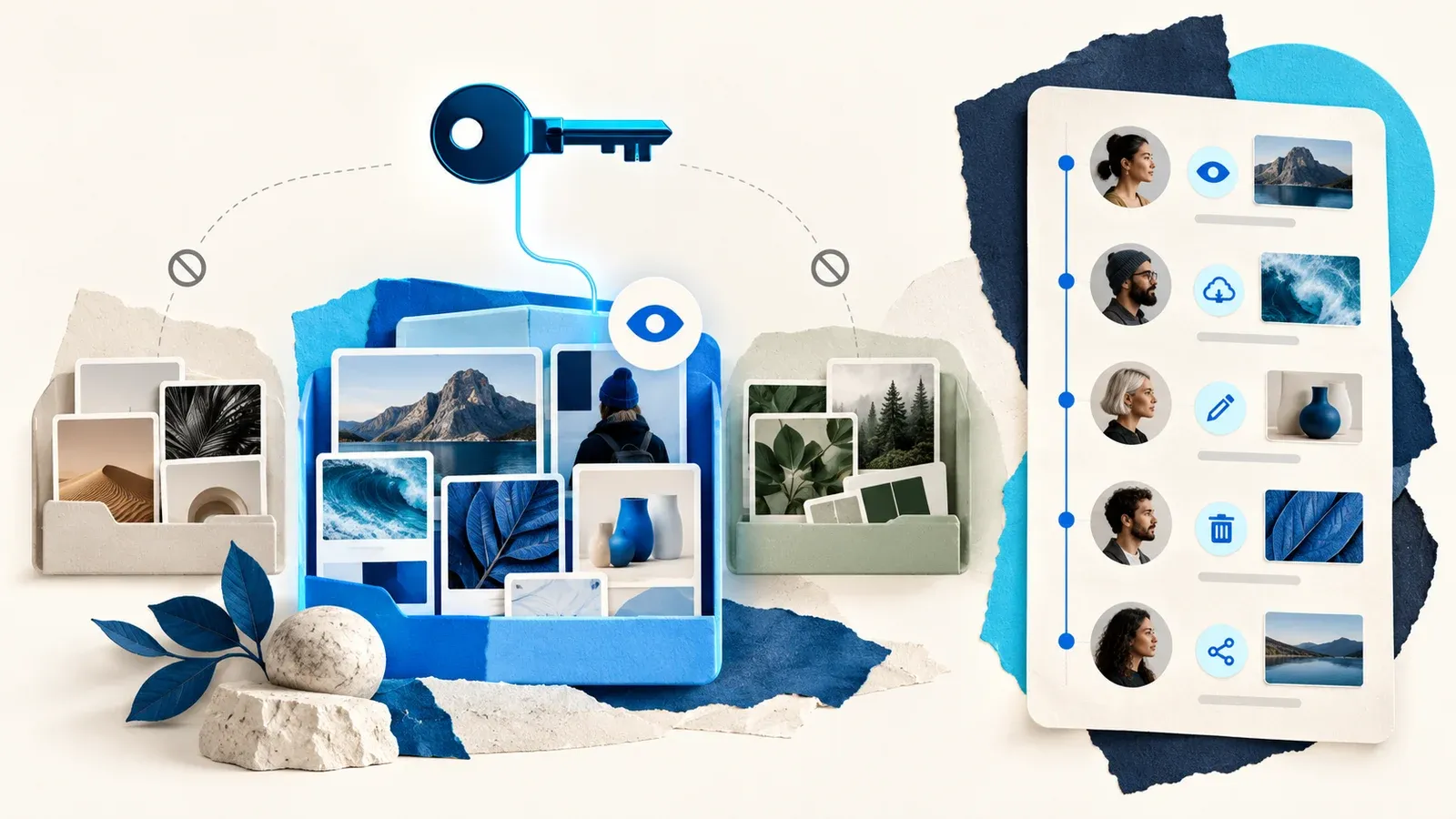
Aliases are read-only. People can use the asset where they find it, while changes happen on the original. An Open original link takes you back to the source, and the file's Usage information helps you see the relationship.
For teams that repeatedly reuse approved materials, this means fewer copies to reconcile and a clearer answer to the question, "Which file should we update?"
The connection applies inside Razuna. An exported file or a download someone has already saved remains a separate file.
Folder aliases: bring the whole kit
Reusing a single file helps. Reusing a maintained folder structure changes how you can assemble a project.
A folder alias mirrors the source folder, including its subfolders and files. As the source structure and contents change, Razuna synchronizes the alias. You maintain the source, and the places that use it stay connected.
Consider a brand kit containing logos, product photography, and sales documents. Keep that kit organized in its source location. Add a folder alias to each project that needs it. Your team gets the familiar kit where the work happens, without manually rebuilding the same set for every project.
Folder aliases and their contents are read-only. Make changes in the source folder. This keeps responsibility clear: the team maintaining the originals controls what the linked kit contains.
It also means an alias is not an archive or a backup. If you need a separate version that can develop independently, choose Copy.

You asked for folders in collections. They're here.
This release also delivers a requested feature: add folders to collections, including folder aliases.
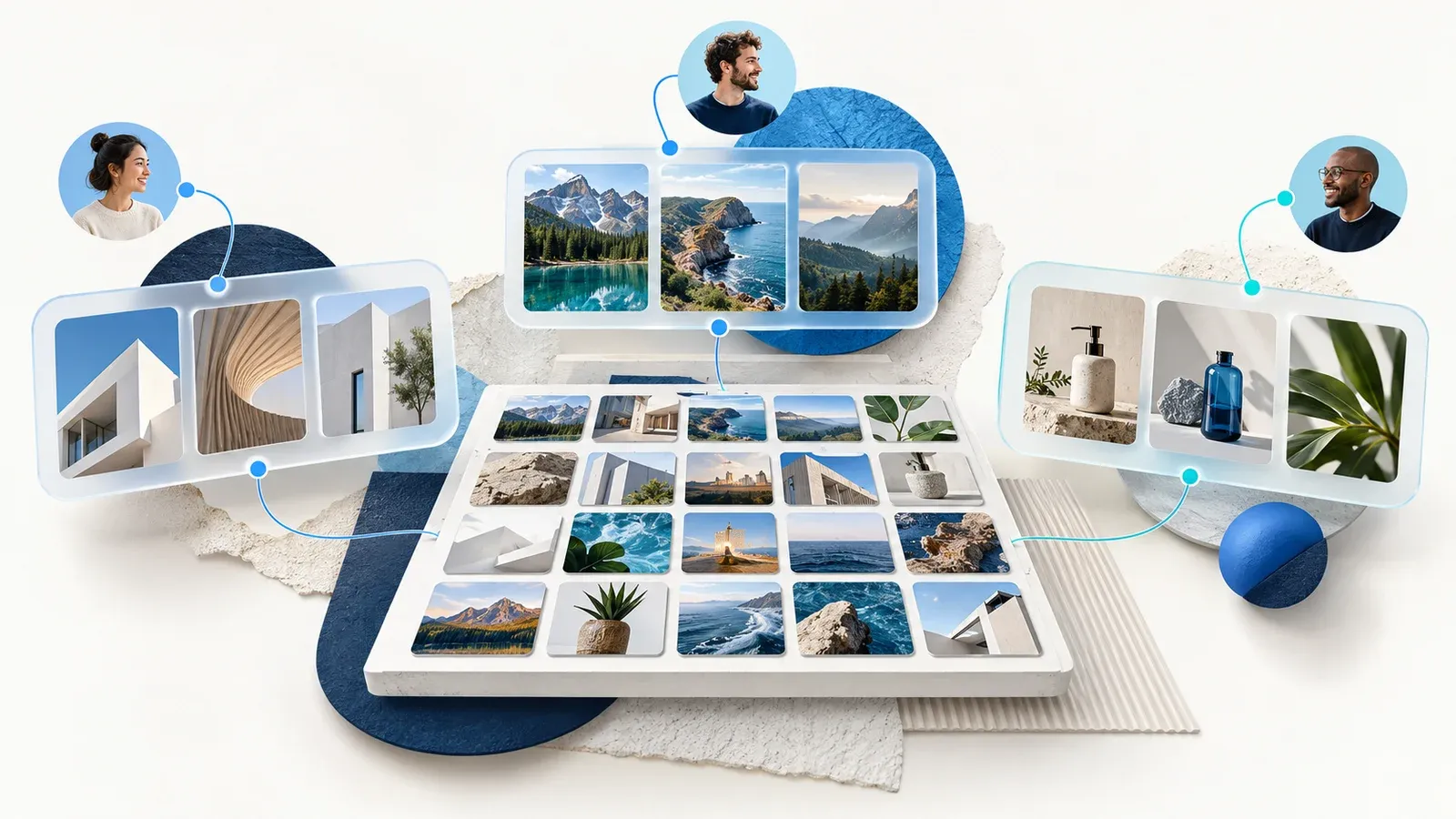
A collection can now bring together individual files and complete folders. You can build a launch collection with a product photography folder, a linked brand kit, and a few selected campaign assets. The folder entries preserve a route into the organized material instead of flattening everything into one long list of files.
Open a folder inside the collection to browse its contents and subfolders. Breadcrumbs let you move back through the structure and return to the collection. The folder stays part of the collection experience.
Adding a folder links to it without copying its contents. Removing that entry removes the link from the collection; the original folder and its files stay in place.
Shared collection links support folder browsing, too. Their password, expiry, and download settings still apply. You choose what to include for the audience, so review the contents of a folder before adding it to a shared collection.
For client handoffs, campaign kits, and sales resources, that is a useful change. You can share a collection that includes the structure people need to understand the material.
Put it together: one launch, three choices
Suppose you are preparing a product launch with a creative team, a sales team, and an outside agency.
- Copy the campaign starting folder. Give the new launch its own working materials that can change independently.
- Alias the approved product image. Place it in the launch folder while keeping it connected to the maintained original.
- Alias the brand kit folder. Bring the approved kit and its structure into the project.
- Build the launch collection. Add the relevant folders, folder aliases, and individual files for the people receiving the handoff.
Each choice has a job. Copies give you independence. Aliases keep a connection. Collections gather the material for a particular purpose or audience.
Now in the mobile app, too
The need to put an asset somewhere else rarely waits until you are back at your desk. You can now copy files and folders, or create aliases, in the Razuna mobile app.
Select the files with the checkbox on each file card, tap Actions, then Copy or alias. For a folder, open it and use its folder actions. Choose Copy or Alias, pick the destination space and folder, and confirm. If the destination is a different space, Keep tags carries the source tags along.
The app tells you when the copy starts, and the new items appear in the destination folder when it finishes. Adding an alias to a collection is available in the web app.
Start with a file you keep reusing
Choose an original file or folder and open Copy/Alias from its menu. Select Copy or Alias, then choose the destination. In Alias mode, the dialog also offers collections you can add to. You can add a folder through its Add to collection action as well.
To make another copy or alias of something that is already an alias, open the original first. Aliases themselves cannot be copied or aliased.
If you are trying the new collection workflow, our guide to working in a collection covers browsing folders, sharing, permissions, and download behavior.
Start with the logo, photo, or folder your team asks for most often. Put it where they need it. Keep the original where you maintain it.