Digital Asset Management Systems: Benefits and Examples
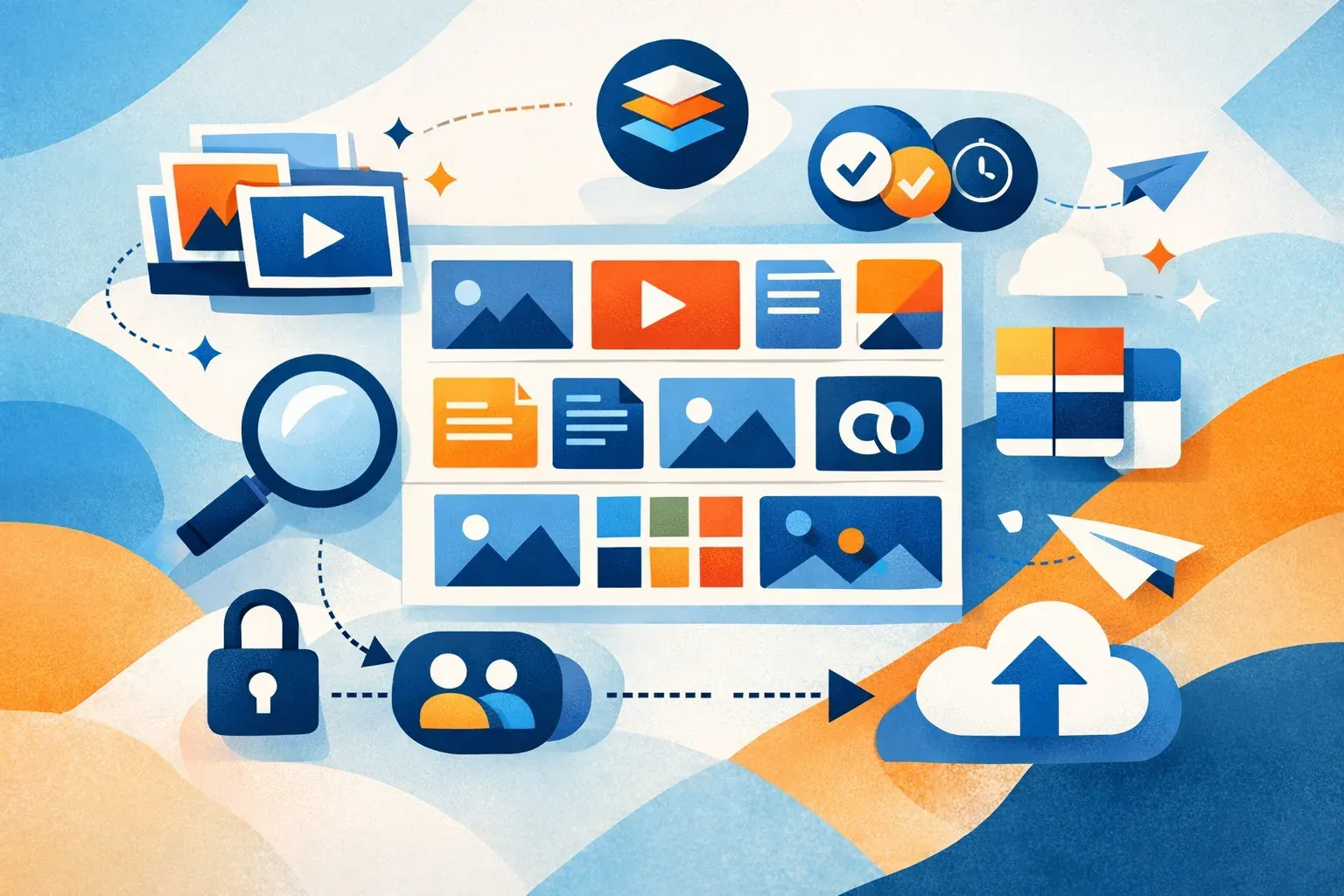
A digital asset management (DAM) system helps a team keep digital files organized, searchable, controlled, and ready to use. It is built for the full working life of an asset: from creation and review to sharing, reuse, archiving, or retirement. That can include images, videos, documents, logos, campaign files, and other brand materials. Adobe's overview of DAM systems describes the same lifecycle focus.
The practical difference from a general-purpose file store is context. A DAM connects files to information such as campaign, product, region, format, or approval status, then gives teams ways to find and share the right version. For a marketing team, that might mean locating the approved product image for a regional campaign without searching old email threads or guessing filenames.
What does a DAM system do?
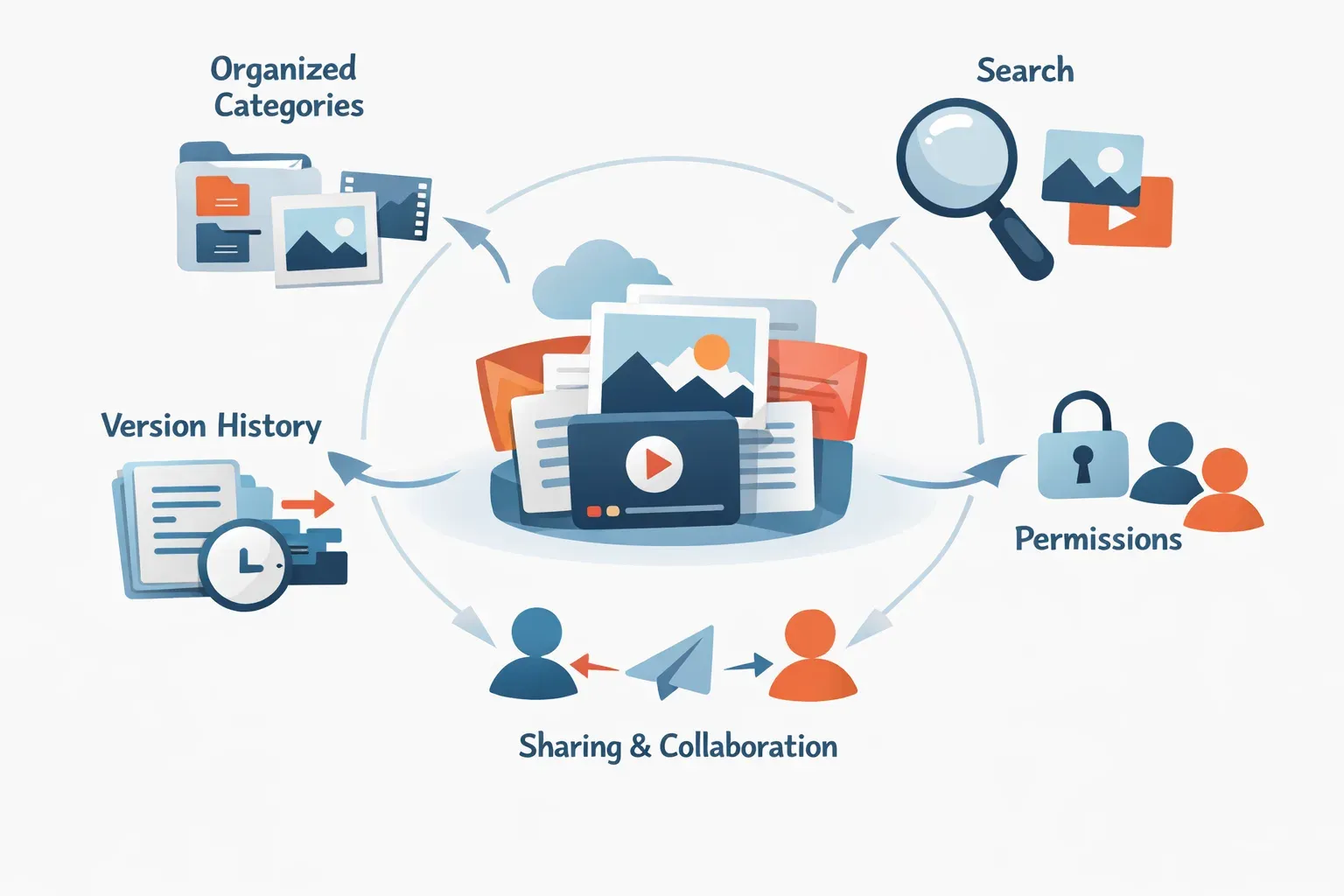
A DAM system provides a shared library for business assets, with tools for organizing, finding, managing access to, and distributing them. Teams can group assets in workspaces and folders, add metadata, search by keyword or meaning, and share files with colleagues or outside partners.
A DAM usually supports several connected tasks:
- Organization: Group files by team, project, campaign, product, or another structure that makes sense to the organization.
- Metadata: Add descriptive information so people can search by more than filename or folder.
- Discovery: Find files through keyword search, metadata, and, in some systems, visual or semantic search.
- Access and governance: Set permissions so the right people can view, edit, or share assets.
- Version management: Keep versions associated with an asset, helping teams distinguish current work from earlier files.
- Sharing and reuse: Provide selected files or curated collections to internal users and external collaborators.
A DAM does not decide an organization's approval policy or rights rules for it. Teams still need to define who can approve content, what metadata matters, and when an asset should no longer be used. The system makes those rules and the related files easier to manage.
DAM system examples: how teams use one
The value of a DAM becomes clearer when you follow a file through a real workflow. Here are a few common examples.
Marketing: finding campaign-ready content
A marketing team creates product photos, short videos, banners, and campaign documents for several channels. Without a shared asset library, people may save copies in different folders and ask colleagues which file is current.
In a DAM, the team can group assets by campaign and add fields such as product, channel, region, and status. A marketer can search for a particular product image, check its context, and share the approved file with a regional team. A DAM system is especially useful when files are reused across campaigns and channels, not just stored once and forgotten.
Creative and agency work: keeping feedback with the asset
A creative team may produce several versions of a design before a client or internal reviewer signs off. If feedback arrives in email while files sit in separate folders, it can be hard to tell which version the comments refer to.
A DAM can keep versions and feedback connected to the asset, while permissions help control who can access working files. An agency can share a collection with a client or partner instead of sending a list of unrelated file attachments. See how creative teams use Razuna for asset feedback.
Ecommerce: managing product images across channels
An ecommerce team may need product photography in multiple crops, sizes, and formats. The same product can have lifestyle images, detail shots, packaging images, and channel-specific exports.
A DAM gives the team a central place to associate those files with product names, SKUs, campaign details, or channel information. When someone needs a particular version, searchable metadata provides a path beyond browsing folder after folder. The team can also use permissions and sharing controls to provide approved files to agencies or other collaborators.
Nonprofit communications: coordinating campaign materials
A nonprofit may have event photos, reports, logos, social graphics, and donor-facing materials created by staff and external partners. People need to find usable files, while the organization needs to keep its brand materials consistent.
A DAM can bring those assets into one library, organize them by program or campaign, and give different groups access to the content they need. A communications team can share a collection of selected materials without exposing unrelated working files.
Regulated teams: controlling access and versions
A team in a regulated or rights-sensitive environment may handle materials that should be visible only to certain people or used only in particular contexts. A DAM can support this work through permissions, searchable metadata, and version history. The organization still needs to define its review, retention, and rights processes; a DAM helps keep the assets and relevant context accessible to the people responsible.
Benefits of a digital asset management system
Less time spent searching
When file names are inconsistent or assets are scattered across tools, people often ask colleagues to locate something they already have. Metadata and search make assets easier to retrieve by campaign, subject, product, or other useful details. Razuna supports keyword, semantic, and visual similarity search, which helps users search using terms or visual context rather than relying only on an exact filename. See how semantic search differs from keyword search.
Fewer mistakes with versions
A clear relationship between an asset and its versions helps teams avoid using an outdated draft by accident. It also gives people a better starting point when a file needs another round of edits. Version control is most useful when teams agree on how to label work in progress, approved files, and superseded material.
More consistent brand use
A shared brand library can make approved logos, templates, product imagery, and campaign materials easier to locate. Permissions and sharing controls can help teams direct users to the right resources and limit access to files still in review. For a closer look at access design, read about DAM permissions and brand governance.
Better collaboration with outside partners
Agencies, freelancers, distributors, and other partners often need selected assets without needing access to an entire internal library. A DAM can help teams share specific files or collections and keep the surrounding context attached. This is different from sending a one-off file: the organization can manage the library and its access as the material changes.
More reuse from existing work
Teams sometimes recreate an asset because they cannot find the original or do not know whether it is still current. A searchable library can make existing photos, videos, documents, and designs easier to discover and reuse. That does not mean every asset should be used indefinitely. Teams should include relevant status, date, rights, or campaign information where it matters to their workflow.
When is a DAM system worth considering?
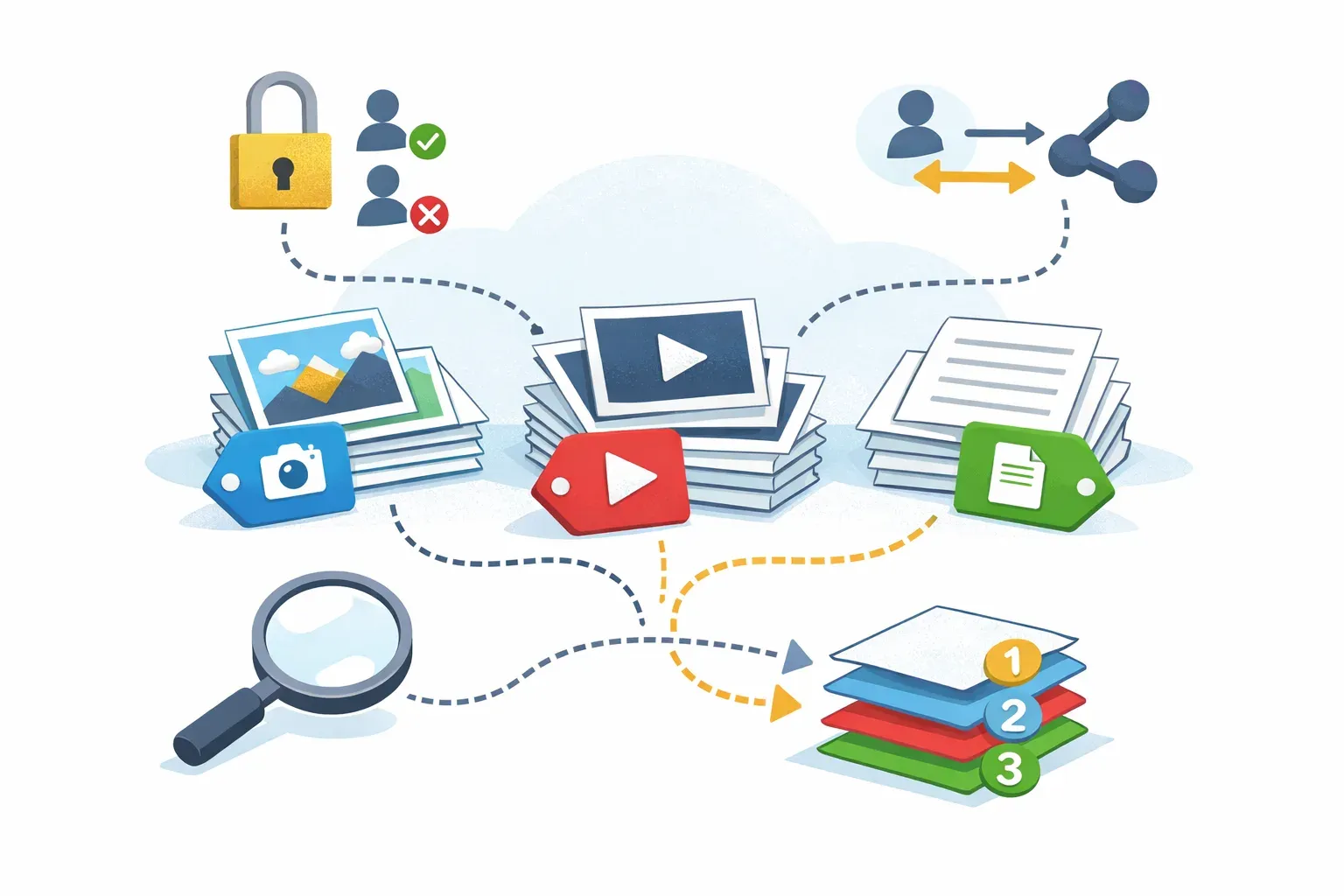
A DAM can be a good fit when managing files has become a recurring business task rather than an occasional upload. Common signs include:
- People regularly ask where to find files the organization already owns.
- Several versions of the same asset circulate, with no obvious current file.
- Marketing and creative assets are spread across team drives, emails, and project tools.
- External collaborators need access to selected content.
- Teams need to search files by campaign, product, location, subject, or other business context.
- Brand or compliance teams need better control over who can access or distribute materials.
A shared folder may be enough for a small set of files used by a small group. A DAM becomes more useful as the number of assets, teams, reuse needs, and access requirements grow. For teams weighing a DAM against general cloud storage, this comparison of Google Drive and DAM workflows explains where their needs begin to differ.
What to look for in a DAM system
Start with the work your team needs to do, rather than a long feature checklist. Gather a representative set of images, videos, and documents, then test whether people can organize, find, and share them using real tasks.
Check whether the system supports:
- Useful metadata: Can you add information that reflects how your team searches, such as campaign, product, region, or status?
- Flexible discovery: Can users find assets through keywords and relevant metadata, and can they search when they do not remember the exact name?
- Appropriate permissions: Can access reflect different teams, roles, and external collaborators?
- Clear versions: Can users identify the current asset and review earlier versions?
- Practical sharing: Can teams share selected files or collections without losing control of the wider library?
- A workable structure: Can the library represent the way people actually work without making every file depend on a deep folder hierarchy?
Razuna supports workspaces and folders with granular permissions, alongside keyword, semantic, and similar-image search. Teams can use collections to curate and share assets. Those features are most useful when the organization also agrees on consistent metadata and access practices. Visit Razuna's DAM platform to explore its asset management workflows.
A DAM system is more than a place to put files. It connects assets with the information, versions, permissions, and sharing workflows that make them usable across a team. For organizations that regularly create and reuse digital content, that structure can reduce search friction, limit confusion, and make approved materials easier to put to work.