10 Best Secure File-Sharing Tools for Businesses

It's remarkable how rapidly businesses have transitioned from paper-based documents to digital files. Today, organizations of all sizes—from solopreneurs to global enterprises—rely almost exclusively on digital content for operations, collaboration, and customer engagement. This makes secure file sharing not just important, but absolutely critical for business success.
New: If you’re building a repeatable, audit-ready process (permissions, logging, compliant workflows—not just file transfer), see our guide to secure file sharing for business.
Digital files power everything from day-to-day communications to high-stakes collaborations on branding, marketing, product development, and customer service. Yet with this dependence comes risk: data breaches, unauthorized access, and compliance violations can devastate businesses that don't prioritize security.
Many platforms promise secure file sharing, but which ones deliver the security features your business actually needs? In this comprehensive guide, we'll explain what makes file sharing truly secure, identify essential security features to prioritize, and review the 10 best secure file sharing tools for businesses in 2024.
Related: If you’re a smaller team looking for small business file sharing that also fixes “wrong version” mistakes and makes assets easy to find, see digital asset management for small businesses.
Compliance note: If you share regulated or sensitive content and need audit trails and stricter controls, start here: secure file sharing for business. If HIPAA is part of your requirements, see HIPAA-compliant hosting.
What Is a Secure File-Sharing Tool?
A secure file-sharing tool is an online tool, often cloud-based, that allows you to securely send and receive digital files. It is an essential tool for any business, big or small, particularly those who regularly collaborate on content with outside parties.
Those designed for business use typically offer higher file storage and allow higher volumes of files to be sent and received. They also generally include more sophisticated security measures to prevent unauthorized access and use.
Security Features Businesses Should Look for in a File-Sharing Tool
When you're choosing a platform or tool for secure file sharing for business, the security features are what you'll be interested in the most. Depending on how sensitive your data is and the level of security you need, you may want to look out for some of these features.
End-To-End Encryption
Many tools designed for secure file sharing for business offer end-to-end encryption. This ensures that only the sender and recipient can see the file's contents. Third-party service providers can't see what's in those files, and cybercriminals can't do so either.
Access Controls
Every business has some form of hierarchy. There are different levels within the organization, and the people on those levels have their roles, responsibilities, and duties. They also have different levels of clearance for your more sensitive data.
An access control feature restricts unauthorized access through permission settings you can set (and reset) as needed. Look for permission settings for individual files. These permission settings can also be updated as required, with permission revoked when a permitted user leaves the company.

User Authentication
Secure file-sharing for business centers around security, and user authentication is one of those levels of security. User authentication ensures that the people trying to access secure files are the ones with permission to do so. It establishes that they are who they say they are.
Users confirm their identity with their username and either a password or PIN code. For sectors where the need for security is even greater, a biometric match or other identification method may be used. However, for ordinary business file-sharing purposes, password protection will suffice.
Data Loss Prevention (DLP)
What's the best way to deal with sensitive data being leaked from your organization? Stop it from happening in the first place, with Data Loss Prevention (DLP).
This is not a solitary feature, but rather a set of features, tools, and processes designed to prevent the unauthorized sharing of files with outside parties. This is more common in cloud-based systems, and the extra level of security may necessitate a paid subscription.
Audit Trails and Logging
The greater the need for security, the more security features you'll need. This one allows you to track every move your employees make with your data. Audit logging documents all the activity throughout your organization's software system. The audit trail is a series of sequential audit logs.
These logs record not only the activities but also the system users who engaged in them, and the date and time they did so. This is vital information to have available should there ever be a serious data breach.
Other Top Features to Look For in a Secure File-Sharing Tool
It's not too difficult to find a tool that promises secure file sharing for businesses. But for it to be as functional and versatile as it is secure, you'll need these features too.
Integration with Existing Systems
Integration with existing systems your team already relies on is what sets the best file-sharing tools apart from the rest. That's why so many online tools for businesses now offer integrations with other popular tools and platforms. So, which specific integrations should you look for?
Start by taking note of the various online tools and platforms you use in your business. Then look for a file-sharing tool with a wide range of integrations with top work management and communication platforms. How many of the ones on your list do you see there?
Collaboration Features
Top security and convenient integrations will make your file-sharing tool safe and convenient to use. But for maximum efficiency, it should include a few collaboration features, too.
Most of your file sharing probably falls under the category of collaboration. When you choose a tool that has collaboration features like broad file support, comments, and annotations, working together on shared files becomes far more efficient.
10 Best Secure File-Sharing Tools for Businesses
Now that you've learned what to look for, and compared it to your own needs, it's time to choose a file-sharing tool. Here are the 10 best platforms/tools offering secure file sharing for business.
1. Razuna
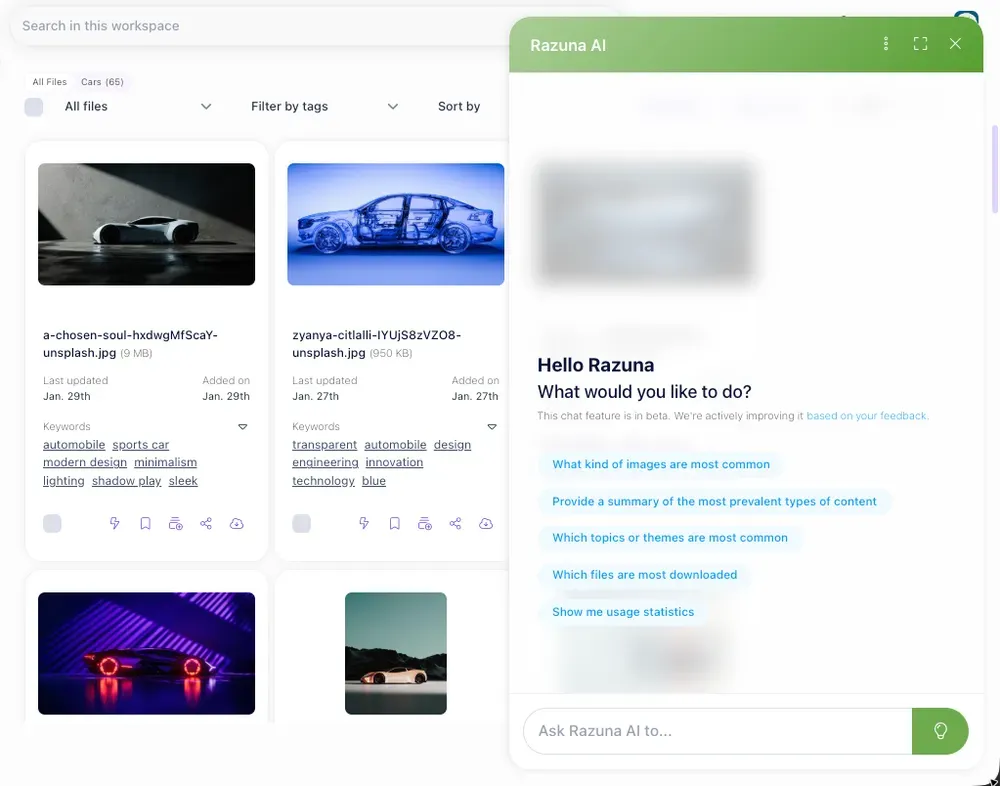
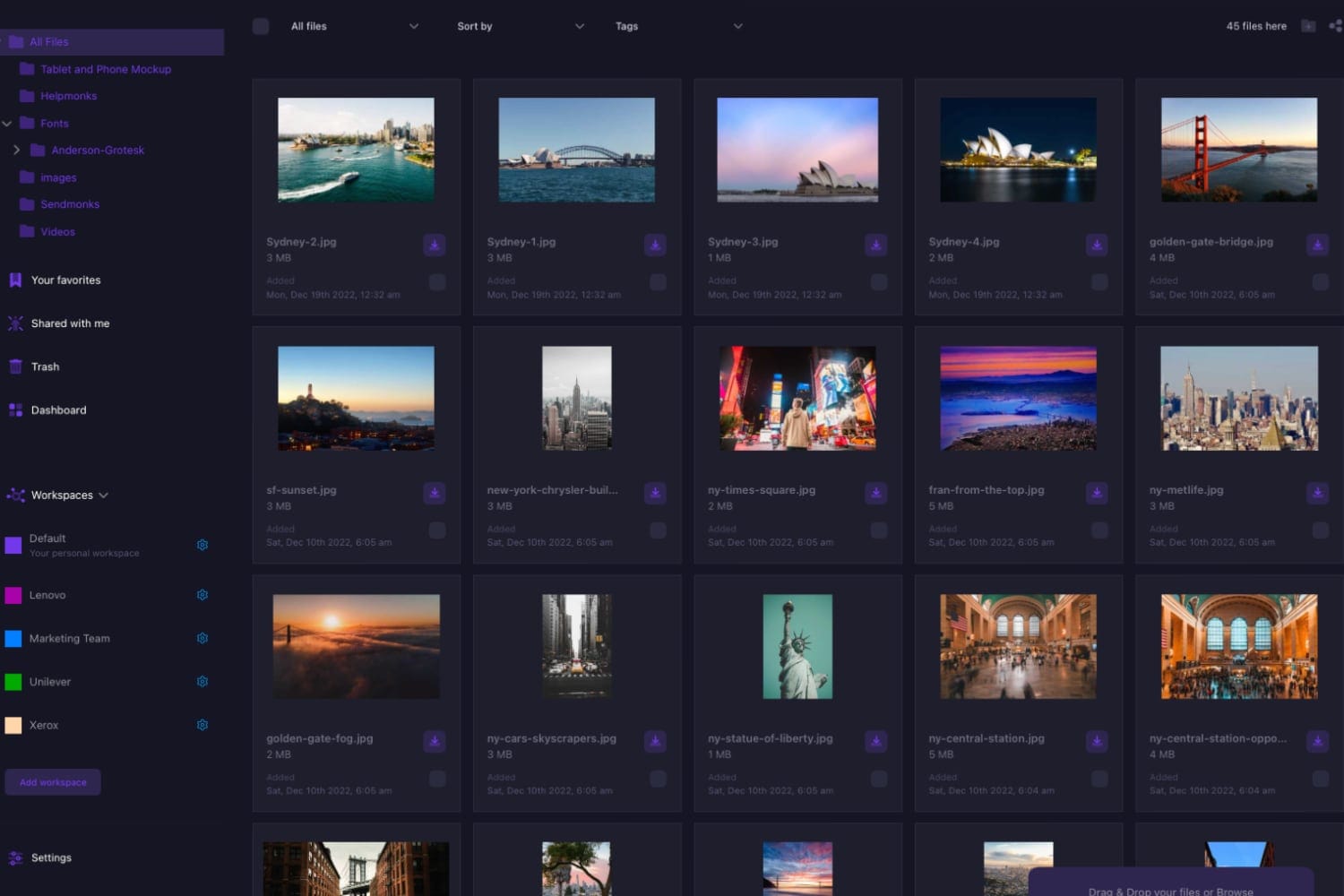
Do you need a customizable, multi-functional, cloud-based platform that offers digital asset and media management, collaboration tools, and secure file sharing for business? Razuna is the one. Razuna is an all-in-one solution for file-sharing, collaboration, and digital asset management.
Whether you're in marketing, branding, product design and development, or customer engagement, you'll find the features that make your job easier. Razuna offers secure digital asset management for unlimited users, with dedicated digital workspaces, file previews, and advanced permission settings.
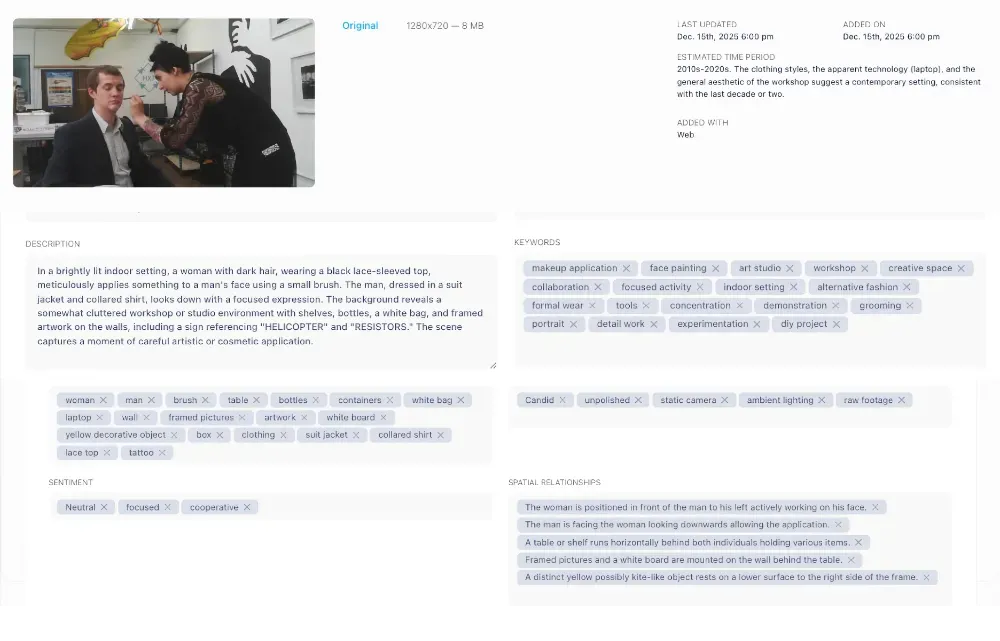
Organization and retrieval of files is lightning fast thanks to custom fields, auto-tagging, and customizable labels and descriptions. Create Workspaces to share files with collaborators, or send a shareable link. Share files individually or with multiple users, and set expiration dates for the sharing links.
Razuna's top features include:
- Set individual or multiple file sharing makes collaboration simple, and expiration dates for file-sharing links.
- Direct links to files are also available. See here for more information.
- Fast and simple file searches, retrievals, and sharing thanks to a variety of customizable digital asset management features.
- Access your files across multiple platforms and work management tools or apps. Thanks to broad file support, almost no file format is a problem, either.
- Audit logs and audit trails ensure that you and your team know about every action on your data within Razuna.
- Cloud hosting that's safe, secure, and reliable. See here for more information.
Razuna is an excellent choice for anyone looking for secure file sharing for business. No matter the size of your team or the scope of your industry, you'll enjoy reliable file-sharing, collaboration, and digital asset management without the hassle of per-user fees.
2. Dropbox Business
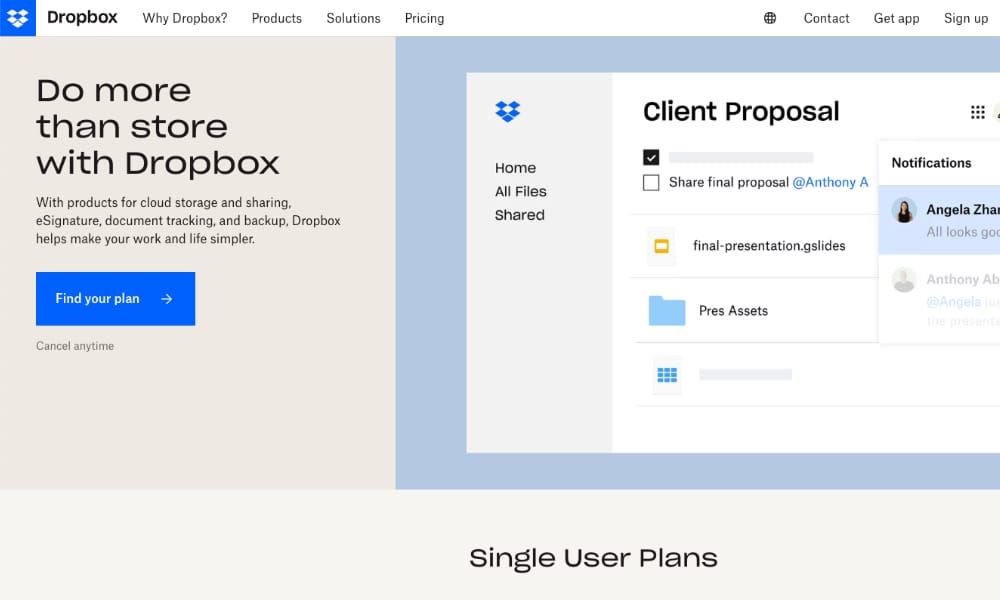
Dropbox is a well-known tool for storing and sharing digital files. Dropbox Business and Dropbox Business Plus are two of the four plans available on the Dropbox platform. These plans offer secure file sharing for business, along with other features suitable for teams at small-to-medium-sized businesses.
Ideal for collaboration, Dropbox allows you to control access to sensitive files. If a team member leaves the project or the company, the solution is simple. You can remove file access for any individual at any time without affecting other team members' permissions.
Dropbox Business's top features include:
- Individual access settings, password protection, and watermarking to prevent unauthorized access and distribution of sensitive files.
- Trackable links and viewer history make it easy for you or your team to monitor user activity on any shared documents.
- File recovery for preventing accidental data loss, giving you peace of mind when sharing folders and collaborating on files.
Dropbox is ideal for hybrid or even fully remote work models, offering teams easy-to-use and secure cloud-based file storage and file sharing.
3. Box
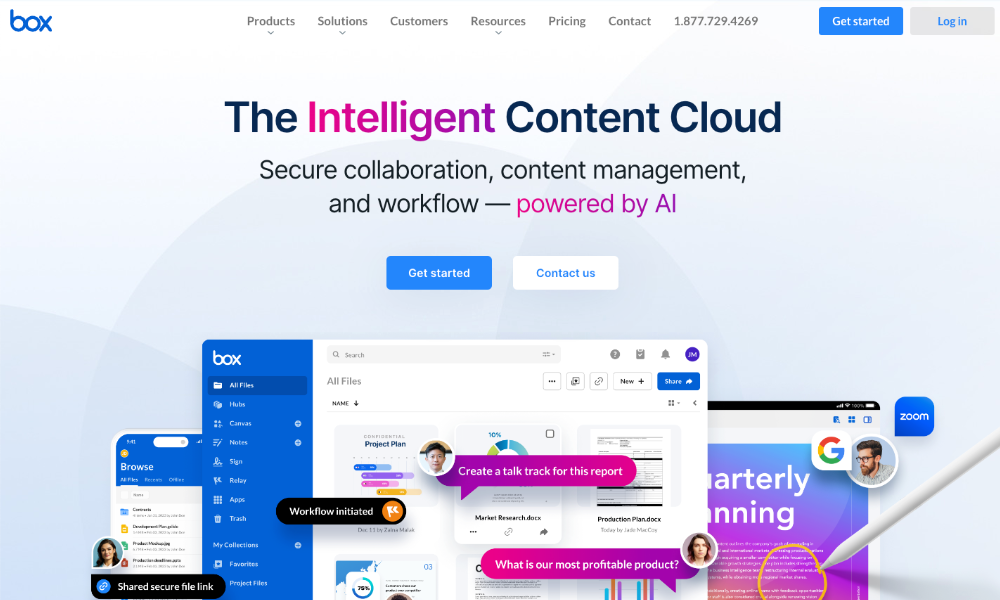
Box offers secure file sharing for business, with advanced security features and collaboration tools. The platform follows strict data privacy, data residency, and industry compliance regulations, so the files you share, and the data they contain, are always safe and protected.
Box allows convenient collaboration in the content cloud, with more than a thousand integration possibilities, and end-to-end data protection. Thanks to automated workflows, every project can stay on track and get completed on time.
Box's top features are:
- Cloud storage so you can store files safely and access them at any time, from any device.
- Send large files like PDFs, videos, images, and documents with a shareable Box link.
- Preview over 120 different file types without having to download them.
Box is suitable for teams sending large volumes of files of all types, and looking for a secure Cloud solution.

4. WeTransfer
WeTransfer offers secure file sharing for business teams and individuals. You can use the file transfer tool for once-off file sending, sign up for a free account (send up to 2GB), or a Pro account. On a Pro account, you get up to 1TB of storage and can send or receive up to 200GB.
WeTransfer's built-in security measures include password protection, two-factor authentication, and data encryption. In collaboration with Microsoft, the platform is kept secure with early threat detection. WeTransfer is certified for information security with the ISO/IEC 27001:2013 framework.
WeTransfer's top features are:
- Password protection and custom expiration dates for shared file links are offered on the professional version.
- High-speed file uploads and flexible file storage plans. Plus two-factor authentication and data encryption are available for more secure file sharing.
- Free for casual use and once-off file sending, or available as a paid service for professional use.
WeTransfer's Pro plan is a good choice for business teams looking for strict data privacy and data security observance while file sharing.
5. Microsoft OneDrive
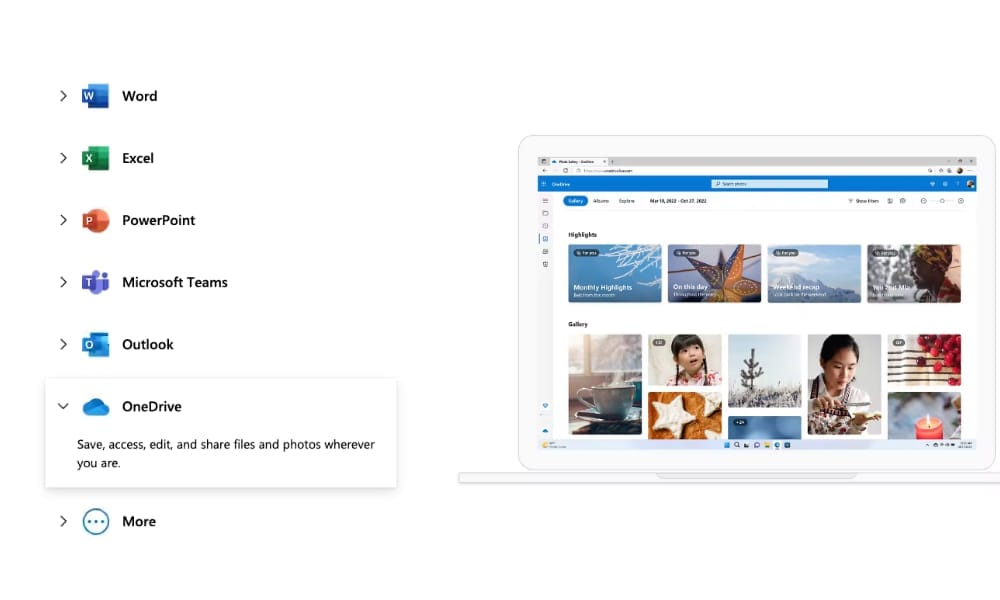
If you and your team already rely on the Microsoft 365 suite of products, you may want to try Microsoft OneDrive secure file sharing for business. This cloud storage and file-sharing service allows faster, safer file-sharing and seamless collaboration, in real time.
OneDrive connects all your files across the Microsoft 365 suite. You need a Microsoft account to access the OneDrive tool. However, if you have an @outlook.com, @live.com, or @hotmail.com email account, you'll already have a Microsoft account. You can then access OneDrive's cloud service.
Microsoft OneDrive's top features are:
- Add shared files from Microsoft Teams or SharePoint to OneDrive in seconds.
- Easily upload new files up to 100GB to Microsoft OneDrive from any connected device.
- Integrations and shareable links allow you to share files and collaborate on content more smoothly.
Microsoft OneDrive is best suited to teams already using the Microsoft 365 suite, as it is compatible with those products.

6. Google Drive
Google Drive is another user-friendly product designed for file storage and secure file sharing for businesses or individuals. Developed by Google for Google users, it offers 15GB of free storage, and additional storage with a Google One subscription.
You need a Google account to access Google Drive. When you sign into your Google account, you can automatically access, edit, or share files in Google Drive. If you have a Google Gmail account, you can already access Google Drive across all your connected devices.
Google Drive's top features are:
- Up to 15GB of free file storage, more with a subscription. A shared drive can contain a maximum of 400,000 items.
- Access Google Drive, and sync your files, across all of your connected devices with your Google account login.
- You can control whether people can edit, comment on, or only view the files you share on Google Drive.
Google Drive is very user-friendly and is an affordable choice for solopreneurs. That said, it is best suited to teams already using and happy with the Google range of products.
7. iCloud Drive
Most Apple enthusiasts use iCloud Drive for personal storage and sharing of photos, videos, and documents. But it can be just as useful for your secure file sharing for small businesses. Simply access and share files you have stored in iCloud, on iCloud.com on your computer.
Whether you access iCloud Drive on the web or any of your Apple devices, you can view and share files in iCloud. However, you must sign in with your Apple ID. To ensure syncing across your devices, you must use the same Apple ID for each device.
iCloud Drive's top features are:
- Access documents and sync across your Apple devices like Mac, iPhone, and iPad.
- Share files from iCloud Drive on iCloud.com on your PC.
- Files stored in iCloud are encrypted, and permission settings can be set when sharing files.
iCloud Drive is a good choice for solopreneurs and small business teams who already use or are familiar with Apple products.
8. Egnyte
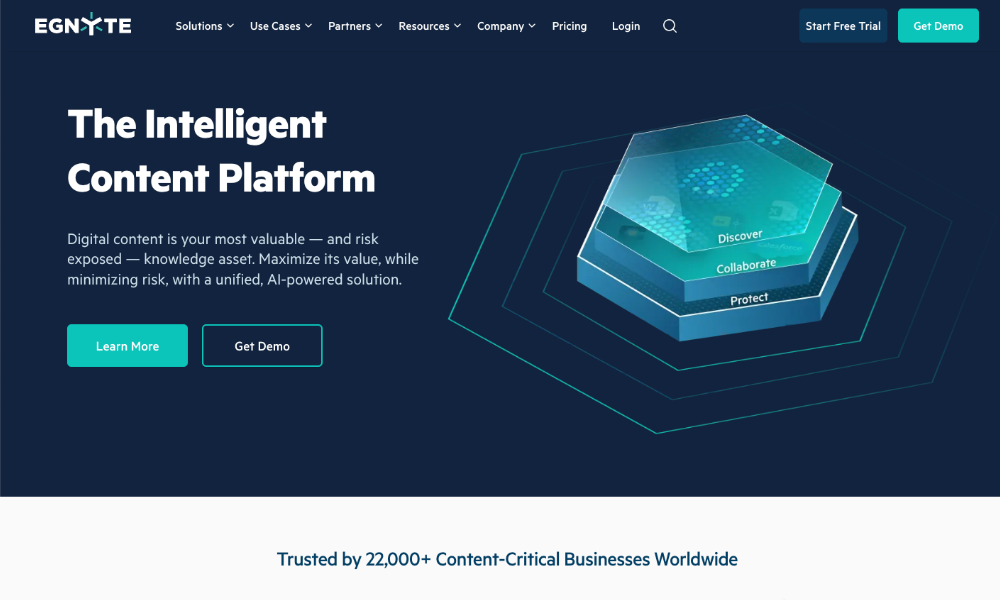
If you like the idea of an AI-powered platform for your secure file sharing for business, consider Egnyte. The platform allows sharing and collaboration on all types of files, even very large ones. You can share files quickly and easily with links, and preview files received before accessing them.
Egnyte's native integrations for Google Workspace, Slack, and other top collaboration platforms make this ideal for teamwork in hybrid work situations. You can also access your files from Egnyte directly within Adobe, Autodesk, Procore, and various other file apps.
Egnyte's top features are:
Set global file locking to prevent unauthorized file access. Ransomware detection and protection, and data access governance, enhance the security of your shared files.
Integrations allow you to collaborate on all types of files. Edits to files automatically sync to the cloud.
File version control helps you avoid conflicting file changes.
Egnyte is suitable for teams in the tech industry looking for file-sharing and collaboration tools with enhanced security features and AI-driven technologies.
9. MediaFire
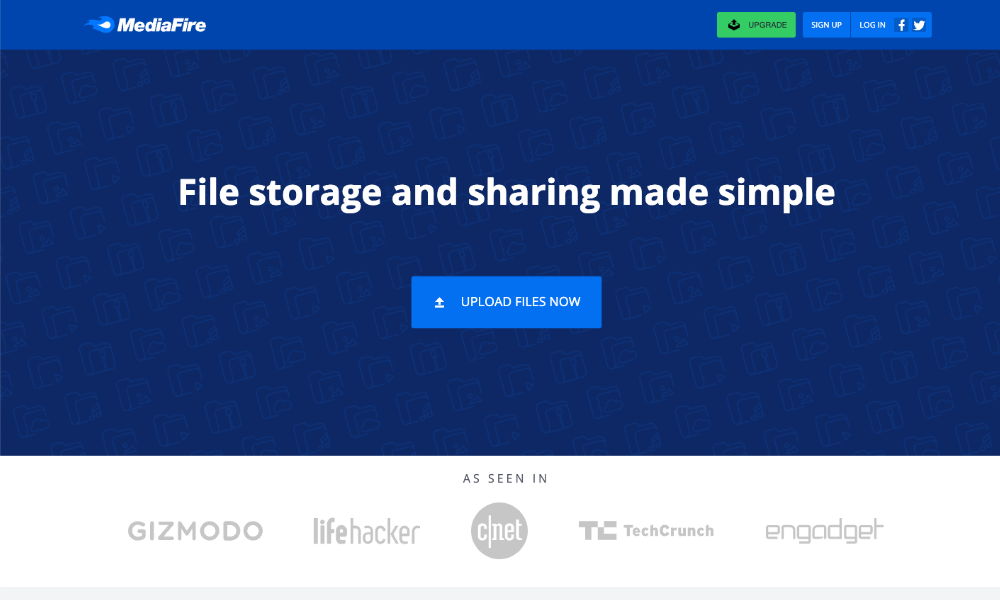
With MediaFire, you can store, access, share, and collaborate on all your important files, anywhere at any time. You can get up to 10GB of free storage (up to 4GB per file), plus unlimited downloads and bandwidth.
Share files anywhere with a link, through email, your social media pages, or messenger apps. MediaFire lets you store and share many different file format types. You can share individual files, or whole folders, and manage them from your desktop or your mobile device while on the go.
MediaFire's top features are:
- One-time links that prevent your shared files from being shared by the recipient with anyone else.
- Multiple file uploads at once, through a variety of apps for Android, iPhone, iPad, or Windows desktop.
- A free account (ad-supported) with up to 10GB storage.
MediaFire offers secure file sharing for business that is user-friendly, practical, and efficient. But it does not have the more advanced security features that some services offer, and is thus best suited to small businesses with less concerns about cybersecurity.
10. Citrix ShareFile
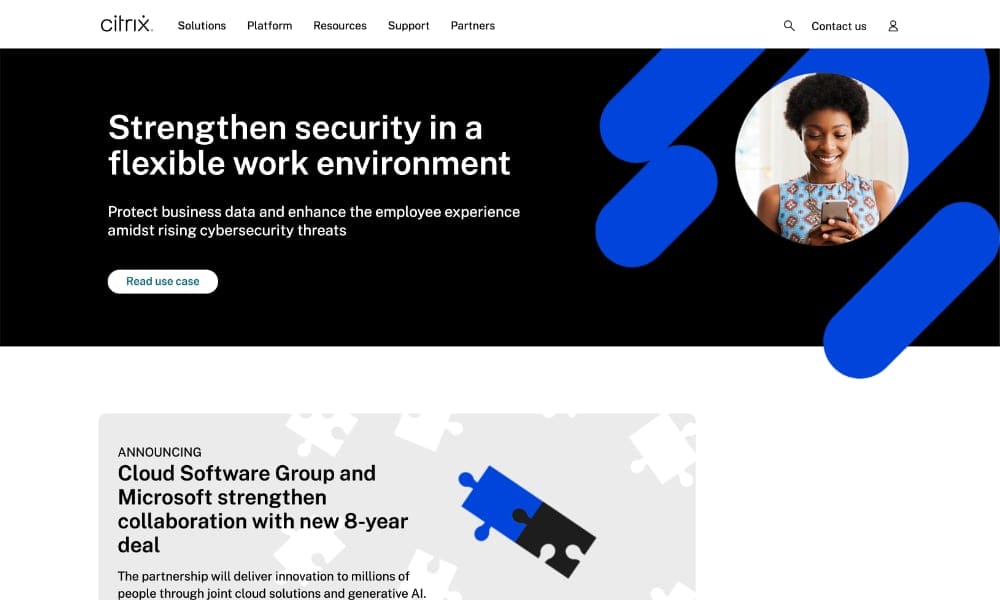
The Citrix platform has a range of features suitable for Saas, cloud computing, and more demanding IT requirements. Share files with teammates, collaborators, or clients on Citrix Share File. Access all files in one place on any device through the app.
Need to work on your files offline before sharing them? Don't worry - the changes you've made will sync automatically once you're back online. Then use the system's file email feature to send the recipient an emailed secure link to download the file.
Citrix's top features are:
- Easy access to all files through the app.
- Automatic sync of all offline file edits when back online.
- Permission settings control access to more sensitive data.
The platform's easy access features are well-suited to remote teams looking for secure file-sharing for business.
Conclusion
As businesses share exponentially growing volumes of digital files, securing that content has never been more critical. The right secure file sharing tool protects your sensitive data through encryption, access controls, and compliance features—while still enabling seamless collaboration across teams and with external partners.
Each platform in this guide offers unique strengths, from enterprise-grade security to user-friendly interfaces. The best choice depends on your specific needs: team size, file types, integration requirements, and compliance obligations.
For businesses seeking comprehensive digital asset management combined with robust security features and intuitive collaboration tools, Razuna delivers exceptional value. Our platform provides enterprise-level security with HIPAA-compliant cloud hosting, granular permission controls, and secure sharing—all at an affordable price point perfect for growing businesses. Register your free account to experience secure file sharing done right!