Razuna Desktop v3.7.2 & Platform Updates
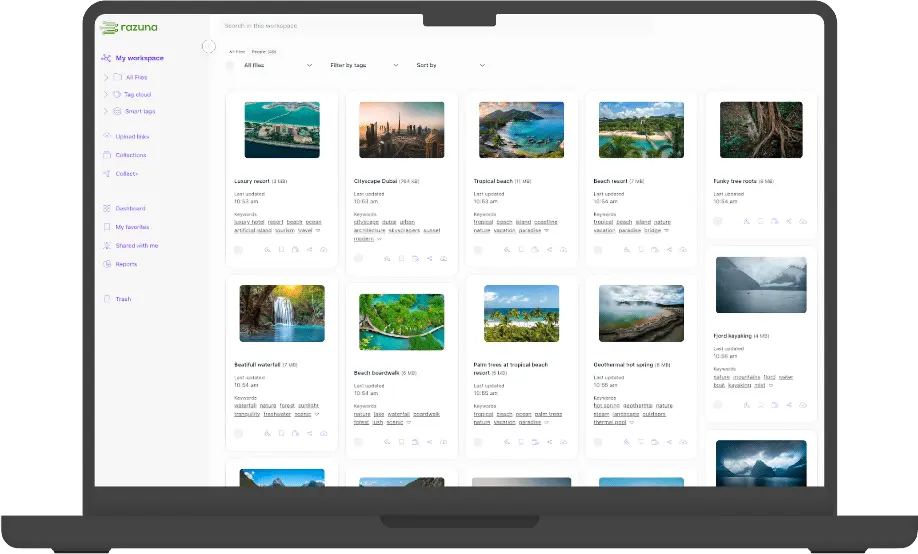
We're excited to announce Razuna Desktop v3.7.2 along with significant improvements across the entire Razuna platform. This release focuses on enhanced security, better user experience, and numerous stability improvements based on your valuable feedback.
🔐 Desktop App: Reimagined Authentication
Industry-Standard Secure Login
We've completely redesigned the authentication flow based on your feedback. Instead of manually managing access tokens, you now enjoy a streamlined, browser-based sign-in experience that follows industry security best practices. Simply select your workspace, and you'll be securely redirected to authenticate via your web browser—making login both more secure and more convenient.
Visual Improvements
The login screen has been refreshed with a cleaner, more intuitive interface that guides you through the authentication process.
Critical Bug Fixes
• Eliminated duplicate file uploads - Files will no longer upload twice, saving bandwidth and preventing confusion
• International character support - Resolved rare edge cases where file names containing foreign characters would cause issues
• Latest dependencies - Updated all underlying frameworks to their most recent stable versions for improved performance and security
📤 Upload Links: Smoother Public & Internal Sharing
Redesigned Interface
We've continued refining both the public-facing and internal upload link interfaces, making file sharing more intuitive for both your team and external collaborators.
Performance Fix
Fixed a critical bug that occurred when uploading large batches of files, ensuring smooth uploads regardless of volume.
✨ Major Enhancements
AI-Powered Workflows, Your Way
Workspace-Level AI Controls - Razuna AI options are now configurable per workspace, giving you granular control over how artificial intelligence enhances your digital asset management across different teams and projects.
Expanded File Format Support
PES File Support - We've added native support for PES embroidery files, expanding Razuna's already comprehensive format compatibility.
Improved Content Detection
Smarter File Recognition - Enhanced content type detection ensures your files are properly identified and processed, leading to better search results and more accurate AI tagging.
UI Refinements
Streamlined Global Settings - The global settings interface has been updated for better clarity and easier navigation.
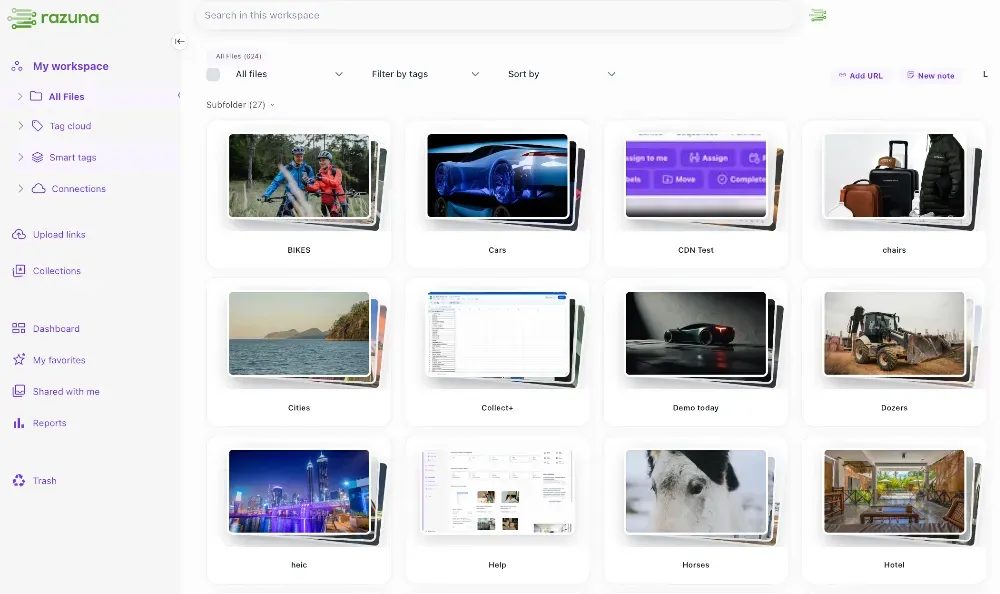
Lasso Selection in Collections - You can now use mouse-drag lasso selection when working with items in collections, making bulk operations faster and more intuitive.
Smarter ESC Key Behavior - When viewing a file preview from within the detail view, pressing ESC now closes only the preview overlay, not the entire detail view—a small change that makes navigation feel more natural.
⚡ Performance & Stability
Faster, More Reliable Experience
• Resolved internal caching issues that could impact stability
• Improved cache connection handling for noticeably faster response times
• Enhanced real-time synchronization across multiple user sessions
🐛 Comprehensive Bug Fixes
Selection & Navigation
• Refined lasso selection - Eliminated sporadic behavior for consistent, reliable multi-file selection
• Accurate folder views - Folders now display correctly even when empty
• Fixed action menu trigger - The action menu no longer appears when clicking empty space in file listings
Real-Time Updates
• Live file removal - When a file is deleted, all connected users see the update instantly in their browsers
• Eliminated unnecessary refreshes - Removing files from folders and uploading new files no longer trigger redundant folder refreshes
Upload & File Handling
• Resolved upload failures - Fixed issues with certain file name patterns that previously caused uploads to fail
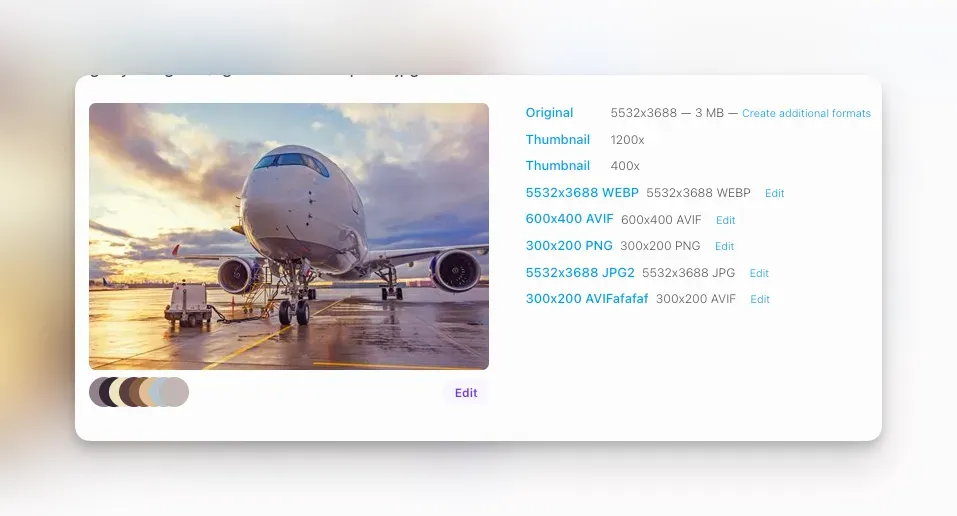
• Drag-and-drop renditions restored - You can once again drag files onto each other to create renditions
• Collection management - Fixed the ability to add files to collections directly from search results
Search & AI
• Date search functionality - Searching by date now works as expected
• Document AI processing - Resolved an issue where some documents were incorrectly identified as binary files, preventing AI analysis. All document types now receive proper smart tag enhancement
Workspace & Branding
• Session persistence - You'll now be correctly redirected to your last visited workspace (apologies for breaking this in a recent update!)
• Correct logo display - Fixed logo rendering to properly show your white label settings or workspace-specific branding
🙏 Thank You
This release represents our commitment to continuously improving Razuna based on your real-world usage and feedback. We've addressed numerous pain points, enhanced performance, and added features that make your daily workflows smoother.
As always, if you encounter any issues or have suggestions, please don't hesitate to reach out to our support team.
Happy asset managing!