New: Image-to-text (Extract text from image)
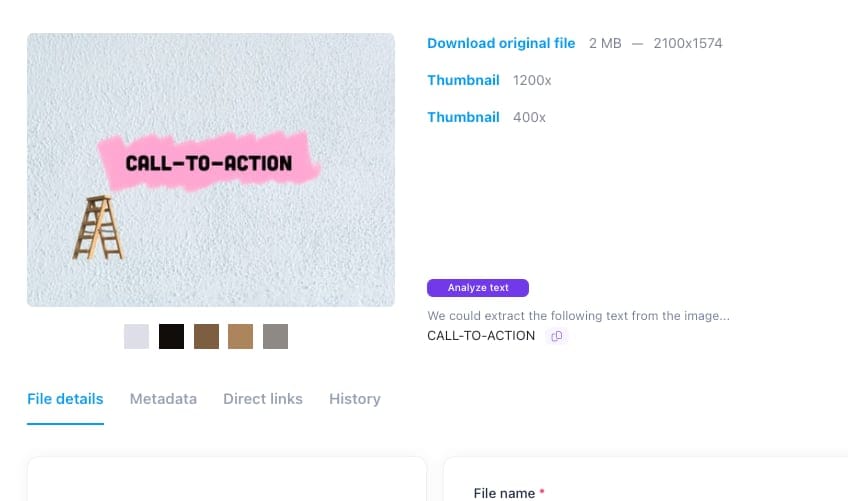
Great news! We recently added the option to extract text from your images quickly. It's straightforward. Click on the "Extract text" button, and any found text will be conveniently available.
Great news! We recently added the option to extract text from your images quickly. It's straightforward. Click on the "Extract text" button, and any found text will be conveniently available.

Razuna now analyzes text, images, artwork, and scanned pages inside documents—adding AI classification so more of your existing content becomes discoverable.
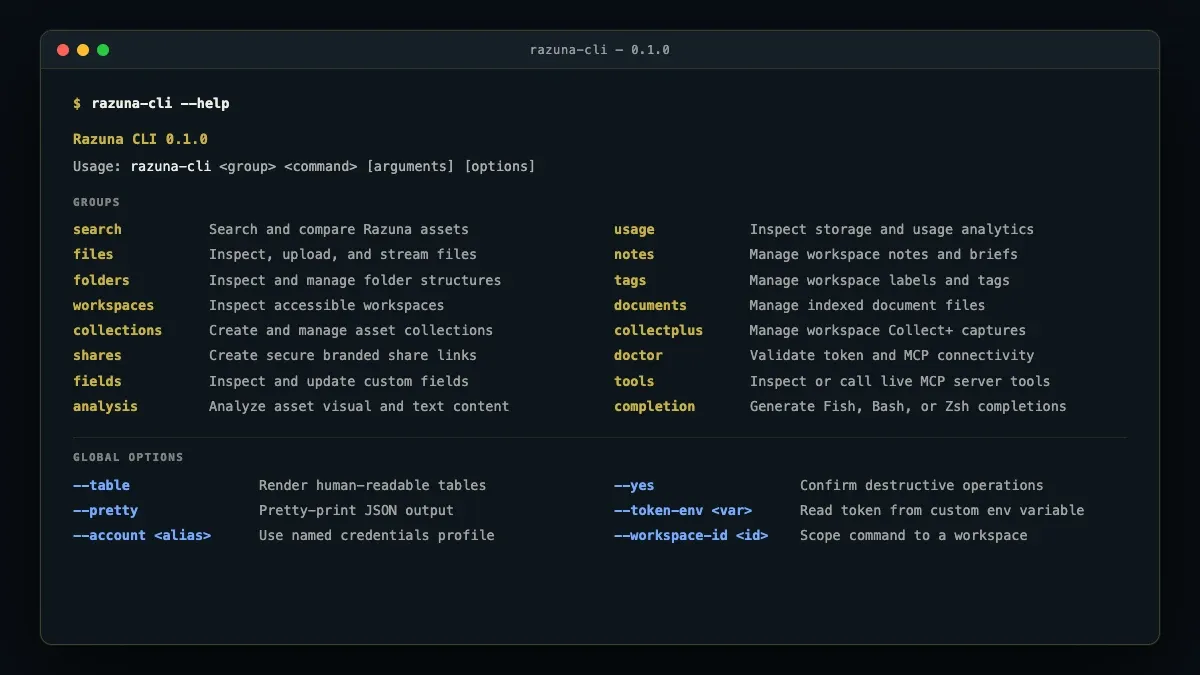
The new Razuna CLI brings digital asset management directly into your terminal, scripts, CI/CD pipelines, and AI coding agents. Search assets, stream uploads, and automate DAM workflows.
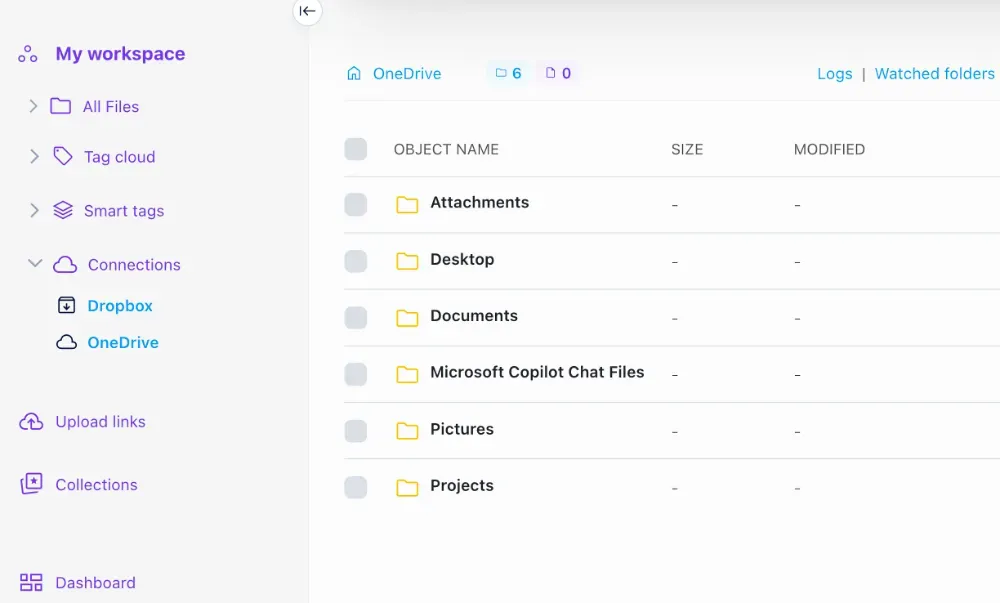
We are excited to announce the introduction of native OneDrive support, in addition to our existing integrations with S3 and Dropbox. A new feature we've rolled out allows you to schedule imports from these external sources, creating a more streamlined workflow.
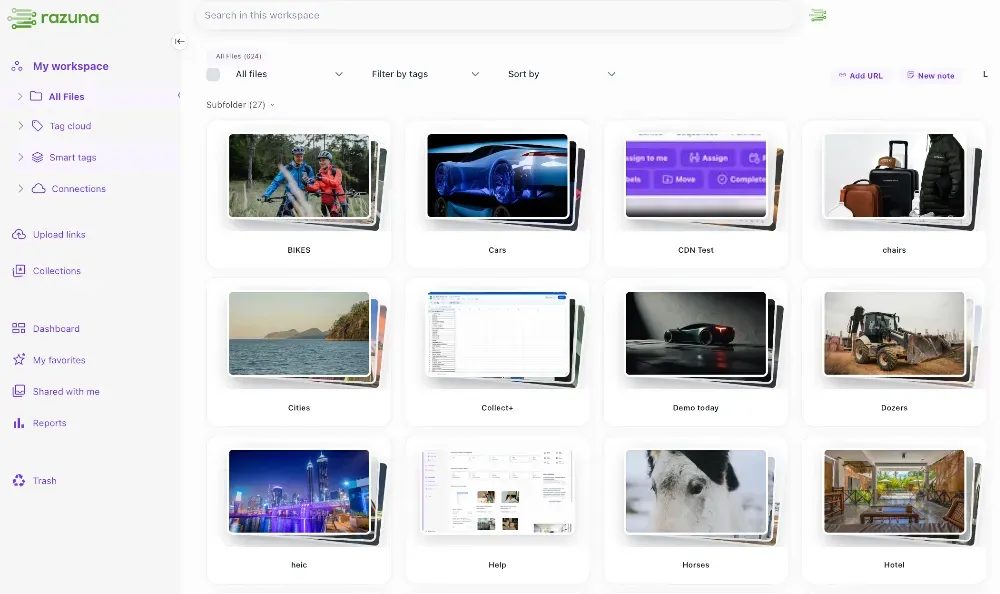
Today, we are thrilled to announce a wave of powerful new features and highly requested community improvements designed to remove friction from your daily workflow, give you total control over your workspace, and save you valuable time.

The Razuna WordPress plugin helps teams browse, search, and insert approved assets from Razuna without leaving the WordPress editor.
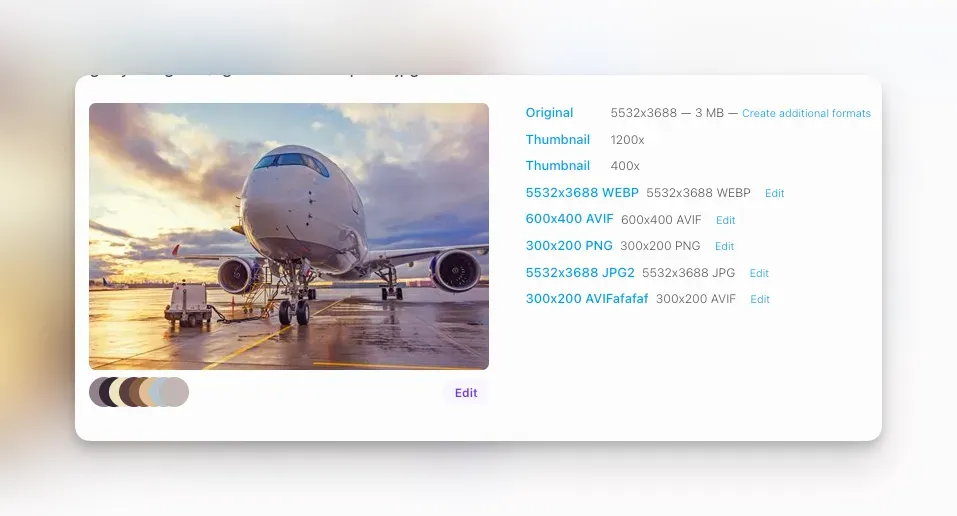
Create reusable image download formats in Razuna: choose JPG, PNG, WEBP, or AVIF, set exact dimensions or presets, save them to the file, share them, and use them through the API or MCP.