Managing AI-Generated Assets: How Marketing Teams Can Keep Up
Your marketing team is using AI tools to generate images, write copy variations, resize banner ads, and spin up video thumbnails. That is fine. The problem is what happens next. Those assets land in Slack, get emailed around, saved to personal folders, duplicated into campaign drives, and then nobody can find the approved version six weeks later when the campaign runs again.
AI has solved the content creation bottleneck. It has created a new one: governance. Managing AI-generated assets is now one of the messiest problems in marketing ops, and most teams have no system for it.
Here is what that looks like in practice, and how a proper digital asset management setup fixes it.
The volume problem is real
A single mid-size marketing team running one product launch might generate 200 to 400 individual assets using AI tools. Images from Midjourney or DALL-E. Copy variations from ChatGPT. Product photos background-removed by Adobe Firefly. Social cuts from Runway. That number multiplies fast across a quarter.
Before AI, a creative team producing 400 assets in a quarter was a significant operation. Now a two-person team with the right tools can hit that in a week. The production tools scaled. The organization tools did not.
Most teams default to Dropbox, Google Drive, or shared Notion pages. Those work for 50 files. They break at 500. And AI has made 500 files per week a realistic output for a lean team.
Why AI-generated assets need different treatment
AI-generated content has characteristics that make it harder to manage than traditional assets. Here are the three that trip teams up most.
No natural naming convention
A photographer delivers files named by shoot, date, and subject. An AI tool outputs files named 'image_20240415_093221.png' or 'variation_003_final.webp'. Nobody goes back and renames them. So within a month your shared drive has 800 files with machine-generated names and zero searchability.
No clear approval status
Human-created assets go through a review cycle. AI-generated drafts often skip it. Someone generates ten image options, picks one, and shares it in Slack. Three months later, someone else finds the other nine in the drive and assumes they are all approved. You end up with off-brand images in live campaigns.
Rights and compliance are murky
Depending on the tool and your subscription tier, AI-generated content may have usage restrictions. Some platforms require you to label content as AI-generated for paid placements. EU AI Act requirements are adding more obligations. If you cannot trace which tool generated an asset and under what plan, you have a compliance gap.
What a DAM actually fixes
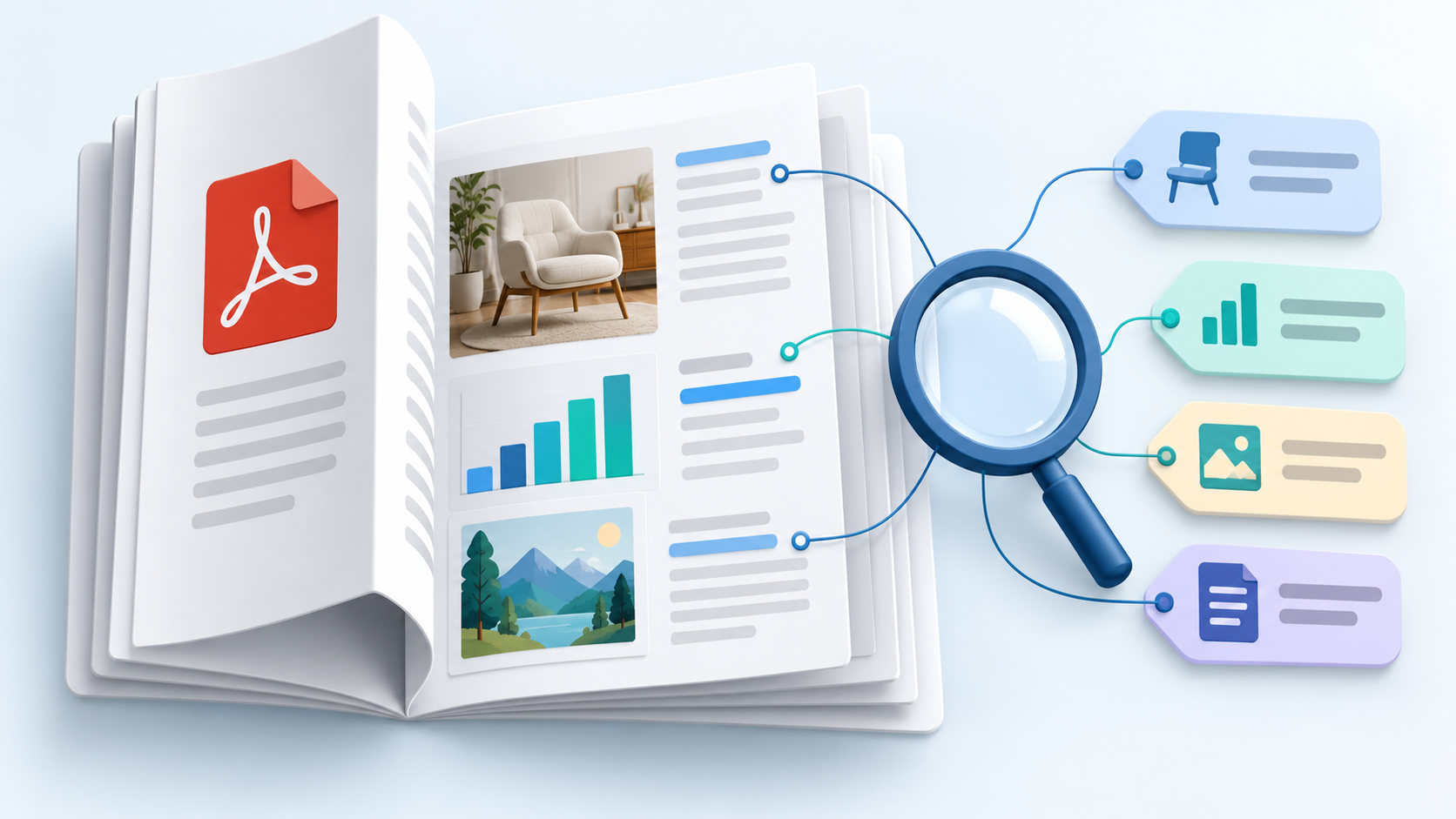
A digital asset management platform is not just a fancier folder structure. The difference is metadata, search, and workflow. Those three things are exactly what AI-generated content is missing.
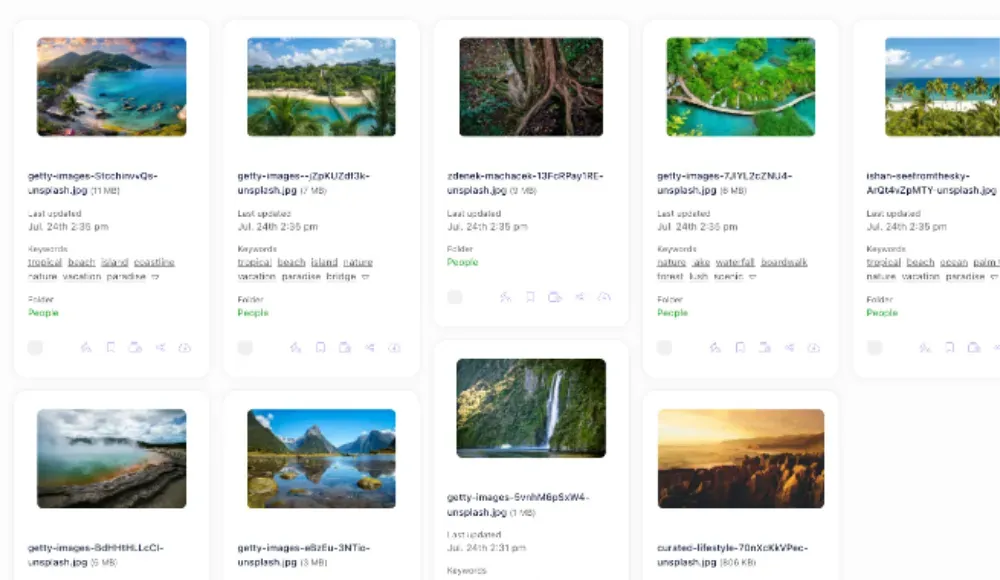
With Razuna's DAM features, you can tag every AI-generated file at upload with the source tool, the campaign, the approval status, and any usage restrictions. That metadata sticks to the file. When someone searches for 'approved hero images for Q3 campaign', they get exactly that. Not 800 files named 'variation_003'.
Automated tagging cuts the manual work
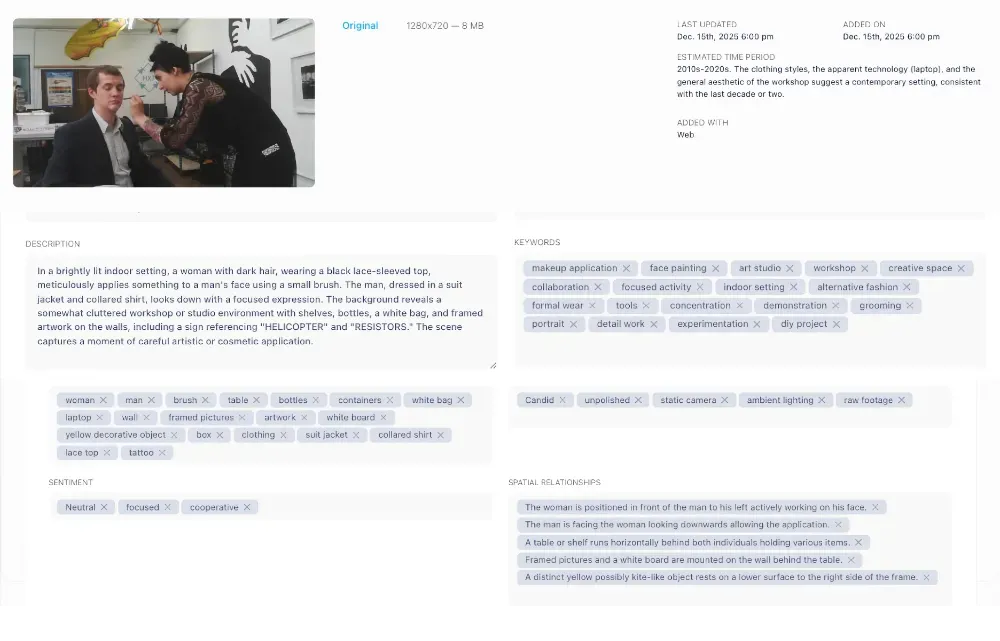
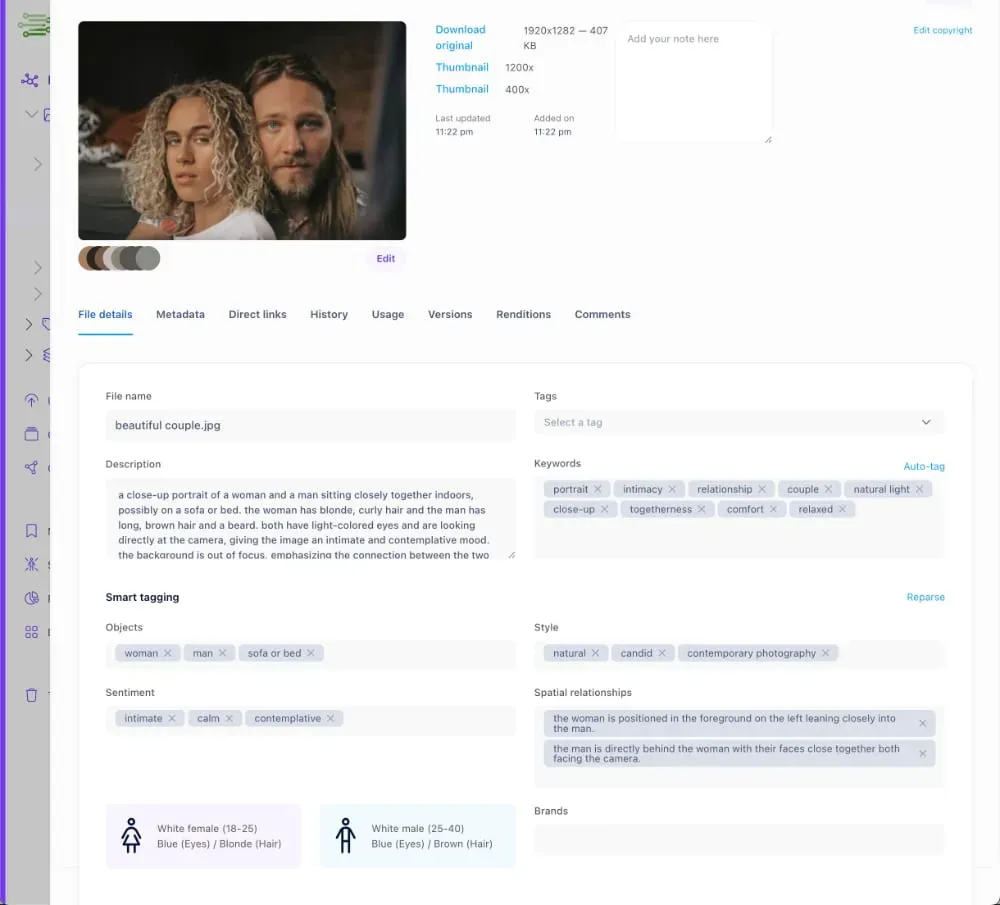
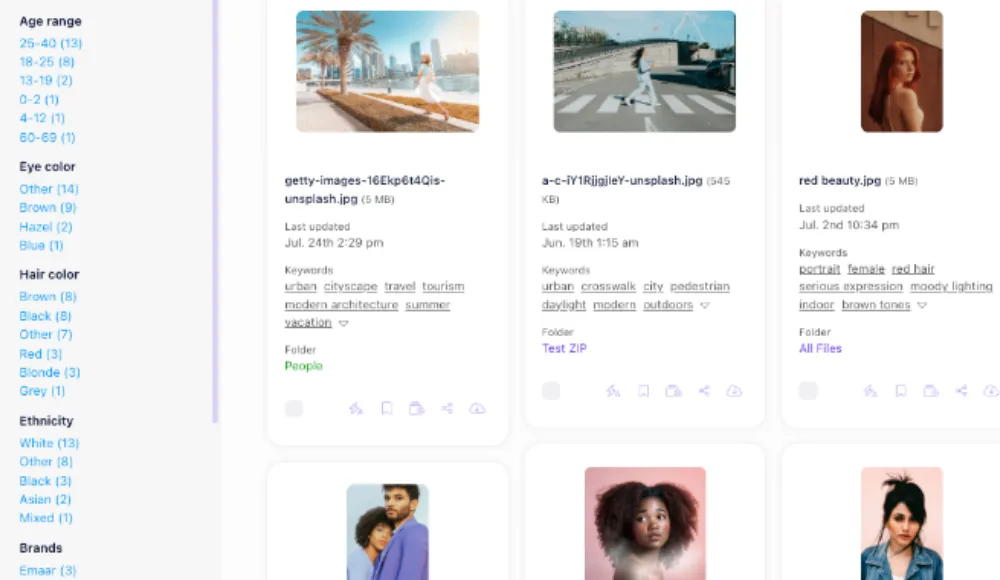
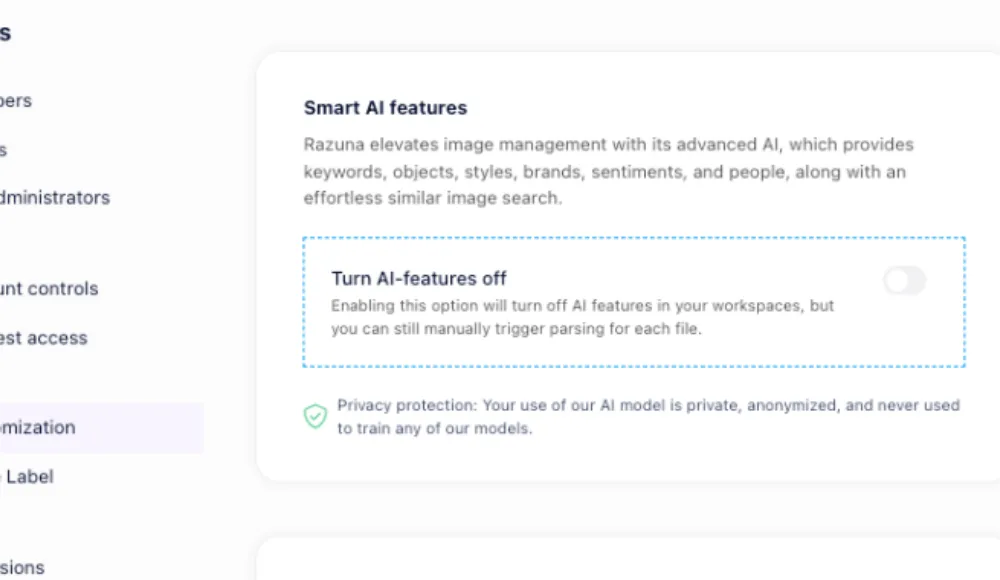
The obvious objection: nobody has time to manually tag hundreds of AI-generated assets. That is fair. This is where the AI inside a proper DAM earns its keep. Visual recognition and auto-tagging can identify what is in the image, the dominant colors, the format, whether it contains a face or a product or a logo. You get searchable metadata without a tagging session.
The team adds the campaign and status tags on upload (30 seconds, not 30 minutes). The DAM handles the rest.
Approval workflows prevent the wrong version going live
Good DAM platforms have built-in review and approval workflows. AI drafts go in with a 'pending review' status. A brand manager or creative lead marks them approved or rejected. Only approved assets are accessible to the broader team. The unapproved drafts stay in the system for reference but cannot be accidentally pulled into a campaign.
This is the same workflow you would apply to agency-delivered creative. AI-generated content should follow the same discipline.
A practical setup for managing AI-generated assets
Here is what actually works for marketing teams producing high volumes of AI content.
- Create an AI Drafts folder in your DAM. Everything AI-generated goes here first. No exceptions. This keeps unreviewed content out of the main library.
- Tag at upload, not after. Campaign, tool used (Midjourney, DALL-E, Firefly), format, and status. A 30-second habit that saves hours of confusion later.
- Run a weekly review pass. One person, 20 minutes. Move approved assets to the main campaign folder. Delete what will never be used. Flag anything that needs brand compliance review.
- Track rights and tool source. Add a custom metadata field for the generating tool and usage rights status. When regulations change, you can filter your entire library by tool and know exactly what needs a compliance review.
- Archive, do not delete. AI drafts that do not make the cut still have value. You may want to reference them for a future campaign, or you may need to prove you reviewed and rejected a particular asset. Archive folders are searchable; the recycle bin is not.
The compliance angle most teams ignore
The EU AI Act, which started applying in stages from 2024 and 2025, requires that AI-generated content used in certain contexts be labeled. Platform-specific rules (Meta, Google Ads) have their own disclosure requirements for AI-generated imagery in paid placements. These requirements are not going away, and they are getting stricter.
If you cannot search your asset library by 'AI-generated' and pull a complete list, you cannot do a compliance audit. That is a real business risk, not a hypothetical one.
A DAM with custom metadata fields solves this. Razuna's digital asset management platform lets you define custom fields per asset type. Tag every AI-generated file with 'AI source', 'generation tool', and 'compliance reviewed' on the way in. When the audit question comes, the answer takes 30 seconds.
AI tools and DAM are not competing, they work together
There is a tempting narrative that AI tools will eventually replace DAM, because AI can find anything by description. That gets things backwards. The reason AI search works well is that it has clean, well-organized source material to search against. A library of 4,000 untagged files with machine-generated names gives even the best AI search engine a hard time.
A DAM does not compete with AI creation tools. It makes them more valuable. The faster your team generates assets, the more you need a system that keeps the good ones findable, the bad ones out of circulation, and the whole library auditable.
Think of it this way: a printer without a filing system just makes more paper. AI content tools without a DAM just make more chaos.
What to look for in a DAM for AI-heavy teams
Not all DAM platforms handle the AI-generated asset problem equally well. Here are the capabilities that actually matter.
- Custom metadata fields. You need to be able to define your own fields (AI source, tool, rights status) beyond the default filename and date.
- Bulk upload with metadata apply. When your team generates 50 images in one session, you need to tag them all in one action, not one at a time.
- Approval workflows. Draft/pending/approved status that restricts access to unapproved assets for most team members.
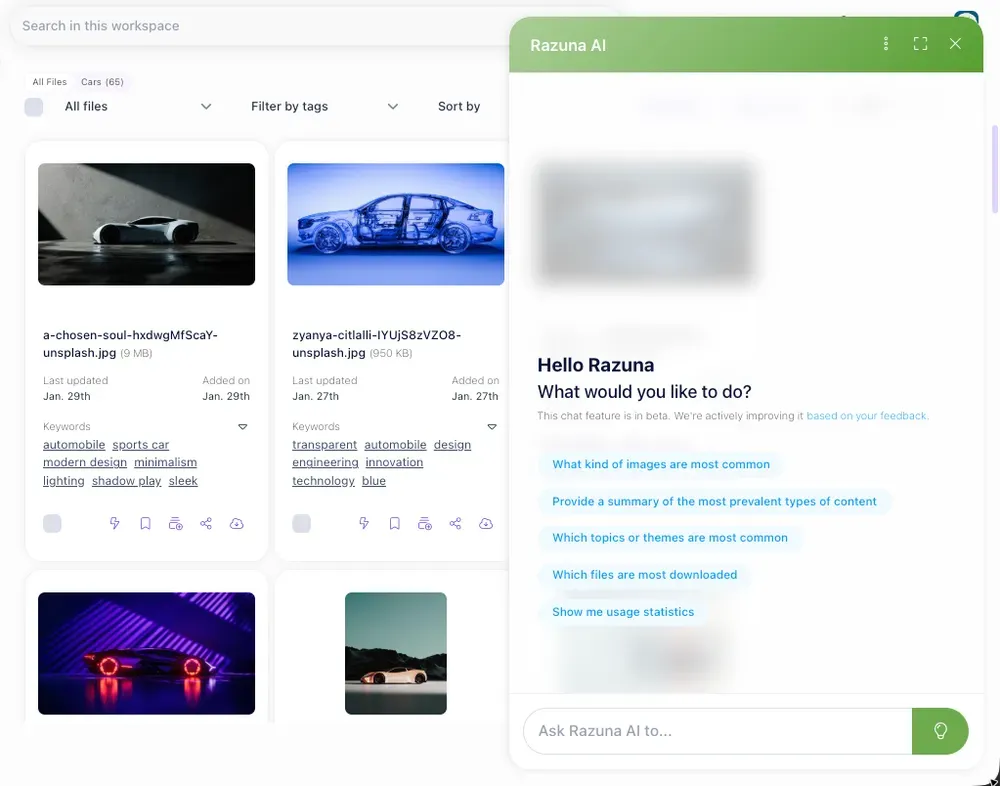
- Smart search. Filtering by any combination of metadata fields, not just filename search.
- Reasonable pricing. If your DAM costs more than your AI tools, something has gone wrong with the unit economics.
Check Razuna's pricing page to see plans that work for teams of different sizes. The goal is having a proper system without enterprise price tags.
The bottom line
AI-generated assets are not going away. Every marketing team is dealing with more files, more formats, and more versions than they were two years ago. The teams that are going to stay on top of it are the ones that treat AI-generated content with the same organizational discipline they apply to everything else.
That means a real DAM setup, not a Dropbox folder with a creative team's shared login. Tag on upload. Run approvals. Track rights. Build a library that survives a compliance audit and a team handover.
If your current setup is not handling the volume, try Razuna free and see what a purpose-built DAM does for the chaos.
For more on AI-generated content and its provenance, see AI Content Governance for Marketing Teams: How to Stop Shadow AI From Wrecking Your Brand and Content Provenance and Your DAM: Why C2PA Matters for AI-Generated Assets.
Explore Razuna AI features to see how these practices fit your team’s workflow.