8 Benefits of Digital Asset Management for Designers
If you've ever spent 20 minutes hunting for the correct logo file, or sent the wrong version of an asset to a client, you already understand the problem. Digital asset management for designers isn't just about keeping files tidy -- it's about getting time back.
Most designers work with hundreds (sometimes thousands) of files across projects: logos in a dozen formats, photography shoots, illustration exports, brand guidelines, video cuts, and the inevitable 'final_FINAL_v3_USE-THIS-ONE.pdf.' Managing that without a system is a tax on your time and your sanity.
What Is Digital Asset Management for Designers?
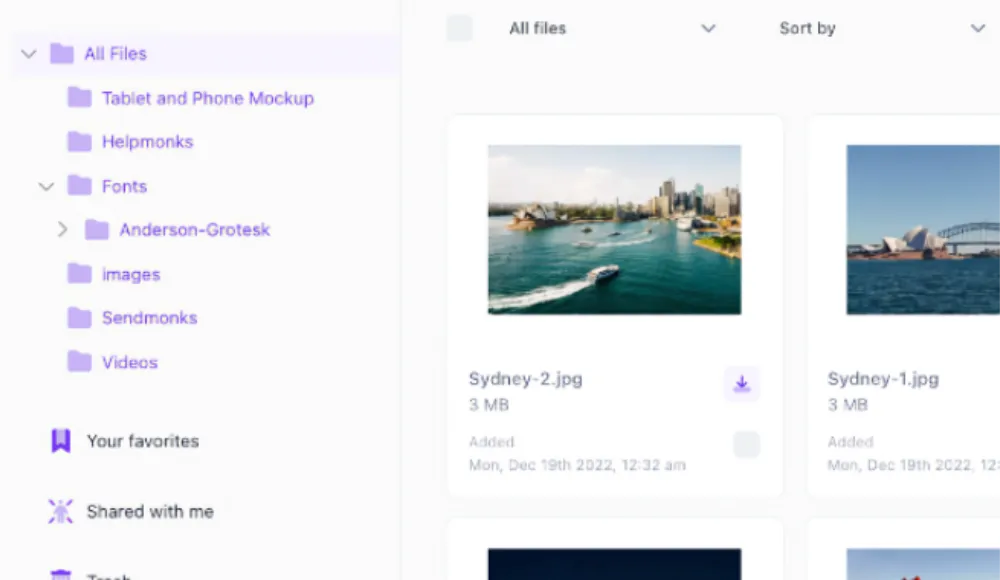
Digital asset management (DAM) is software that stores, organizes, and distributes creative files in a central repository. Unlike cloud storage like Google Drive or Dropbox, a DAM is built specifically for creative workflows -- with version control, metadata tagging, search that actually works, and access controls so the right people get the right files.
For graphic designers, a DAM handles everything from raw source files (PSDs, AI files, Figma exports) to final approved deliverables, with the context attached: who approved it, which version is current, and where it has been used. The result is a library you can actually trust.
1. Find Any Asset in Seconds, Not Minutes
The average creative professional loses more than 30 minutes per day searching for files. That's over two hours per week -- across a year, that's 100+ hours spent on file archaeology instead of actual design work.
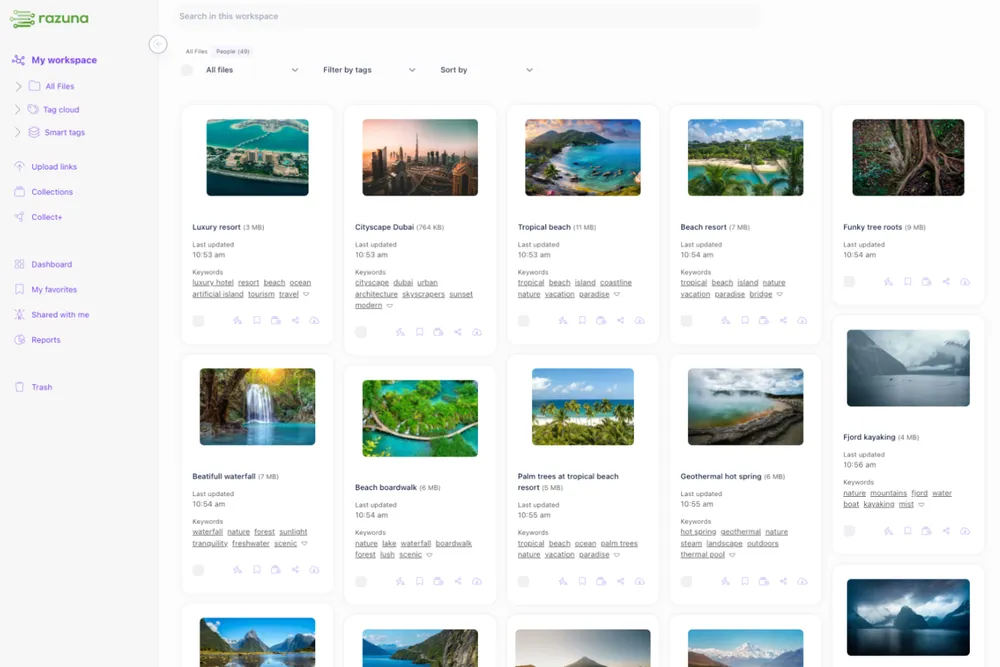
A DAM with proper metadata tagging and full-text search changes this completely. Tag assets with project name, client, file type, color palette, campaign, and usage rights. Search for 'Q4 campaign hero image approved' and get the right file instantly. No more digging through nested folders or scrolling Slack message history.
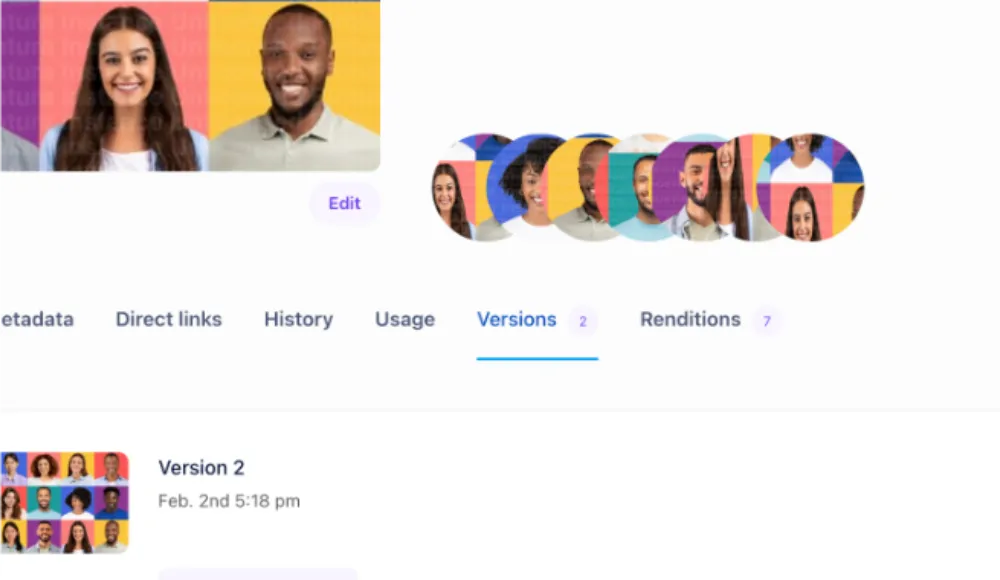
2. Version Control That Doesn't Rely on File Names
'Logo_final.ai' is not a version control strategy. Neither is 'Logo_final_v2_actually-final.ai.'
A DAM tracks every version of every file automatically. You see the full history, can revert to any previous version, and everyone on the team downloads the current approved version by default. No more clients printing outdated logos because someone shared the wrong Dropbox link six months ago.
This is one of the biggest wins for digital asset management for graphic designers: the file name stops carrying the weight of version history.
3. Share Files Without the Access Nightmare
Sharing assets across clients, freelancers, vendors, and internal teams is painful without a system. Email attachments hit size limits. Dropbox links expire or land in the wrong folder. You end up as the human middleware, fielding requests all day.
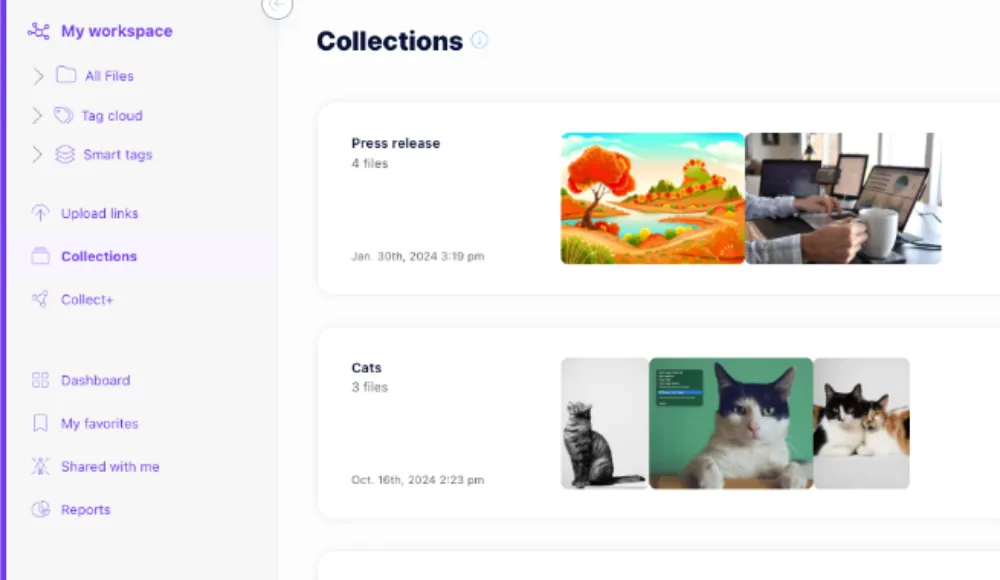
A DAM gives you controlled sharing: generate a branded portal link for a client with exactly the files they need. Set expiry dates. Restrict downloads. Grant view-only access to freelancers on one project without opening your entire library. Sharing becomes self-serve without becoming a security liability.
4. Rights and Usage Tracking Built In
Using an image without proper rights can cost thousands in licensing fees. For designers working with stock photography, licensed illustrations, or client-provided assets, tracking usage rights manually -- in a spreadsheet or, worse, in your head -- is a liability waiting to happen.
A DAM attaches rights information directly to the asset: license type, expiry date, approved channels, restrictions. Before you repurpose that hero shot for a new campaign, you check the metadata, not your inbox. The compliance layer lives with the asset, not in a separate document no one updates.
5. Faster Client Approvals
The approval process is where campaigns go to stall. Designs circulate via email. Feedback gets buried in threads. Someone signs off on version 3 not realizing version 5 already exists.
A proper DAM includes structured approval workflows: submit an asset, stakeholders review and comment in context, and the approved version gets marked and locked. Designers spend less time chasing sign-offs and more time acting on feedback. See how Razuna's features support this kind of workflow end-to-end.
6. Brand Consistency Across Every Output
Brand drift happens when designers work from different asset versions. One team has the old logo. Another is using outdated brand colors. A third is using a font deprecated two years ago.
A DAM is the single source of truth for brand assets. When the logo is updated, it's updated once in the DAM. Everyone pulling from the library gets the current version automatically. Digital asset management for designers is, at its core, a brand governance tool.
7. Less Time Onboarding, More Time Creating
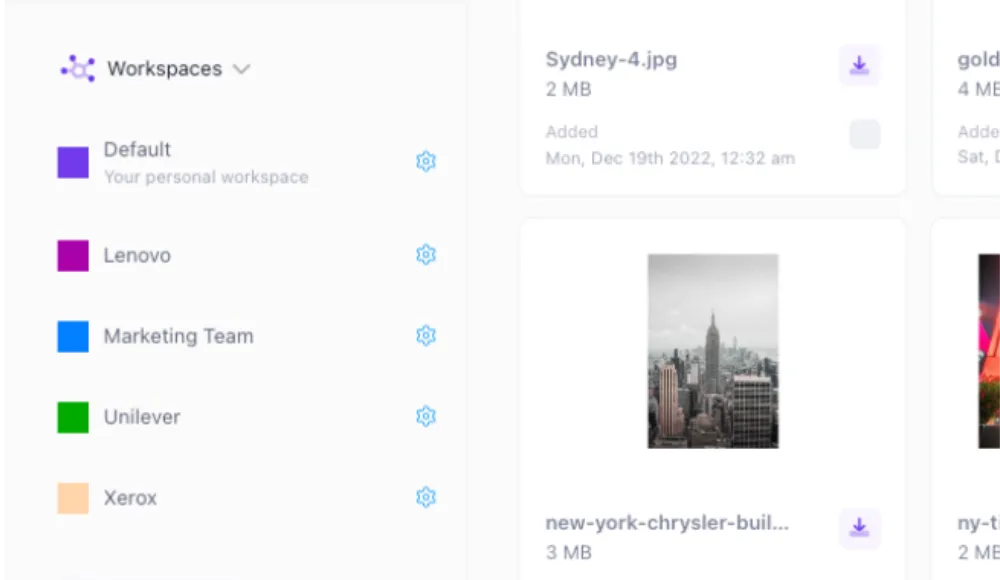
New designers joining a team spend their first days hunting for files, asking where things are, and recreating assets that already exist somewhere in a shared drive no one can navigate. With a DAM, onboarding a new team member means pointing them at the library. Everything is findable, labeled, and in one place.
This pays off immediately on day one, and keeps paying off as the team grows. A well-run DAM means institutional knowledge lives in the system, not in the heads of people who've been around since the beginning.
8. A Library That Scales With You
Folders break at scale. What works for 200 files doesn't work for 20,000. A DAM scales with you -- storage, search performance, user access, and integrations with tools like Figma, Adobe Creative Cloud, and your CMS.
Razuna connects directly to the creative tools your team already uses, so designers work in familiar applications with assets surfaced where they need them. Check Razuna's pricing -- it's built for teams that don't want to pay per seat for every contractor and freelancer.
Frequently Asked Questions
What is digital asset management for graphic designers?
Digital asset management for graphic designers is software that centralizes creative files -- logos, photos, illustrations, videos, templates -- with version control, metadata, and access permissions. It replaces folder chaos in Dropbox or Google Drive with a system built specifically for creative workflows.
How does a DAM help designers save time?
A DAM saves time by making assets searchable instead of buried in folders, eliminating duplicate requests for the same files, automating version control, and reducing the back-and-forth of approval processes. Designers report saving 30 or more minutes per day once a DAM is in place.
Can graphic designers use Razuna?
Yes. Razuna is designed for marketing teams, agencies, and creative teams of all sizes. It integrates with Adobe Creative Cloud and supports all common design file formats. Teams can try it free at razuna.com.
Does a DAM replace Dropbox or Google Drive?
For creative teams, yes -- a DAM replaces shared cloud storage as the primary asset library. Cloud storage was designed for document collaboration, not for managing thousands of versioned brand assets with usage rights and structured approvals. A DAM does what folders were never built to do.
Stop Managing Files. Start Managing Your Work.
If your current setup is a maze of renamed files, outdated shared folders, and daily 'can you send me the latest version?' messages -- it's time to fix it. Digital asset management for designers means spending your hours on actual design, not file management.
Razuna gives designers and creative teams a central, searchable library for every asset, with version control, approvals, and sharing built in. Try Razuna free and see how much time your team gets back.
To connect your asset library with the creative process, see Creative Asset Management Software: Systems and Workflows and 9 Steps To Effective Creative Workflow Management.
Explore Razuna for creative agencies to see how these practices fit your team’s workflow.