DAM for Ecommerce: The Missing Layer Between PIM and Your Storefront
Ecommerce teams do not lose revenue because they lack photos. They lose revenue because product content breaks between systems. A campaign goes live with the wrong hero image. A marketplace listing gets rejected because a file does not meet spec. A regional team uses an outdated packaging render. Nobody planned for chaos, but chaos shows up anyway when assets live in shared folders and product metadata lives somewhere else.
This is why DAM for ecommerce is becoming a core part of modern commerce operations. Not as a nice library. As operational infrastructure. If your stack has PIM, ERP, CMS, ad tools, and five marketplaces, you need a system that keeps creative assets accurate, searchable, versioned, and ready for every channel without manual detective work.
The real ecommerce bottleneck is the gap between PIM and creative assets
Most teams now understand the role of PIM. It owns product facts like SKU, dimensions, ingredients, and technical attributes. That part is clear. The confusion starts when teams assume PIM can also manage the messy lifecycle of rich media. It usually cannot. PIM points to files, but it does not solve how those files are approved, transformed, localized, rights-checked, and distributed to every channel format.
That gap creates expensive friction. Merchandising asks creative for a new crop ratio. Creative asks ecommerce which version is final. Channel managers duplicate files to be safe. Agencies upload variants with naming conventions nobody follows. Then support gets the blame when customers see inconsistent product pages. The issue is not effort. The issue is missing workflow control around assets.
A proper DAM for ecommerce sits between creation and publication. It connects assets to product context, enforces taxonomy, tracks versions, and gives each channel a trusted output. Your PIM remains the source of product truth. Your DAM becomes the source of asset truth. Together they prevent the daily asset roulette that burns hours and hurts conversion.
Why shared drives fail as product catalogs scale
Shared drives look cheap at first. Teams can drag files in, create folders, and move fast for a while. The failure appears when catalog size grows, channels multiply, and more people touch the same files. Folder logic collapses because one product belongs to many campaigns, regions, and seasons. Copying files seems harmless, then nobody knows which file is the approved master.
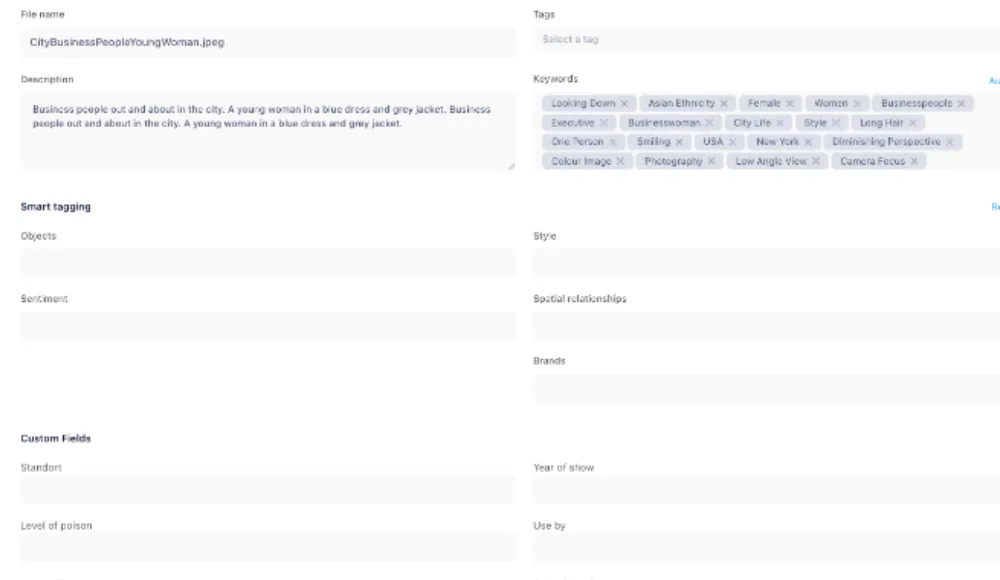
Search also breaks at scale. You can search filenames, maybe comments, but not the operational metadata ecommerce teams need: usage rights, expiration date, shot type, localization status, approved market, and channel compliance state. When search misses these filters, teams recreate assets they already own or ship the wrong one. Both outcomes cost money.
Version control is the final failure point. In ecommerce, one visual update can impact product detail pages, ads, social posts, reseller feeds, and printed collateral. Without controlled versioning and audit history, updates become guesswork. Teams either freeze changes to avoid risk or push changes blindly and hope nothing breaks.
What DAM for ecommerce must do in practice
A DAM that helps ecommerce is not judged by storage size. It is judged by cycle time and error reduction. Can you launch a seasonal refresh across channels in days instead of weeks. Can you trust that every team sees approved assets first. Can you localize product content without cloning ten folder trees. If the answer is yes, your DAM is doing real operational work.
Start with metadata governance. Define required fields that mirror how the business actually works: SKU, product family, region, language, channel readiness, licensing, and status. Make these required on upload. If metadata is optional, quality decays within weeks. If metadata is enforced, search and automation become reliable.
Then add workflow gates. Draft, review, approved, archived. Keep it simple but strict. Ecommerce moves fast, so teams fear process. Good DAM workflow does not slow teams down. It removes rework by making approval state visible. Teams stop asking in chat whether a file is safe to publish because the system answers it.
Transformation and delivery come next. Every channel wants different dimensions, file sizes, and sometimes formats. Manual exports do not scale. DAM should produce channel-ready derivatives automatically from one source asset, so quality stays consistent while production effort drops.
Rights and compliance should also live with the asset, not in a side spreadsheet. Ecommerce teams often run promotions across regions with different legal language, partner restrictions, and expiry windows. If rights data is disconnected, teams either publish too cautiously and miss deadlines, or publish risky assets by mistake. DAM gives a visible compliance layer so teams can move fast without blind legal risk.
A 30 day rollout plan for marketing and ecommerce teams
Week 1: map your asset flow. Document where product visuals are created, reviewed, stored, and published. Identify where errors happen today. Pick one category with high change velocity, like seasonal accessories or promotional bundles, as your pilot. Keep scope tight so the team sees results quickly.
Week 2: define metadata and governance. Agree on a minimal taxonomy that everyone can follow. Do not build a giant schema on day one. Start with fields that reduce real confusion: SKU, market, campaign, rights, and approval status. Assign one owner for taxonomy decisions so rules stay consistent.
Week 3: migrate pilot assets and connect systems. Bring pilot assets into DAM, clean duplicates, and map links back to your product identifiers. Connect your publication points where possible. Train the pilot team on search filters, version history, and approval states. Training should be role-based and short.
Week 4: measure and expand. Track search time, asset reuse rate, and publishing error rate before and after. If those metrics improve, expand to the next product category. If they do not, fix metadata and workflow first. Do not scale broken rules.
How Razuna fits this ecommerce DAM model
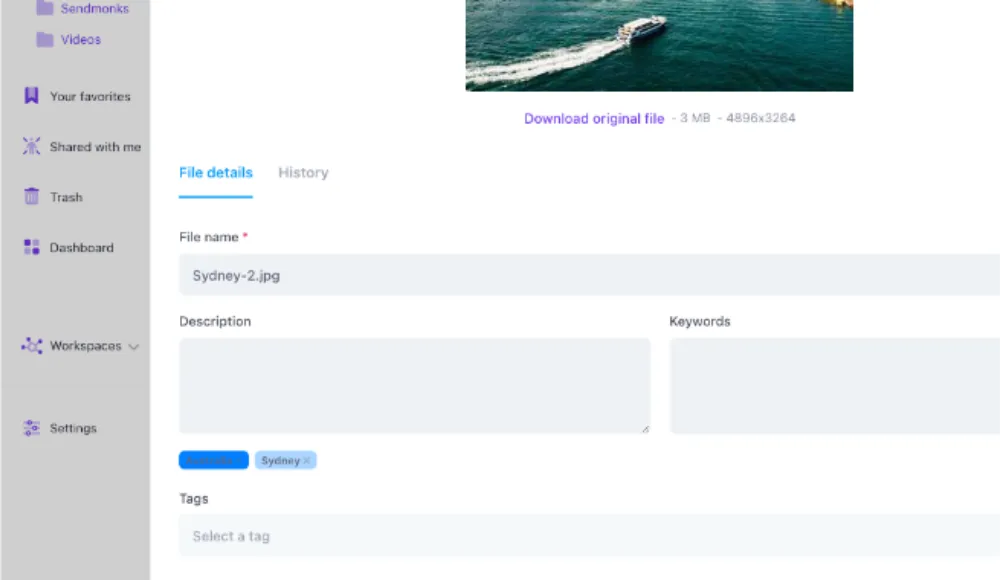
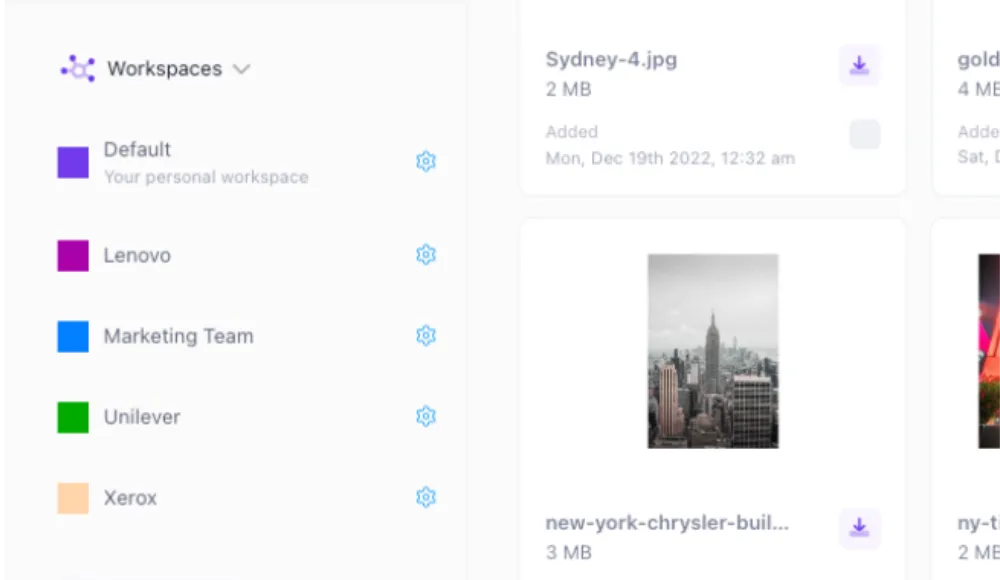
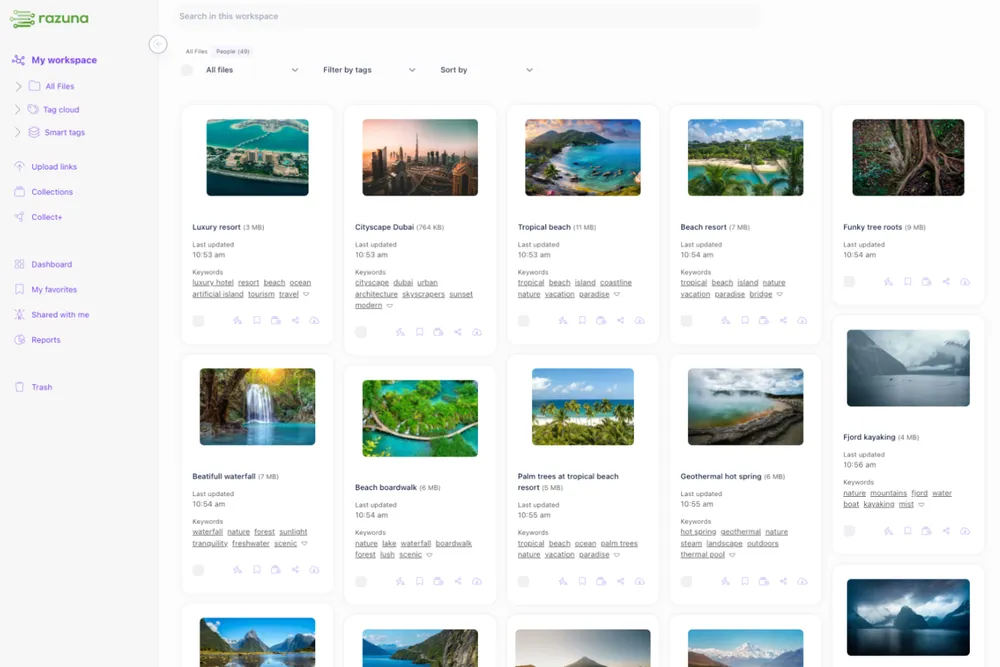
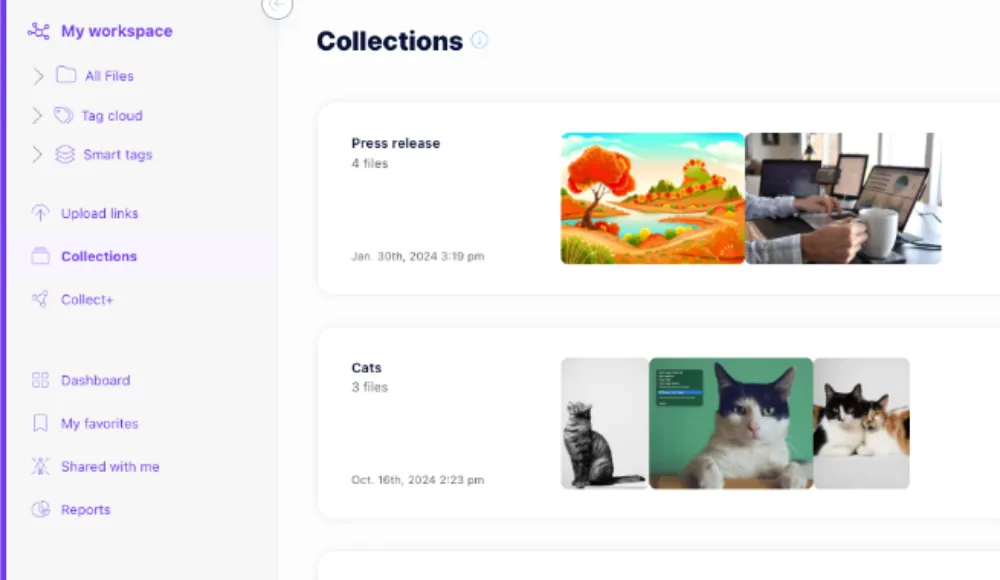
Razuna gives ecommerce and marketing teams the control layer they are usually missing between raw creative output and channel publishing. Teams can centralize approved assets, enforce metadata, and keep version history clear across products and campaigns. That removes the random file hunts that slow launches.
You can review core capabilities on the Razuna features page: Razuna features. For teams comparing costs against operational drag, check Razuna pricing. If your stack still relies on shared drives, this breakdown of Google Drive vs digital asset management shows why ecommerce teams outgrow folder-first systems quickly.
Brand consistency is another ecommerce pain point, especially with marketplaces and distributed partners. This guide on brand asset management explains the governance side in more detail. Combined with product metadata discipline, it helps teams ship faster without losing control.
Final take: DAM for ecommerce is a revenue protection system
When product content operations are unstable, revenue leaks quietly. Wrong visuals reduce trust. Slow updates delay campaigns. Rework steals budget from growth work. DAM for ecommerce is not a design convenience. It is a system that protects speed, consistency, and conversion quality as catalog complexity rises.
If your team is stuck between an overloaded PIM and a chaotic file share, fix the gap first. Build a DAM workflow that makes approved assets easy to find, hard to misuse, and simple to publish across channels. That one decision improves launch speed and reduces avoidable errors across the board.
Ready to fix product content chaos and move faster with fewer mistakes? Visit Razuna and start free.
For the asset organization behind an ecommerce workflow, see Organizing Digital Media Assets: 9 Practical Strategies.
Explore Razuna for ecommerce teams to see how these practices fit your team’s workflow.