Bulk folder upload, Folder synchronization, and several enhancements
New Features
Bulk Folder Upload
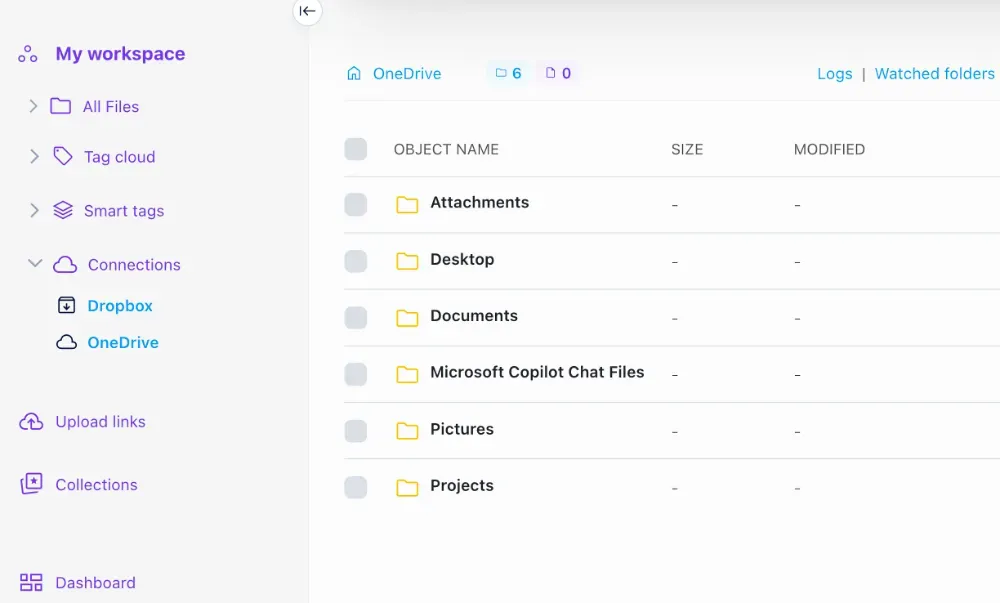
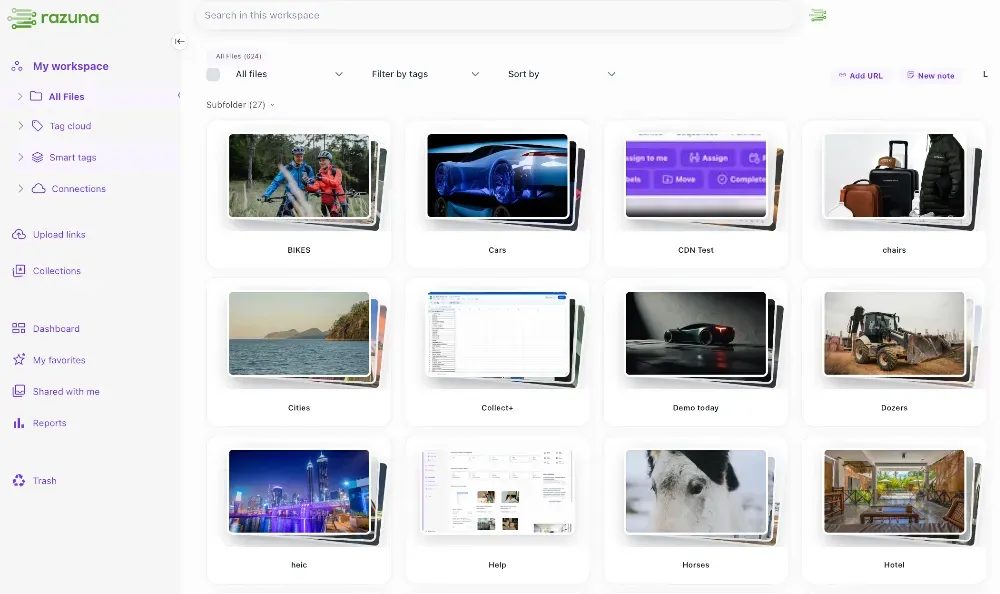
We're excited to introduce the ability to upload entire folder structures, including all sub-folders, directly into Razuna. This feature dramatically simplifies the migration process for teams moving large asset libraries into Razuna. Simply drag and drop a parent folder, and Razuna will preserve your complete folder hierarchy, maintaining the organizational structure you've already established. This is particularly useful for creative teams, marketing departments, and organizations with extensive media libraries who need to migrate their existing file structures without manual reorganization.
Razuna Desktop: Advanced Folder Synchronization
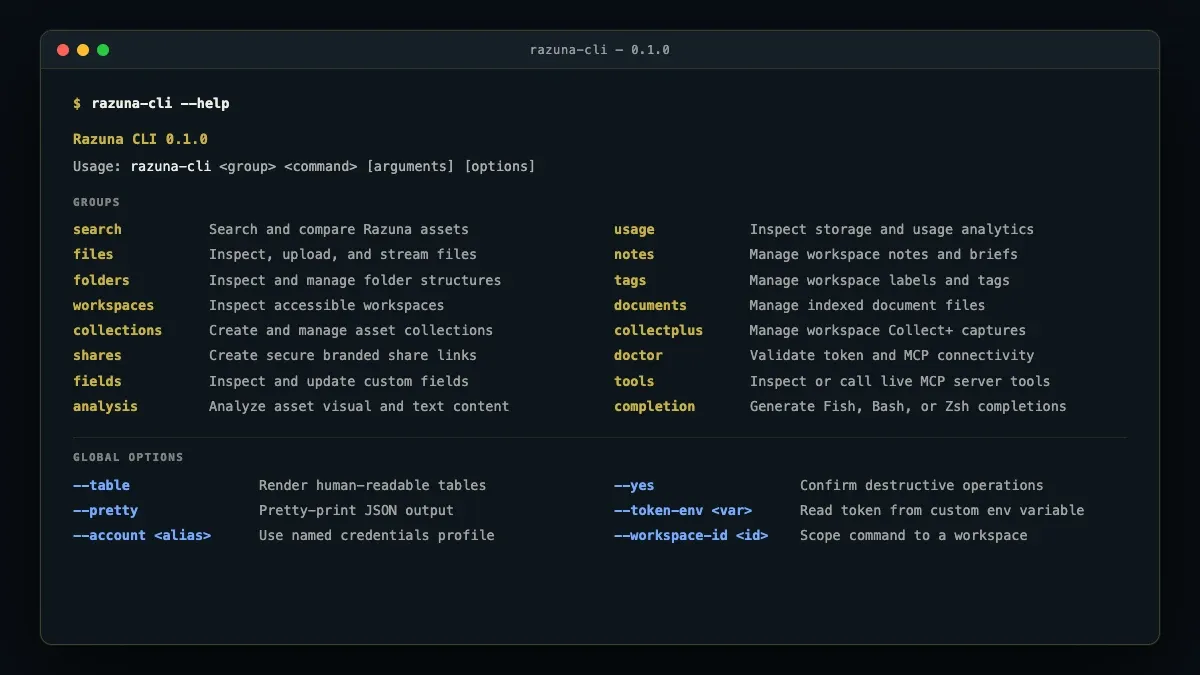
The Razuna Desktop application now includes a powerful folder-sync capability that revolutionizes how you manage assets between your local machine and Razuna's cloud storage. This feature goes far beyond simple uploads:
- Automatic Synchronization: Point Razuna Desktop to any local folder, and it will automatically monitor and sync changes to your Razuna workspace. Whether you're a photographer importing files from your camera, a designer working on projects locally, or a video editor managing large media files, your assets stay synchronized effortlessly.
- Real-Time File Detection: The sync engine actively watches your designated folders. The moment a new file appears—whether it's a photo from your camera's import folder, a rendered video, or a design mockup—Razuna Desktop automatically uploads it to your specified workspace location.
- Intelligent Scheduling: Configure sync operations to run at specific times or intervals. Schedule uploads during off-peak hours, set up overnight syncing for large batches, or configure continuous real-time synchronization based on your workflow needs.
- Bandwidth Management: Take full control of your network resources with granular bandwidth throttling. Set upload speed limits to ensure Razuna Desktop doesn't interfere with other critical applications, video calls, or browsing. This is especially valuable for teams working with large video files or high-resolution image libraries who need to balance productivity with network performance.
Enhanced Features
Lasso Selection Tool
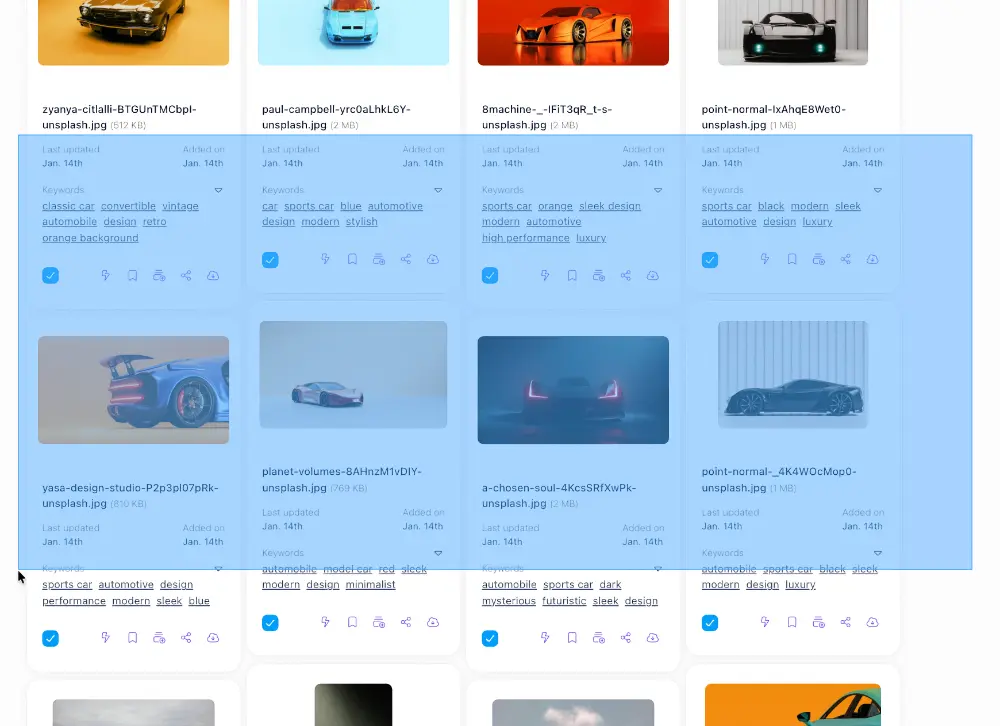
We've implemented an intuitive lasso selection mechanism that transforms how you interact with multiple files. Click and drag to draw a selection area around any group of assets—similar to desktop file managers you're already familiar with. This makes bulk operations like moving, deleting, or sharing multiple files significantly faster and more natural, especially when working with large galleries or search results where traditional click-to-select methods become cumbersome.
Improved Search Experience
We've removed a frustrating limitation in our search functionality. Previously, pressing Enter after modifying search parameters wouldn't refresh your results—you actually had to reload the entire page (yes, we know that was painful!). Now, simply hit Enter to instantly re-execute your search with updated criteria. This seemingly small change dramatically improves the search workflow, making iterative refinement of search queries feel natural and responsive.
Performance Optimizations
We've invested significant effort in performance across the board:
- Faster Loading: Asset grids, folder navigation, and workspace switching now load noticeably faster. We've optimized our data fetching and rendering pipelines to minimize wait times, especially for workspaces with thousands of assets.
- Reduced Browser Footprint: Razuna now uses less memory and CPU resources in your browser. This means smoother scrolling through large asset libraries, more responsive UI interactions, and better performance when keeping Razuna open alongside other applications. Teams working all day in Razuna will particularly appreciate the reduced system resource usage.
- Context Switching: Moving between workspaces, folders, and views is now seamless. We've implemented smarter caching and state management to eliminate unnecessary reloading when navigating through your asset hierarchy.
Redesigned Video File Sharing
The video sharing experience has been completely redesigned with a focus on clarity and usability. Share links now provide a cleaner, more professional viewing experience for recipients, with improved playback controls, better mobile responsiveness, and enhanced metadata display. Whether you're sharing a single clip or a collection of video assets, recipients will enjoy a streamlined, distraction-free viewing experience.
Quick Folder Actions
Productivity enhancement: hover over any folder to reveal quick-access icons for deletion and settings. This eliminates the need to right-click or navigate through menus for common folder management tasks. It's a small touch that adds up to significant time savings when organizing large asset libraries.
Enhanced Upload Reliability
Large file uploads are now significantly more reliable. We've implemented improved chunking strategies, better error recovery, and automatic retry logic. Whether you're uploading multi-gigabyte video files or large design assets, you can now do so with confidence that uploads will complete successfully, even on less-than-perfect network connections.
Improved Upload UX
We've added intelligent drop zone detection to prevent accidental file drops when the upload interface isn't active. This eliminates the confusion that could occur when dragging files around your browser and accidentally triggering an unwanted upload.
Comprehensive Date Metadata
File cards now display a complete timeline of your assets with four distinct date fields:
- Date Added: When the file was uploaded to Razuna
- Date Updated: When metadata or the file itself was last modified
- Date Created: The original file creation date from the file system
- Date Captured: For photos and videos, the actual capture date from EXIF/metadata
This comprehensive date information helps you track asset history, manage versions, and understand the true lifecycle of your media files.
Enhanced Security for Razuna Desktop
Razuna Desktop now uses access token authentication instead of traditional username/password credentials. This modern authentication approach provides better security, enables fine-grained permission control, and allows you to revoke access to specific devices without changing your password. Generate and manage your access tokens directly from your Razuna account settings.
Universal Sort Options
Every folder view and search result page now includes comprehensive sorting capabilities. Sort your assets by:
- Any date field (added, updated, created, captured)
- File name
- File type
- File size
- Custom metadata fields
The enhanced date sorting is particularly powerful—you can now sort by capture date to organize photos chronologically, or by updated date to find recently modified assets, giving you complete control over how your asset library is displayed.
Bug Fixes
File Movement Synchronization
We've resolved an issue where moving files between folders or workspaces wouldn't immediately reflect in the user interface. Previously, you might move a file and still see it in the original location until refreshing the page. File movements now update instantly across all views, ensuring your interface always reflects the current state of your asset organization.
Upload Indexing Reliability
We identified and fixed a race condition that could occasionally prevent uploaded files from being properly indexed in our search system. This meant some files might not appear in search results immediately after upload. The indexing pipeline now guarantees that every successfully uploaded file is immediately searchable and discoverable.
Video Playback Orientation
Certain video files were displaying with incorrect orientation during playback—rotated 90 degrees from their proper viewing angle. We've fixed the metadata parsing that determines video rotation, ensuring all videos now display in their correct orientation regardless of how they were recorded or encoded.
White Label and Workspace Logo Management
We discovered and fixed a critical bug in our logo management system. When removing a workspace-specific logo, the system could inadvertently also delete the white label logo, affecting branding across the entire instance. We sincerely apologize to any customers who experienced this issue. The logo management logic has been completely restructured to prevent this from happening again. If you notice any missing logos in your Razuna instance, please re-upload them, and they will now be managed independently as intended.
MTS Video File Support
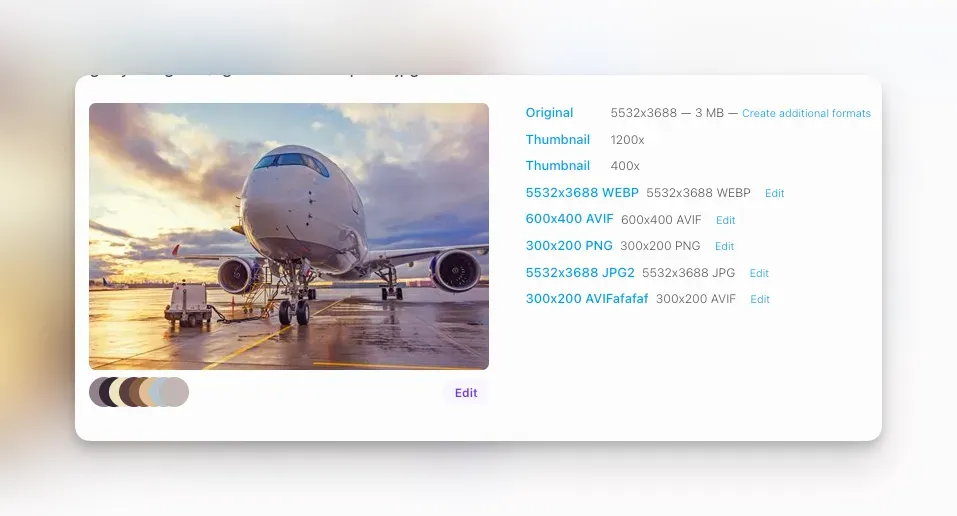
MTS (AVCHD) video files—commonly produced by consumer camcorders—were not generating proper thumbnails and had playback issues. We've enhanced our video processing pipeline to correctly handle MTS format, including proper codec detection, thumbnail extraction at the correct frame, and seamless playback support.
Select All Functionality
The "Select All" feature has been fixed to work consistently across all bulk actions. Previously, certain operations might not properly recognize all selected files. Whether you're deleting, moving, sharing, or performing any other bulk action, Select All now reliably includes every file in the current view.
Folder Color Inheritance
When creating a new sub-folder, it now automatically inherits the color of its parent folder. This maintains visual consistency in your folder hierarchy and reduces the manual effort needed to maintain an organized, color-coded asset structure.
Unicode Character Support in Filenames
We've fixed an issue affecting filenames containing umlauts and other Unicode characters (ä, ö, ü, é, etc.). These files now upload, display, search, and download correctly, ensuring international teams can work with assets in their native languages without filename corruption or display issues.
Action Bar State Management
The action bar that appears when selecting files now properly closes when deselecting all items. Previously, the bar could sometimes remain visible even after clearing the selection, creating interface confusion. The selection state and action bar visibility are now perfectly synchronized.