10 Top Enterprise File Sharing Solutions for Business

Enterprise file sharing is no longer optional—it's mission-critical. Your teams need to collaborate on sensitive documents, share large files with external partners, and access data from anywhere, all while maintaining ironclad security and regulatory compliance. A single data breach or compliance violation can cost millions in fines and irreparable reputational damage.
But enterprises face unique challenges that consumer file-sharing tools simply can't address: GDPR and HIPAA compliance requirements, complex permission hierarchies, integration with existing enterprise systems, audit trails for every file action, and the scalability to handle thousands of users across multiple locations. The wrong solution can create workflow bottlenecks, security vulnerabilities, and frustrated employees resorting to unsanctioned "shadow IT" solutions.
In this comprehensive review, we'll examine the top 10 enterprise file-sharing solutions that address these challenges head-on. We'll explore what separates enterprise-grade platforms from basic file-sharing tools, compare security features, discuss workflow automation capabilities, and help you identify the solution that aligns with your organization's specific requirements and budget.
Need a compliance-first overview? Start with secure file sharing for business for a practical breakdown of encryption, access controls, audit trails, and HIPAA-aligned workflows.
What Is an Enterprise File-Sharing Solution?
Enterprise file sharing, also known as enterprise file sync and sharing (EFSS), is a file-sharing service designed for users in the enterprise environment. It allows digital files to be saved in cloud-based or on-premises storage and securely accessed by authorized users on any device.
Enterprise file-sharing solutions are software tools that provide sync, sharing, management, and security capabilities for an enterprise's digital files.
How an Enterprise File-Sharing Solution Works
Although they are stored in a secure central location, your files can be accessed and used by individual employees or collaborated on amongst team members. Copies of file contents are stored in cloud storage systems and distributed to users' devices.
Any change that is made to a file on any device is then automatically synced, so that all other users see the changes. This makes teamwork much faster and easier, as changes are applied in real-time and no team member is left out of the loop.
What to Look for in an Enterprise File-Sharing Solution
Enterprise file-sharing requirements differ dramatically from consumer needs. Here are the critical factors that separate enterprise-grade solutions from basic file-sharing tools:
1. Enterprise-Grade Security and Compliance
Security isn't optional—it's foundational. Look for these essential features:
- End-to-end encryption: Files encrypted both in transit and at rest
- Granular access controls: Role-based permissions at file, folder, and user levels
- Compliance certifications: GDPR, HIPAA, SOC 2, ISO 27001 compliance
- Data residency options: Ability to specify geographic storage locations
- Audit trails: Complete logging of all file access, modifications, and sharing activities
- Advanced threat detection: AI-powered monitoring for suspicious activities
2. Scalability and Performance
Enterprise solutions must handle thousands of concurrent users, massive file volumes, and global distribution without performance degradation. Consider infrastructure capacity, bandwidth management, and the ability to scale resources dynamically.
3. Workflow Automation and Integration
Modern enterprises require solutions that integrate seamlessly with existing systems. Look for:
- Workflow automation: Tools like M-Files offer document management with intelligent workflow automation
- CRM/ERP integration: Connect with Salesforce, SAP, and other enterprise systems
- E-signature capabilities: Built-in or integrated digital signature workflows
- API access: Robust APIs for custom integrations and automation
4. Advanced Collaboration Features
Beyond basic sharing, enterprises need sophisticated collaboration tools including version control, co-authoring capabilities, approval workflows, and real-time notifications. Solutions like DocuWare provide document management software with workflow automation specifically designed for enterprise collaboration.
5. Cost and Licensing Structure
Affordability will be more critical to some businesses than others. An enterprise file-sharing solution should ideally fit your specific budget. But don't forget the difference between its cost and its value, its worth or usefulness vs its cost. Aim for value for money rather than simply the cheapest option.
Top 10 Enterprise File-Sharing Solutions
Now that you know what enterprise file-sharing is and what to look for, let's look at the top 10 enterprise file-sharing solutions.
1. Razuna
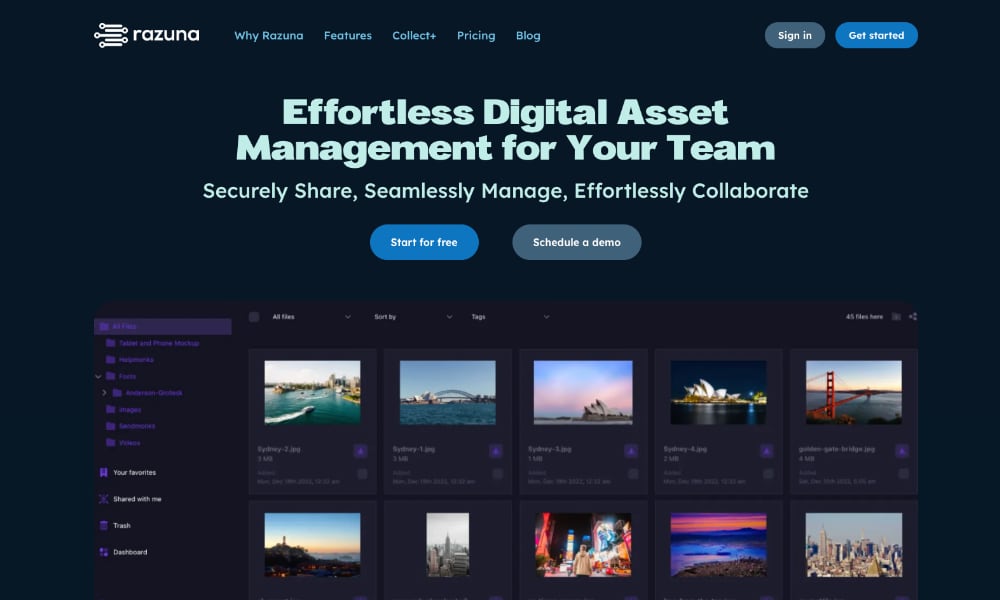
Razuna is a leading enterprise file-sharing solution, but it is also so much more than that.
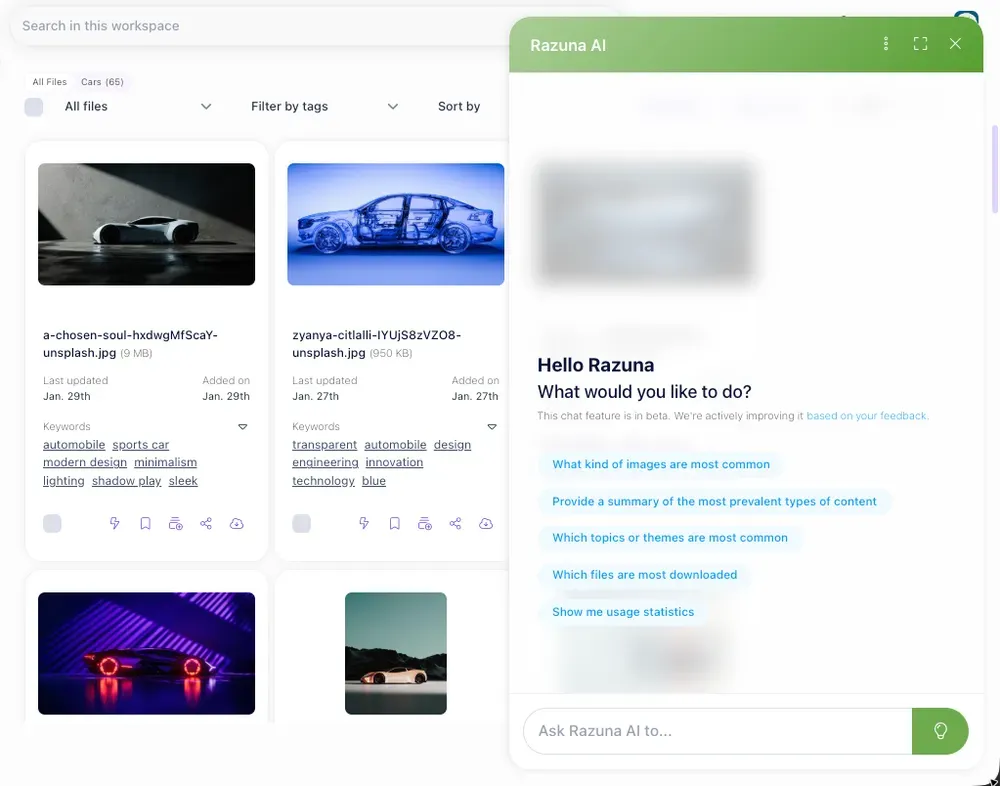
Razuna is a comprehensive digital asset management solution featuring enterprise-grade cloud file-sharing capabilities. The platform not only offers the best enterprise file-sharing capabilities but also leverages the latest AI and automation technologies, enabling your teams to get more done with less effort.
Razuna is your go-to for file organization, storage, and sharing as well as brand asset and document management, media asset management, marketing content collaboration, and more. New features are constantly being added to improve Razuna's functionality and offer increased versatility.
Key Features
- Users can migrate their files from Dropbox, Google Drive, and OneDrive more quickly and easily.
- Advanced file and folder-sharing permissions ensure files are kept safe and secure, preventing unauthorized sharing. Create one or multiple sharing links, each with individual settings and expiry dates, to publicly share your folders.
- Share individual or bulk folders, or collaborate on files in dedicated Workspaces. Use the Fast Transfer option to upload files directly from your desktop. No upload limitations apply.
- Harness the power of automation and create a self-service DAM system for your enterprise that automatically delivers your digital files.
- Razuna has no hidden costs or per-user fees. Choose from a range of plans, including an Enterprise plan, to suit your file storage and sharing needs. Custom server location and custom storage are available on specific plans.
Best For
Razuna offers a wide range of digital asset management, file sharing, and collaboration features. It's affordable, highly customizable, and suitable for businesses of all types and sizes. We also regularly update the software and add new features to offer users even more value.
2. Dropbox Business
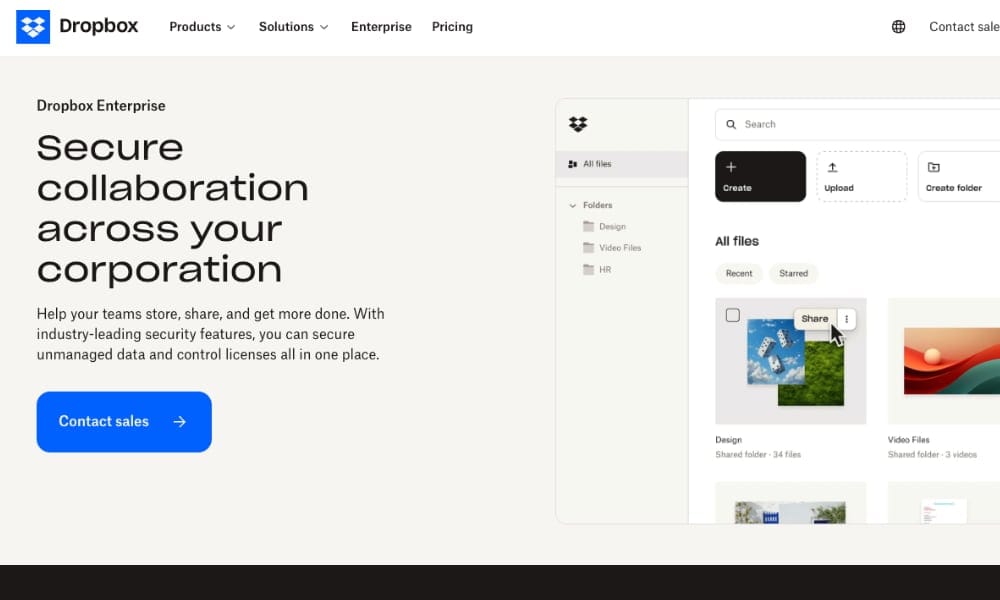
Need a simple yet efficient file-sharing solution for your collaboration projects? Dropbox for Enterprise is a secure file collaboration solution specifically designed for enterprise use. The platform provides various security measures, allowing users to share files with complete peace of mind.
Key Features
- User, device, and content controls with password protection (including password expiration dates) prevent unauthorized viewing and sharing of your more sensitive files.
- Two-factor authentication, user and device management, and a zero-knowledge password manager keep Dropbox accounts secure and safe from unknown logins.
- Encryption technology keeps files secure during transfer.
- Has a collaboration project gone awry? Easily recover files, folders, and older versions of your digital content.
- A range of plans, including Business, Business Plus, and Enterprise plans, is available. Free trials are available for some of these.
Best For
Dropbox Business is an ideal solution for teams that have high concerns about file-sharing security.
3. Google Workspace (formerly G Suite)
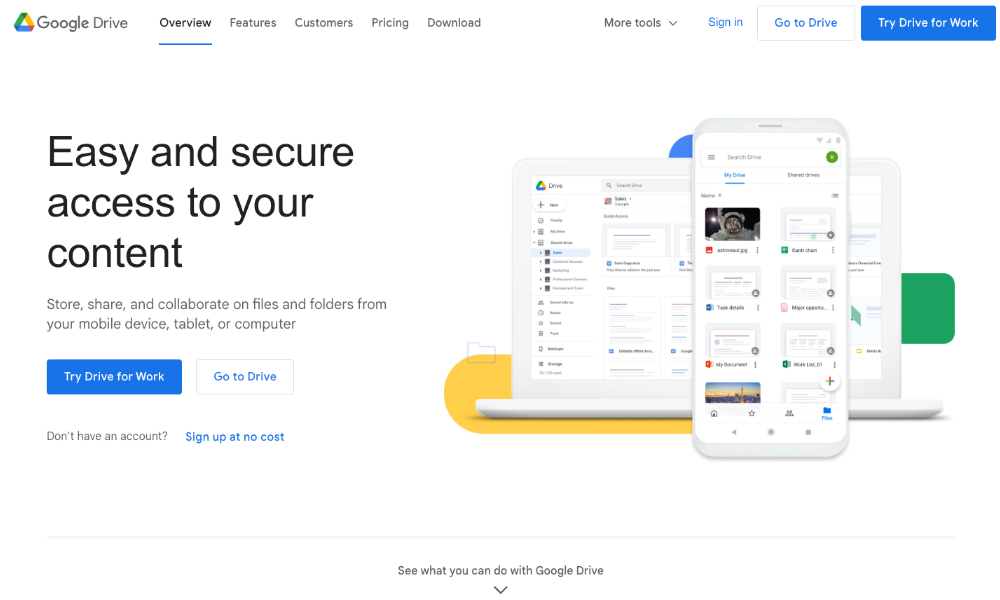
Google Workspace (previously known as G Suite) offers a range of Google apps for business use, including enterprise file sharing. These Google apps all work seamlessly together and are very user-friendly.
Key Features
- You get enterprise file-sharing features compatible with a wide range of Google products and apps.
- Don't risk data loss. Store and share your files safely in the cloud.
- You can always be sure you're sharing the latest updates to your content. File updates are automatically saved and stored in Google Drive, allowing everyone to access the latest version.
- Enjoy enterprise file sharing and other features with secure access from your computer, phone, or tablet.
- Google offers a 14-day trial of Google Workspace. Business Starter, Business Standard, Business Plus, and Enterprise plans are available.
Best For
Users who use other Google products are already familiar with Google Workspace. Therefore, it may be best for teams who currently rely on Google products for their workplace communication and file collaboration needs.
4. Microsoft OneDrive for Business
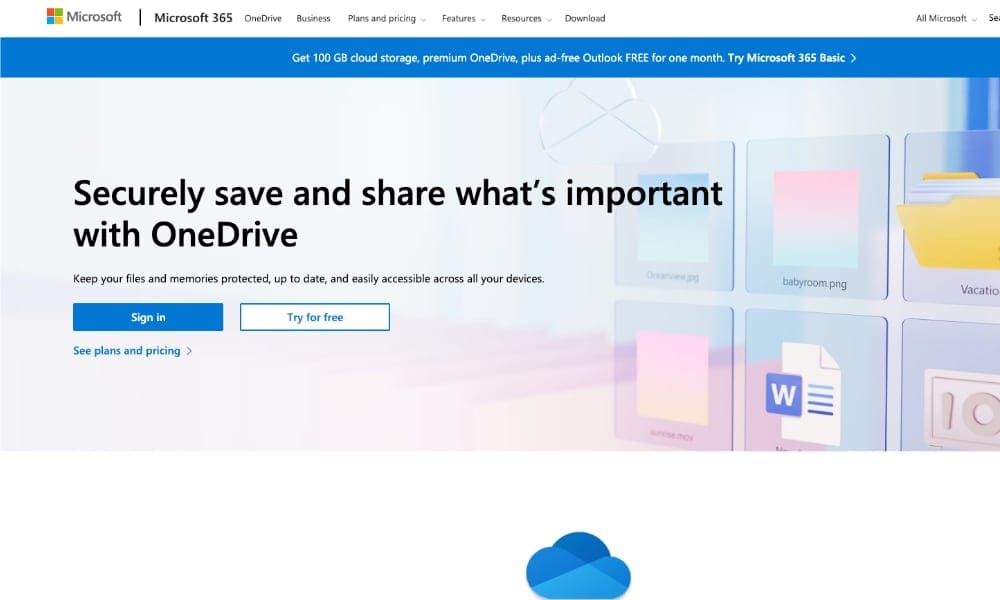
Microsoft OneDrive for Business is a cloud-based storage solution from tech giant Microsoft, offering easy file sharing for businesses. It allows users to store, access, and use individual and shared work files in Microsoft 365, including Microsoft Teams, from different types of devices.
Key Features
- You get enterprise file-sharing features compatible with other Microsoft products and apps, such as 365 and Teams.
- Great for remote teams. Create shareable links and grant expiring access to facilitate collaboration. Access, share, and collaborate on all your files on-premises or remotely.
- Enjoy enterprise file sharing and other features with secure access from any device.
- Add shared files from Teams or SharePoint to OneDrive.
- The OneDrive for Business Plan (Plan 1) offers file sharing and 1 TB of cloud storage.
Best For
Microsoft clients are probably already well aware of Microsoft's OneDrive for Business features. For teams already using Microsoft OneDrive and compatible products, this may be the best choice.
5. Box
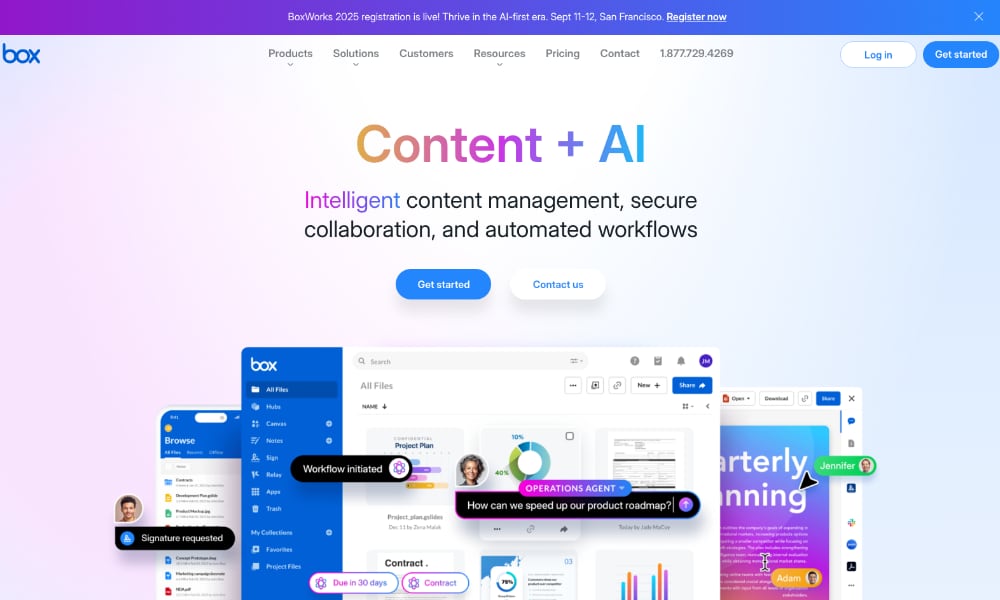
Safe and secure file sharing makes everything from sharing documents for review to collaborating on content better. Box is designed to offer businesses these streamlined file-sharing and collaboration capabilities. It works on multiple devices and integrates with a wide range of workplace productivity apps.
Key Features
- Share and collaborate on files anytime, anywhere, and on any device.
- Advanced security controls, intelligent threat detection, strict data privacy, and data residency ensure that all your files and the data within them remain safe and secure.
- Collaborate on files in the Content Cloud and integrate with all your team's favorite work management tools.
- Admin control and monitoring tools enable you to track how content is being shared and accessed across your organization.
- A range of plans is available for individuals, teams, and businesses. Business plans include Business, Business Plus, Enterprise, and Enterprise Plus plans.
Best For
Box may be best for businesses seeking file sharing and content collaboration spaces, with the added advantage of advanced data privacy and security.
6. Egnyte Cloud File Server
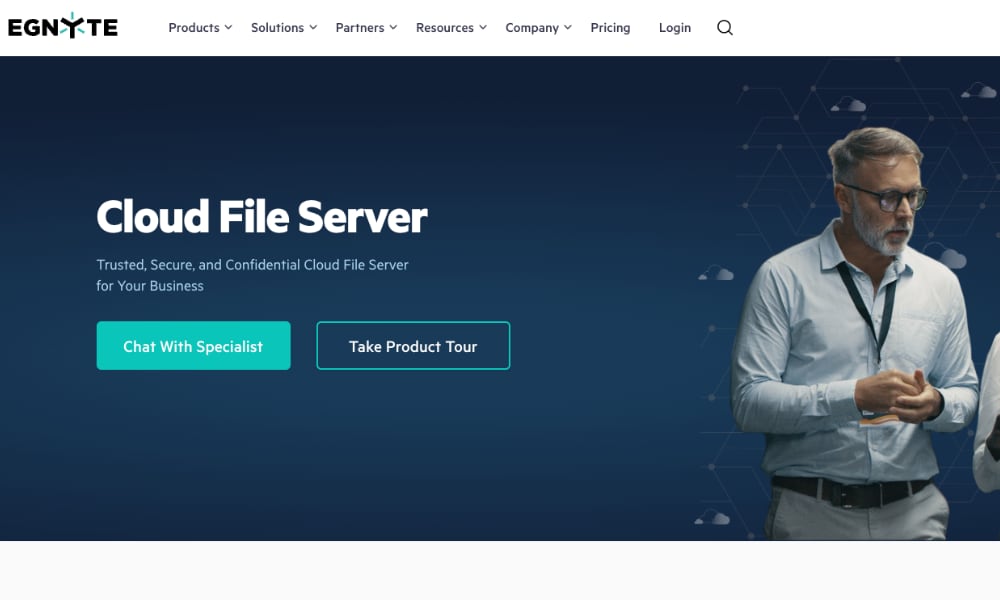
File sharing is a crucial element of efficient collaboration. So choose a software solution that offers safe file-sharing and collaboration features. The Egnyte Cloud File Server provides cloud-based file storage and sharing, accessible on any device by enterprise teams.
Key Features
- A secure cloud file server for your enterprise file-sharing needs. Share files in the cloud from any device.
- Allows teams to co-edit Google Workspace and Microsoft Office documents in real-time on any device.
- Detailed audit reports on user and file activity help you evaluate performance and streamline your enterprise file-sharing strategies.
- Business, Enterprise, and Enterprise Lite plans are available.
Best For
You may find Egnyte right for your team if you already rely on Google Workspace and Microsoft OneDrive products, as Egnyte allows you to co-edit these. Teams that require the security of cloud file sharing may find Egnyte a suitable option.

7. Citrix ShareFile
Citrix ShareFile is file-sharing and syncing software for business collaboration. This enterprise file sync-and-sharing service meets your enterprise's data security requirements while allowing employees to work and collaborate remotely.
Key Features
- Forget about email attachments. Simply send links to stored files on the Citrix ShareFile platform.
- Integrate with Microsoft Outlook with the Citrix Files for Microsoft Outlook plugin for seamless file sharing.
- Robust security measures keep your files secure in transit and at rest.
- Monitor security settings and review file usage so you always know what's being done with your files and who they are being shared with.
Best For
You may find Citrix right for you if you're a Microsoft Outlook user, as Citrix Files has a plug-in for Outlook. Teams with high security demands may also find Citrix ShareFile to be right for them.
8. Sync.com
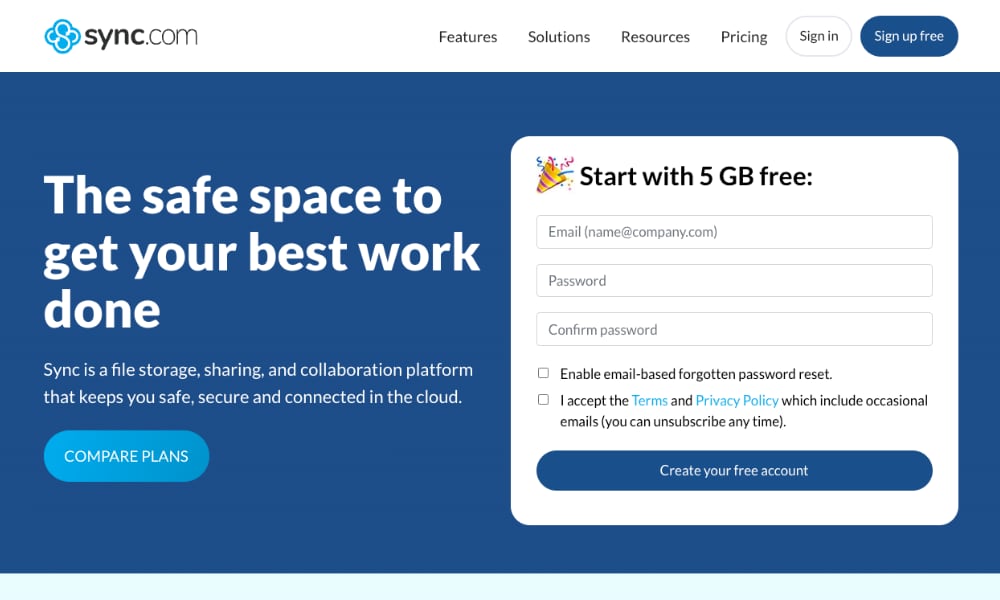
Seeking cloud-based file sharing and storage that also provides a more personalized experience? Sync.com provides businesses with quick, easy, and secure file sharing for enhanced collaboration, backed by enterprise-grade security.
Key Features
- Sync connects your teams, external partners, and clients/customers by syncing documents and files, so everyone is always up-to-date.
- Access your files instantly from the web or any of your devices.
- Free up storage space on your computer by storing them in Sync Cloudfiles.
- Need more personalized enterprise file sharing? Sync lets you share your documents through a custom-branded client file portal displaying your company logo.
- Individual and team plans are offered. The teams' plans include Pro Teams Standard, Pro Teams Unlimited, and Enterprise.
Best For
Sync.com is ideal for remote teams and users who require the storage space that cloud file sharing and collaboration offer.
9. Tresorit
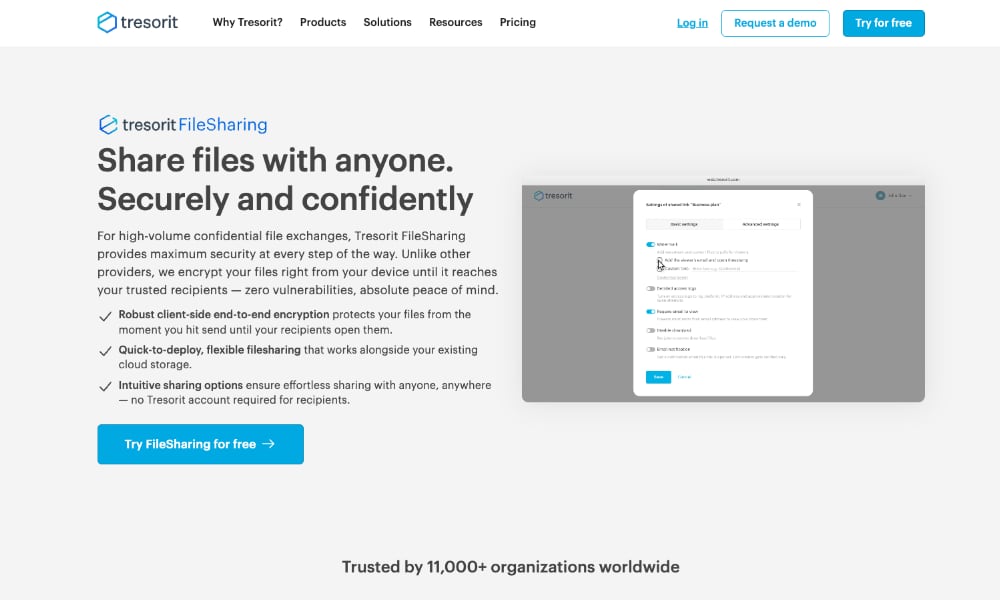
One of the biggest concerns in enterprise file-sharing is data security, and end-to-end encryption is an excellent way to ensure this security. Tresorit FileSharing Business provides users with peace of mind through secure enterprise file-sharing, thanks to end-to-end encryption.
Key Features
- Your enterprise file sharing will always be secure. Tresorit completely encrypts all your files every time.
- With FileSharing Business, you can set passwords and password expiration dates, and disable downloads to keep your more sensitive data secure.
- Zero-knowledge link sharing allows you to protect confidential files during transfers.
- Stay informed of which files are being shared and who is sharing them. Generate auditable access logs and activity reports.
- A Business, Professional, and Enterprise plan is available. Free trials are available for Business and Professional plans.
Best For
Do you have a higher-than-normal need for security? Tresorit emphasizes file security with a range of measures for safe enterprise file sharing.
10. Hightail (by Opentext)
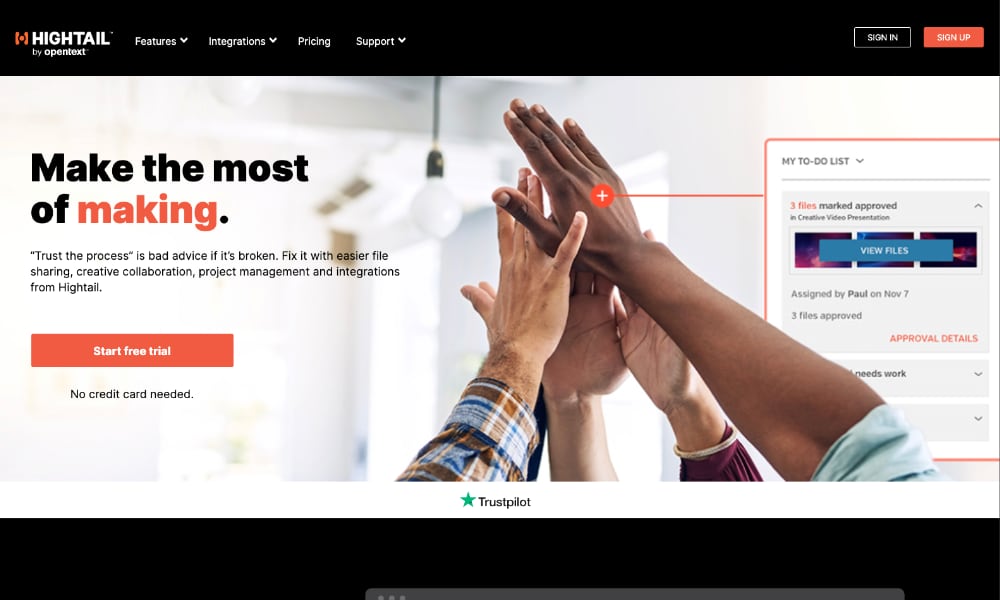
Hightail offers secure and straightforward file-sharing for smoother collaboration. Users can stay up-to-date with progress after files are shared, too, by tracking them and getting alerted when files are shared.
Key Features
- Hightail streamlines the entire collaboration and review process with secure file sharing, feedback, and syncing features.
- Share your large files with instant recipient email notifications.
- Keep track of when your shared content is accessed with send tracking and file delivery features.
- Work in the cloud, syncing files from Dropbox or Microsoft OneDrive.
- Pro, Teams, and Business plans are available. A LITE free plan is available too but allows smaller file sharing only, with limited upload sizes and limited storage.
Best For
Hightail may be best for users who regularly use Dropbox or Microsoft OneDrive, as they can automatically sync these files with Hightail.
Conclusion: Choose the Right Enterprise File Sharing Solution
Enterprise file sharing demands more than basic cloud storage—it requires security, compliance, scalability, and sophisticated workflow capabilities that consumer tools simply cannot provide. The right solution protects your sensitive data while enabling seamless collaboration across departments, locations, and external partners.
Key Considerations Summary:
- Security: GDPR/HIPAA compliance, end-to-end encryption, audit trails
- Automation: M-Files and DocuWare lead with workflow automation and AI
- Scalability: Handle thousands of users without performance degradation
- Integration: Seamless connectivity with enterprise CRM, ERP, and productivity tools
- Compliance: Industry-specific certifications and data residency options
While specialized solutions like Box excel at security, M-Files at workflow automation, and DocuWare at document management, most enterprises ultimately need a comprehensive platform that addresses all these requirements simultaneously.
Razuna delivers enterprise file sharing PLUS complete digital asset management.
Unlike single-purpose file-sharing tools, Razuna provides a complete enterprise solution combining secure file sharing, brand asset management, workflow automation, and AI-powered organization—all with GDPR and HIPAA-compliant cloud servers. Our platform offers:
- Advanced permissions: Granular folder and file-level controls with expiring links
- No per-user fees: Unlimited users with per-TB pricing for predictable costs
- Workflow automation: Self-service DAM with automated file delivery
- Custom deployment: Choose your server location and storage configuration
- White-label options: Fully branded portals for clients and partners
- Enterprise integrations: Connect with your existing tech stack via robust APIs
Whether you're managing sensitive financial documents, collaborating on marketing assets, or distributing files to global teams, Razuna scales with your needs while maintaining the security and compliance enterprises demand.
Stop compromising between security and usability. Explore Razuna's enterprise plans and discover how a comprehensive digital asset management platform can transform your file-sharing workflows while exceeding your security requirements!