10 Best Practices for Digital Asset Management
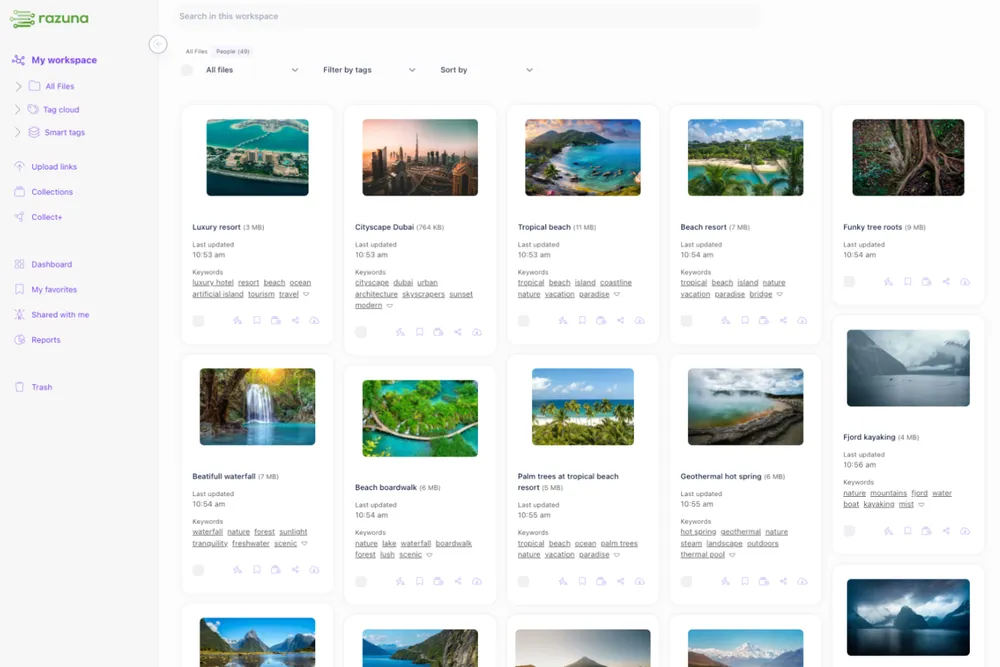
Every growing team eventually hits the same wall: assets scattered across shared drives, Slack threads, and local desktops. Creative briefs reference the ‘final’ logo, but nobody can find the file. Brand guidelines exist — yet old versions keep resurfacing in decks. If any of this sounds familiar, you need more than storage. You need a system. That system is built on solid digital asset management best practices.
This guide covers the 10 best practices for digital asset management that scale — whether you’re a 10-person marketing team or an enterprise managing hundreds of thousands of files.
1. Define a Digital Asset Management Policy Before You Do Anything Else
The single most common mistake teams make is buying a DAM platform before answering the foundational question: how do we want to work with assets?
A digital asset management policy is your rulebook. It covers:
- Who can upload, edit, approve, and archive assets
- Naming conventions and folder structures
- Retention and expiry rules (especially important for licensed or time-sensitive content)
- How assets move through review and approval workflows
Without a policy, even the best DAM software degrades into another disorganised folder structure within six months. Write the policy first. Then implement the tool around it.
2. Standardise Your Metadata Schema Across All Asset Types
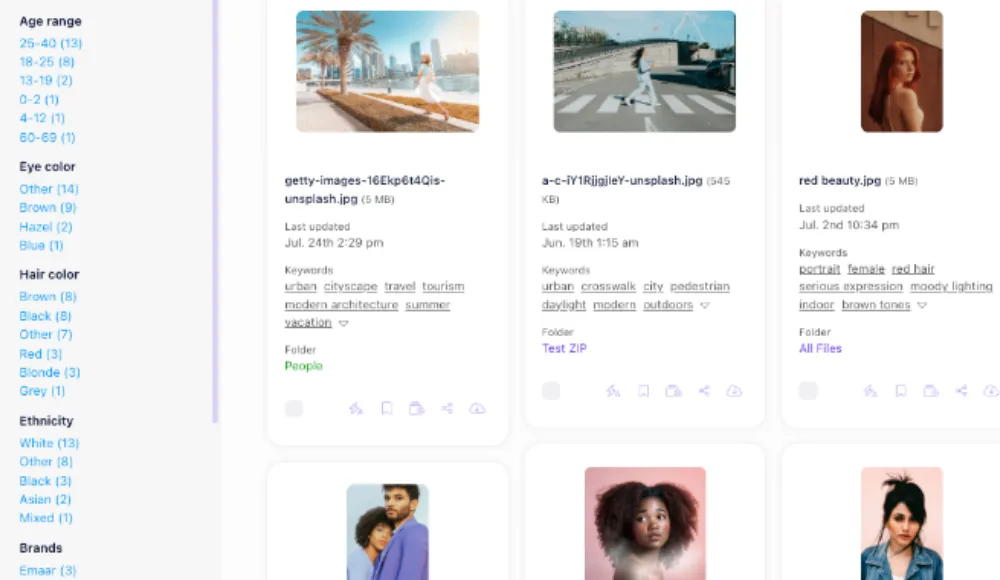
Metadata is what makes a DAM searchable. Filename alone is never enough. Best practices digital asset management teams follow a consistent metadata schema that includes:
- Descriptive metadata: title, description, keywords, subject
- Administrative metadata: owner, creator, upload date, expiry date, usage rights
- Technical metadata: file format, resolution, colour profile, file size
- Rights metadata: licence type, attribution requirements, territory restrictions
Define the minimum required fields at upload and enforce them consistently. Partial metadata is almost as bad as no metadata — it creates false confidence in search results.
3. Create a Logical Taxonomy Your Whole Team Will Actually Use
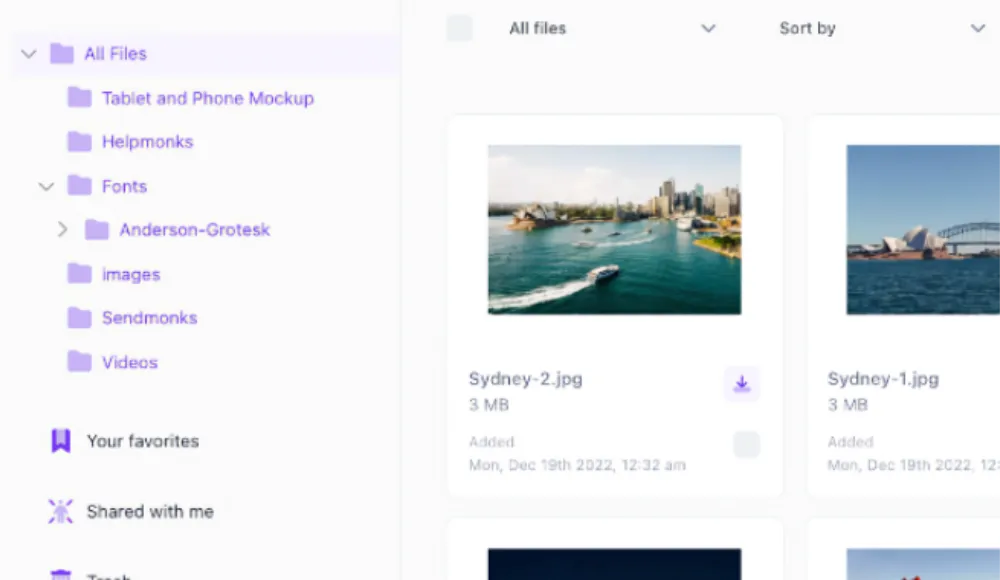
Taxonomy is the hierarchy you use to browse and filter assets. The best practice is to design your taxonomy around how people search, not how assets were originally created.
Start with broad categories (brand, product, campaigns, events) and build downward. Avoid structures that mirror your internal org chart — teams change; content categories are more stable. A good taxonomy means a new hire on their first day can find the right asset without asking anyone.
4. Implement Role-Based Access Control
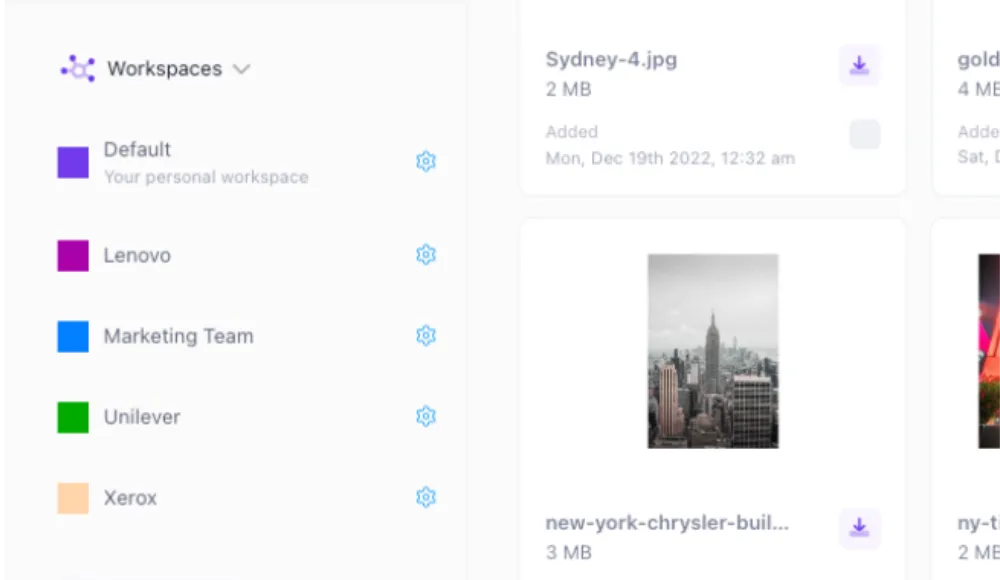
Not everyone needs access to everything. A key best practice for digital asset management is defining clear user roles: Admins, Editors, Contributors, Viewers, and External guests. Role-based access protects brand integrity, limits accidental deletion, and simplifies compliance audits — all critical concerns in digital enterprise asset management best practices.
5. Enforce Consistent Naming Conventions
A filename like final_v3_FINAL_USE-THIS-ONE.jpg is a symptom of no naming convention. Pick a structure and stick to it. Example: razuna-logo-primary-2025-v1.svg. The convention should be documented in your DAM policy and enforced at upload.
6. Build Approval Workflows Into Your DAM, Not Around It
Approval chains that live in email or Slack become invisible. Best practices for digital asset management integrate review and approval directly into the DAM system — creating an audit trail valuable for both brand governance and regulatory compliance.
7. Manage Rights and Licences Proactively
Using expired licensed content is a legal and financial risk. Digital asset management best practices and market leaders alike treat rights management as a first-class concern. Tag every asset with licence type, expiry date, permitted uses, and geographic restrictions. Automated expiry alerts prevent accidental misuse.
8. Plan for Archive, Not Just Active Assets
A DAM that only serves active production needs misses half the value. Archival is a core digital asset management best practice because older assets frequently get repurposed. Create a clear distinction between active, inactive, and archived states — all fully searchable but visually distinct, with a clear reactivation path when needed.
9. Audit Your DAM Regularly
Even well-designed DAMs accumulate clutter. A quarterly audit should cover assets with incomplete metadata, duplicate files, expired licences, unused user accounts, and empty taxonomy categories. Not sure how to structure one? The brand asset management guide covers exactly that. A DAM people don’t trust becomes a DAM people don’t use.
10. Integrate Your DAM With the Tools Your Teams Already Use
The best practice for digital asset management adoption is removing friction from everyday workflows. Modern DAMs — including Razuna — offer integrations with creative tools, CMS platforms, marketing automation systems, and productivity suites. Map your team’s daily workflows and prioritise integrations that eliminate the most friction first.
Putting It Together: The DAM Policy as Your North Star
Every one of these digital asset management best practices connects back to one thing: your DAM policy. The policy defines the rules; the platform enforces them. Without the policy, even the most sophisticated DAM becomes a sophisticated mess.
Digital enterprise asset management best practices at scale add governance committees, formal change management for taxonomy updates, and SLA-driven external access. But the fundamentals are the same whether you’re a startup or an enterprise: clear rules, consistent metadata, controlled access, and regular maintenance.
Razuna is built around these best practices. Explore how it helps teams implement a DAM policy that scales — from metadata schemas to approval workflows to role-based access — all in one place.