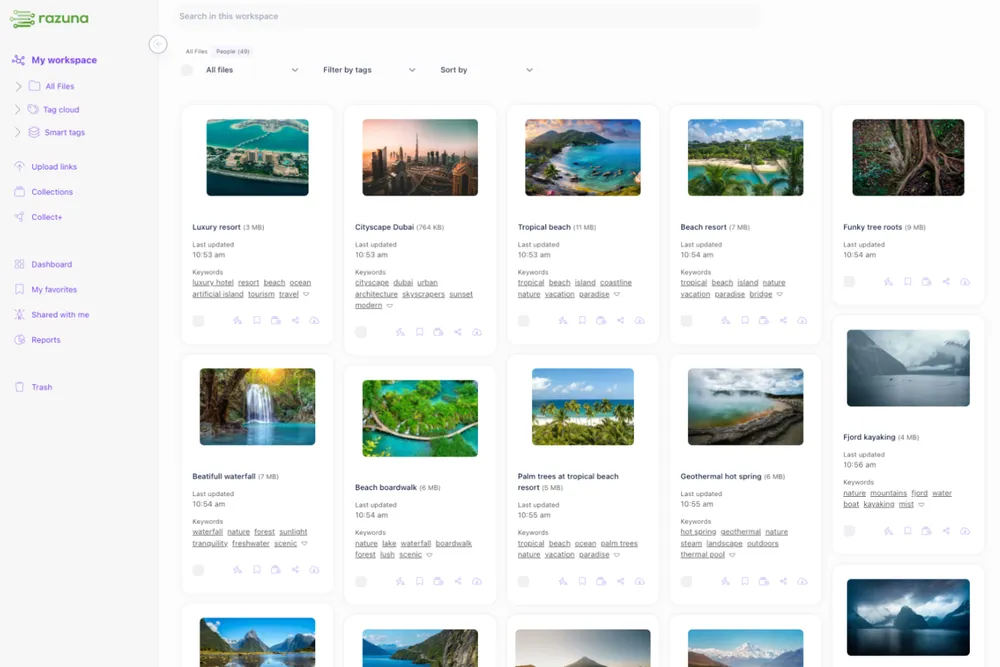
12 Best Practices to Manage Your Digital Assets
Most teams waste 30 minutes a day hunting for files that should take 30 seconds to find. If your assets are scattered across Dropbox, Google Drive, email threads, and someone's desktop, you already have a digital asset management problem. These 12 digital asset management best practices will help you fix it.
What is Digital Asset Management (DAM)?
Digital asset management (DAM) is the practice of centralizing, organizing, and controlling access to your organization's digital files — images, videos, brand logos, documents, audio, and more. A DAM system replaces ad hoc cloud storage with a structured, searchable library where every file has a home and every team member can find what they need without asking anyone.
DAM differs from media asset management (MAM), which focuses narrowly on video and broadcast files. DAM covers all file types, making it the better fit for marketing teams, agencies, and e-commerce brands managing diverse asset libraries.
Why Digital Asset Management Matters
When assets are hard to find, teams skip the search and create new ones. That means duplicate work, off-brand files going out the door, and licensing violations nobody meant to make. A proper DAM system fixes these by:
- Cutting search time — find any file in seconds instead of minutes
- Protecting brand consistency — everyone pulls from the same approved library
- Reducing tool sprawl — fewer storage subscriptions, one source of truth
- Enforcing compliance — expired licenses and restricted files stay out of circulation
4 Common Challenges in Digital Asset Management
Before jumping into best practices, it helps to know what typically goes wrong:
- Organization and retrieval — without a clear folder hierarchy and consistent tagging, search returns garbage results
- Storage and scale — asset libraries grow fast; cloud-based DAM handles that without manual maintenance
- System integration — if your DAM doesn't connect to your CMS, CRM, or creative tools, people stop using it
- User adoption — the best DAM setup fails if no one gets proper training
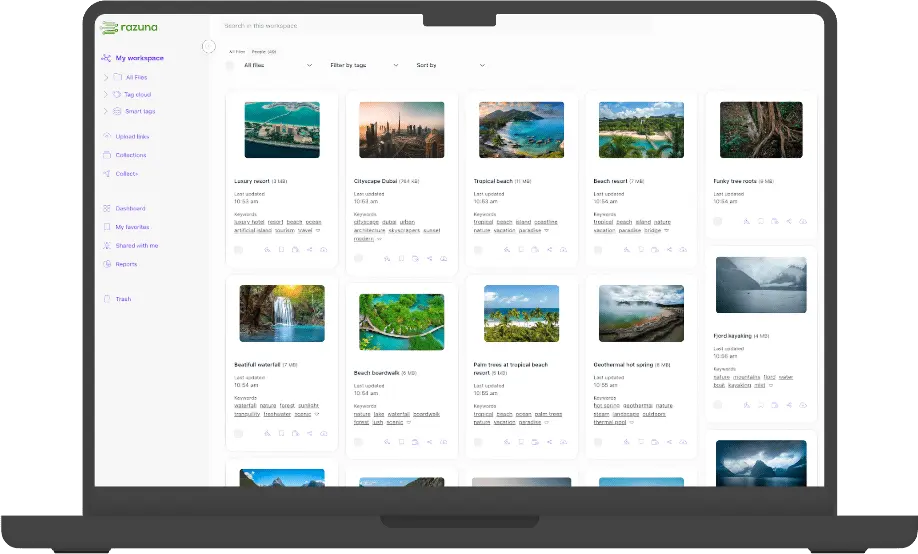
12 Digital Asset Management Best Practices
1. Define Your Goals Before Choosing a Tool
Write down what problem you're solving before demoing any software. Are you trying to stop brand violations? Speed up asset delivery? Control licensing? Your requirements should drive the tool selection, not the other way around. A clear brief will also prevent you from paying for features you'll never use.
2. Centralize Everything in One Place
The whole point of a DAM is one source of truth. Migrate assets from every silo — shared drives, Dropbox, email archives, external hard drives — into your DAM. Yes, this takes effort up front. It saves far more time than it costs. Razuna's import tools make bulk migration straightforward.
3. Build a Logical Folder Hierarchy
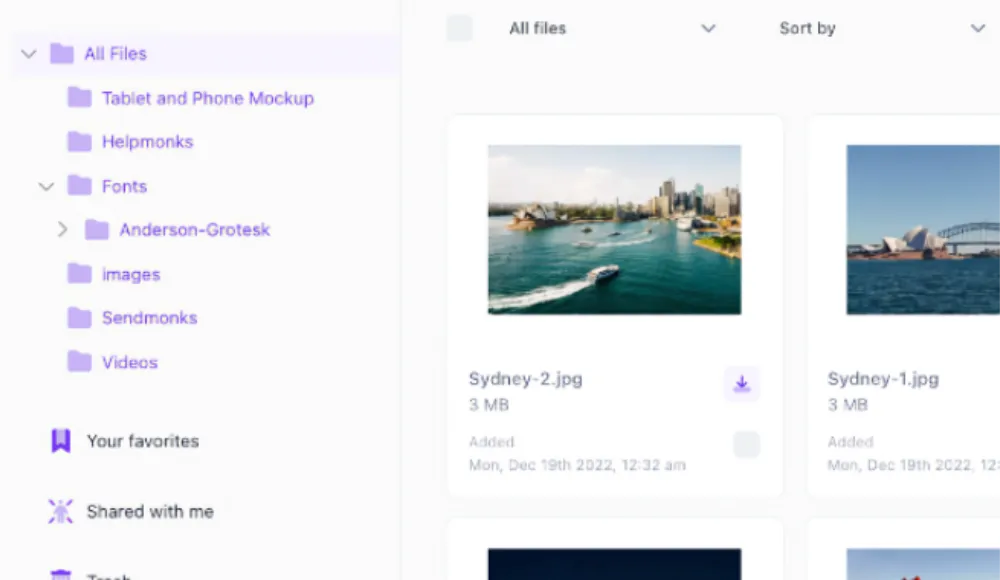
Structure folders around how your team actually thinks: by campaign, client, product line, or content type. The test: a new team member should be able to find any file within two clicks without asking for help. If they can't, your hierarchy needs work.
4. Establish Naming Conventions and Stick to Them
Consistent file names make search work. Agree on a format — something like [Client]-[Campaign]-[AssetType]-[Version] — and document it. Put it in your onboarding checklist. Enforcing naming conventions isn't bureaucracy; it's the difference between finding a file and not finding it.
5. Implement Metadata and Tagging
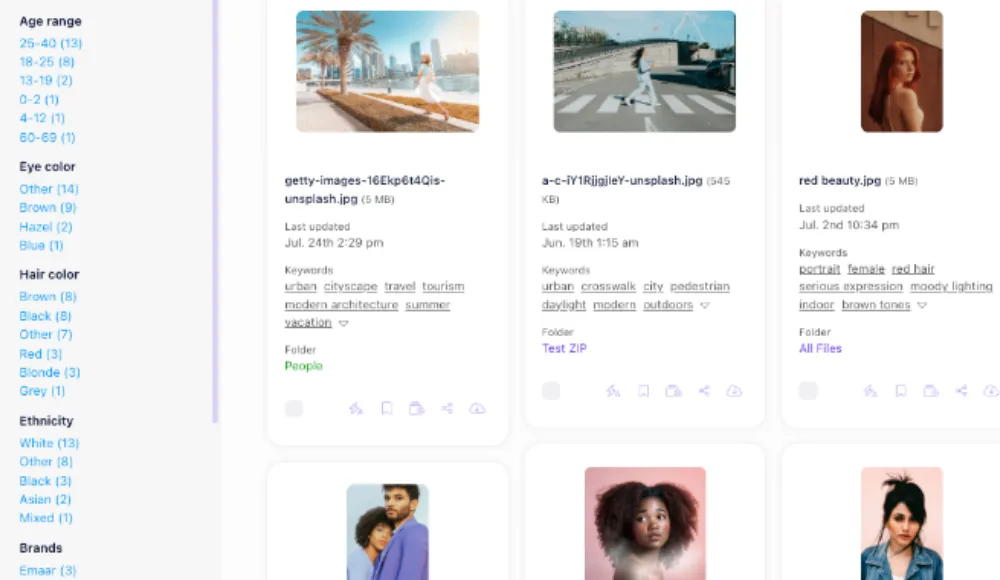
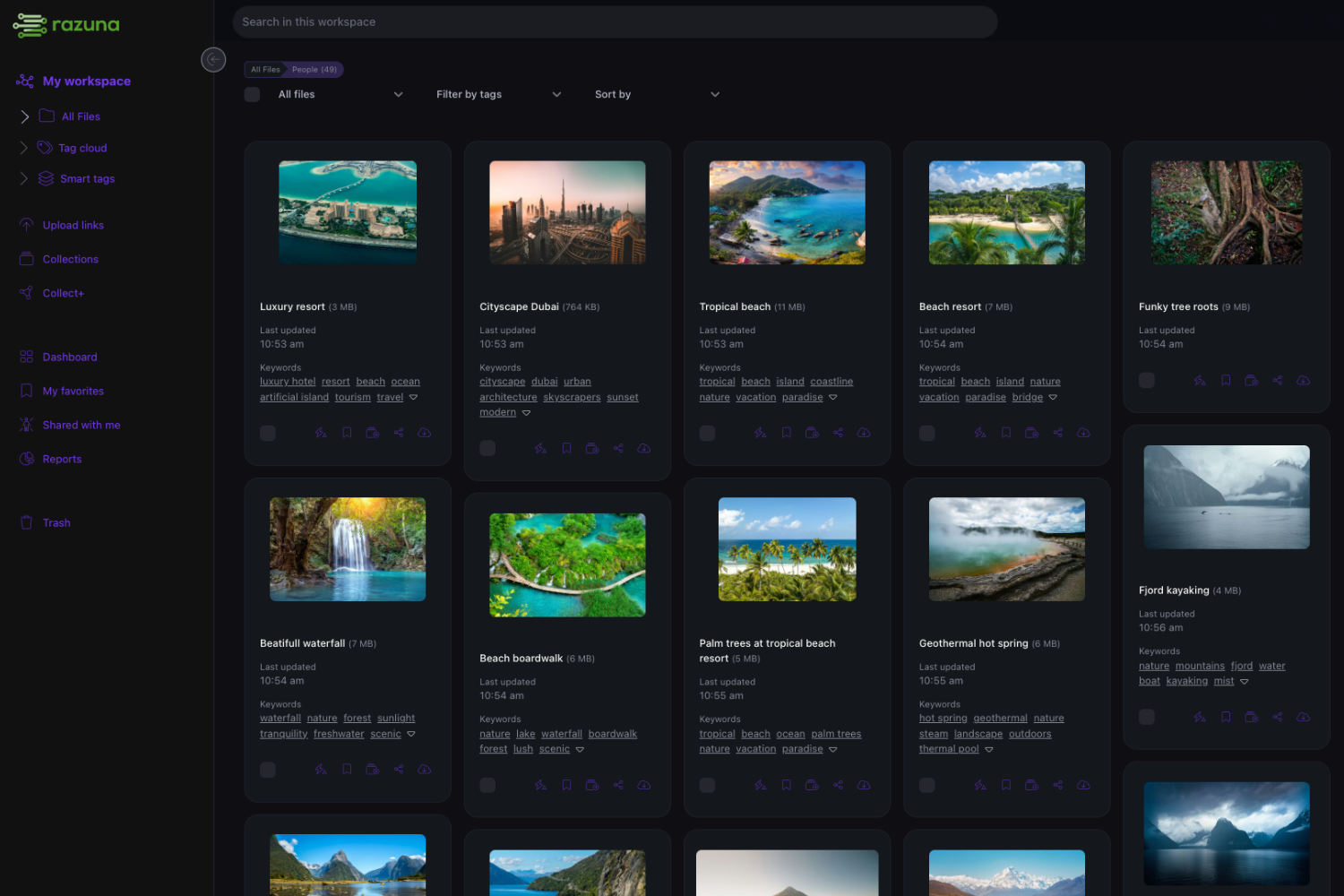
Metadata is what makes your DAM searchable. At minimum, tag every asset with keywords, file type, campaign, date, and usage rights. If your DAM supports auto-tagging with AI (Razuna does), use it to tag large existing libraries. The more descriptive your metadata, the faster retrieval gets.
6. Use Version Control
Never save over original files. A good DAM keeps the full revision history so you can compare versions, roll back mistakes, and know exactly which file shipped with which campaign. This is non-negotiable for design teams and agencies managing client approvals.
7. Set Access Controls and Permissions
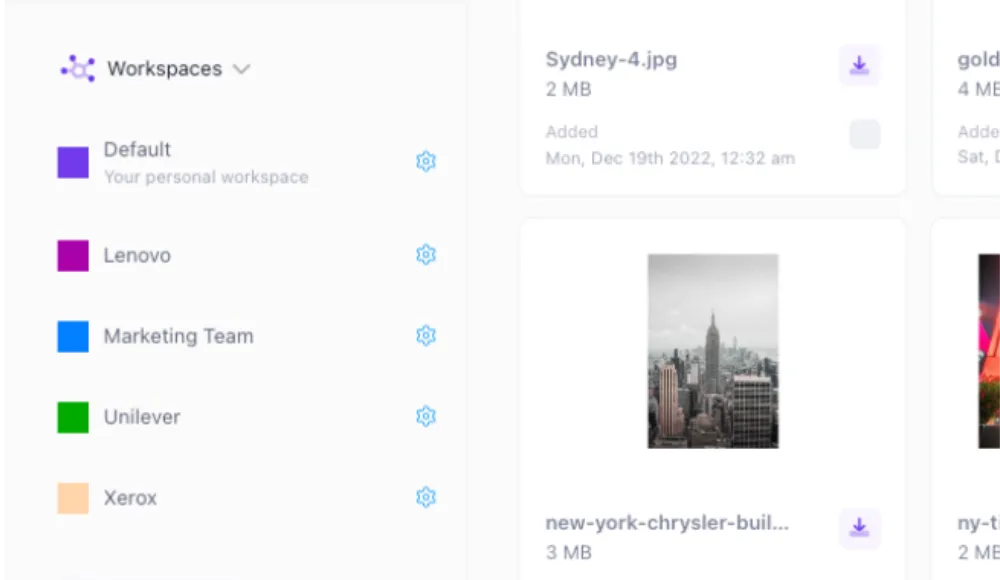
Not everyone needs access to everything. Restrict sensitive assets — unannounced campaigns, legal documents, client contracts — to authorized team members. Role-based permissions also prevent accidental deletions and keep your library clean. Razuna's permission system lets you set this at the folder or asset level.
8. Manage Metadata Consistently as Your Library Grows
Metadata strategies that worked at 500 assets break down at 50,000. Schedule a quarterly review to update taxonomy, merge duplicate tags, and fill gaps in older asset records. Treat metadata management as ongoing maintenance, not a one-time setup task.
9. Train Your Team Properly
A DAM only works if people use it correctly. Run hands-on training when you launch, not just a video walkthrough. Document your naming conventions and folder rules in a shared guide. Run short refresher sessions when you onboard new staff or change workflows. Training time pays back in fewer support requests and fewer brand violations.
10. Integrate with the Tools Your Team Already Uses
A DAM that sits outside your workflow gets abandoned. Connect it to your CMS, project management tools, and creative apps. Test integrations before rolling out to the full team and set up a clear channel for reporting issues. Razuna integrates with the tools marketing teams rely on daily.
11. Track Copyright and Licensing Expiry Dates
Using an asset past its license end date is a legal and financial risk. Store expiry dates as metadata fields on every licensed asset and set up reminders well before they lapse. Some DAM systems can automatically restrict access to expired files — use that feature if you have it.
12. Run Regular Audits and Keep the Library Clean
Delete outdated files. Archive retired campaigns. Update DAM software when new versions drop. Schedule a twice-yearly audit to check which assets are actually being used (your DAM analytics will tell you), remove duplicates, and flag files that need rights renewals. A clean library is a usable library.
Frequently Asked Questions
What are digital asset management best practices for small teams?
Start with centralized storage, consistent file naming, and basic metadata tagging. You don't need a complex taxonomy on day one. Focus on making files findable. As your library grows, add role-based permissions and regular audit cycles. Even a team of five benefits from a structured DAM over a shared folder.
How often should you audit your digital asset library?
Twice a year is a reasonable baseline for most teams. High-volume teams — agencies managing multiple client libraries, e-commerce brands with seasonal campaigns — should audit quarterly. Use your DAM's analytics to spot unused assets and flag files approaching licensing expiry.
What metadata should every digital asset have?
At minimum: file name, asset type, creation date, campaign or project, usage rights, and expiry date if applicable. Keywords and descriptive tags improve searchability. The more complete your metadata at upload, the less time you spend searching later.
Is digital asset management the same as media asset management?
Not quite. Media asset management (MAM) focuses on video, audio, and broadcast files. Digital asset management covers all file types — images, documents, PDFs, presentations, brand files, and more. For most marketing teams, DAM is the better fit because it handles the full range of assets you work with.
How do you get team buy-in for a new DAM system?
Show people how it solves their specific pain. If designers spend 20 minutes a day searching for files, demonstrate how the DAM cuts that to two. Involve a few power users in the setup and naming convention decisions so they feel ownership. Keep training practical, not theoretical.
Start Managing Your Assets Properly
Sloppy asset management costs real time and real money. The 12 digital asset management best practices above aren't complicated — they're just consistently applied. Pick two or three to fix this week and build from there.
If you're looking for a DAM that's easy to set up and actually gets used, try Razuna free and see how fast your team can get organized.