What Is Social Media Asset Management?
Your social media team posts 50 times a week across six platforms. Where is the approved Instagram-sized version of the new product image? Who has the latest brand font file? Did anyone update the LinkedIn banner after the rebrand?
If finding the right asset before a post goes live feels like a scavenger hunt, you have a social media asset management problem. And at the pace social teams operate today, that problem has a measurable cost.
What Is Social Media Asset Management?
Social media asset management is the practice of organizing, storing, versioning, and distributing the digital files your team uses to create and publish social content. That includes images, videos, branded templates, copy snippets, audio clips, motion graphics, and any other file that ends up in a post.
It sits at the intersection of digital asset management (DAM) and social media operations. DAM is the broader discipline and platform. Social media asset management is how you apply it specifically to the high-volume, multi-platform, fast-moving world of social content.
The core problems it solves:
- Brand inconsistency caused by teams pulling outdated or off-spec assets
- Time wasted searching for files that exist but are impossible to locate quickly
- Duplicated creative work when teams recreate assets that already exist
- Compliance failures when expired licensed content gets reused
- Coordination breakdowns between agencies, freelancers, and in-house teams
What Counts as a Social Media Asset?
Social media assets are any files used in the creation or publication of social content. In practice, this means:
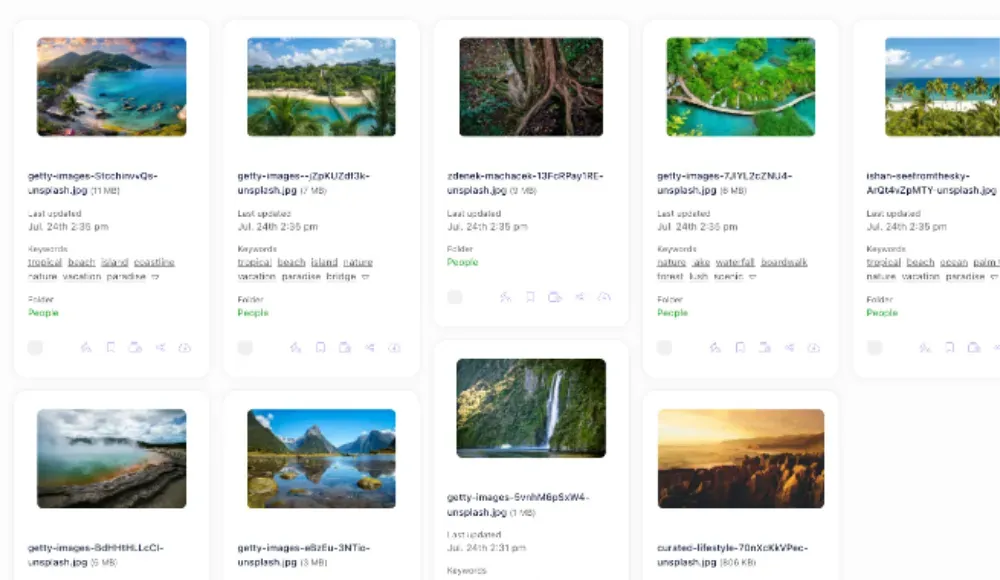
- Visual assets: photos, product images, illustrations, infographics, branded graphics, GIFs, motion graphics
- Video assets: short-form clips, Reels, Stories, YouTube Shorts, behind-the-scenes footage, product demos
- Templates: platform-specific Canva or Figma templates, story frames, carousel layouts, ad formats
- Brand elements: logos (in every approved variant and size), brand fonts, color palettes, icons
- Copy assets: caption libraries, hashtag sets, boilerplate bios, approved messaging frameworks
- Campaign files: everything tied to a specific campaign — creative brief, assets, approved outputs, performance data
The challenge is not creating these assets. It is making sure every person on the team can find the right one, in the right format, at the moment they need it.
Why Social Media Asset Management Is Harder Than It Looks
Social teams deal with volume and velocity that most other content functions do not. A campaign might produce 200 asset variations across four platforms in a single week. Each platform has different dimension requirements, file size limits, and aspect ratios. Assets get refreshed mid-campaign. Freelancers contribute files from outside your network.
The standard response is a shared Dropbox folder or Google Drive. It works at first. Then it stops working — usually somewhere around the 500-file mark, when the folder structure no longer makes sense and the naming conventions have dissolved into chaos.
The specific failure modes:
- No version control — multiple "final" versions of the same asset with no clear winner
- No access control — contractors downloading files they should not have
- No rights tracking — licensed images reused after expiry
- No search — finding a file requires knowing exactly where it was saved
- No audit trail — no record of who approved what before it went live

How to Build a Social Media Asset Management System
1. Centralize everything in one place
The first step is consolidating assets from every location — shared drives, email attachments, individual desktops, Slack threads — into a single system. This is the foundation. A centralized DAM platform gives your team one place to find, use, and contribute assets, regardless of where they are or what device they are on.
2. Build a platform-specific folder structure
Organize assets around how your team actually works. A useful structure for social teams:
- By platform: /Instagram, /LinkedIn, /TikTok, /X
- By campaign: /2026-Q1-ProductLaunch, /2026-Summer-Sale
- By asset type: /Templates, /Brand-Elements, /Video, /UGC
The right structure depends on how your team navigates. If people think in campaigns, organize by campaign. If they think in platforms, lead with platform. Test it with a new team member before committing.
3. Standardize metadata and tagging
Every asset should carry consistent metadata: platform, campaign, content type, creation date, approved usage rights, and expiry date if applicable. Good metadata is what makes search work. Without it, your file library is just a very expensive folder. Learn more about building a metadata schema.
4. Enforce naming conventions
A predictable naming format makes assets identifiable at a glance and sortable without opening files. A practical structure for social assets:
[platform]-[campaign]-[asset-type]-[size]-[version]
Example: instagram-summer26-carousel-1080x1080-v2.jpg
Document the convention and include it in onboarding. Inconsistent naming is one of the most common reasons asset systems degrade over time.
5. Set up approval workflows
Assets should not go live without a defined approval step. Build the approval process into your DAM rather than running it through email or Slack. This creates a clear audit trail, prevents outdated or off-brand content from being published, and gives legal or compliance teams a consistent review point for sensitive campaigns.
6. Track rights and expiry dates
Stock photography, licensed music, and talent-featured content all carry restrictions. Attach rights metadata directly to assets — license type, expiry date, approved territories, permitted channels. When this information lives with the file, anyone on the team can check before using it. No legal review required for routine usage.
7. Create platform-specific renditions
The same image needs to be 1080x1080 for Instagram, 1200x628 for LinkedIn, and 1080x1920 for Stories. Managing these variants manually is tedious and error-prone. Modern DAM platforms can generate renditions automatically from a master file, giving teams instant access to the correctly-sized version for each channel without any manual resizing.
Social Media Asset Management and AI
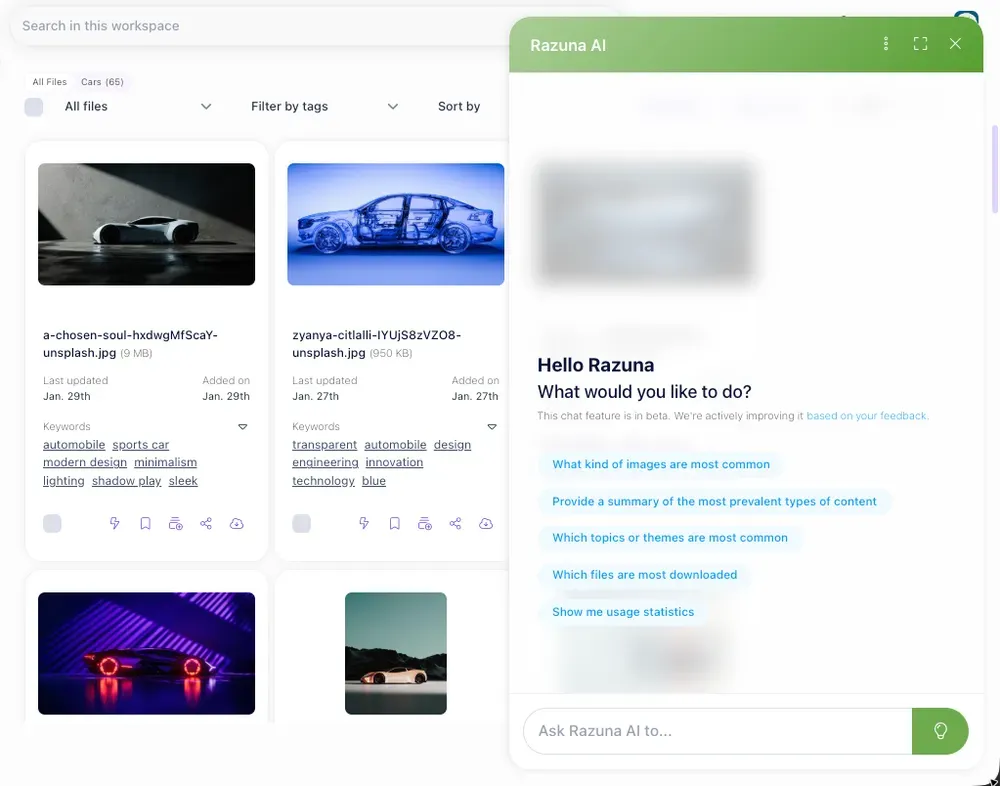
AI is changing how social teams interact with their asset libraries. Auto-tagging tools analyse uploaded files and generate metadata automatically — tags, subjects, colour profiles, even facial recognition for talent management. Natural language search lets team members find assets by describing them conversationally rather than knowing the exact filename or folder path.
The teams getting the most value from AI-assisted asset management are the ones who invested in clean metadata first. AI improves search; it does not fix a library where the underlying tagging is inconsistent or absent.
Common Mistakes to Avoid
- Using cloud storage as a DAM: Dropbox and Google Drive are storage tools. They lack version control, rights tracking, approval workflows, and meaningful search. They work at small scale and break at medium scale.
- Building the system without involving the social team: Folder structures and tag taxonomies designed by IT or ops without input from the people using them every day rarely survive contact with real workflow. Build it with the team, not for them.
- Skipping the rights audit: Migrating thousands of assets into a new system without reviewing licensing is a compliance risk. Flag any asset without clear rights metadata before it goes live.
- No intake process for new assets: A clean library at launch will degrade within months if new assets enter without tagging or naming conventions. The intake process is as important as the initial setup.
Frequently Asked Questions
What is the difference between social media asset management and DAM?
Digital asset management (DAM) is the broader practice of organizing and managing all digital files across an organization. Social media asset management is a focused application of DAM specifically for the files used in social content creation and distribution. Most social teams use a DAM platform as the system that powers their social asset management.
What tools are used for social media asset management?
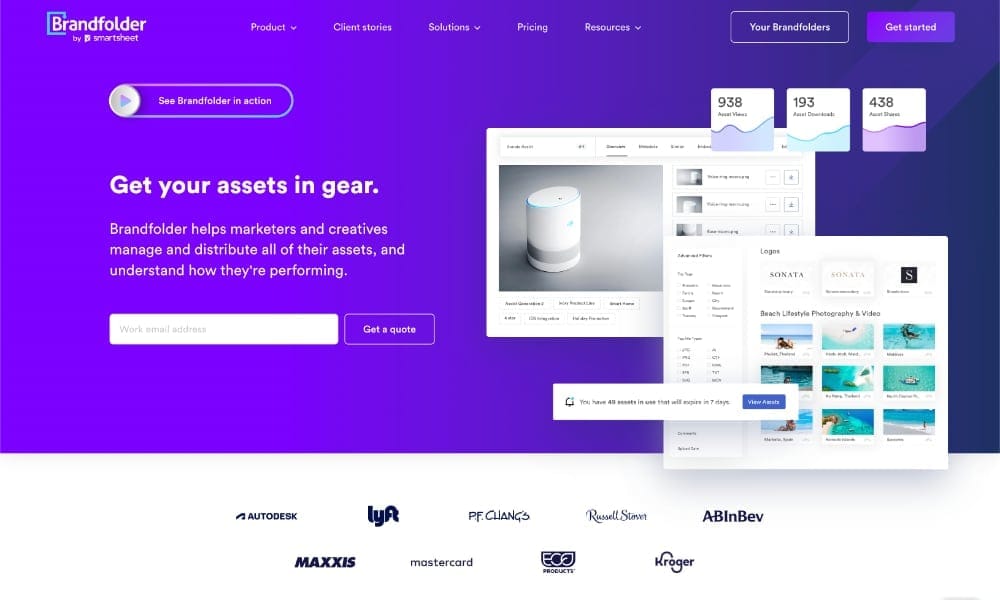
Dedicated DAM platforms like Razuna are the most scalable option, providing version control, metadata search, approval workflows, and rights tracking in one place. Some teams use Canva or Figma for template management alongside a DAM for storage. Standalone social media schedulers (Buffer, Hootsuite, Sprout Social) include basic asset libraries but lack the depth needed for larger content operations.
How do I organize social media assets for a team?
Start with a centralized system. Then agree on a folder structure, naming convention, and mandatory metadata fields before anyone uploads a file. Involve the people who will actually use the system in designing it. Document the rules and include them in onboarding for new team members and contractors.
Getting Started
Social media asset management does not need to be a large project to deliver results. Start with the assets your team reaches for most — brand elements, recurring campaign templates, top-performing evergreen content. Get those organized first. Establish the naming and tagging conventions. Then expand.
The payoff is measurable: less time searching, fewer brand violations, fewer recreated files, faster campaign execution. For teams publishing at any real volume, a proper asset management system is not optional. It is the infrastructure that makes consistent, high-quality social output possible. See how Razuna supports social media teams — free to start, no credit card required.