Secure File Sharing Platforms: Compare Tools by Workflow
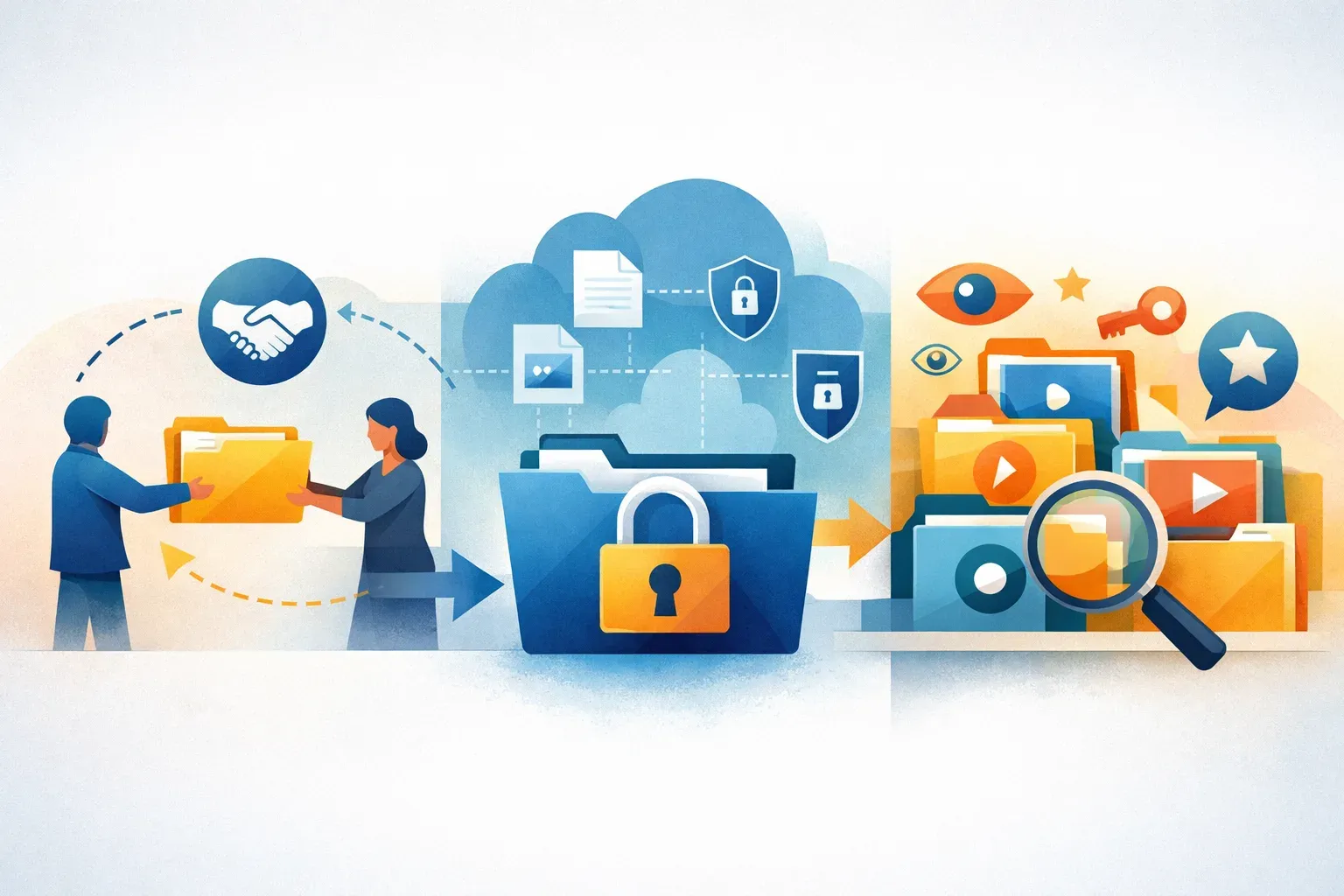
The right secure file sharing platform depends on what you are sending and what the recipient needs to do with it. A client portal for reviewing documents is a different job from encrypted file transfer. And if the files are approved brand images, videos, or other reusable media, you may need a digital asset management (DAM) workflow rather than a standalone sharing tool.
A practical shortlist is:
- Citrix ShareFile for branded client portals and document workflows.
- Tresorit, Sync.com, or Proton Drive when privacy-led encrypted storage is the main requirement.
- A DAM such as Razuna when teams need to organize, find, govern, and share reusable digital assets.
These are starting points, not substitutes for checking each vendor's current security documentation, plan limits, and recipient experience. The LiveDocument comparison also distinguishes portal and document workflows from privacy-led storage.
Compare platforms by the job to be done
| Platform or category | Consider it when | Check before choosing |
|---|---|---|
| Citrix ShareFile | You need a branded client portal or a document-centered workflow. | Confirm which portal, review, approval, and administration features are included in the plan you are evaluating. |
| Tresorit | Encrypted storage is the primary requirement. | Verify the encryption model, access controls, recovery options, and how external sharing works for your use case. |
| Sync.com | You are evaluating privacy-led encrypted storage. | Check how recipients access shared files and whether the controls meet your organization's policies. |
| Proton Drive | You want to assess an encrypted-storage option. | Confirm administrative controls, sharing behavior, and any requirements for team use. |
| Razuna | You manage a working library of images, video, documents, or brand assets that people need to find and share with appropriate access. | Assess whether your priority is asset organization and governance, or secure document exchange and storage. Razuna is a DAM, not a direct substitute for every encrypted file-sharing service. |
This comparison focuses on the use cases in the supplied shortlist. It does not rank the products on encryption strength, compliance, or feature completeness. Those details depend on product configuration and plan, and should be checked against current vendor documentation.
Choose a portal for client document workflows
For repeated exchanges with clients, the sharing experience is part of the work. A portal can give recipients a more structured place to access documents than a series of disconnected links. It may also make sense when documents move through a defined review or delivery process.
The supplied comparison points to Citrix ShareFile for branded client portals and document workflows. Before selecting it, map one real transaction from start to finish:
- Who prepares and uploads the files?
- How does the client receive access?
- What can the client view, download, or return?
- How are changes and final versions identified?
- Who removes access when the work is complete?
Ask vendors to demonstrate those steps using your own recipient roles and document types. A polished portal is useful only if the access model, handoff, and closeout process fit the way your team works.
Choose encrypted storage when privacy is the central need
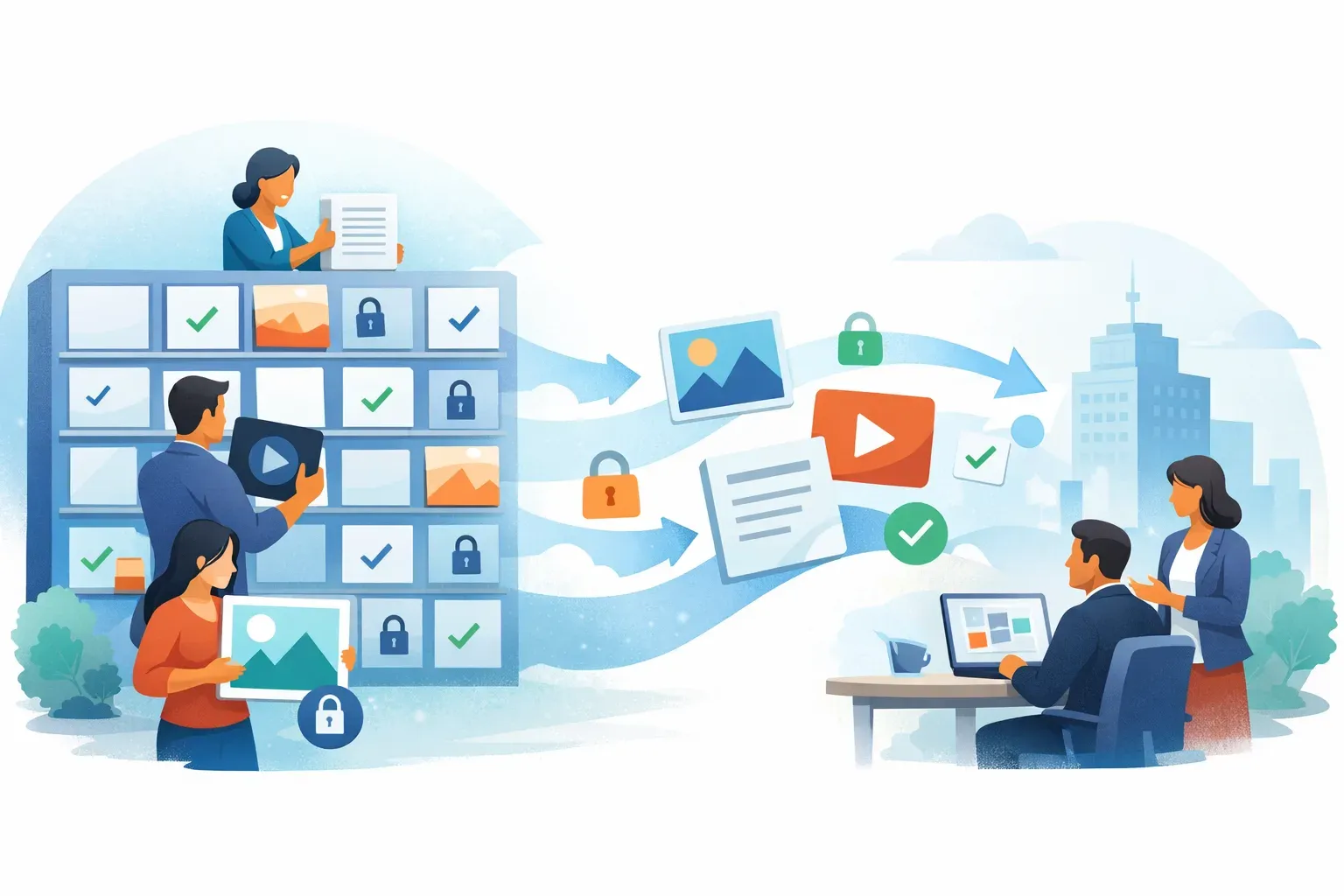
If protecting files during storage and sharing is the main decision, evaluate Tresorit, Sync.com, and Proton Drive against your security requirements. Do not treat the word "secure" as a technical specification. Ask the vendor to explain its encryption approach, what administrators can control, how access is revoked, and what happens if a user loses access to an account.
Test the recipient experience too. A policy can look sound on paper but still be difficult to use if external recipients cannot access the material reliably or if staff work around the controls to meet a deadline. Use a representative file and test account to check the entire transfer, including permission changes and access removal.
For regulated or confidential work, involve your security or compliance team before rollout. Confirm any requirements for identity verification, audit records, retention, data location, or approved integrations. Do not assume a feature exists because it is common in this category; confirm it for the product and plan under consideration.
Use a DAM when the files are reusable assets
File sharing answers, "How can I give someone access to this file?" Digital asset management answers a broader set of questions: "Which file is approved? What campaign does it belong to? Who should see it? How will the team find it again?"
That distinction matters for marketing and creative teams. A campaign may include a master image, localized versions, a video, a logo, and a usage document. Sharing each item separately can leave recipients unsure which version is current. In a DAM workflow, the team can organize assets in workspaces and folders, apply metadata, manage permissions, and search the library to retrieve files by their context.
Razuna supports keyword-based, full-text, semantic, and visual-similarity search, along with metadata indexing. For instance, a marketer might look for an image by campaign name, descriptive terms, or visual similarity rather than remembering its filename. Teams can also search and browse Razuna's indexed content as part of finding the right asset.
Sharing still needs governance. Razuna's workspace and folder permissions help teams control access to assets, and administrators can manage access at those levels. Review the folder permissions and admin controls before deciding how to separate internal working files from material intended for partners or clients.
Use this kind of DAM workflow when recipients need approved, reusable media and the organization needs to maintain context around the files. If your core requirement is encrypted document storage or a specialized client portal, evaluate services built specifically around those needs rather than assuming a DAM covers every security or document-management requirement.
What to test before committing
A short evaluation using real tasks reveals more than a feature checklist. Choose a typical file set and test these areas:
- Access: Can you provide the right people with the right level of access? Can an administrator change or revoke it?
- Recipient experience: Can an external recipient open the material without unnecessary friction?
- Version control: Can users tell a draft from an approved version and avoid reusing an outdated file?
- Discovery: Can staff find files using the metadata and terms they actually know?
- Workflow fit: Does the tool support the task, such as document review, file exchange, or asset distribution?
- Governance: Can you set clear ownership, review external access, and close out a share when its purpose ends?
- Integration: Does the system fit the tools and handoffs your team already uses? Test the actual workflow instead of relying on a general compatibility claim.
For documents, consider the checks in this guide to document management and deliberate sharing. For video handoffs, quality, recipient, and access requirements may differ from those for a small document; use a workflow designed for the intended audience, as outlined in video-sharing methods.
Make the decision by primary use case
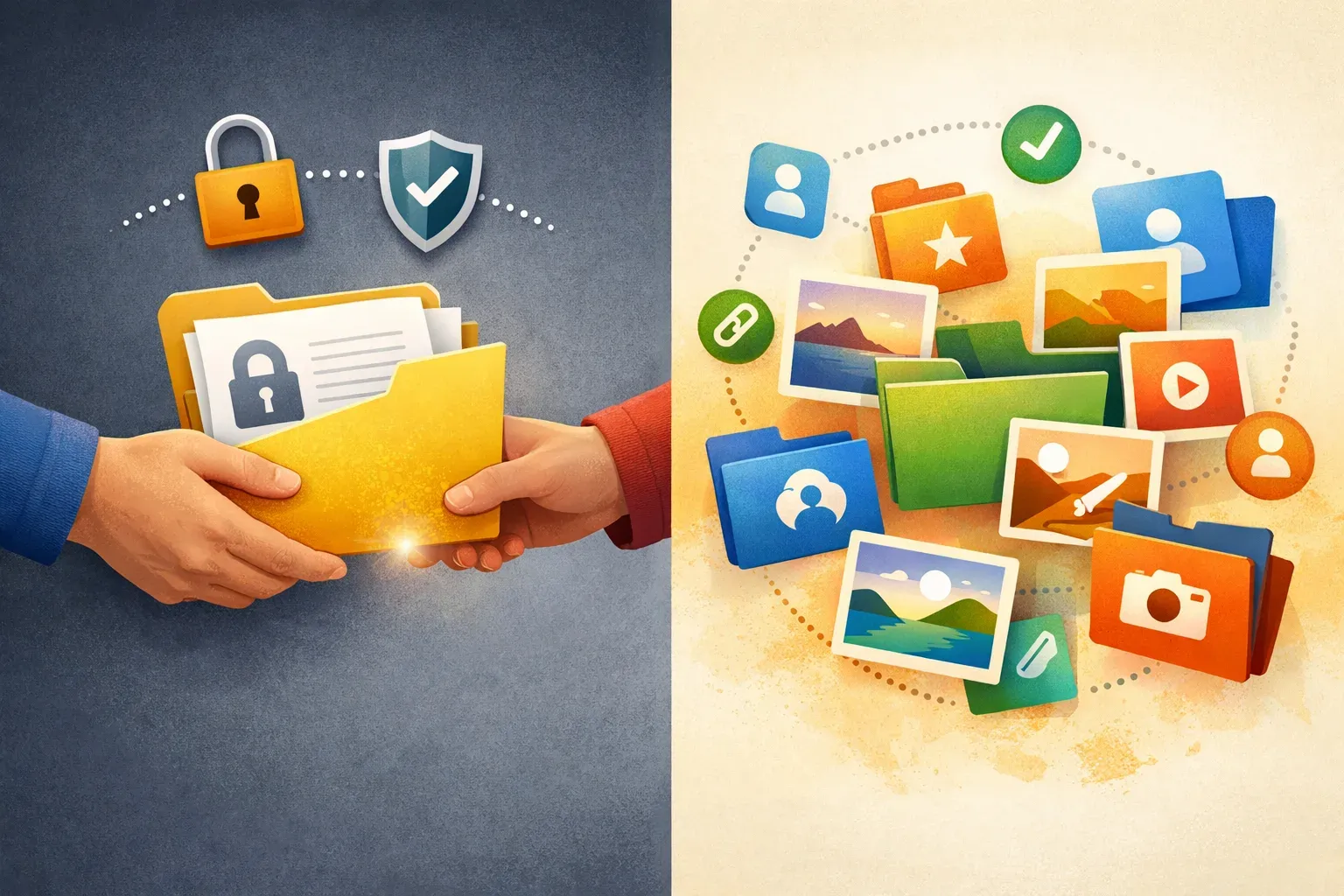
Choose Citrix ShareFile if your main need is a branded client portal and document workflow. Choose Tresorit, Sync.com, or Proton Drive if privacy-led encrypted storage is the priority, then verify the specific controls and plan details that matter to your organization.
Choose a DAM such as Razuna when files are part of a working media or brand library and teams need to organize, search, govern, and share those assets over time. These categories can complement one another: a team may use encrypted storage for sensitive transfers and a DAM for approved creative assets. The important step is to assign each system a clear role, then test the permissions and handoffs that connect them.
Explore Razuna if your sharing challenge starts with managing a searchable, permissioned library of digital assets.