How Regulated Teams Secure B2B File Sharing for Assets
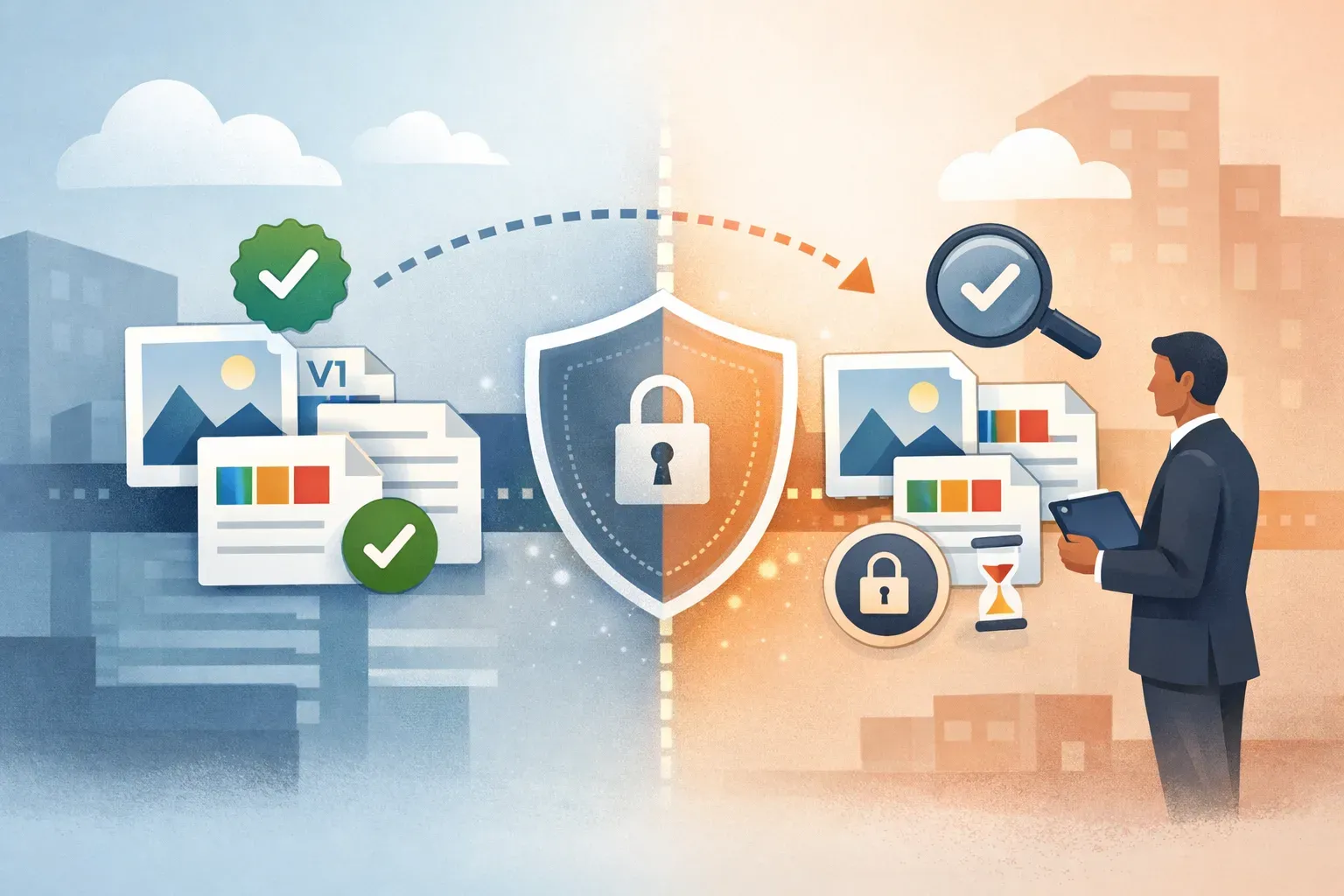
Sharing a campaign image, product video, or approved document with an outside partner can create a governance problem if the team cannot answer three questions: who can access it, which version did they receive, and what should happen when the work is done?
The question of securing B2B file sharing for regulated teams is best treated as a repeatable workflow, not a link-sharing task. Start by deciding what can be shared, limit access to what the partner needs, and keep a record of the handoff. For brand and media assets, a digital asset management (DAM) system can help keep files organized and access permissions connected to the library.
1. Classify the asset before sharing it
Not every file belongs in the same sharing process. A public product image, an unreleased campaign creative, and a document containing confidential business information carry different risks.
Before sending anything, identify:
- The asset's status: approved, in review, expired, or restricted.
- Its intended use: which partner, project, channel, or campaign needs it.
- Any conditions: usage rights, territory, publication date, attribution, or other limits.
- Whether it is appropriate for a DAM workflow: a marketing asset library is not automatically a secure portal for every type of regulated record.
This decision prevents a common mistake: sharing a file because it is easy to find, rather than because it is approved and appropriate for that recipient. If a file contains sensitive records or requires specialized document controls, confirm that the designated system and process support those requirements before sharing it.
2. Give the partner only the access they need
Least privilege means providing the smallest scope of access that still lets the external party do their work. In practice, that means sharing a defined set of approved assets rather than opening a broad library or workspace.
Use a short access plan:
- Name the business purpose. Record why the partner needs the files and what work they are supporting.
- Select only relevant assets. Avoid including extra drafts, unrelated campaigns, or internal reference material.
- Choose the narrowest suitable location or collection. Keep partner material separate from internal-only content.
- Assign permissions deliberately. Decide whether the partner needs to view, download, comment, contribute, or manage content. Do not grant broader rights by default.
- Review access after the handoff. Remove or change access when the project ends, the partner's role changes, or the material is no longer needed.
A useful rule: if a person does not need to find or manage other files in a workspace, do not grant access to the wider workspace simply because it is convenient.
Razuna organizes assets in workspaces and folders, with granular permissions documented in its product guide. This can help teams separate content and manage access at the appropriate level. Confirm the specific permission options available in your setup and match them to your organization's policies.

3. Make the approved version easy to identify
External sharing is risky when a partner cannot tell whether a file is current. A folder full of near-identical exports, drafts, and final files makes it easy to publish an outdated version.
Give assets useful context before sharing. Depending on your process, that may include:
- Campaign, product, or project name
- Approval status
- Version or revision identifier
- Intended channel or format
- Usage rights and expiry information, where applicable
- Partner or project context
Use clear naming and metadata consistently, but do not rely on filenames alone. Keep working drafts and approved deliverables distinct. If an asset changes after it has been shared, make the replacement clear and tell the partner which version is valid. A DAM workflow for pharma brand compliance also depends on keeping approved content and access controls aligned.
4. Keep a record of the handoff
Permission controls help limit access, but a team still needs to know what it shared and why. Maintain a record in the system designated by your organization's governance process. For each handoff, capture:
- Partner organization and named contact
- Business purpose and internal owner
- Assets or collection shared, with version or status
- Date access was granted
- Permission level and any stated usage conditions
- Review date or project end date
- Date access was changed or removed, if applicable
Do not assume a DAM provides a particular audit log or regulatory record unless that capability is documented and verified for your account. If your policy requires formal evidence of access, downloads, approvals, or deletion, confirm where that evidence is captured and how it is retained.
5. Choose a sharing method that fits the job
A single asset, a set of approved campaign files, and an ongoing partner collaboration are different workflows. Choose the smallest and clearest option that supports the task.
- One approved file: Share only that file when the partner needs a single deliverable.
- A defined package of assets: Use an organized collection or folder when the partner needs a related set, and check that the selection contains only material intended for them.
- Recurring collaboration: Set up a dedicated workspace or folder structure with permissions that reflect the partner's role and the work's boundaries.
Razuna's guide describes collections for curating and sharing assets, alongside workspaces and folders for organization and permissions. For a broader look at how sharing needs differ by workflow, see secure file sharing platforms compared by workflow.
Before choosing a method, verify what it allows recipients to do and how access can be changed. Do not assume that a shareable link has an expiration date, password, download restriction, or revocation control unless your product configuration explicitly confirms it. If a required safeguard is unavailable, use an approved alternative instead of treating a link as secure by default.
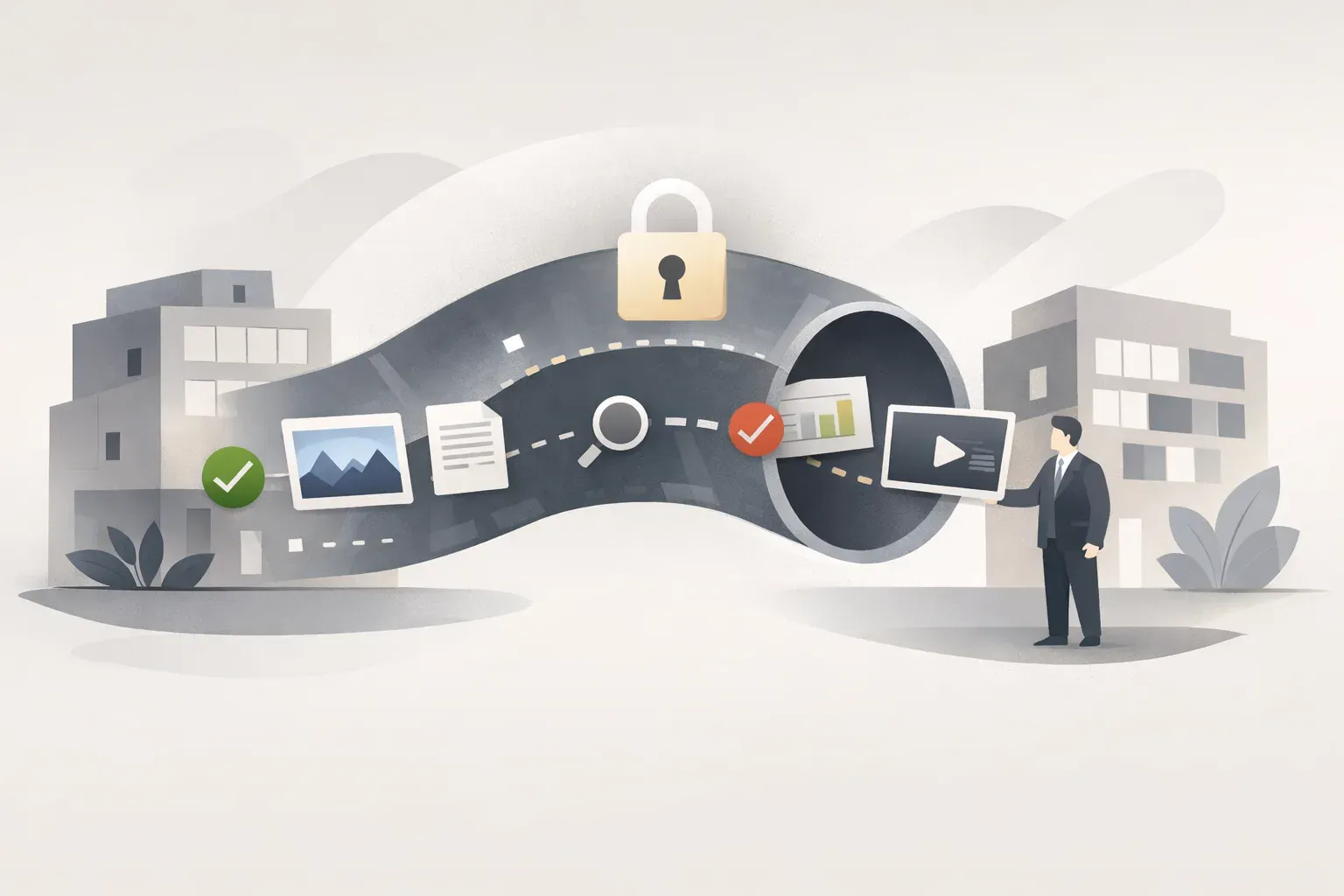
6. Review the process at project milestones
Partner access can outlive the original task. Build a review into the workflow rather than waiting for someone to remember after a project closes.
At each milestone, ask:
- Is this partner still working on the project?
- Are the shared assets still approved and current?
- Has the recipient list changed?
- Does the partner still need the same level of access?
- Have any usage rights or project terms changed?
- Has access been removed when the work ended?
Assign an internal owner to perform the review. For longer projects, use scheduled checkpoints. For one-off handoffs, make access review or removal part of the closeout checklist. The details depend on the organization's retention rules and the controls available in its systems.
A practical pre-share checklist
Before sending assets to a B2B partner, confirm:
- The files are approved for external use.
- The partner and business purpose are identified.
- The share includes only the assets required for the task.
- Permissions are limited to the intended scope.
- Version, status, and usage conditions are clear.
- The handoff is recorded in the designated system.
- Someone owns the next review and the closeout.
A DAM can support the asset side of this process by organizing files and applying permissions to workspaces and folders. It does not, by itself, establish that a team meets a specific regulatory requirement. Teams should map their policies to the actual product controls, verify required records, and involve their security or compliance owners when a workflow handles sensitive information.
Frequently Asked Questions
What is the safest way to share files with a regulated business partner?
Share only approved files with identified recipients, limit access to the scope of the work, and record what was shared, when, and for what purpose. Review or remove access when the partner no longer needs it. Confirm that the sharing method supports any controls your policy requires.
Should regulated teams use a DAM for external sharing?
A DAM can suit external sharing of governed media and brand assets when its permissions and sharing options fit the workflow. It is not automatically a replacement for a secure document portal or a system designed for regulated records. Check the file type, sensitivity, required controls, and evidence requirements before choosing the tool.
What should a B2B asset-sharing record include?
Record the partner and contact, business purpose, assets and versions shared, access level, date shared, internal owner, and review or closeout date. Add any usage conditions relevant to the handoff. Follow your organization's rules for where that record is stored and how long it is retained.