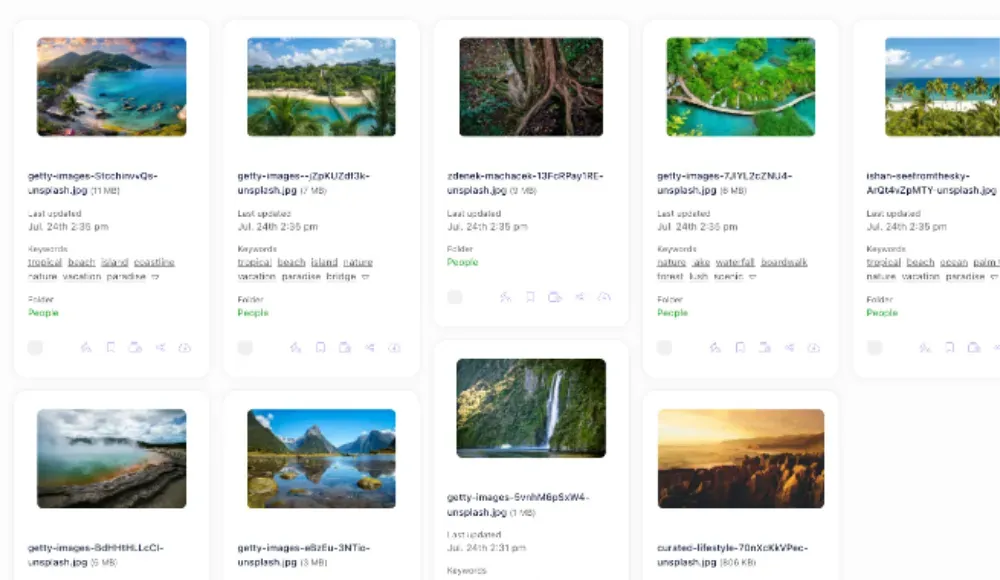
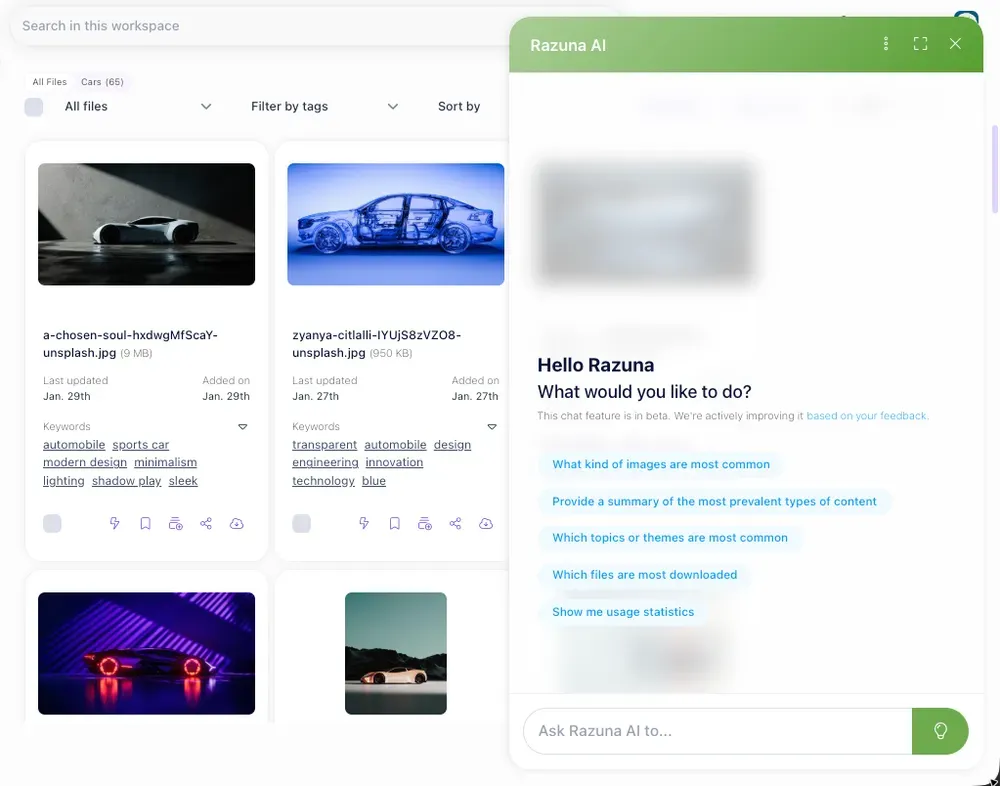
Digital Asset Optimization: How to Get More Value From Every File You Own

Most teams treat their digital assets like a storage problem. Files pile up. Folders multiply. Nobody can find the logo that was updated six months ago. And every time someone needs an asset, they spend 20 minutes searching or just request a new one.
That is not a storage problem. That is an optimization problem.
Digital asset optimization is the practice of structuring, tagging, and managing your digital files so they work harder for you. This means faster retrieval, fewer duplicates, cleaner brand delivery, and more reuse from assets you have already paid to create.
This guide explains what digital asset optimization involves, why it matters, and the specific practices that turn a chaotic file library into a high-functioning content operation.
What Is Digital Asset Optimization?
Digital asset optimization (DAO) is the process of improving how digital assets are organized, tagged, stored, and distributed so teams can find and use them more efficiently.
The term encompasses several overlapping activities: metadata tagging, file-naming conventions, format standardization, rights management, and workflow automation. The goal across all of them is the same: reduce friction between the asset and the person who needs it.
It is distinct from digital asset management (DAM), though closely related. DAM refers to the platform and system you use to store and manage assets. Optimization refers to the quality of the practices you apply within that system. You can have a DAM and still have unoptimized assets.
Why Digital Asset Optimization Matters
The cost of poor asset management is higher than most teams realize.
According to a study by IDC, workers spend an average of 2.5 hours per day searching for information, including files and assets. For a team of 20 content creators, that is the equivalent of 10 full-time employees spending their entire working day looking for things.
Asset waste is the other side of the equation. When teams cannot find existing assets, they recreate them. Creative briefs get reissued, shoots get rescheduled, and design hours get consumed producing work that already exists somewhere on a shared drive.
Evidence supporting the business case for optimization includes:
- Teams using optimized DAM systems report 50-70% reductions in time spent searching for assets (Bynder, 2024)
- Brand compliance improves significantly when the correct, current version of an asset is easy to find
- Licensing violations drop when rights metadata is attached directly to files
For marketing and creative teams specifically, optimized assets mean faster campaign execution. For e-commerce teams, it means product images reach channels faster and at the right specification.
The Core Elements of Digital Asset Optimization
1. Metadata Tagging
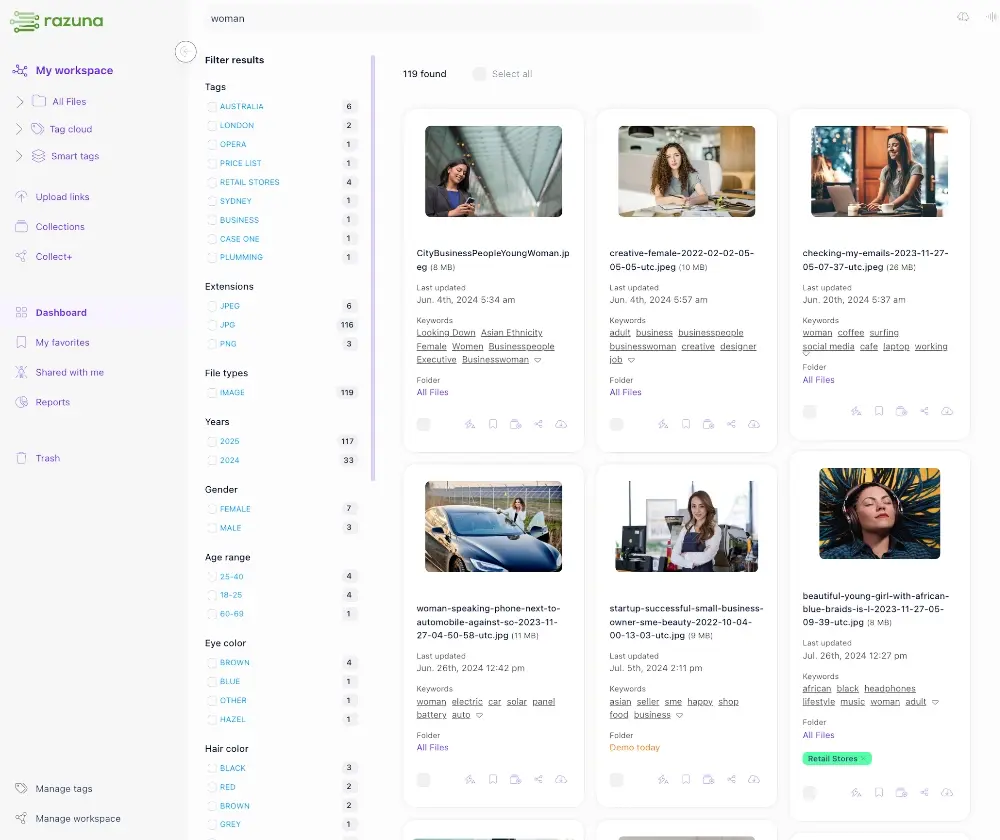
Metadata is the information attached to a file that makes it searchable. Without it, files are invisible to anyone who did not create them.
Effective metadata for digital assets typically includes:
- Descriptive tags: What is in the image or document (product name, person, location, concept)
- Usage rights: Where and when the asset can be used, and for how long
- Format and specification: Resolution, file type, color profile, dimensions
- Campaign or project association: Which campaign, brief, or project the asset belongs to
- Creation and modification dates: When the file was made and last updated
- Owner: Who is responsible for keeping the file current
The key mistake teams make is treating tagging as optional. When tagging is left to individual contributors without a standard, metadata becomes inconsistent or absent. Optimization requires a defined taxonomy that everyone applies.
2. File Naming Conventions
Good file names do two things: identify content at a glance and remain machine-readable for search and automation.
A strong naming convention uses a predictable structure. One practical format:
`[product]-[asset-type]-[version]-[date]`
For example: `razuna-hero-image-v2-2026-03.jpg`
This approach makes sorting, filtering, and version tracking straightforward. It also reduces the number of files opened just to confirm their contents.
3. Version Control
Version proliferation is one of the most common reasons asset libraries become unusable. When multiple versions of the same asset exist without clear labeling, teams either use the wrong one or waste time confirming which is current.
Optimized version control means:
- Keeping the current version clearly labeled and prominent
- Archiving older versions with clear status indicators
- Never delete without checking whether a file is still in active use somewhere
Some DAM platforms handle versioning automatically, maintaining a history of file changes without manual effort. This is one of the strongest arguments for using dedicated asset management software rather than general cloud storage.
4. Format Standardization
Teams often accumulate assets in multiple formats that serve the same purpose. An optimized library has clear standards for which formats to use and when.
Common format decisions to standardize:
| Use Case | Recommended Format |
|---|---|
| Web photography | JPEG or WebP |
| Logos and icons | SVG (vector) + PNG (raster) |
| Print materials | TIFF or EPS at 300 DPI |
| Video thumbnails | PNG at platform-specified dimensions |
| Brand presentations | PDF (locked) + source file |
Standardizing formats reduces the conversion work needed before an asset can be used and prevents quality loss from repeated format changes.
5. Rights and Permissions Management
Assets without clear rights metadata create legal exposure. Stock imagery, talent appearances, and licensed music all carry restrictions that lapse over time or vary by territory.
Optimization means attaching rights information directly to assets so any team member can check before using them. Key fields to capture:
- License type (royalty-free, rights-managed, editorial only)
- Expiration date
- Territory restrictions
- Approved channels (web, print, social, broadcast)
When this information lives in the DAM alongside the asset, compliance becomes a workflow habit rather than a separate legal review process.
How to Optimize Existing Assets
Starting from a disorganized library requires a practical approach. Trying to fix everything at once typically stalls.
1. Audit what exists: Get a count of total assets, identify the oldest and most-used files, and flag obvious duplicates. Most DAM systems have reporting tools that help with this.
2. Define your taxonomy first: Before touching any files, agree on the tag categories, naming conventions, and folder structure you will apply. Not sure where to start? Our brand asset management guide walks through the process of building a solid taxonomy from scratch. Changes to the structure mid-project create inconsistency.
3. Prioritize by usage: Start with the assets that are used most frequently or that are most visible externally. High-value assets benefit most from being well-organized.
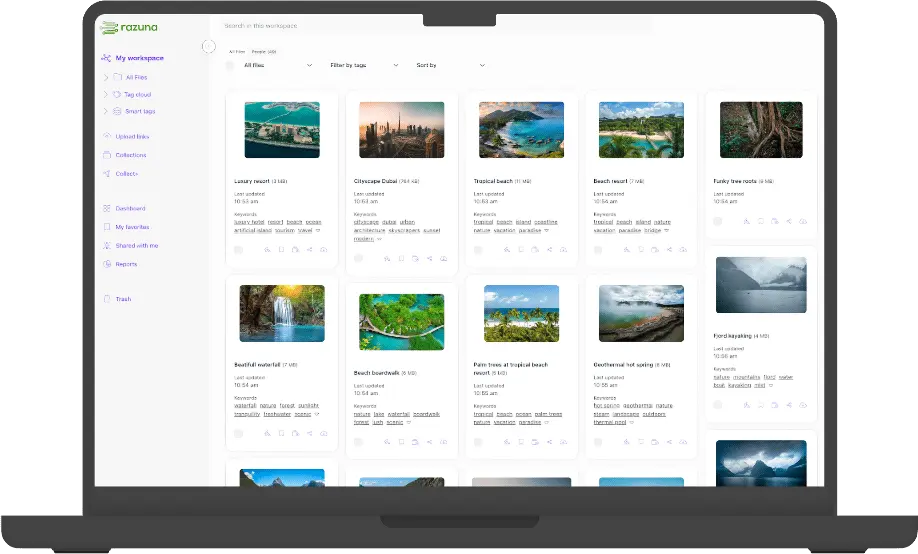
4. Batch process with automation: DAM platforms and tools like Razuna support bulk tagging and metadata editing. Use these rather than editing files one by one.
5. Establish intake workflows: Optimization is not a one-time project. Build a process so new assets enter the library properly tagged and named from the start.
Digital Asset Optimization for AI and Search
As AI-powered tools become part of content workflows, optimized assets have an additional advantage: they are easier for AI systems to find, use, and generate outputs from.
AI-assisted search in DAM platforms works by matching natural language queries against metadata and file content. An asset tagged "blue running shoe product photo 2026" surfaces in a relevant query. A file named `IMG_4892.jpg` with no tags does not.
Generative AI tools that produce variations of existing assets (resizing images, generating alternative copy, creating localized versions) depend on clean, well-organized source files. Poorly structured libraries create bottlenecks at the automation stage.
Digital asset optimization for AI readiness means:
- Descriptive, consistent metadata that supports semantic search
- Source files are stored at high resolution, so AI tools have quality inputs to work from
- Copyright data attached to assets, so automated distribution does not accidentally push unlicensed content to restricted channels
Common Mistakes to Avoid
Skipping taxonomy design: Building a folder structure or tagging system without a documented taxonomy leads to inconsistency as teams grow. Define the taxonomy in writing before implementing it.
Over-relying on search: Search is powerful, but it depends on good metadata. Optimization is not complete when the search tool is set up. It is complete when the underlying assets are well-tagged enough for search to work reliably.
Not involving the end users: Asset libraries optimized by IT or ops teams without input from the people who actually use them often miss the vocabulary and categories that matter. Build the taxonomy with the people who will search it.
Treating optimization as a project, not a practice: The highest-value outcome is a self-sustaining system in which new assets are always properly managed. That requires process design and ongoing governance, not a single cleanup effort.
Frequently Asked Questions
What is digital asset optimization?
Digital asset optimization is the practice of improving how files are organized, tagged, formatted, and managed to make them easier to find, use, and distribute. It covers metadata, naming conventions, version control, format standardization, and rights management.
How is digital asset optimization different from DAM?
DAM (digital asset management) refers to the platform or system used to store and manage files. Digital asset optimization refers to the quality of the practices applied within that system. You can have a DAM without optimized assets. Optimization is about how well you use the system.
How long does it take to optimize a digital asset library?
For a library of several thousand assets, an initial optimization project typically takes four to eight weeks with a dedicated resource. Ongoing optimization is continuous but requires less effort once intake workflows are established.
What makes an asset well-optimized?
A well-optimized asset has consistent metadata (tags, rights, dates), a clear filename following a standard convention, the correct format for its intended use, and a current version that is clearly marked and easy to find.
Getting Started
Digital asset optimization does not require a large project or a new platform to begin delivering value. Start with the assets your team reaches for most often. Apply consistent naming and tagging to those files first. Measure whether search and retrieval improve.
The payoff compounds over time. Every properly tagged asset reduces search friction for every future user. Every duplicate caught and removed makes the library smaller and faster to navigate.
For teams managing large volumes of assets across multiple campaigns, channels, or territories, a dedicated digital asset management platform like Razuna provides the infrastructure to apply these practices at scale. But the practices themselves work whether you are managing 500 files or 500,000.
The goal is always the same: less time looking, more time doing.