DAM and PIM Integration: Why Your E-commerce Team Needs Both

Your product images live in the DAM. Your product specs live in the PIM. And somewhere between those two systems, your ops team is copying and pasting data by hand, version-checking in Slack, and delaying product launches by two weeks.
This is not a workflow problem. It is an architecture problem. DAM and PIM started as separate tools for separate teams, and most companies still run them that way. But as product catalogs grow and content requirements multiply, keeping them disconnected is actively slowing you down.
What Is the Difference Between a DAM and a PIM?
A DAM (digital asset management system) stores and organizes your media files: product images, videos, PDFs, brand guidelines, and marketing materials. It handles file versions, access permissions, and distribution to external channels and partners. Teams use it to find the right file, in the right format, fast.
A PIM (product information management system) manages structured product data: names, descriptions, SKUs, attributes, dimensions, pricing, and specs. It is the single source of truth for what a product is, keeping that data consistent across your website, marketplaces, and retail channels.
Both tools manage product content but at different layers. A DAM handles the visual and media layer. A PIM handles the data layer. When they run as separate silos, the same product exists in two places with two different sets of information, and neither team has full visibility into the other.
The Real Cost of Keeping Them Separate
Most e-commerce teams underestimate how much the DAM/PIM gap costs them. The symptoms are familiar:
- A new product launches. The copywriter updates the PIM with the product description. The images sit in the DAM, unlinked to that SKU. Someone has to manually connect them before the listing goes live.
- A product gets a packaging update. The new images are uploaded to the DAM. The PIM still references the old ones. The wrong image shows on three retailer sites for two months.
- A seasonal campaign kicks off. Marketing wants all product images for the summer collection with current specs attached. They pull images from the DAM and specs from the PIM and merge them in a spreadsheet. Manually. Every time.
The pattern is the same: two systems, one source of truth that does not actually exist, and a human in the middle doing the reconciliation work. At a small scale, it is annoying. At catalog scale, it breaks things, delays launches, and introduces errors that reach customers.
What DAM + PIM Integration Actually Looks Like
When DAM and PIM are integrated, assets and product data move together. A SKU in your PIM links directly to its approved images and documents in the DAM. When you update the product description, the asset connection stays intact. When you update the image, the PIM record reflects it.
A few things become possible that are not possible when the systems are separate:
- Automated channel syndication: push a product update and the right images, in the right format and dimensions, go with it automatically to every channel.
- Launch checklists that actually close: your PIM can verify that approved assets exist in the DAM before a product goes live, blocking incomplete listings at the source.
- Faster time to market: integrated DAM and PIM workflows cut product launch cycles by 30% to 50% compared to manually managed processes, according to research from Bynder and inRiver.
- Consistent customer experience: every channel, from your own site to Amazon to retail partner portals, gets the same approved images linked to the same accurate specs.
How to Evaluate Integration Options
Not every integration looks the same. There are three common approaches, each with different trade-offs.
Native connectors
Some PIM vendors (Akeneo, inRiver, Salsify) offer built-in connectors to popular DAM platforms. If your DAM is on the supported list, this is the fastest path. The downside: these connectors are often shallow, syncing file references but not metadata, permissions, or workflow state. Good enough for simple catalogs; not enough for complex ones.
API-first integration
Modern DAMs and PIMs expose REST APIs. A custom integration built on top of those APIs gives you the most control over what syncs, when, and in which direction. It requires developer time upfront but produces a tighter, more reliable connection. This is the right approach when your workflows are complex or your catalog runs into the hundreds of thousands of SKUs.
iPaaS middleware
Tools like Make, Zapier, or dedicated data integration platforms like Boomi and Mulesoft sit between your DAM and PIM and handle the data mapping. A practical option for teams without developer resources who need something working quickly. Maintenance overhead tends to grow as catalog complexity increases, so budget for ongoing care.
The right choice depends on your catalog size, your technical resources, and how tightly your creative and e-commerce workflows need to be coupled. Most teams starting out do fine with a native connector or a lightweight API integration. Companies managing hundreds of thousands of SKUs usually end up with a custom API layer and dedicated engineering support.

Do You Actually Need Both?
Small teams sometimes ask whether they need a PIM at all, or whether a well-configured DAM can cover their needs. The honest answer depends on catalog complexity.
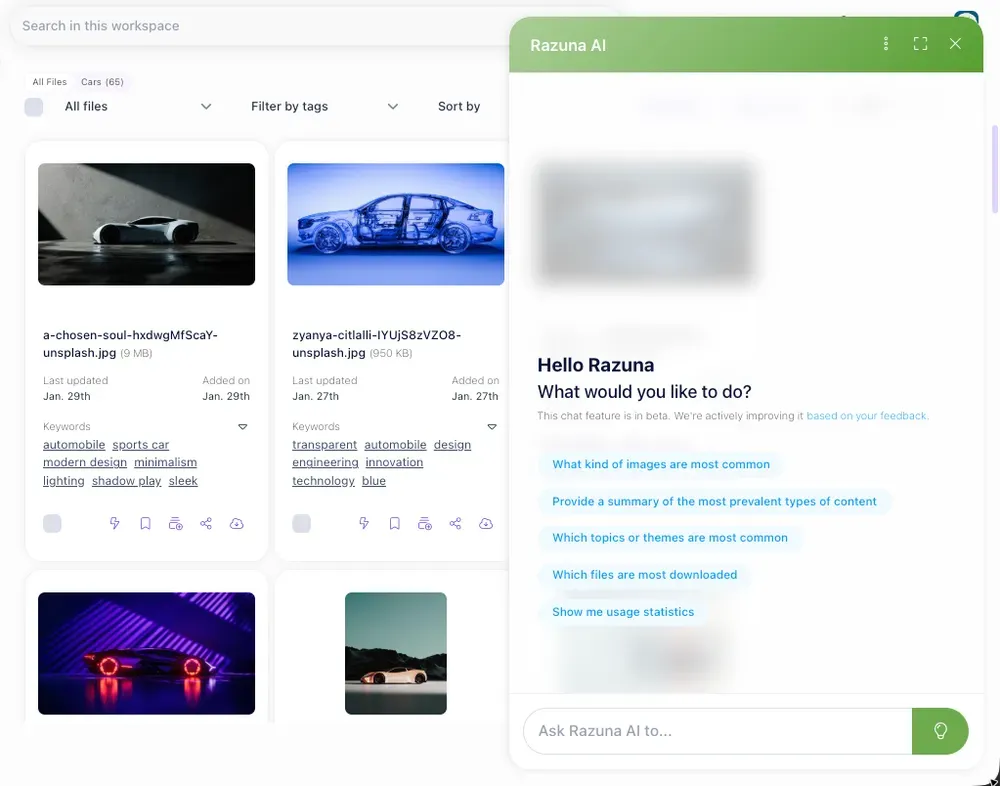
If you sell fewer than 500 products with limited attribute variation, a structured DAM with custom metadata fields can often carry the weight a PIM would handle. Razuna lets you attach custom metadata to any asset, meaning you can associate product attributes directly to images and documents without a separate system. For small-to-mid catalogs, that is a practical way to stay lean.
Once you cross into thousands of SKUs, multiple attributes per product, channel-specific variations, and localized descriptions in multiple languages, you need dedicated PIM infrastructure. Trying to manage that level of complexity inside a DAM is using the wrong tool, and the metadata fields will become unmaintainable fast.
The pragmatic path: start with the DAM, use metadata to carry product context for as long as that works, and integrate a PIM when catalog complexity demands it. That way you are not buying enterprise infrastructure before you need it. You can read more about how Razuna handles metadata and product asset workflows in the Razuna features overview.
Getting Started
If you are currently running a DAM and a PIM with no connection between them, start with an audit. Map every point where someone is manually moving data between the two systems. That list becomes your integration requirements, ordered by the volume of pain each bottleneck creates.
From there, a practical sequence:
- Check whether your PIM has a native DAM connector. If your DAM is on the supported list, start there and see how far it gets you.
- If not, talk to whoever manages your PIM about their API documentation and whether they have a preferred integration partner.
- Define what a successful sync looks like: which fields, which asset types, which direction (one-way or bidirectional), and how often updates should run.
- Start with one product category as a pilot before rolling the integration out to the full catalog. Catch edge cases early.
The integration does not have to be perfect on day one. A partial connection that eliminates the biggest manual bottleneck is worth more than a complete architecture spec that sits in a document for six months.
Frequently Asked Questions
What is DAM PIM integration?
DAM PIM integration is a technical connection between a digital asset management system and a product information management system that allows product data and media assets to stay synchronized automatically. Instead of manually linking images to product records, an integrated setup keeps them connected as either system is updated.
Do I need both a DAM and a PIM?
Not necessarily. Small product catalogs (under 500 SKUs) can often be managed in a DAM alone using custom metadata fields. Larger catalogs with complex attributes, multiple channels, and localized content generally need a dedicated PIM alongside the DAM.
What is the best way to connect a DAM and a PIM?
The best approach depends on your catalog size and technical resources. Native connectors are fastest for supported platform pairs. Custom API integrations are most reliable for complex workflows. iPaaS tools like Make or Zapier work well for smaller teams who need something operational quickly without developer involvement.
A digital asset management platform is built for exactly this: central storage with metadata, version control, permissions, and approvals.
Want the short version? Check Razuna features and Razuna pricing to see the difference in real workflows.