Digital Asset Management Software Cost: 2026 Buyer Guide
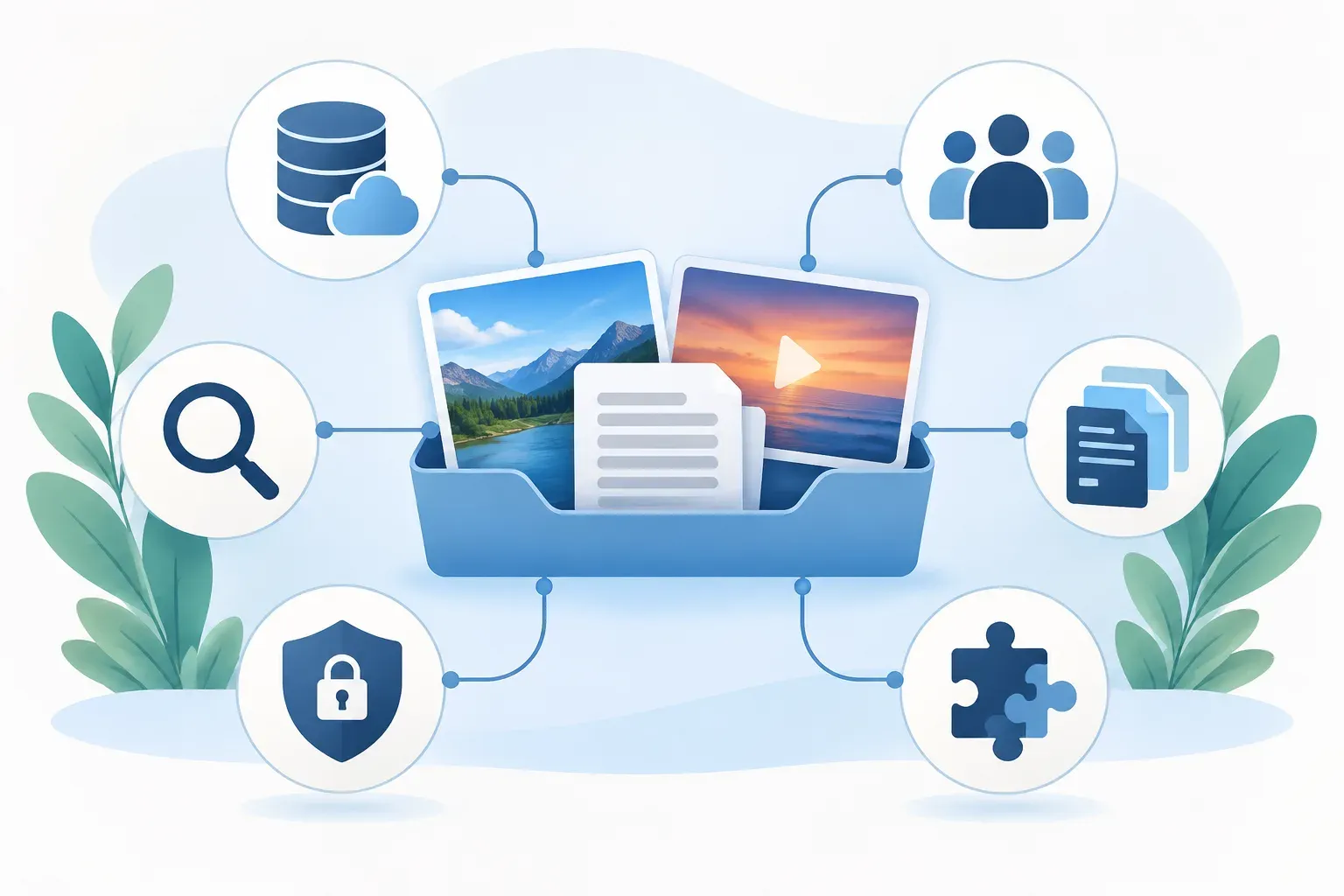
Digital asset management (DAM) software costs depend on more than the monthly subscription. Storage limits, user pricing, access controls, search, versioning, integrations, and the work required to organize a library can all affect the real cost. A low starting price may not cover the workflows your team needs, while a higher quote may include capacity or controls you would otherwise pay for separately.
The best way to compare DAM pricing is to price the workflow, not just the account. Start with the assets you manage, who needs access, and how people find and share approved files. Then check how each vendor charges for the capabilities that support those tasks.
What does DAM software cost in 2026?
There is no single standard price for digital asset management software. Some plans publish a monthly rate and a set storage allowance. Others require a sales conversation, particularly when requirements include organization-wide governance, integrations, or specific service arrangements. Pricing can also depend on how a vendor packages users, storage, features, and support.
Public examples show why headline prices need context. The Cloudinary pricing guide reports that Brault's Free plan includes 2GB. It also reports that Filecamp's Basic tier starts at $29 per month for 20GB with unlimited users, with a 30-day free trial. Those details illustrate two different ways to frame a plan: free entry with limited capacity, or a paid tier with a stated storage allowance and no user limit. They are examples, not a market-wide benchmark or a guarantee of current pricing. Check vendor pricing pages for the latest terms before budgeting.
Cloudinary's 2026 DAM pricing guide offers another reference point for comparing published plan details. When a vendor does not publish a price, ask for a quote that spells out the included capacity, users, features, and any one-time services.
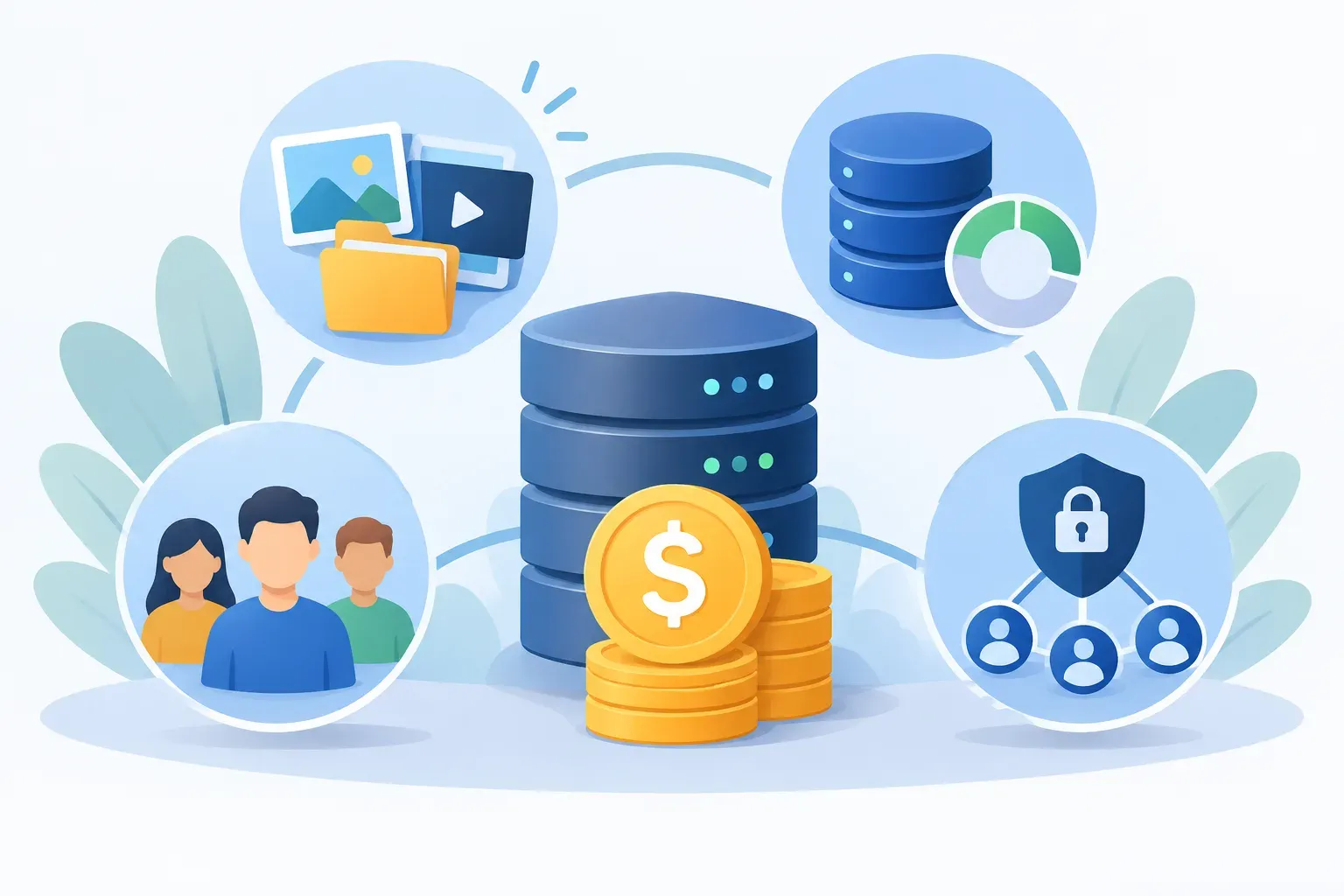
The main factors that affect DAM pricing
Storage and asset volume
Storage is one of the clearest pricing variables, but capacity alone does not tell you whether a plan will fit. Estimate the size and growth of your library, including original files, alternate versions, video, and other large media. Ask what happens when the account reaches its limit: can you add capacity, move to another tier, or must you renegotiate the plan?
Also check what the vendor counts toward storage. Find out whether previews, versions, and archived assets are included, and whether there are file-size or upload limits. A plan that appears affordable at launch could cost more if your media library grows quickly or the price of an upgrade is unclear.
Users and permissions
Vendors may charge per user, set a user limit, or include unlimited users in a tier. Consider not only full-time employees but also agency partners, freelancers, reviewers, and other people who need access. If the plan charges per seat, model the cost for everyone involved in the workflow, not just the people who upload files.
Then check whether the plan includes the controls you need. A low user price is less useful if you cannot separate workspaces, restrict access to folders, or give outside collaborators the right level of permission. In a DAM, access rules help teams share assets without making every file available to every user.
Search, metadata, and organization
Search quality affects how much time people spend retrieving assets. Compare keyword search, metadata filters, visual similarity, and semantic search, and confirm which capabilities are included at each tier. Some systems may offer advanced search as an add-on or only in higher-level plans.
Metadata also needs to fit the way your team works. For example, a marketing team may want to filter by campaign, channel, product, or approval status. A media team may need file details that help distinguish formats and versions. Razuna supports metadata-based discovery and AI-assisted search; teams can review the Razuna semantic search update for an example of how search can help people find assets when they do not know the exact filename.
Governance, versioning, and sharing
Include governance features in the pricing comparison, not as later "nice-to-haves." Check for version history, permissions, controlled sharing, and ways to keep approved assets distinct from drafts. These functions matter when a team needs to know which file is current and who can access it.
Ask whether these features are included in the plan or require an upgrade. Also ask how external sharing works: can you set access at the workspace or folder level, and can you revoke or change access when a project ends? The answers can affect both the plan cost and the amount of administrative work your team takes on.
Integrations and support
A DAM may need to work alongside ecommerce, content, creative, or marketing systems. Find out whether the integrations you need are included, whether they require setup or a higher tier, and whether there are limits on how they can be used.
Support and onboarding can also shape the total cost. Ask what help is included for initial setup, metadata design, migration, and staff training. A platform that is easy to trial may still require planning to move assets, establish permissions, and make the library useful to the people who depend on it.
How to estimate the total cost of ownership
A useful budget includes more than the subscription. Build a simple estimate around these areas:
- Subscription: Record the monthly or annual price, billing term, renewal terms, and any price changes between tiers.
- Capacity: Estimate current storage needs and likely growth. Confirm the cost and process for adding capacity.
- People: Count internal users and external collaborators. Model the bill if the plan charges by seat.
- Required features: Mark which search, governance, sharing, and integration functions are essential, then confirm whether they are included.
- Setup and migration: Include time or service fees for importing files, cleaning duplicates, mapping metadata, and configuring access.
- Ongoing administration: Account for the effort needed to maintain metadata, review permissions, and keep approved assets current.
This estimate helps expose costs that a headline price may leave out. It also makes vendor quotes easier to compare: ask each provider to price the same number of users, storage needs, workflows, and required features.
For help defining the organization work before selecting a platform, see Razuna's guide to digital file organization ideas. A clear structure and consistent metadata plan can make migration and adoption easier to scope.

A practical DAM pricing comparison
Use a comparison table that captures the details behind each quote. Avoid ranking vendors by the lowest starting price when their plans include different limits.
| Pricing question | What to record |
|---|---|
| Starting price | Monthly or annual cost, billing term, and renewal terms |
| Storage | Included capacity, file limits, and upgrade cost |
| Users | Included seats, per-user charges, and guest access rules |
| Search | Keyword, metadata, semantic, or visual search availability |
| Governance | Permissions, version history, and controlled sharing |
| Integrations | Included connections, add-on costs, and setup requirements |
| Trial or free plan | Availability, limits, and what happens when it ends |
| Services | Migration, onboarding, support, and training charges |
Use the answers to compare cost against the work the platform will support. For instance, a plan with a fixed user allowance may suit a small team but become expensive as agencies and reviewers join. A plan with a storage ceiling may work for a library of brand images but need a different tier for video-heavy operations.
Is a free DAM plan enough?
A free plan can be useful for testing a workflow or organizing a small collection. Before relying on one for ongoing operations, check its storage allowance, number of users, available search and permission controls, and any restrictions on sharing or commercial use. Confirm what happens to your assets if you outgrow the plan or decide not to continue.
A free tier is a starting point, not a full cost comparison. If a team has to split assets across separate tools, manually track versions, or limit access to avoid extra charges, the apparent savings may come with additional work. Compare the free option with the paid plan you would need once the team adopts the DAM.
What to ask vendors before you sign
Ask each vendor for written answers to the questions that affect your budget:
- What exactly is included in the quoted tier?
- How are storage and users counted?
- What does an upgrade cost, and can you upgrade mid-term?
- Are semantic or visual search and metadata filters included?
- Are permissions, versioning, and secure sharing included?
- Do required integrations or API access cost extra?
- Are migration, onboarding, and training included?
- What are the contract term, renewal, and cancellation conditions?
- Is support included, and what response options are available?
These questions are especially useful when a vendor provides custom pricing. Request a quote for your expected use rather than a generic enterprise estimate. If your requirements may grow, ask for pricing at both today's scale and a realistic future scale.
Match the price to the work your team needs
A DAM is worth evaluating when teams repeatedly reuse images, video, documents, or brand assets and need a dependable way to find, govern, and share them. The right budget depends on how many assets you manage, who needs access, and how much control your workflows require.
For Razuna, assess the subscription against the DAM work involved: organizing assets in workspaces, finding them through metadata and AI-assisted search, managing access, tracking versions, and sharing files with colleagues or partners. Review the Razuna platform alongside your requirements, and compare the full cost of the workflow rather than relying on a starting price alone.
