20 Best Bynder Alternatives for Growing DAM Teams in 2026
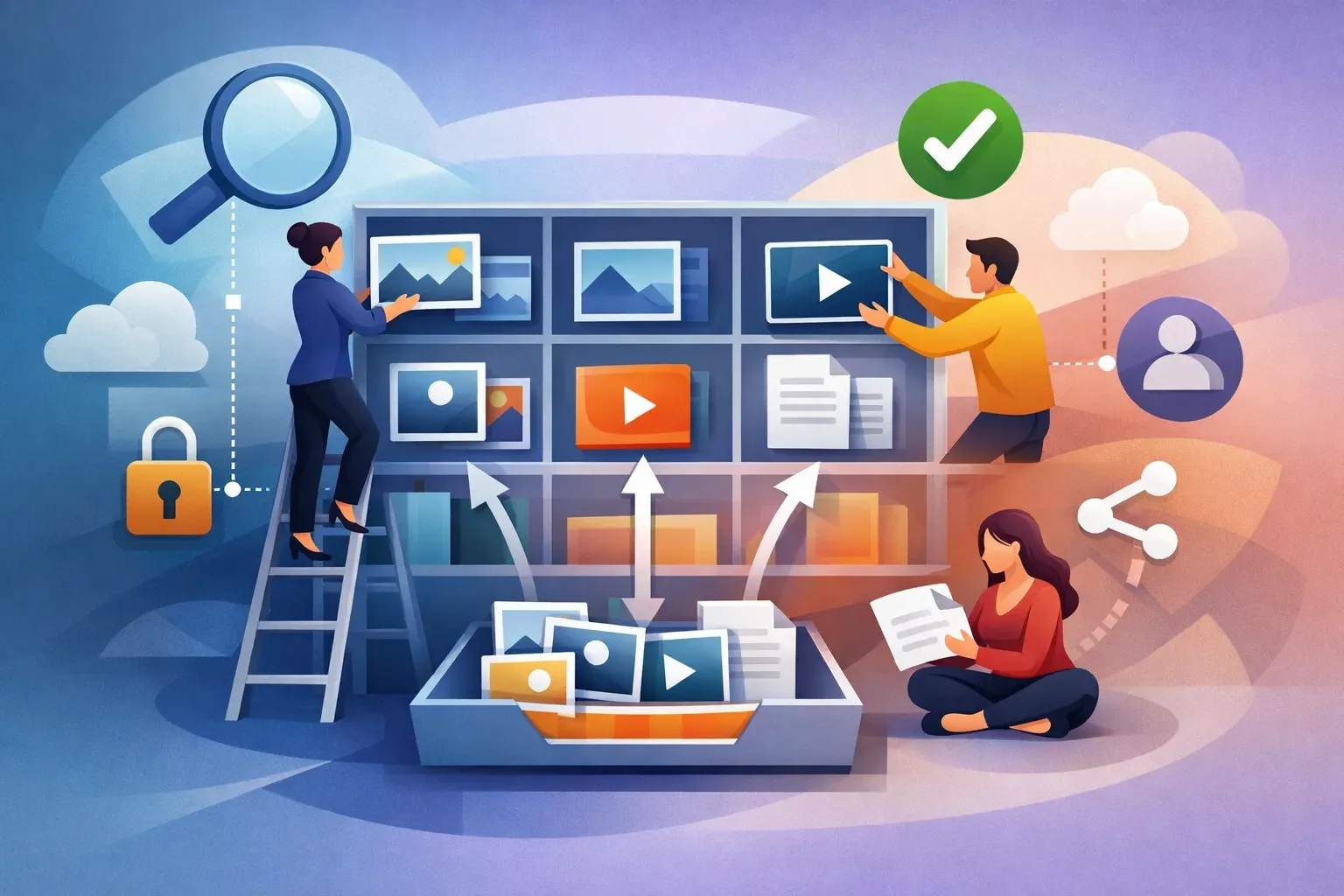
If your team is outgrowing its current digital asset management (DAM) setup, compare alternatives on more than file capacity. Search quality, access controls, version handling, and safe ways to share approved assets all affect whether people can find and use the right files.
The 20 options below cover different team sizes and workflows. Treat the descriptions as a shortlist, then confirm current features, integrations, permissions, and pricing directly with each vendor. Product offerings change, and the right choice depends on how your team manages assets day to day.
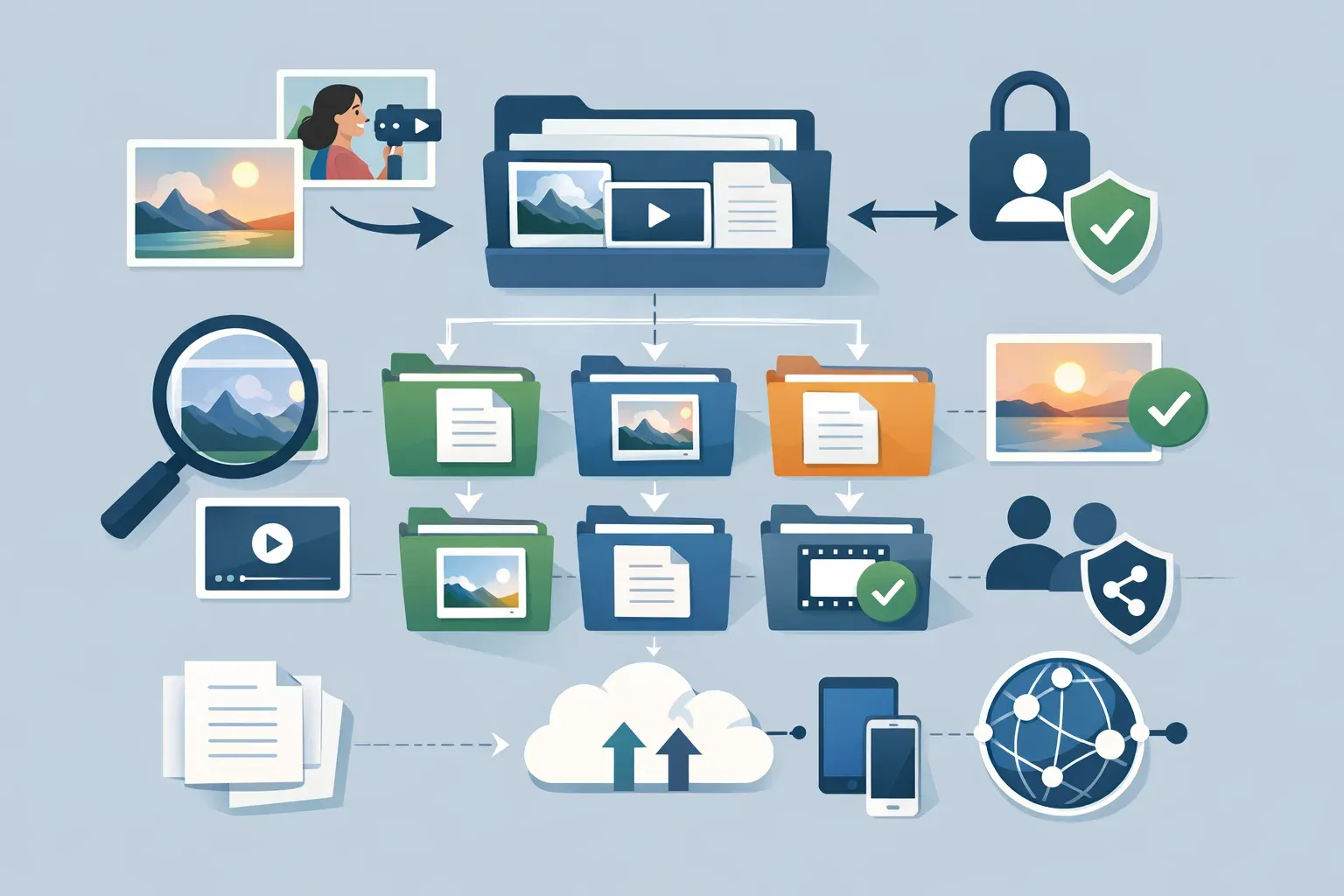
20 Bynder alternatives to consider
1. Razuna
Razuna is a DAM option for teams that need to organize, find, govern, and share images, videos, documents, and brand files in a shared library. Its workspaces and folders support permission-based organization, while search includes keyword, full-text, semantic, and visual-similarity approaches. That can help when users remember what an asset looks like or what it relates to, but not its filename.
Collections can gather files from different locations for a project or audience. Teams can share collections using links with settings such as expiration, password protection, and download access. Consider Razuna when access governance and asset discovery matter as much as keeping files together. See Razuna's overview and its article on sharing files through collections.
2. Brandfolder
Brandfolder is worth evaluating if your DAM search is centered on managing and distributing brand content. During a demo, test how people locate approved assets, understand which version to use, and share materials with internal and external audiences. Ask how access rules apply to your specific user groups.
3. Canto
Canto is a candidate for teams comparing dedicated DAM platforms for marketing and creative content. Use a pilot library to test everyday tasks: importing a campaign, adding useful metadata, finding a specific asset, and sharing it with a colleague or partner. Confirm that the workflow works for occasional users, not only DAM administrators.
4. PhotoShelter for Brands
PhotoShelter for Brands may suit organizations with substantial photo and media libraries. If your team works with event photography or other image-heavy collections, test the ways users browse, search, organize, and deliver those assets. Check whether the permission and approval process fits the way your brand team works.
5. Air
Air is an option to assess when collaboration around visual content is a major part of the workflow. Ask your team to review assets together using a real campaign, then check how the tool handles organization, approved versions, and access after review. A clean review experience still needs to connect to reliable asset governance.
6. Pickit Enterprise
Pickit Enterprise belongs on a shortlist for teams seeking a managed place for approved brand content. Test how employees locate the correct logo, presentation template, or campaign image, and how administrators keep outdated materials from being mistaken for current ones. Confirm the level of control available for your required sharing scenarios.
7. Kontainer
Kontainer is a DAM platform to compare if you want to assess asset organization and distribution in one system. Build a test around your own metadata, folder structure, user roles, and delivery needs. The key question is whether it can support your governance model without making routine retrieval harder.
8. Digizuite
Digizuite is worth considering for organizations evaluating DAM as part of a broader media operation. Ask the vendor to show how an asset moves from intake to organization and reuse, including how teams identify the approved version and control access. Map any proposed integrations to actual systems your team uses.
9. Filecamp
Filecamp can be included when comparing DAM options for a growing team that needs a shared, organized asset library. Test it with real folders, metadata, user roles, and external sharing scenarios rather than relying on a polished sample environment. Confirm that its current plans and limits align with the size and access needs of your team.
10. Acquia DAM (formerly Widen)
Acquia DAM is a candidate for teams assessing enterprise-oriented content and asset operations. If you manage several brands, teams, or channels, ask how the platform supports your structure and how administrators maintain consistent access and asset information. Evaluate implementation effort alongside the feature set.
11. MediaValet
MediaValet is another option for teams looking at DAM in a larger organizational context. Use your evaluation to establish how users find files, how permissions are administered, and what is involved in connecting the DAM to existing workflows. Request a demonstration with the asset types and user roles your team actually handles.
12. Aprimo
Aprimo is worth a look if DAM needs to fit into a wider marketing operations process. Clarify whether your main requirement is asset discovery and governance or coordination across broader marketing work. Then test those needs separately so a large platform's scope does not obscure the day-to-day DAM experience.
13. Frontify
Frontify may be relevant if brand management and DAM needs overlap for your organization. Evaluate how brand guidance and usable assets fit together for employees who need to create or update materials. Check whether asset permissions, version handling, and sharing meet the standards your team applies to brand files.
14. Adobe Experience Manager Assets
Adobe Experience Manager Assets is an option for organizations already considering a DAM within a broader Adobe environment. Ask how it would fit your current systems, roles, and publishing workflows, and what administration or implementation it requires. For a fair comparison, include the cost of operating the setup, not only the purchase price.
15. Sitecore Content Hub
Sitecore Content Hub is a candidate for teams evaluating DAM alongside wider content operations. Map your needs before a demo: which assets need to be organized, who needs access, and how approved files are used downstream. Confirm that the platform's scope matches the problem you are trying to solve.
16. Cloudinary
Cloudinary is worth evaluating when digital media operations include delivery or development requirements as well as asset management. If your team needs a traditional shared brand library, test whether the user-facing organization and governance experience suits nontechnical users. Compare that directly with your delivery and integration requirements.
17. Extensis Portfolio
Extensis Portfolio is an option to include when your team is comparing established systems for organizing media libraries. Test a representative collection of images and other assets, paying attention to metadata, search behavior, and how updates to files are managed. Ask how the product fits the access needs of people outside the core creative team.
18. ResourceSpace
ResourceSpace is worth reviewing if your evaluation includes open-source DAM options. Compare the responsibilities involved in deployment, configuration, maintenance, and support with the time your team can commit. A lower entry cost does not remove the need to plan for governance, metadata, and user access.
19. Orange Logic
Orange Logic is a candidate for organizations with complex media operations to assess. Bring detailed workflows to the evaluation, including how people submit, find, review, and share assets. Ask which configuration work is needed to support those processes and who will manage it after launch.
20. NetX
NetX is another DAM option to evaluate for managing organizational media libraries. Use a pilot to examine the practical path from asset intake to approved reuse, including search, permissions, version management, and external delivery. Confirm that the product supports your exact process rather than assuming every requirement is covered by a general DAM feature list.

How to compare Bynder alternatives
A vendor list can narrow your options, but a workflow test is more useful for a final decision. Choose a small set of real assets, such as campaign images, logo files, product media, and documents, then ask evaluators to complete the same tasks in each system.
- Find an asset without its exact filename. Search by metadata, keywords, or a visual description. Notice whether the results are relevant and whether users can narrow them down.
- Identify the approved version. Upload or locate two versions of a file. Check how users distinguish current materials from drafts or outdated assets.
- Test role-based access. Give marketers, designers, administrators, and external collaborators the access they need. Confirm that users can work without seeing or changing materials outside their remit.
- Share files safely. Test the process for sharing a single file or a curated group of assets. Check available controls, such as link expiration, password protection, and download permissions.
- Check metadata upkeep. Add the fields your team relies on, then see how easy it is to apply and update information across multiple assets. Metadata practices for images can help you define what needs to be searchable.
- Map the operating effort. Ask about setup, integrations, migration, administration, and training. The ongoing work required to keep an asset library useful is part of the comparison.
A DAM succeeds when people can find the right file, understand whether it is approved, and use or share it within the rules your organization sets. If your current library is hard to search or manage, start by identifying where the workflow breaks, then build your shortlist around those gaps. For more context on evaluating a DAM workflow, see how to choose media asset management software.