Canto vs Bynder in 2026: Pricing, Features, and Best Fit

Canto and Bynder are both digital asset management (DAM) platforms for organizing and distributing brand and media files. The clearest publicly available distinction in the supplied 2026 pricing information is not a published price list: both require a quote. Bynder has a reported median annual price, while Canto describes pricing as dependent on team size and storage needs.
That makes a direct comparison less about picking a winner from a feature checklist and more about testing how each platform handles your team’s actual asset workflows, implementation needs, and total cost. The right choice is the one that makes approved assets easy to find and use while giving your team the controls it needs.
Canto vs Bynder at a glance
| Decision factor | Canto | Bynder |
|---|---|---|
| Public pricing | Quote-only; pricing is described as scaling with team size and storage needs | Quote-only |
| Available price benchmark | No reliable public benchmark identified in the supplied information | Vendr-reported median of about US$43,200 per year, dated October 2026 |
| Implementation costs | Confirm in the quote | The cited benchmark reports implementation at an additional 15–30% |
| Best way to compare | Request a quote based on your user count, asset volume, and required workflows | Ask for the same scope, including implementation and ongoing costs |
| Feature decision | Validate search, metadata, permissions, sharing, and integrations in a workflow-based demo | Use the same test scenarios and written requirements |
The available pricing figures are a starting point, not a like-for-like quote. Product editions, contract terms, user counts, storage, services, and implementation scope can change what each organization pays. For the reported figures and the comparison context, see Jam's Canto vs Bynder overview.
Canto vs Bynder pricing in 2026
Both platforms are quote-only, so the price a team receives depends on its requirements and the scope of the agreement. Canto says pricing scales based on team size and storage needs. The supplied comparison reports no reliable public benchmark for Canto, so avoid treating a third-party estimate or another company's quote as a dependable baseline.
For Bynder, the supplied information cites a Vendr median of about US$43,200 per year, with implementation reported at 15–30% extra. If that implementation percentage is applied to the annual median, it would add roughly US$6,480–US$12,960. That implies an approximate first-year total of US$49,680–US$56,160, before any other fees or adjustments. This is an estimate based on the cited figures, not a Bynder quote or guaranteed rate.
To compare offers fairly, ask both vendors to price the same scope:
- Number and types of users, including occasional contributors and external partners
- Expected asset volume and storage requirements
- Required workspaces, libraries, or brand divisions
- Metadata fields, taxonomies, and migration work
- Permission levels and external sharing controls
- Integrations and any related setup or support
- Training, implementation, and ongoing service costs
- Contract length, renewal terms, and the cost of adding users or capacity
Request a written breakdown of one-time implementation costs and recurring fees. If a quote bundles services, ask what those services cover and whether the work is required or optional. That makes it easier to compare the total cost of operating the DAM, not just the headline subscription.
Features: compare the work, not the checklist
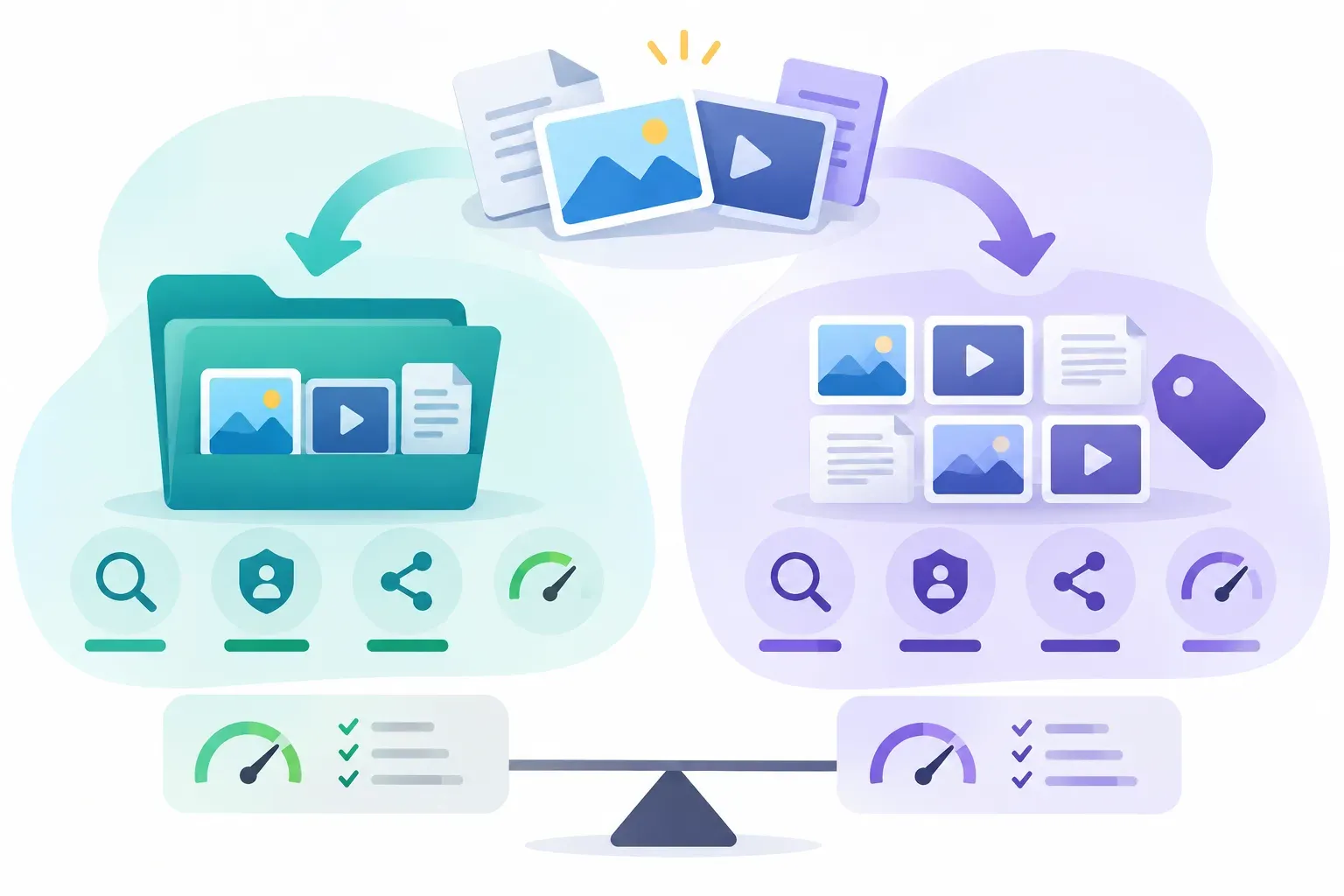
A feature grid can make two DAM products look similar while leaving out the details that affect daily use. Search, metadata, sharing, and permissions are only useful if they work with your team’s files, terminology, and approval habits. Since pricing and feature availability can depend on the selected package and contract, confirm each requirement with the vendor rather than assuming it is included.
Search and metadata
Test how people find assets when they do not know the exact file name. Give the vendor examples such as "the spring campaign image with the blue background" or "the current product shot approved for social." Then check whether the result can be narrowed by campaign, product, date, rights, or channel.
Ask how metadata is captured, edited, and kept consistent. For example, a marketing team might need fields for campaign name, region, usage rights, language, and approval status. A DAM should make those fields practical to maintain, not just available in an admin screen. For a reference point on search approaches, Razuna describes semantic search for finding assets by meaning.
Permissions and sharing
Bring examples of who needs access: internal brand teams, agencies, regional marketers, or clients. Have each vendor demonstrate how access is granted and restricted for those groups. Check what a recipient can view, download, or share, and what happens when access needs to be removed.
Also test whether people can share a curated set of approved assets without creating a second, unmanaged copy of the library. The goal is to make the right files available while keeping control over versions and access.
Versioning and governance
Ask the vendor to walk through a real update: a designer uploads a revised logo, a reviewer confirms it, and other teams need to stop using the old version. Identify how people distinguish current from outdated files, who can replace an asset, and what history or activity information administrators can review.
For teams with many campaigns or brands, check whether the system can support consistent rules without forcing every group into the same folder structure. A useful DAM should help staff understand which asset is approved, where it can be used, and who can distribute it. Razuna's guide to digital asset management practices covers related organization and governance considerations.
Integrations and implementation
List the tools that must connect to the DAM, then ask each vendor to demonstrate the specific workflow. For example, can a team find and use approved product imagery from the tools it already uses to publish campaigns? Confirm whether the integration is included, requires configuration, or depends on a separate service.
Implementation deserves equal attention. Ask who handles migration, metadata mapping, duplicate cleanup, user setup, and training. Request a timeline with responsibilities on both sides. The subscription price alone will not show how much staff time the rollout will require.

Which platform should you choose?
Canto may be the better fit if its proposed configuration matches your team’s user and storage needs, and the quote offers a workable total cost for your required workflows. Since no dependable public price benchmark is available in the supplied information, get a detailed quote and use your own requirements as the comparison baseline.
Bynder may be the better fit if its demonstrated workflows and quoted terms justify the reported annual price range for your organization. Treat the Vendr median as a reference point, not a prediction of your quote, and ask for implementation costs in writing.
Neither is the right choice by default. If a platform is hard to search, unclear about permissions, or costly to implement for the work you need, a long feature list will not fix that. Run the same demo scenarios in both systems, score the results against must-have requirements, and compare total first-year and ongoing costs.
A practical evaluation plan
- Choose a representative library. Include current campaign files, older versions, product images, documents, and assets with different usage rights.
- Write down common search tasks. Ask users how they describe assets when they do not know a filename, and turn those phrases into demo tests.
- Map access by role. Include administrators, contributors, reviewers, download-only users, and external collaborators.
- Test a complete asset lifecycle. Upload, add metadata, review, replace a version, share, and find the approved file again.
- Request comparable quotes. Give both vendors the same user count, storage estimate, integration needs, and implementation scope.
- Score outcomes, not promises. Record whether each task worked, how much effort it took, and what remains unclear or requires extra services.
Frequently asked questions
Is Canto or Bynder cheaper in 2026?
There is no reliable public Canto benchmark in the supplied information, and both platforms are quote-only. The cited Bynder median is about US$43,200 per year, with implementation reported at an additional 15–30%. Compare written quotes for the same scope before deciding which is cheaper for your team.
How much does Bynder implementation add?
The supplied comparison reports implementation costs of 15–30% on top of Bynder's cited annual median of about US$43,200. If calculated against that figure, the added cost would be roughly US$6,480–US$12,960. Confirm the amount and what it includes directly with the vendor.
How should I compare Canto and Bynder features?
Test both platforms with the same real asset tasks: search by meaning or metadata, identify the approved version, manage access by role, share files externally, and connect the DAM to required tools. Ask vendors to demonstrate each workflow and state whether it is included in the proposed package.
What is the verdict on Canto vs Bynder?
There is no universal winner based on the available pricing information. Canto's price is described as scaling with team size and storage, while Bynder has a reported annual median and implementation estimate. Choose based on demonstrated workflow fit, written total cost, and the effort required to implement and govern the library.
