10 Best File Organization Software for 2026 (and When You Actually Need Digital Asset Management)

10 Best File Organization Software for 2026 (and When You Actually Need Digital Asset Management)

This overview has been updated to reflect the latest information for 2026!

Related: If your team is moving from “folders” to controlled asset libraries, explore digital asset management and what it enables.

Looking for the best file organization software in 2026? Whether you call it file organizer software or file management software, the goal is the same: help your team store, find, share, and control files without chaos.

In today's digital workplace, businesses handle an overwhelming volume of content daily—from documents and spreadsheets to images, videos, and design files. Without a clear system, locating files becomes time-consuming, collaboration suffers, and productivity takes a hit.

This guide covers the 10 best file organization tools for 2026, plus a practical breakdown of when you should stick with a simple file organizer vs when it’s time to move up to digital asset management (DAM).

Quick Comparison: Best File Organization Software in 2026

If you're short on time, start here. Pricing and limits change frequently, so use this table as a directional guide and confirm details with each vendor.

Software Type Best for Pricing model What it's great at
Razuna DAM Teams managing mixed assets (docs + images/video) who need structure, governance, and sharing Storage-based (not per seat) Metadata, permissions, controlled sharing, collaboration workflows, and scalable asset libraries
Box Cloud content platform Businesses that need secure cloud storage + collaboration Per-user (business tiers) Storage, sharing, collaboration, admin controls
Dokmee ECM / document management Organizations that prioritize document workflows + retrieval Vendor pricing (varies) Document capture, indexing, search/retrieval, access controls
Google Drive Cloud storage Teams already living in Google Workspace Per-user (Workspace tiers) Simple sharing and collaboration across Docs/Sheets/Slides
M-Files Document management Teams that want automated document processes + governance Vendor pricing (varies) Automation, metadata-driven organization, document lifecycle controls
Dropbox Cloud storage Teams that need simple storage + sharing + basic controls Per-user (business tiers) Easy sharing, sync, collaboration add-ons
OneDrive Cloud storage Microsoft 365 teams Per-user (Microsoft 365 tiers) Office integration, sharing, sync across devices
Zoho WorkDrive Team file platform Teams that want structured folders + sharing inside Zoho ecosystem Per-user (minimum seats) Team folders, sharing controls, collaboration features
File Juggler Automation utility Solo users who need local file rules/automation One-time license (varies) Rule-based file moves/renames/automation
FileBot File renamer Media-heavy personal workflows (renaming and organizing lists) License (varies) Bulk renaming and metadata matching for media files

File Organizer Software vs Digital Asset Management (DAM)

Most file organizing apps are designed to store and share files. A DAM is designed to manage assets—especially brand and marketing content—at scale, with stronger metadata, governance, and distribution features.

You may be fine with a file organizer if you mainly need folders, basic sharing, and lightweight collaboration.

You’ll likely benefit from DAM if you need any of the following:

  • Advanced metadata (custom fields) and consistent naming/taxonomy across teams
  • Controlled external sharing (portals, expiring links, permissions) for clients/partners
  • Review/approval workflows and version control for creative assets
  • Stronger governance as your library grows (brand consistency, rights/access, audit trails)

If you're evaluating DAM specifically, start with our digital asset management guide and the Razuna features overview.

What Is File Organization Software?

File organization software lets you create, categorize, store, and access digital files across your desktop, laptop, and mobile devices. It's essential for businesses across all sectors—from corporate and tech to creative industries—providing the foundation for effective file management.

While every business has unique needs and works with different file types, they all benefit from the structure and efficiency that proper file organization delivers. Modern file organizing apps go beyond simple storage, offering features like intelligent tagging, powerful search, collaboration tools, and automated workflows.

5 Benefits of File Organization Software for Your Business

File organization software offers businesses several benefits that all work together for smoother workflows.

1. It's a Central Digital Hub

File organization software keeps all your files organized and categorized in one place. It becomes a central digital asset hub, where you can find whatever you need quickly and easily. This saves valuable time when you need a specific file and you're rushing to meet a deadline.

2. Your Admin Processes Are Streamlined

A central hub for all your digital assets streamlines all your admin processes. One of the first benefits you'll notice is how much faster file search and retrieval becomes. This speeds up your day-to-day tasks like file sharing with colleagues and collaborators.

3. Teams Find Collaboration Much Easier

The quicker and simpler processes don't just benefit employees individually, but also collectively. Collaboration becomes easier, with multiple teammates able to work together on files for your creative content, branding projects, or marketing campaigns.

4. Sensitive Files Are More Secure

No matter what type of work you are engaged in, your company will have confidential files. These are files that contain more sensitive data that should not be accessible to just anybody. The right file organization software will keep these files secure so that only authorized users can access them.

5. Important Files Don't Go Missing

No more files are going M.I.A. when you use file organization software. Data loss is the unfortunate side-effect of data breaches and technical glitches. Unfortunately, such incidents are inevitable over time. But data loss doesn't have to be, not when they are backed up regularly to your file organization system.

Key Features to Look for in File Organizing Apps

When evaluating file organization software, prioritize these essential capabilities to ensure you select the right solution for your team:

  • Intuitive Tagging and Metadata: Look for apps that allow custom tags, labels, and metadata fields to categorize files in ways that match your workflow. The easier it is to tag files, the faster retrieval becomes.
  • Powerful Search Functionality: Advanced search capabilities—including filters by date, file type, tags, and keywords—are essential for quickly locating specific files within large libraries.
  • Customizable Folder Structures: The ability to create custom folders and collections that reflect your team's organization helps maintain consistency and logical file hierarchies.
  • Collaboration Tools: Features like file sharing, comments, annotations, and real-time editing enable seamless teamwork on shared files and projects.
  • Integration Capabilities: Seamless connections with your existing tools—like productivity suites, communication platforms, and project management software—ensure smooth workflows.
  • Security and Permissions: Granular access controls and permission settings protect sensitive files while ensuring the right people have access to what they need.
  • Automation and AI (optional): Automated organization and AI-assisted tagging/search can save significant time. Learn how AI is being used in asset workflows in our guide to AI in digital asset management—or see AI in Razuna for a product-focused capability overview.

10 File Organization Software to Consider in 2026

Here are 10 file organization software options for you to consider in 2026. Some are suited to a specific type of business or niche activity. Others are more comprehensive in their features and their target audience. Whatever your file organization needs are, you're sure to find one just right for you.

Razuna - best file organization software

1. Razuna

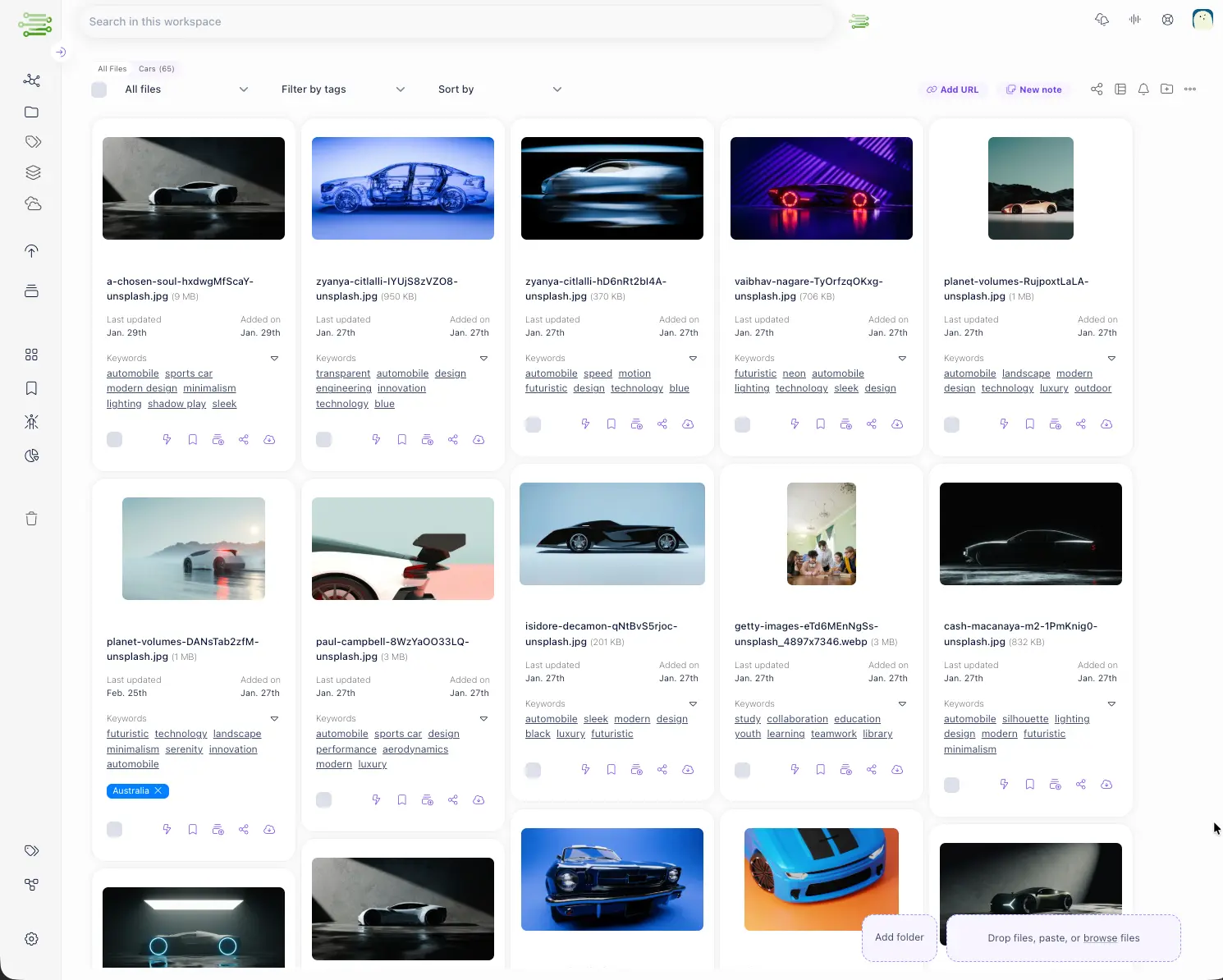
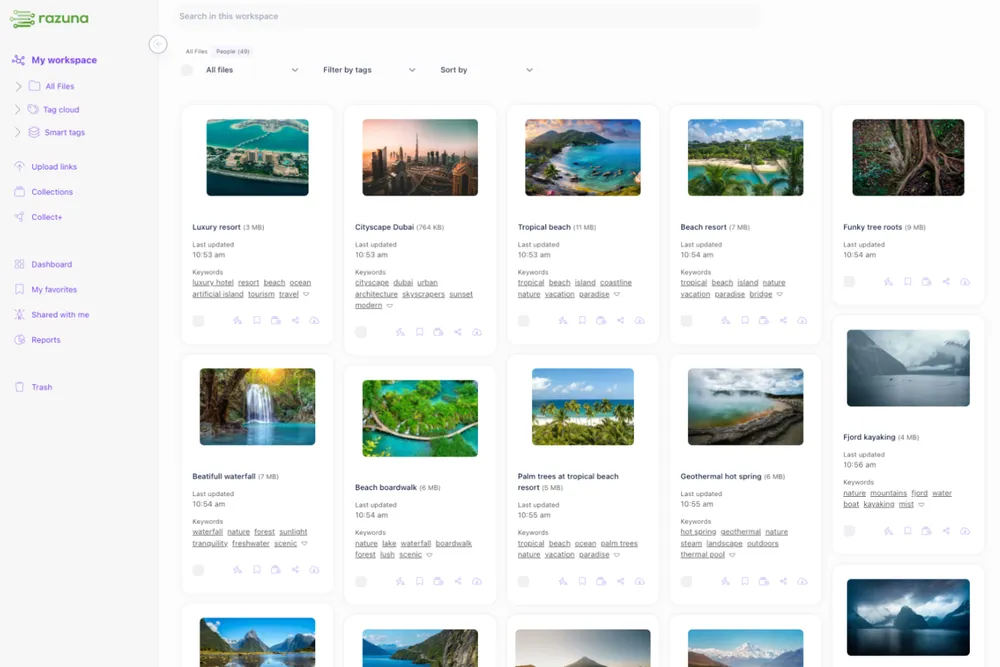
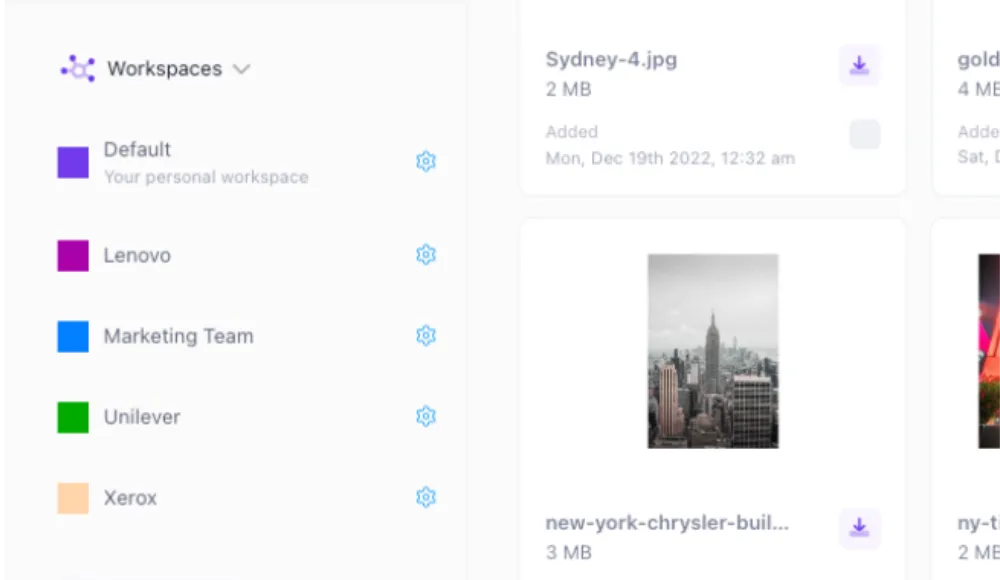
Razuna is more than just file organization software. It's a complete cloud-based digital asset management system, with innovative new features added regularly. Razuna is suitable for all types of digital file storage, organization, and sharing across teams in all types of work settings.

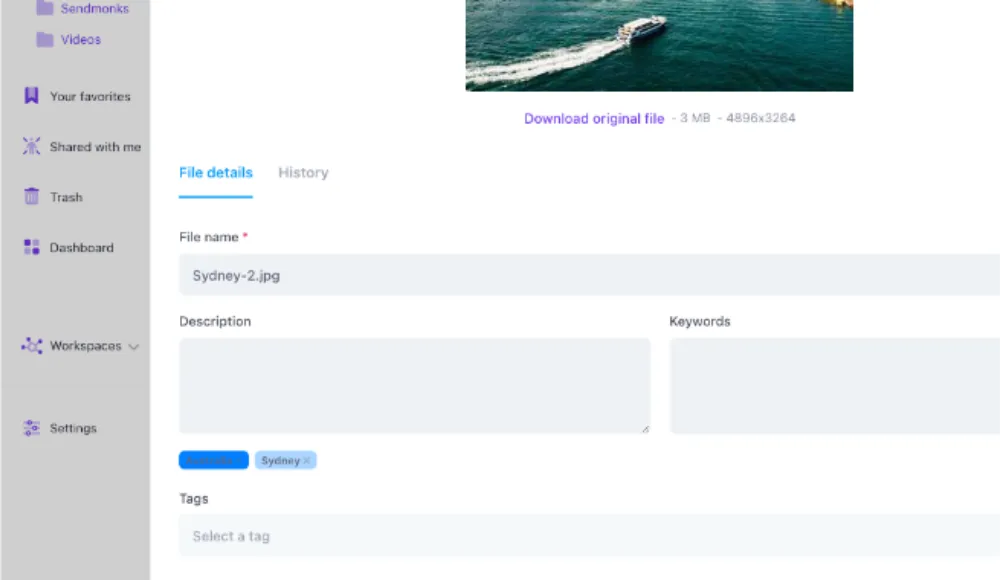
Organize all your documents and media files with custom fields and labels, keywords, descriptions, and metadata. Or rely on the Helpmonks AI algorithm to automatically assign tags to your image files. It's up to you. Collaborating on branding or marketing artwork? There's an image editor included.

A free account is available for up to five users, with 500 GB of storage space. Need more than that? That's not a problem. Select the paid plan. There are no hidden costs or per-user fees, just one price per TB/month, giving unlimited users access to unlimited workspaces, collections, and file sharing.

Top Features

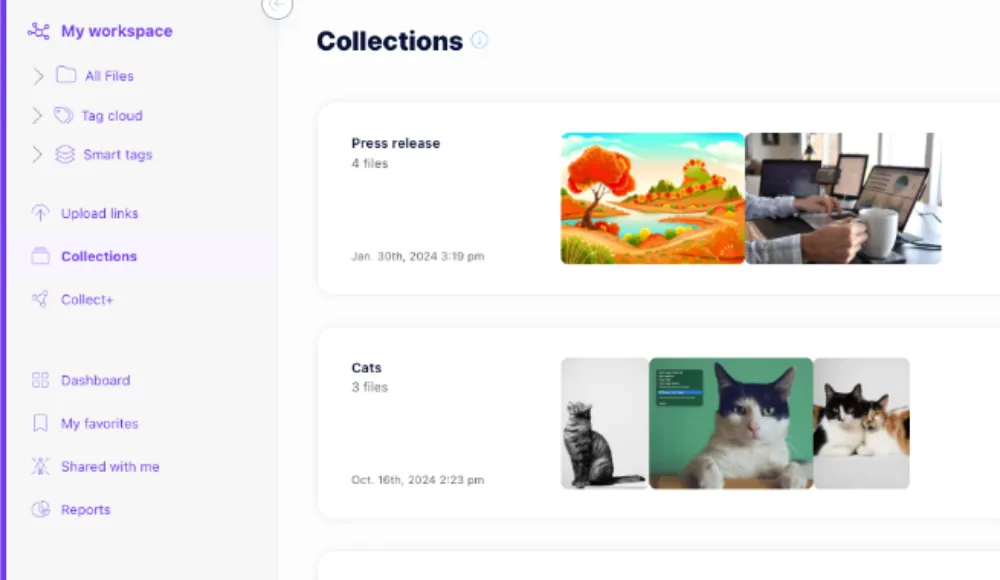
  • You can do so much more than just store and organize files. Edit, collaborate, comment on, review, and approve files, all in Razuna. An audit trail means you can track every activity.
  • External collaboration is also a breeze. Create one or multiple shared links, each with individual access settings and/or expiry dates.
  • HIPAA-compliant cloud servers for secure file sharing in a private cloud. A data center is available specifically for the EU.

Best For

Razuna is the top choice for everyone from solopreneurs, remote workers, and small teams to businesses of all types and sizes. You get a comprehensive digital asset management and file organization system in one package. Discounts are available for qualified non-profits and open-source projects.

Razuna - best Box alternative

2. Box

Box is a cloud-based content management system. It's useful for file organization, storage, and sharing. You can use Box to create, copy, move, and delete files and folders. You can also rename them, or add descriptions to aid in future file searches.

Do you want to create and name file collections, visible only to you, within your Box account? You can do this with the Collections feature. But Box can also be used for collaboration on files, from any of your devices. There are several pricing plans, for individuals as well as teams, businesses, and enterprises.

There's also a custom Enterprise plan and a free plan (with limited storage and features) for individual users.

Top Features

  • Cloud-based content management
  • File collaboration features, as well as a private Collections feature
  • A range of pricing plans

Best For

Box is one of the best file organization options for file collaboration. Its various pricing plans make it suitable for different business sizes and budgets. The free plan, although limited, may suit solopreneurs.

Razuna - more than just file organization

3. Dokmee

Dokmee offers an Enterprise Content Management (ECM) system with a variety of features including data capture and storage, file search and retrieval, and file sharing. It's a flexible and user-friendly system that adapts to a wide variety of work environments.

You can use Dokmee to keep files organized in a central location, work on them remotely, or share them globally. It supports most major cloud services. Thus it is ideal for remote teams and project collaboration.

Top Features

  • Store, manage, and share all file types
  • Supports most cloud service providers
  • Access control and integrated audit log for security of files at all levels

Best For

Dokmee is suitable for businesses of all sizes and across multiple industries including at the Enterprise level. That said, it's not the most affordable option for solopreneurs or small businesses on a very tight budget.

Razuna - best Google Drive alternative

4. Google Drive

Most Google users are familiar with Google Drive. It's Google's cloud-based storage and file-sharing platform, ideal for personal or work use. Google Drive is a part of Google Workspace and therefore integrates with Gmail, Google tools like Docs, Sheets, Slides, and other popular work management tools.

It lets you store, share, and collaborate on your files and folders from various devices: smartphone, tablet, or computer. Google Drive has built-in security measures protecting against malware, spam, and ransomware. Therefore it's suitable for safe and secure remote work and collaboration.

Top Features

  • Cloud-based file storage and sharing that integrates with other Google tools
  • Works on all your devices, with up to 15 GB of free file storage for Gmail account holders
  • Built-in security measures for safer file sharing

Best For

Google Drive is ideal for people who already use Google's range of workplace tools. It's an affordable and user-friendly solution for solopreneurs and small businesses.

Razuna - better than a document management platform

5. M-Files

M-Files is a document management platform that lets users automate their file processes from document creation to file management. Its generative AI technology, M-Files Aino, makes organizing, summarizing, and even translating your document files, easy.

M-Files can be used to organize, approve, and manage files, and collaborate on document creation. Document access rules and an audit trail make your file sharing and external collaborations more secure. A variety of industry-specific solutions are available.

Top Features

  • Document management with AI-powered features
  • Security is assured through user access controls and an audit trail
  • A range of industry-specific solutions

Best For

M-Files is ideal for a variety of industries, particularly those looking for file management with AI and automated features.

Razuna - the best Dropbox alternativen

6. Dropbox

Need a simple yet reliable cloud-based solution for storing and sharing your important files? Dropbox might be the answer. On Dropbox, you can store and manage files with user permissions, password protection, or watermarking, to ensure only authorized users access and edit documents.

Document viewer history provides extra peace of mind and makes monitoring team activity easy. Trackable links show when a shared file is opened and how long users engage with it. You can directly edit your PDFs and save time getting documents ready for send-off with eSignature templates.

Top Features

  • File storage, management, and sharing tools are ideal for collaboration
  • Safe and secure thanks to security measures like user access, password, and watermark protection
  • Useful automated features and eSignature templates

Best For

Dropbox is suitable for solopreneurs and small to medium-sized businesses looking for secure file management and collaboration.

Razuna - can do more than OneDrive

7. OneDrive

OneDrive is the cloud storage service that many Microsoft 365 users will know. It's Microsoft's answer to keeping your files safely stored and managed. If you subscribe to 365 you'll automatically have access to it, but you can also enjoy up to 5 GB of free storage. Security includes data encryption and two-factor verification.

OneDrive integrates with other Microsoft 365 tools like MS Word, Excel, PowerPoint, Microsoft Teams, and the email service, Outlook. These tools are designed to complement each other for comprehensive office admin, document management, and collaboration.

Top Features

  • Cloud-based file storage and sharing that integrates with other popular Microsoft Office tools
  • Works on all your devices, with up to 5 GB of free storage and much more storage on the paid plans
  • OneDrive has apps for Android and iOS mobile devices (smartphone or tablet), and Windows or MacOS desktop users.
  • OneDrive is compatible with all Microsoft 365 tools.

Best For

OneDrive is suitable for teams who already use the Microsoft 365 range of tools for their office admin and collaboration. Freelancers and small-to-medium-sized businesses will find it user-friendly and affordable.

Razuna - a DAM is better than a document management software

8. Zoho

Zoho WorkDrive offers teams a secure document management software product. It streamlines collaborative projects with AI enhancements, data templates, Smart search capabilities, and features like team folders and file annotations.

Users can access WorkDrive files and folders directly from their desktop with TrueSync, while WorkplaceGenie integrates your files with your other desktop apps. Zoho WorkDrive offers free cloud storage for individual use and a variety of price plans billed per user with a minimum of three users.

Top Features

  • Files can be stored, managed, and shared with your team. Share your files and folders internally from the My Folders section.
  • External file sharing is possible. Create external links with expiration dates and passwords for more secure collaboration.
  • Continuity is assured with TrueSync and WorkpaceGenie.

Best For

Zoho WorkDrive is best for large organizations with many team members needing to collaborate on files smoothly and securely.

Razuna - best File Juggler alternative

9. File Juggler

File Juggler is a file organizational tool that lets you create automatic workflows for your files through automated rules. Your files can be moved, deleted, or even renamed instantly to your specifications. The tool reads the contents of your files and then categorizes them for you.

A freelance programmer in Europe created the File Juggler tool. Unlike software created by recognized tech companies, its features are limited.

It can categorize files according to their dates, text, or PDF properties. But it doesn't support Dropbox, Google Drive, or OneDrive directly, and it isn't suited for use on many servers. File Juggler handles files, but not complete folders. It's not that cheap for what you're getting, but there is a 30-day free trial.

Top Features

  • Create custom file workflows
  • Move, delete, or rename files quickly and easily
  • 30-day free trial offered

Best For

File Juggler offers limited features and support, but it may be ideal for solopreneurs or small businesses with more basic file organization needs.

Razuna - a true file management alternative

10. FileBot

FileBot is known as "The Ultimate TV and Movie Renamer". That alone should give you a clue as to its suitability for you or your team.

FileBot can rename videos after matching them with online video files, and rename audio files using ID3 tags or AcoustID acoustic fingerprints. The tool allows you to match (and rename) digital media files against online databases or customize your naming scheme to meet your requirements.

FileBot can also download media artwork, allocate subtitles, or write metadata. And you can run FileBot remotely, once you've set up your automated file workflows.

Top Features

  • Reorganize files in seconds
  • Highly customizable naming scheme
  • Rename photos, videos, and music

Best For

FileBot is useful for renaming and categorizing lists of files, particularly media such as video and audio clips. But other than that it is rather limited for business use. Therefore, FileBot is best suited to content creators or others tasked with categorizing multimedia.

Conclusion

Organizing your digital files doesn't have to be overwhelming. The right file organizing app transforms chaos into clarity, helping your team find what they need instantly, collaborate more effectively, and protect important assets.

Whether you need simple folder structures or advanced tagging systems, the tools in this guide offer solutions for businesses of all sizes. For teams seeking comprehensive file management combined with collaboration features and affordable pricing, Razuna delivers exceptional value.

Razuna streamlines file organization for everything from brand management to content creation and marketing. Best of all, you can register your free account today and start organizing your files more efficiently in minutes!

Related: If you’re actively evaluating DAM (not just storage), explore our digital asset management guide and Razuna features to see what a full asset library can look like.

Nitai

Nitai

Serial entrepreneur. Building Helpmonks (shared inbox) and Razuna (DAM) — two tools for teams who'd rather get work done than fight their software. Writes about SaaS, ops, and the stuff that actually matters.